• Home
  • Blog
  • Gallery
  • Pricing
  • Home
  • Blog
  • Gallery
  • Pricing
Start creating

Creator blog

Better stories start hereBetter stories start here

Discover practical AI tools, interactive storytelling methods, and production lessons—from the first idea to a story people can play.

DRAMAFORKStories · Craft · Possibility
Topics
AllCreation tutorialsInteractive narrativeGetting startedGalgame Route DesignVisual Novel ProductionInteractive Fiction DesignNarrative Design for Interactive Film GamesInteractive Film AccessibilityInteractive Film WorkflowInteractive Game BasicsInteractive Film Presentation and DeliveryInteractive Film LocalizationInteractive Film ProductionNarrative MechanicsCreative CollaborationGetting startedFictional Case StudyStory LocalizationMobile and AccessibilityActing and StagingExploring Time and SpaceRelationships and GroupsResources and ConstraintsInformation and CommitmentsProduction PracticeProduct workflowChoosing tools
25 articles

Editorial / 01

Latest articlesLatest articles

Practical methods for narrative structure, visual production, and everything in between.

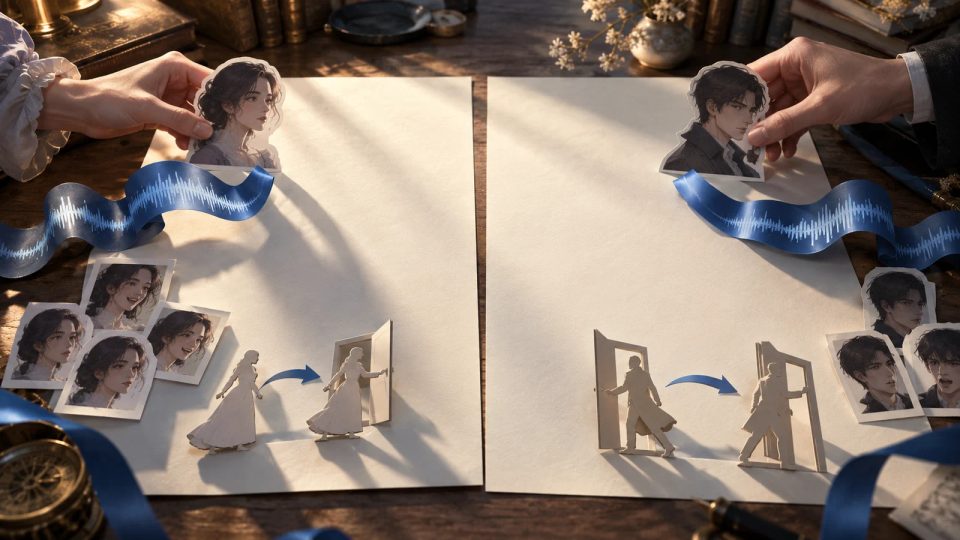
Cinematic editorial illustration: a long blank sheet is divided into two adjacent pages. Character-expression cards, a ribbon shaped like sound waves, and a paper puppet depicting a door-opening action move toward their corresponding pages.Topic selection
Visual Novel Production2026.10.13

Splitting Visual Novel Dialogue: Rebinding Voice, Expressions, and Staging Cues

When you split a line of dialogue, do not copy its voice recording, expressions, and actions onto both pages as a bundle. First determine whether each reference belongs to the text, a story event, or a page boundary. Then use a dialogue split-and-merge migration table to assign its new position and check audio continuity and repeated actions.

DramaFork Editorial Team18 min read
Continue reading

The next move is yours

From a story to a playable world.From a story to a playable world.

Do not wait for every video to be finished before testing the story. Build the characters, rules, and branches first, then let real choices guide what you make next.

Start with one story decision

Try a playable example

From a story to a playable world.

Create interactive narrative games with DramaFork: connect scripts, characters, shots, and choices into a playable first version.

Explore & play

  • Explore gallery
  • Interactive film
  • Text game
  • Character IP
  • Rankings
  • Works index

Create & collaborate

  • My creations
  • Film studio
  • Text-game studio
  • Character studio
  • Creator partnership

Reading room

  • Creator blog
  • Story topics
  • Article archive

Story guides

  • Interactive storytelling
  • Making interactive films
  • Designing text games
  • Character and worldbuilding

Plans & credits

  • Pricing
  • Credits

Policies & support

  • Privacy
  • Terms
  • Cookies
© 2026 DramaFork/DramaFork · Interactive narrative games
Press Enter to send, or drag away and release.
Cinematic editorial illustration: two sets of transparent drawing layers of the same character on a workbench emphasize the eyes and collar respectively, with the complete base drawing in the center.
Visual Novel Production2026.10.13

How to Merge Eye and Clothing Edits Made Separately to the Same Visual Novel Sprite Source File

When merging character sprites edited separately, use the shared base file to distinguish local adjustments from group positioning, then decide which version to retain for each layer. A fictional example involving adjusted eyes, a redrawn collar, and a raised head shows how to complete a layer-by-layer source merge sheet that another reviewer can verify.

DramaFork Editorial Team17 min read
Continue reading
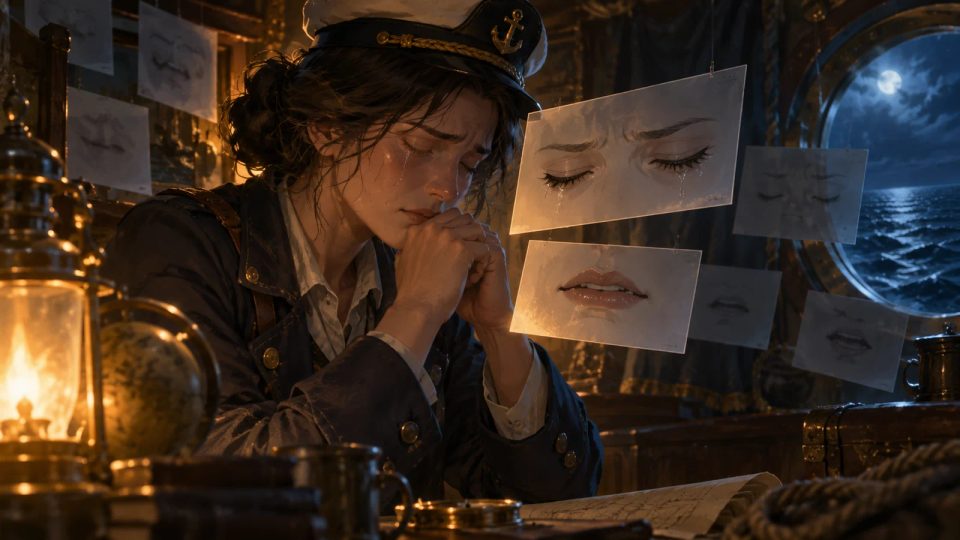
Cinematic editorial illustration: a seafarer holds back tears with closed eyes under warm cabin lighting.
Visual Novel Development2026.10.13

When a Visual Novel Character Cries with Eyes Closed: Managing Blinking and Lip Animation

A blink must not interrupt a character holding back tears with closed eyes, and dialogue must not replace a lip-biting pose with ordinary talking animation. Use a facial animation handoff table to define control, pauses, dedicated movements, and release conditions for the eyes and mouth separately, then specify where each loop restarts.

DramaFork Editorial Team18 min read
Continue reading
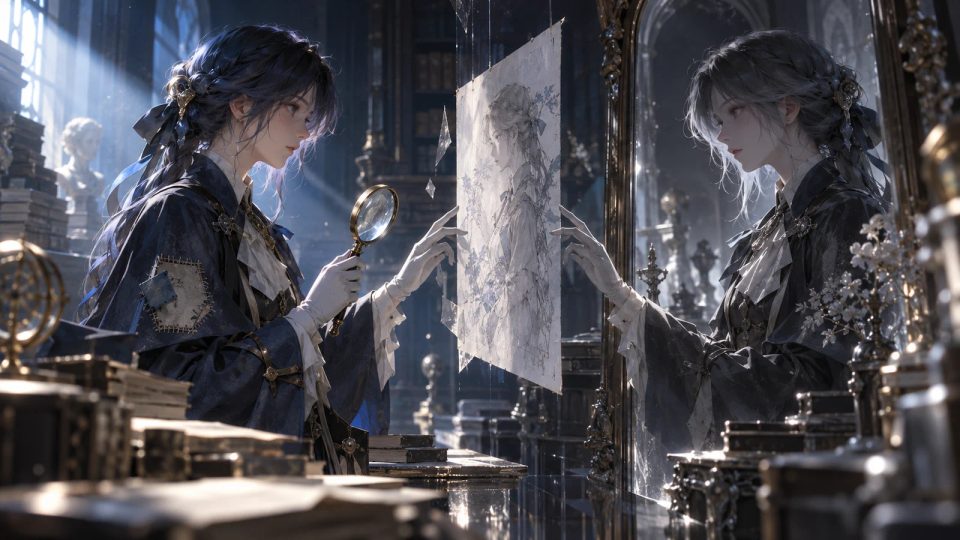
A cinematic editorial illustration shows an archivist facing a mirror-like drawn duplicate. Side lighting highlights a patch on one cuff and a handheld magnifying glass, while a transparent layer awaiting redrawing floats between them. There is no text, lettering, numbering, logo.
Visual Novel Development2026.10.13

Can You Mirror Visual Novel Character Sprites? Check Handedness, Clothing, and Props First

Whether a character sprite can be mirrored depends on whether flipping it changes fixed left–right details or subsequent actions. Use a sprite mirroring approval card to record the purpose of patches, which hand holds an object, and carried props before choosing a direct flip, partial redraw, or separately drawn version facing the other way.

DramaFork Editorial Team19 min read
Continue reading
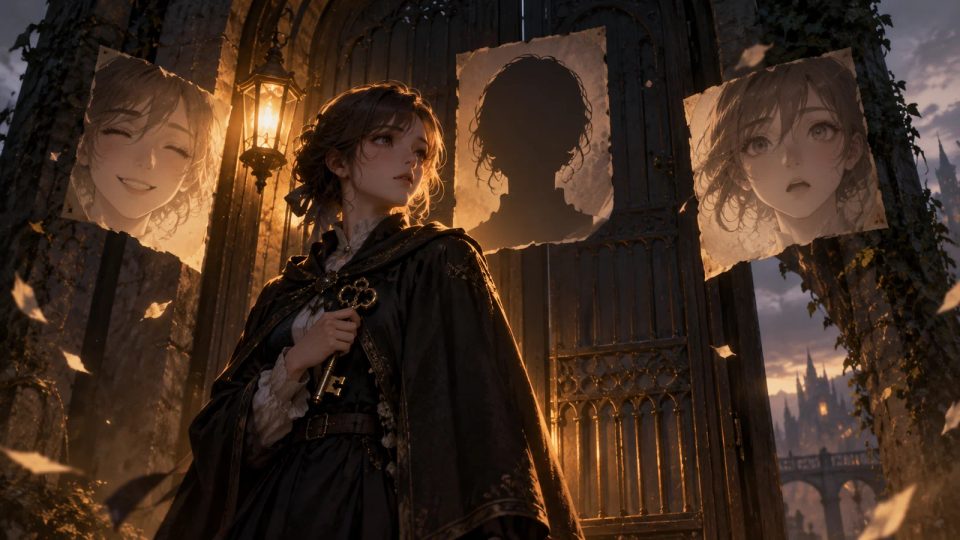
Cinematic editorial illustration: a gatekeeper stands beneath a dim amber light by the door, holding a key close to his body.
Visual Novel Production2026.10.13

When a Visual Novel Is Missing an Expression: Substitute, Restage, or Draw It?

Before replacing a missing expression, identify the information it needs to convey. Use a fictional scene in which a gatekeeper refuses to lend a key to compare smiles, surprise, obscured faces, and pauses, then complete an expression gap record ready for handoff.

DramaFork Editorial Team19 min read
Continue reading
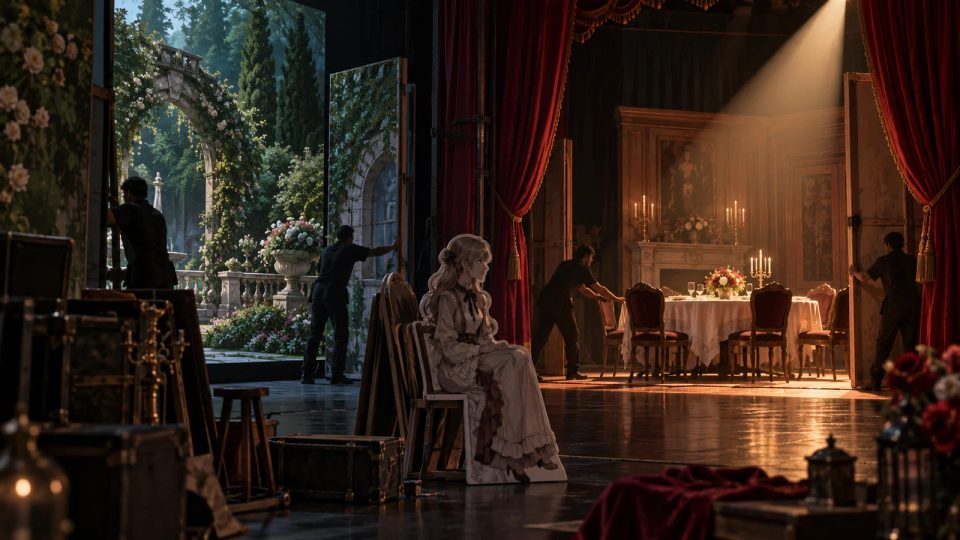
Cinematic editorial illustration: two sets of theatrical scenery flats, a courtyard and a dining room, alternate as a seated paper character waits for the dining table set piece to be positioned.
Visual Novel Production2026.10.13

How to Sequence Background, Sprite, and Dialogue Changes on the Same Beat in a Visual Novel

Break a seemingly simultaneous scene change into preparation, the visible handoff, and enabling dialogue. Use a presentation dependency table to specify what can run in parallel, which intermediate images must remain hidden, and when the first line may appear.

DramaFork Editorial Team19 min read
Continue reading
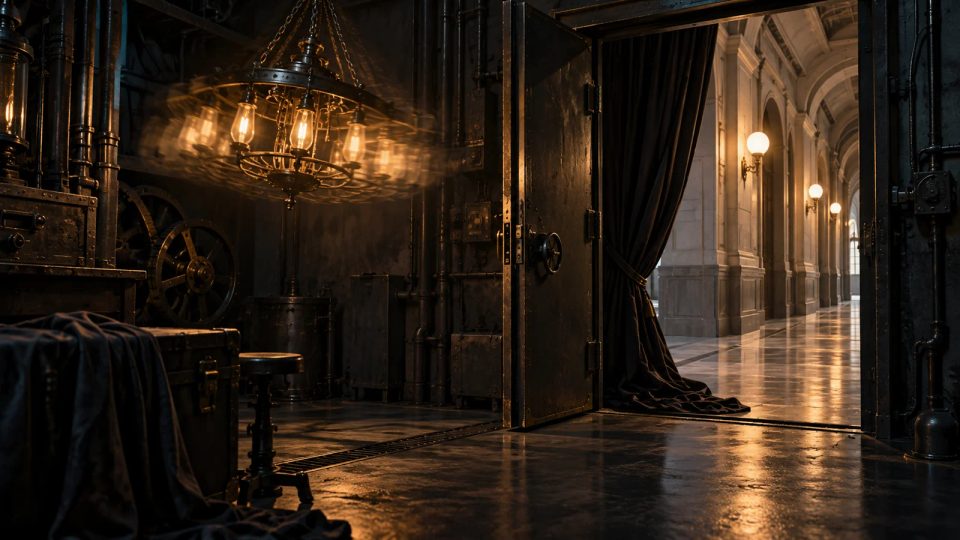
Cinematic editorial illustration: a hanging chandelier inside a machine-room doorway has motion trails from shaking, while the corridor lighting outside is steady.
Visual Novel Development2026.10.13

Visual Novel Screens That Keep Shaking or Stay Dark After a Transition: Define When Effects End

If the screen keeps shaking after a transition, first check which sequence owns the effect and which event ends it. An effect lifecycle card spells out natural endings, early exits, and overlapping effects, so the next scene retains only the effects it needs.

DramaFork Editorial Team17 min read
Continue reading
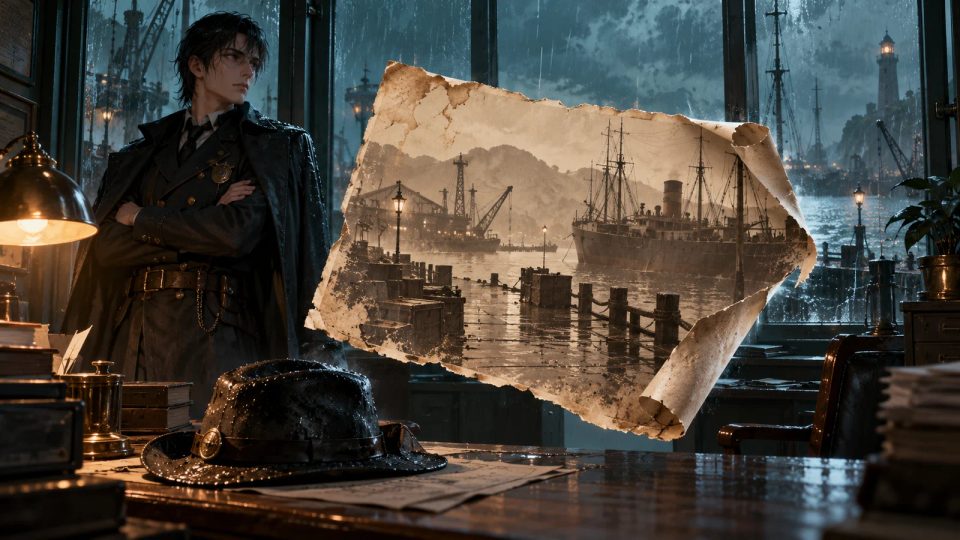
Cinematic editorial illustration: in a Rain Harbor office, an administrator with crossed arms and a wet hat on the desk are clearly visible.
Visual Novel Development2026.10.13

How to Restore Present-Day Sprites and Backgrounds After a Flashback in a Visual Novel

When a flashback ends, do not rebuild the present-day scene from defaults. Record the full composition before entering the flashback, then specify temporary overrides, elements to retain on return, and deliberate changes. A flashback stage restoration sheet keeps sprites, backgrounds, props, and the return dialogue aligned.

DramaFork Editorial Team18 min read
Continue reading
Cinematic editorial illustration: a translucent frosted panel in front of an observatory is gently lifted, revealing the entire starry sky and a telescope, while a blank sheet of paper beside it stays in place.
Visual Novel Development2026.10.13

How to Hide a Visual Novel’s Dialogue Box Without Missing a Line

Before hiding the dialogue box, lock the current line and text progress, then set separate rules for voice playback, scene animation, and auto-read. A completed restoration card and an observatory walkthrough define what may continue while readers view the artwork—and why the input that restores the box must never advance the story as well.

DramaFork Editorial Team17 min read
Continue reading
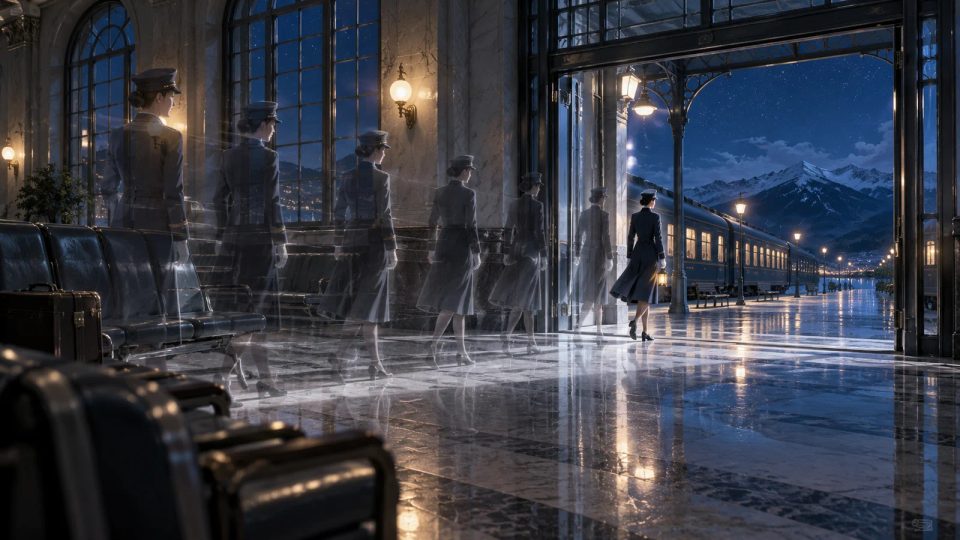
Cinematic editorial illustration: fading motion afterimages of a conductor lead out of a waiting room, ultimately leaving a fully visible nighttime scene and an empty floor.
Visual Novel Development2026.10.13

Visual Novel Fast-Forward: Keeping Characters and Backgrounds in Their Correct Final States

Record skippable movement and fade-outs separately from required character exits, background changes, and opacity states. Use a sequence final-state table to work through whether normal playback and fast-forwarding midway reach the same stage result.

DramaFork Editorial Team17 min read
Continue reading
Cinematic editorial illustration: a gardener in a greenhouse, posed mid-speech, alongside blank pages slowly unfolding and curtains that have yet to open.
Visual Novel Development2026.10.13

Visual Novel Auto Mode: When to Wait for Text, Voice, and Staging

Before a line can advance automatically, check text display, reading time, voice playback, and required staging separately, then confirm that the reader has not taken control. Three fictional lines in a greenhouse show how to build a waiting-rules table for the staging and implementation teams.

DramaFork Editorial Team18 min read
Continue reading
Cinematic editorial illustration: a hand hovers over layered blank sheets of paper. The front sheet is fully lit, while those behind remain in shadow. Beside them, a paper messenger figure has yet to leave the stage. No text, letters, numbers, logos, watermarks, branding, or interface screenshots.
Visual Novel Development2026.10.13

How to Keep a Visual Novel’s Text-Reveal Click from Also Advancing to the Next Line

Define separate rules for revealing the remaining text, leaving the current line, and entering a choice screen. Each advance input belongs only to the state that receives it and is consumed immediately after handling; a state change must never make it available again. A fictional messenger scene shows how to fill out an input state table ready for implementation handoff.

DramaFork Editorial Team17 min read
Continue reading
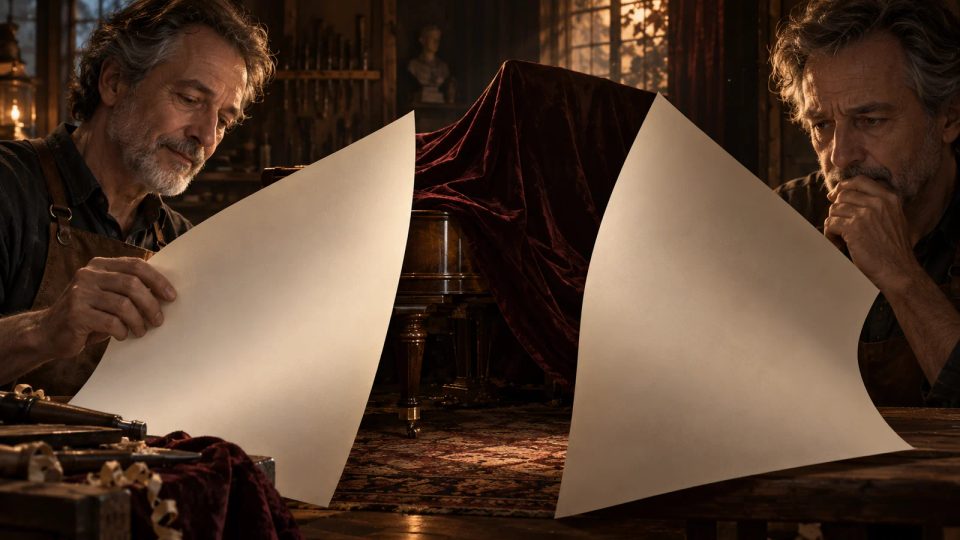
Cinematic editorial illustration: inside a workshop where an old instrument is being restored, the master’s calm and hesitant expressions appear separately between two turning blank pages.
Visual Novel Creation2026.10.13

Where to Break the Page in a Visual Novel: Timing Answers, Expressions, and Pauses

Let the question fully take shape, then place the key answer at the start of the next page. Hold back any expression that would give it away, too. Use an exchange about restoring an old instrument to build a reusable page-turn reveal beat sheet and check exactly what each turn reveals.

DramaFork Editorial Team19 min read
Continue reading
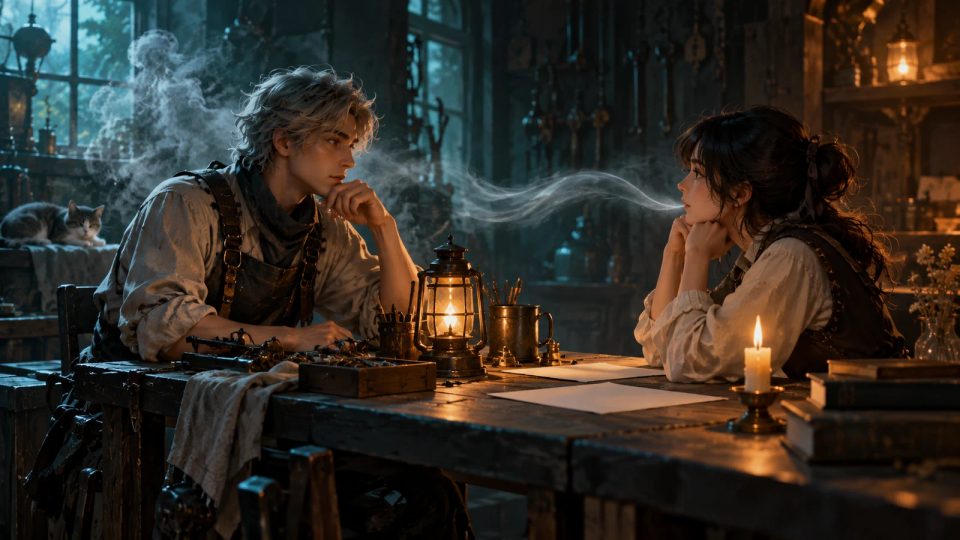
Cinematic editorial illustration: a repair technician and his companion face each other across a table.
Visual Novel Development2026.10.13

Making Inner Thoughts, Narration, and Spoken Dialogue Clear in Visual Novels

First establish whether a line is spoken within the scene and who can hear it, then assign a source label and presentation cues. An original fictional scene follows a repair technician from suspicion to quiet self-talk to a direct question, demonstrating a line-by-line convention for distinguishing how text is voiced.

DramaFork Editorial Team17 min read
Continue reading
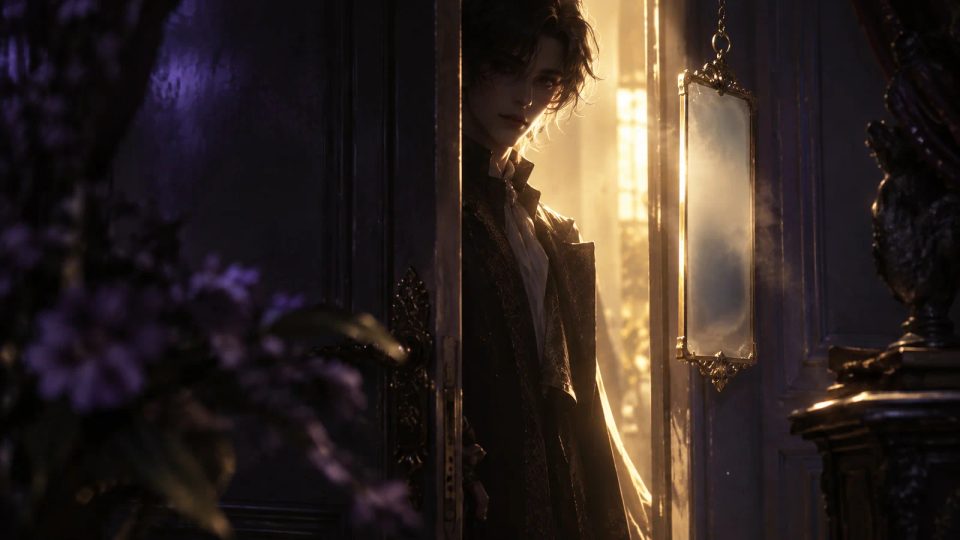
Cinematic editorial illustration: a stranger behind a half-open door steps from silhouette into the light, with facial features visible only in the lit area.
Visual Novel Development2026.10.13

Visual Novel Name Boxes: What to Show Before a Mystery Character Appears

A name box should follow what the current story path has established, rather than pull directly from a character's name in production notes. This fictional example tracks “Visitor → Clock Repairer → Shen Yan” in a name-box disclosure table that includes story triggers and dialogue history rules.

DramaFork Editorial Team18 min read
Continue reading
Cinematic editorial illustration: several frosted-glass panels with different levels of transparency hang before dense greenhouse window frames.
Visual Novel Development2026.10.13

Visual Novel Dialogue Box Transparency: A Stable Backdrop for Text on Busy Backgrounds

Set dialogue box transparency according to the visual interference directly behind the text. Build three sets of mockups using the same greenhouse dialogue, then record the text backing area, panel treatment, and exception conditions in an adaptation table so adjustments remain traceable when backgrounds change.

DramaFork Editorial Team17 min read
Continue reading
Cinematic editorial illustration: a fully rendered foreground scene shows two people holding a wooden ladder; farther back, the two have let go and stand apart on a tool-room stage.
Visual Novel Development2026.10.13

How to Return Naturally from a Visual Novel Event CG to Backgrounds and Sprites

Work backward from the last visible pose in an event CG: account for letting go, stepping apart, and where props end up before resuming the next conversation. Use a CG exit continuity card to turn the final state, unfinished actions, target sprites, prop positions, and dialogue resumption point into an actionable staging handoff.

DramaFork Editorial Team18 min read
Continue reading
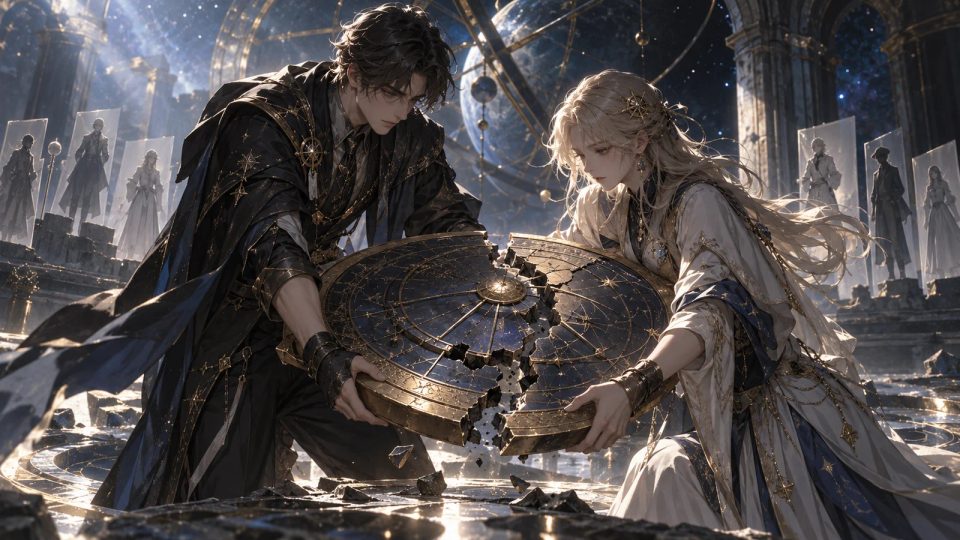
Cinematic editorial illustration: two adult restorers jointly support a damaged astrolabe. Fingertip contacts, weight-bearing poses, and body lean make the action relationships clear; separate standing-pose paper cutouts are faintly arranged behind them. No text, letters, numbers.
Visual Novel Development2026.10.13

When Does a Visual Novel Need Event Art? Are Character Sprites Enough?

An emotionally important scene does not automatically need event art. First list the contact points, weight-bearing relationships, and spatial positions players must see, then decide whether standard character sprites, a hand close-up, or an illustration of the complete action can convey them. A fictional astrolabe repair scene shows how to fill out an event-art decision card you can hand directly to the lead artist.

DramaFork Editorial Team18 min read
Continue reading
Cinematic editorial illustration: a wide greenhouse background painting lies across a table, with a workbench leading toward a side door.
Visual Novel Production2026.10.13

Visual Novel Background Panning and Zooming In: How Much Extra to Draw

Map the full area swept by the viewport, then mark what may be revealed along the way. A fictional move from a greenhouse workbench to a side door shows how to create a background motion coverage map with drawing boundaries, checkpoints, and conditions for a delayed reveal.

DramaFork Editorial Team17 min read
Continue reading
  1. 1
  2. 2

Blog categories

  • All500
  • Creation tutorials40
  • Interactive narrative60
  • Getting started11
  • Galgame Route Design25
  • Visual Novel Production25
  • Interactive Fiction Design25
  • Narrative Design for Interactive Film Games25
  • Interactive Film Accessibility10
  • Interactive Film Workflow10
  • Interactive Game Basics10
  • Interactive Film Presentation and Delivery10
  • Interactive Film Localization10
  • Interactive Film Production10
  • Narrative Mechanics11
  • Creative Collaboration11
  • Getting started1
  • Fictional Case Study10
  • Story Localization10
  • Mobile and Accessibility10
  • Acting and Staging10
  • Exploring Time and Space10
  • Relationships and Groups10
  • Resources and Constraints10
  • Information and Commitments10
  • Production Practice59
  • Product workflow34
  • Choosing tools33

From a story to a playable world.

Start with one story decision

Create a project