Visual Novel Fast-Forward: Keeping Characters and Backgrounds in Their Correct Final States
Record skippable movement and fade-outs separately from required character exits, background changes, and opacity states. Use a sequence final-state table to work through whether normal playback and fast-forwarding midway reach the same stage result.
Introduction
If a character sprite remains onscreen after fast-forwarding, first check whether character removal was treated as a side effect of the animation finishing. A reliable review separates skippable transitions from required visual results: movement and fades can be skipped, but character removal, background replacement, the intended opacity, and the point where the story resumes must each be accounted for. Final positions should follow the sequence’s defined final state, not whichever movement happened to run last.
Define the sequence, then specify its single final composition
The “waiting-room farewell” below is a fictional teaching example. Its characters, staging, and failure scenarios were invented for explanation. It is not a real user case, a measured result, a record of hands-on testing, or a DramaFork product feature, and it does not refer to any particular engine.
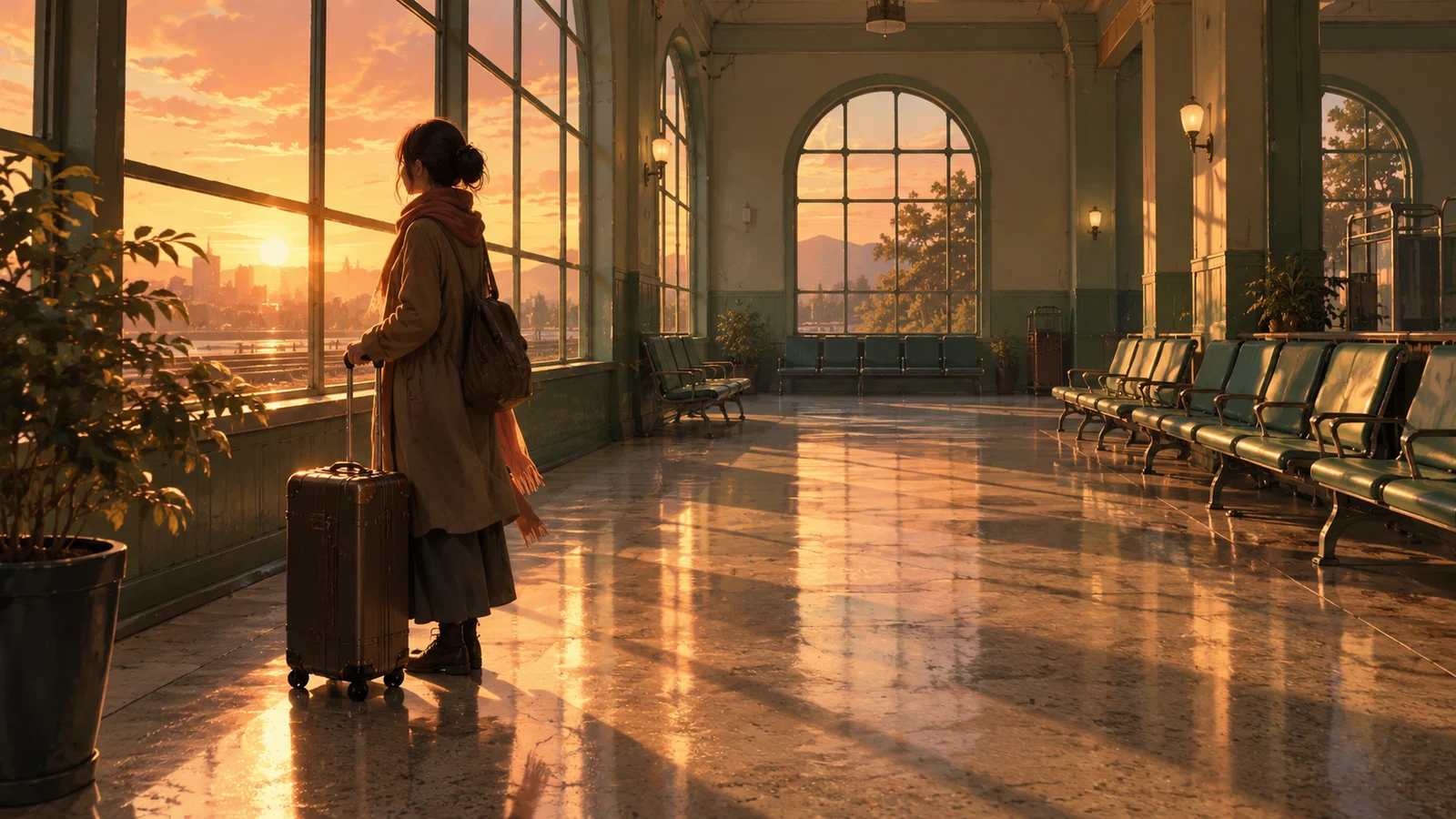
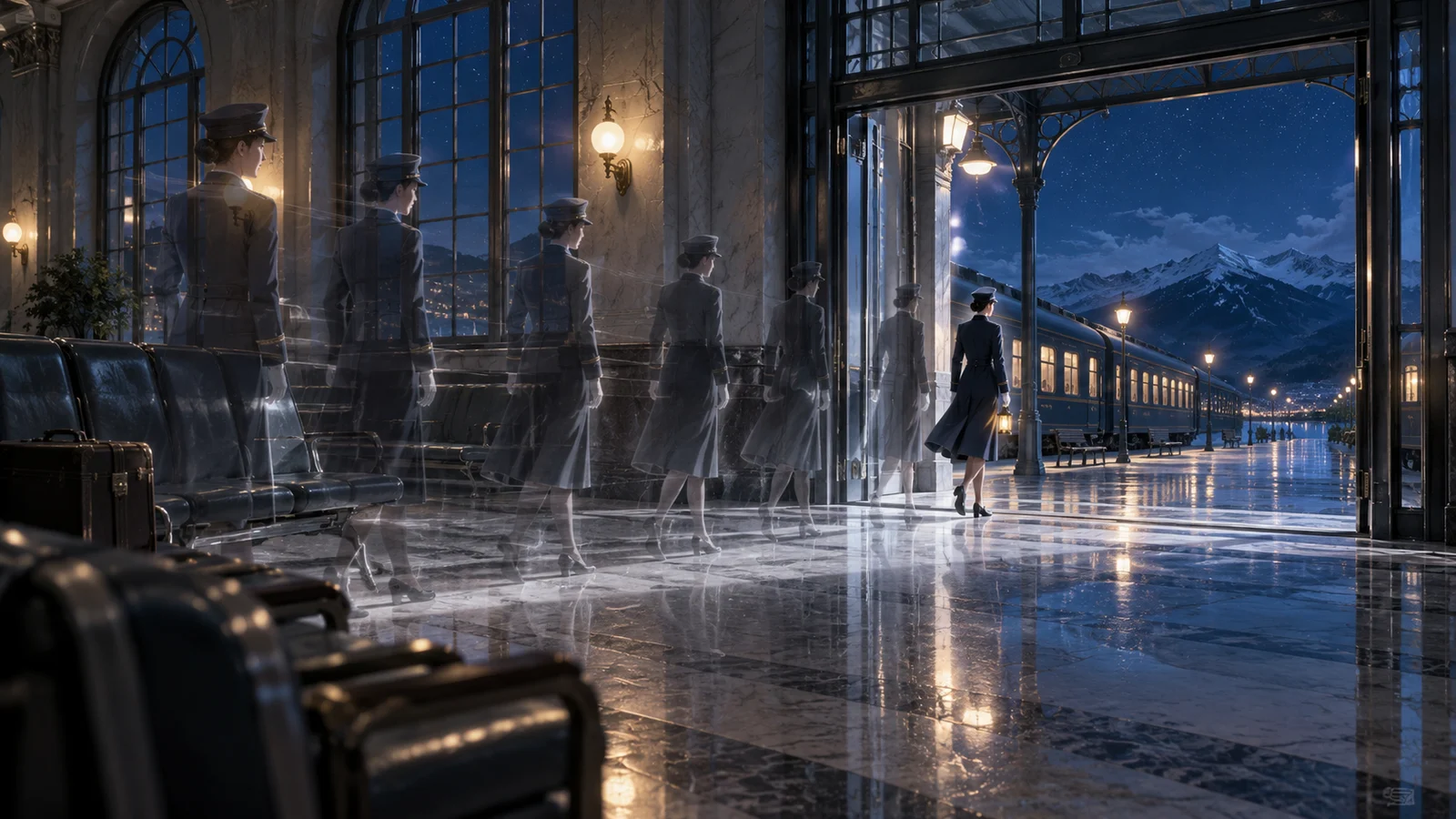
The sequence begins just after the conductor says, “The last train has gone for the night.” He stands at the center of the waiting room, fully visible, with the evening background fully displayed. In normal playback, he moves to the door, then walks outside while fading out. The interior lighting gradually dims as the evening background transitions to the nighttime background. The sequence ends just before the narration, “Only the ticking of the clock remained in the waiting room.”
First decide what that endpoint should look like: the conductor is absent from the stage’s display list, the nighttime background is fully visible, and both the evening background and temporary dark overlay have been removed. The background artwork supplies the nighttime darkness; no leftover overlay adds more. This composition was chosen because it is relatively easy to check. If your work needs a separate lighting layer, specify that layer’s target state instead of copying an instruction to clear everything.
Record transitions and results separately in a final-state table
Positions in the table use scene landmarks rather than any particular coordinate system. “Fully visible” means there is no additional transparency from a fade. “Removed” means the object no longer participates in this sequence’s stage display; moving it offscreen alone does not qualify.
| Object | Initial state | Skippable transition | Required final state | Cleanup | Resume point |
|---|---|---|---|---|---|
| Conductor | Center, fully visible | Center to door, door to outside, fade-out | This appearance has ended; removed from the stage | Cancel this sequence’s movement and fade; clear character copies created by this sequence | Resume at the endpoint narration once all rows are satisfied |
| Evening background | Fully displayed | Gradual fade-out | No longer displayed | Remove the old background and stop its transition | Same as above |
| Nighttime background | Not yet displayed | Gradual fade-in | Correct nighttime scene fully displayed | Clear this sequence’s opacity changes | Same as above |
| Temporary dark overlay | Not yet created | Transition that dims the lighting | No longer retained | Remove the overlay and cancel subsequent dimming actions | Same as above |
| Sequence progression | Farewell dialogue has ended | Waiting during transitions | Sequence complete; continuation allowed | Revoke completion notifications left pending by this sequence | Just before “Only the ticking of the clock remained in the waiting room” |
When copying this table, give each independently checkable object or progression condition its own row. Do not define the final state as “finish the exit animation”: that still depends on playing a process that fast-forward may skip. Write “the conductor is no longer displayed” and specify the removal convention you use.
When skipping across several movements, again ask first whether the character remains at the end. In this example, he exits, so the doorway and the space outside are merely points along the route; there is no need to replay each one. If you change the scene so that he stops at the door, the final state must explicitly say “at the door, fully visible, facing the specified direction.” The exit row no longer applies.
Work through normal playback and fast-forwarding to the same endpoint
First, work through normal playback on paper. The conductor walks from the center to the door, continues outside while fading out, and is then removed. Once the background transition ends, the nighttime scene remains, while the evening image and temporary dark overlay are removed. The endpoint narration begins after every row is satisfied. This records the intended order, not an observed run.
Next, work through fast-forwarding immediately from the start. Skip the route, opacity changes, and waits. First prevent unfinished actions from this sequence from making further changes to the stage, then remove the character, display the nighttime background, and clean up the old layers according to the table. Only then allow continuation. Fast-forwarding is complete only when every preceding row has been fulfilled, not merely when “the next line has been reached.”
For the third pass, place the fast-forward point midway through: the conductor has reached the door and is semitransparent, while the nighttime scene is only partly visible. Use the same final-state table, without treating the current opacity as a new target. Continuation is allowed only after the conductor is removed, the nighttime scene is fully visible, and the evening image and dark overlay are gone.
The tradeoff is that fast-forwarding may cut directly to a stable composition, losing some of the gentle transition. If the project wants to retain a brief transition, list it separately as a playable process, but the final composition must not depend on that transition playing to completion. Repeated fast-forward requests should neither add another nighttime layer nor advance the narration twice.
Check ownership of leftovers, then the first action after resuming
A character being invisible is not enough to establish that the exit is complete. Review the main sprite, any afterimages or copies created by this sequence, and whether unfinished actions still control them. Reducing only the main sprite’s opacity to zero may leave copies behind. Moving it offscreen does not fulfill the table’s requirement for removal from the stage either.
For the background, check which image is being used, its opacity, and how the layers obscure one another. If the screen looks black, do not simply brighten every layer. First confirm that the current image really is the nighttime scene, then check whether it remains semitransparent and whether the old background and temporary dark overlay are still layered above it. Otherwise, you may damage the intended nighttime appearance as well.
For unfinished actions, review whether their delayed results can still overwrite the final state. Suppose fast-forward has already made the nighttime scene fully visible, but the old fade-in later writes an intermediate opacity value. Having “applied the final state” once would still fail. The implementation should prevent outdated actions from this sequence from changing the delivered composition; the specific mechanism is up to the project.
Continue by checking the first stage action after the narration. If the conductor reenters later, explicitly establish a new position, opacity, and facing direction rather than inheriting a semitransparent value from this exit. Limit cleanup to objects owned by this sequence; do not also delete other characters or persistent interface elements that still need to remain visible.
Keep assessment records for handoff and state the limits
For this example, you could keep three paper records: “Fast-forward at the start → empty floor and fully visible nighttime scene → awaiting runtime verification”; “Fast-forward while semitransparent at the door → same final state → awaiting runtime verification”; and “Fast-forward while backgrounds overlap → only the fully visible nighttime scene remains → awaiting runtime verification.” Add the sequence identifier, draft version, and resume point to each, so later observations can be compared with the intended result.
When a failure occurs, record the specific discrepancy. For example, “The narration has appeared, but the evening background remains beneath the nighttime scene” is easier to hand off than “Fast-forward is broken.” After a fix, also observe whether old actions write back as the story continues, rather than capturing only a single frame at the end of fast-forwarding.
This table applies to sequences whose outcomes are already determined and whose transitions may be skipped. If the player must decide at the door whether the conductor stays or leaves, end the current sequence before that choice and define final states separately for the subsequent routes. Do not skip over the decision and force an exit. A paper comparison can establish only whether the specification is internally consistent. Whether the project actually follows it still requires verification at the listed entry points.