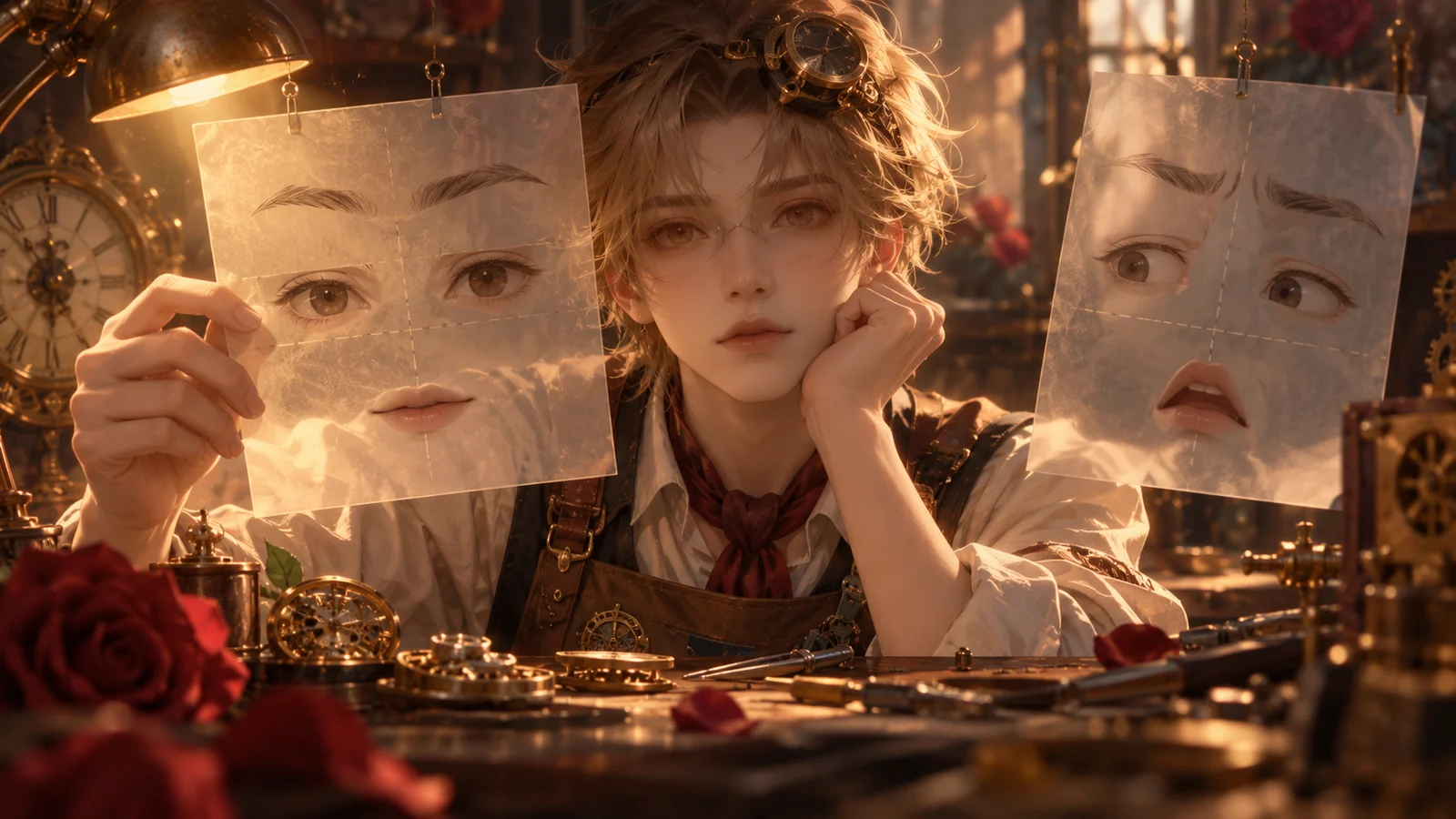
When a Visual Novel Character Cries with Eyes Closed: Managing Blinking and Lip Animation
A blink must not interrupt a character holding back tears with closed eyes, and dialogue must not replace a lip-biting pose with ordinary talking animation. Use a facial animation handoff table to define control, pauses, dedicated movements, and release conditions for the eyes and mouth separately, then specify where each loop restarts.
Introduction
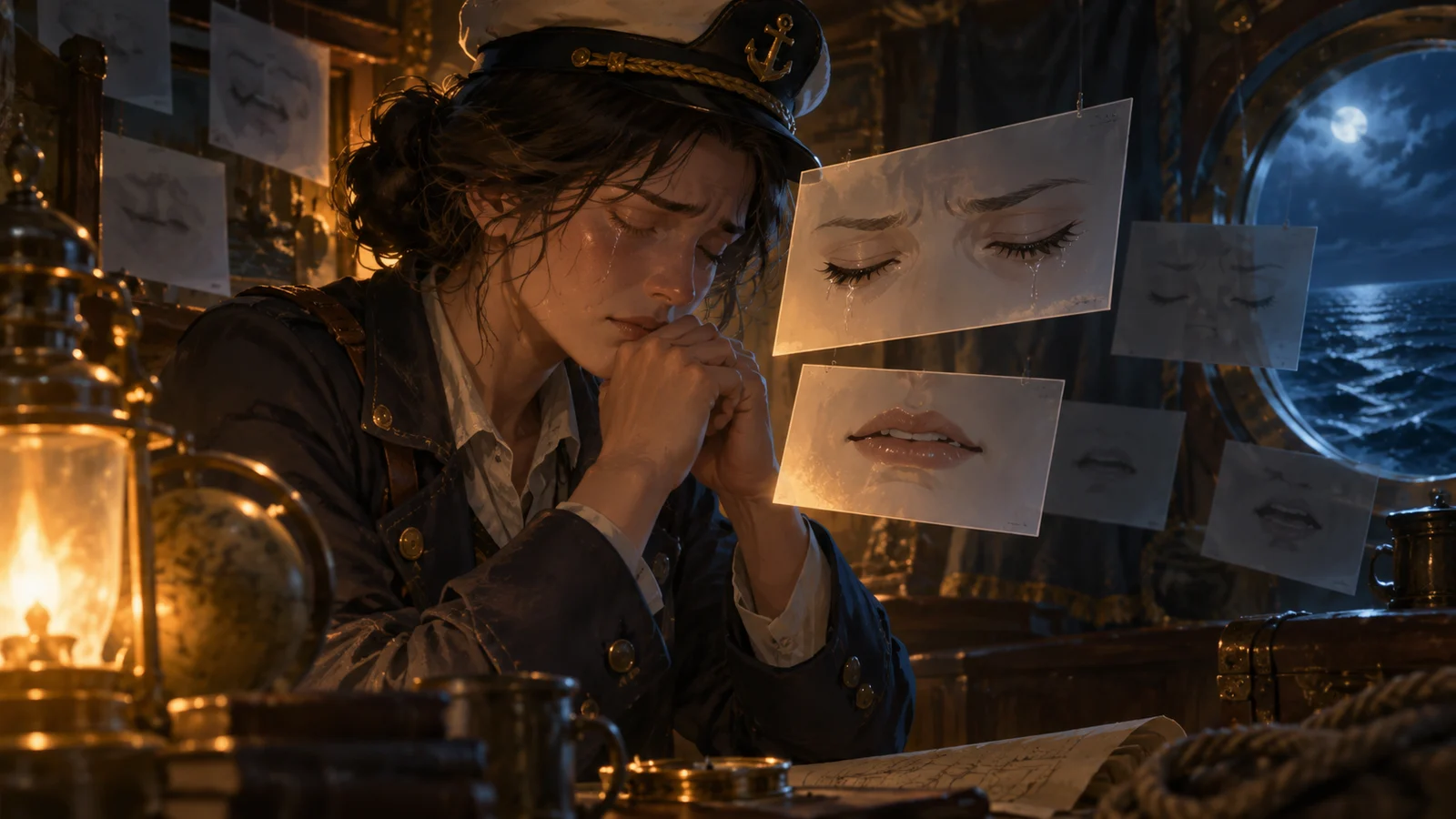
When a character cries with their eyes closed, the special expression should retain control of the eyes, and the generic blinking loop should pause. When the character bites their lip, ordinary talking animation should also pause until the scene explicitly calls for them to release it. Starting dialogue must not also release the closed-eye expression, and ending dialogue must not automatically restore the mouth pose from before the crying began. The key is to specify who may change each facial region and when that control is handed back.
The fictional teaching example below follows Cen Zhou, an adult seafarer, as he holds back tears with his eyes closed in a cabin and then speaks again. The character, dialogue, and staging were created for this explanation. They are not a real user case, measured results, or DramaFork product features, and the example does not assume that any particular engine handles these situations automatically.
1. Define the Scope of Control Before Deciding What Stops
The expression in this example combines closed eyes, a furrowed brow, a lip-biting pose, and tear tracks, but it does not need to freeze the entire face. The eyes must prevent generic blinking from replacing their shape; the mouth must prevent a talking loop from replacing the lip-biting pose. The brow and tear tracks retain their assigned states. Define the scope of control around the parts that could actually change, rather than writing a vague rule such as “crying takes priority.”
Here, a “controller” means the rule authorized to determine the current image of a facial region. Each region accepts output from only one controller at a time. Dedicated animation can run within that controller—for example, a slight tightening of the eyelids while the character holds back tears with closed eyes. This does not give generic blinking permission to write to the same region at the same time.
Pausing also requires distinguishing the displayed image from animation progress. If you merely hide the blinking layer while it continues advancing in the background, releasing the closed-eye expression may reveal an intermediate, half-closed frame. This example stops the generic loops from advancing and resets their starting points when they resume, sacrificing continuity of the original rhythm for a clearly defined expression change.
2. Document Every Handoff in a Table
The facial animation handoff table below can be given directly to the person staging this example. Multiple rows for one region indicate that its controller changes between stages. Entry triggers and release conditions must be recognizable scene cues, not something like “when the emotion feels right.”
| Region | Current controller | Entry trigger | Paused loop | Dedicated animation | Release condition |
|---|---|---|---|---|---|
| Eyes | Closed-eye expression for holding back tears | Reach the “close eyes and hold back tears” cue | Generic blinking | Hold eyes closed; optional eyelid tightening | Explicitly receive the “prepare to open eyes” cue |
| Eyes | Eye-opening transition | Closed-eye hold ends | Generic blinking | Transition from closed eyes to the specified open-eye pose | Transition completes; hand over to the generic eye rules |
| Mouth | Lip-biting expression | Reach the “bite lower lip” cue | Ordinary talking animation | Hold the lip-biting pose | Explicitly receive the “release lip” cue |
| Mouth | Lip-release transition | Lip-biting hold ends | Ordinary talking animation | Release the lip and settle into the resting mouth pose for holding back tears | Accept speech requests only after the transition completes |
| Mouth | Talking rules for holding back tears | Lip release is complete and dialogue begins | Ordinary talking animation | Talking loop compatible with the current expression | Dialogue ends; return to the resting mouth pose for holding back tears |
| Mouth | Resting expression for holding back tears | Lip release is complete with no speech, or dialogue ends | Ordinary talking animation | Hold the resting pose | Explicitly receive the “regain composure” cue |
To reuse the table, first replace the expression and cue names, then check who takes over after each row releases control. If a row only says “end” without naming a successor, that region may stop on an arbitrary frame. Returning the eyes to generic rules and returning the mouth to a calm state are separate events; they need not happen together.
3. Walk Through the Full Sequence from Holding Back Tears to Speaking
Cen Zhou initially listens to his companion with his eyes open and his mouth at rest. When the scene reaches the “close eyes and hold back tears; bite lower lip” cue, first stop the generic eye and mouth loops, then let the two special expressions take control, and finally display their corresponding poses. This order prevents an old loop from writing one more ordinary expression after the handoff.
During the hold, his companion asks, “Are you going to keep standing watch tonight?” Cen Zhou does not speak; his eyes stay closed and he keeps biting his lip. Even if his next line is already prepared in the dialogue sequence, “Cen Zhou is the next speaker” is not sufficient reason to start mouth animation. A speech request and the mouth’s readiness to speak must be evaluated separately.
Next, explicitly execute “release lip.” The mouth completes its transition and settles into the resting pose for holding back tears; the eyes remain under the closed-eye expression’s control. Only then have Cen Zhou say, “I can finish this watch.” His mouth enters the dedicated talking loop while his eyes stay closed. The audience therefore sees him release his lip before speaking, preserving the causal sequence instead of allowing the talking animation to override it.
When the line ends, the mouth returns to the resting pose for holding back tears. It neither bites the lip again nor returns to the calm mouth pose from the opening, because lip-biting has explicitly ended and composure has not yet returned. Next, execute “prepare to open eyes”; after the eye transition completes, restore the generic eye rules. Finally, release the mouth’s special state at the “regain composure” cue.
If the available assets do not include dedicated talking mouth poses for holding back tears, you can present the dialogue using the resting mouth pose reached after releasing the lip, and note this limitation in the production records. This reduces local movement, but it can preserve the scene’s intended performance more readily than ordinary talking animation that visibly changes the emotion. Whether that tradeoff is acceptable depends on what the shot needs to convey.
4. Restart Loops from a Valid Starting Pose
After releasing a special expression, resuming a loop directly from its paused position is not recommended. This example specifies that the eye-opening transition first reaches a fully open pose, then restarts the waiting period before blinking. The generic rules schedule the next blink afresh. This prevents a leftover eye-closing movement from playing immediately after the eyes have opened.
The mouth should not restore a saved “old mouth pose” either. When dialogue ends, it should return to the resting pose for the current emotion. The ordinary talking loop should wait until its conditions are met again, then begin from the agreed starting point. Saving an old state suits scenes that need an exact return, but this example has already progressed through biting the lip, releasing it, and speaking. Returning exactly to the old state would reverse the character’s actions.
When the same cue requests both a takeover and speech, establish control first, then process the actions that controller permits. In this example, if speech is requested while the character is still biting his lip, move the start of dialogue until after lip release is complete. A speech request must not serve as an implicit signal to release the lip. If the dialogue timing cannot move, schedule the lip release earlier or explicitly choose to present the line with a static mouth pose.
5. Check Conflicts—and the Limits of the Rules
Check the entry, hold, and exit stages item by item: if a blink is triggered while the eyes are closed, does their shape remain unchanged? If speech is requested during lip-biting, does the mouth reject the ordinary loop? When speech ends, does it settle into the resting mouth pose for holding back tears? Does the first blink after exit begin from a complete pose? These are suggested checks, not records of tests that have already been run and passed.
Also work through skipped staging and expression changes mid-sequence. If a skip lands at “already speaking,” directly set the target states: eyes closed, lip-biting released, and mouth ready to speak. Do not depend on a completion notification from a lip-release animation that was skipped. If another special expression replaces the current one, its new rules take control and invalidate any late completion notification from the old transition, preventing an old action from handing control back to the generic loops.
This table applies to character sprites whose eyes and mouth can be controlled separately. For assets that replace the whole face, first check whether the required combinations exist. For an entire prebuilt animation, unified control of the whole face may be more appropriate. The table can explain when an action yields control; it cannot supply missing artwork. Include each cue’s target pose in the handoff materials so the next person can judge whether a transition has actually completed.