• Home
  • Blog
  • Gallery
  • Pricing
  • Home
  • Blog
  • Gallery
  • Pricing
Start creating

Creator blog

Better stories start hereBetter stories start here

Discover practical AI tools, interactive storytelling methods, and production lessons—from the first idea to a story people can play.

DRAMAFORKStories · Craft · Possibility
Topics
AllCreation tutorialsInteractive narrativeGetting startedGalgame Route DesignVisual Novel ProductionInteractive Fiction DesignNarrative Design for Interactive Film GamesInteractive Film AccessibilityInteractive Film WorkflowInteractive Game BasicsInteractive Film Presentation and DeliveryInteractive Film LocalizationInteractive Film ProductionNarrative MechanicsCreative CollaborationGetting startedFictional Case StudyStory LocalizationMobile and AccessibilityActing and StagingExploring Time and SpaceRelationships and GroupsResources and ConstraintsInformation and CommitmentsProduction PracticeProduct workflowChoosing tools
10 articles

Editorial / 01

Latest articlesLatest articles

Practical methods for narrative structure, visual production, and everything in between.

Original text-free cinematic illustration: producer and distribution staff exchange clip boxes, subtitle material and choice cards across a workstation. Five language-tag groups, cover thumbnails and public-description sheets sit in warm and cool light. Not a product screenshot.Topic selection
Interactive Film Presentation and Delivery2026.10.13

Interactive Film Handover Checks: Separate Production Completion from Five-Language Viewing

Exported clips do not establish complete viewing in five languages. Use a one-page handover sheet to identify routes, languages, media versions, subtitles and covers, then sign production acceptance and release scope separately.

DramaFork Editorial Team14 min read
Continue reading

The next move is yours

From a story to a playable world.From a story to a playable world.

Do not wait for every video to be finished before testing the story. Build the characters, rules, and branches first, then let real choices guide what you make next.

Start with one story decision

Try a playable example

From a story to a playable world.

Create interactive narrative games with DramaFork: connect scripts, characters, shots, and choices into a playable first version.

Explore & play

  • Explore gallery
  • Interactive film
  • Text game
  • Character IP
  • Rankings
  • Works index

Create & collaborate

  • My creations
  • Film studio
  • Text-game studio
  • Character studio
  • Creator partnership

Reading room

  • Creator blog
  • Story topics
  • Article archive

Story guides

  • Interactive storytelling
  • Making interactive films
  • Designing text games
  • Character and worldbuilding

Plans & credits

  • Pricing
  • Credits

Policies & support

  • Privacy
  • Terms
  • Cookies
© 2026 DramaFork/DramaFork · Interactive narrative games
Press Enter to send, or drag away and release.
Original text-free cinematic illustration: a content lead in a dim editing room compares a replaced key-handover shot with subtitle tracks, trailer clips, demo footage and press-kit thumbnails. Warm and cool light illuminate the workstation. Not a real product screenshot.
Interactive Film Presentation and Delivery2026.10.13

Replace an Interactive Film Shot: Audit Subtitles, Trailers and Demo Versions

After replacing a shot, trace each use in subtitles, trailers, demos and press kits with a location-based reference list. Separate file, timing and story changes, and attach review evidence to concrete delivery versions.

DramaFork Editorial Team13 min read
Continue reading
Original text-free cinematic illustration: in a dim editing room, an editor faces two reviewers signaling shorter and longer transitions. A screen shows a key close-up and a dock wide shot; branching sketches lie on the desk. Not a product screenshot.
Interactive Film Presentation and Delivery2026.10.13

Record Interactive Film Review Disagreements: Separate Aesthetic Preferences from Route Errors

When reviewers want the same transition shorter and longer, first align their routes. Split comments into observable facts, route impact, aesthetic preference and questions to verify, then decide what to fix first and what requires the creative lead’s judgment.

DramaFork Editorial Team14 min read
Continue reading
Original cinematic illustration: a director and two live actors sit at a table read, with wordless route cards and blank script pages. Two beams with different colour temperatures meet at a dispatch-room doorway model, suggesting branches entering a shared scene. No text; not a product screenshot.
Interactive Film Presentation and Delivery2026.10.13

How to Rehearse Unfilmed Interactive Film Routes with Actors: Establish Cause Before Sharing Footage

A shared scene depends on whether characters have reason to say the same line after each route. Connect entry facts, actor objectives, partner responses and merge conditions in a rehearsal sheet before deciding which performances to share.

DramaFork Editorial Team14 min read
Continue reading
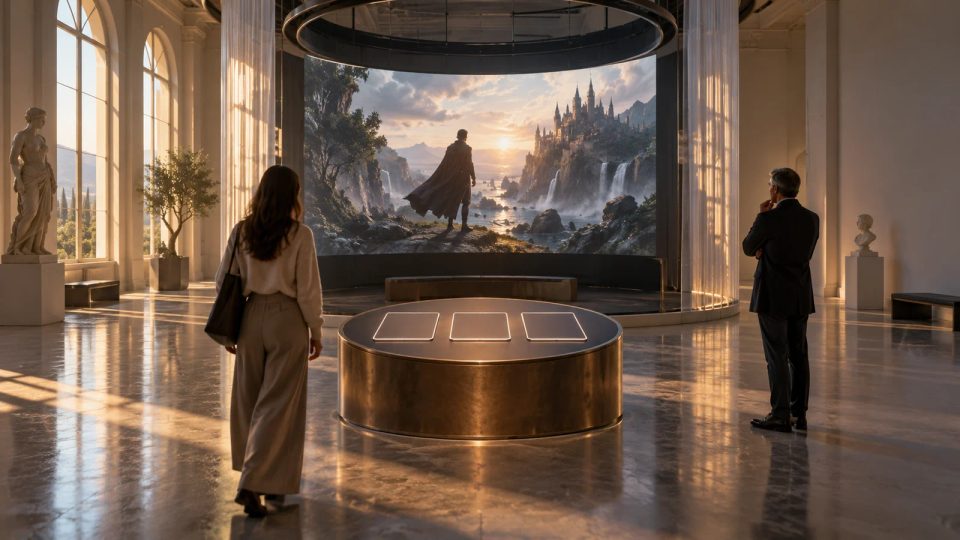
Original cinematic illustration: in a dim fictional gallery, a curator positions a screen, entry-information board and choice card. One visitor enters through the doorway while another holds the card and watches a story about film reels. No text; not a product screenshot.
Interactive Film Presentation and Delivery2026.10.13

How to Design an Interactive Film Exhibition Loop: Show Late Arrivals Who Is Choosing

Visitors arriving midway need to know the current scene, when they may participate and where the story resets. A fictional gallery example provides three entry messages and a loop script that identifies the decision-maker.

DramaFork Editorial Team15 min read
Continue reading
Original cinematic illustration: a teacher leads a classroom discussion beside a paused fictional rehearsal-room scene. Separate before-choice and after-choice sheets lie on students’ desks; soft projection light falls on thoughtful faces. No text; not a product screenshot.
Interactive Film Presentation and Delivery2026.10.13

How to Organize an Interactive Film Classroom Discussion: Record Reasons Before Discussing Outcomes

Keep pre-choice reasons separate from explanations after the outcome, so the class can discuss what informed the original judgment. An original fictional scene supplies two worksheets, neutral questions and completed examples.

DramaFork Editorial Team15 min read
Continue reading
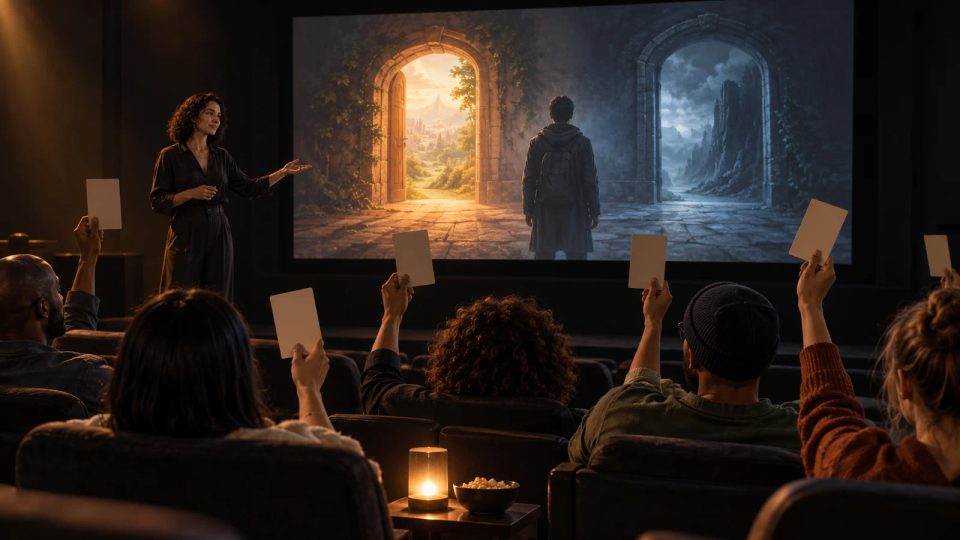
Original cinematic article illustration: in a dim small screening room, a host beside the screen organizes a shared audience choice. A counter sorts paper ballots at a table while seated viewers watch the host. No text; not a product screenshot.
Interactive Film Presentation and Handover2026.10.13

Interactive Film Group Choices: A Voting and Hosting Rule Card

Group decisions at a small screening need deadlines, tie procedures, late-vote rules, and clear grounds for a host to pause. A read-aloud rule card turns audience opinions into one verifiable playback instruction.

DramaFork Editorial Team14 min read
Continue reading
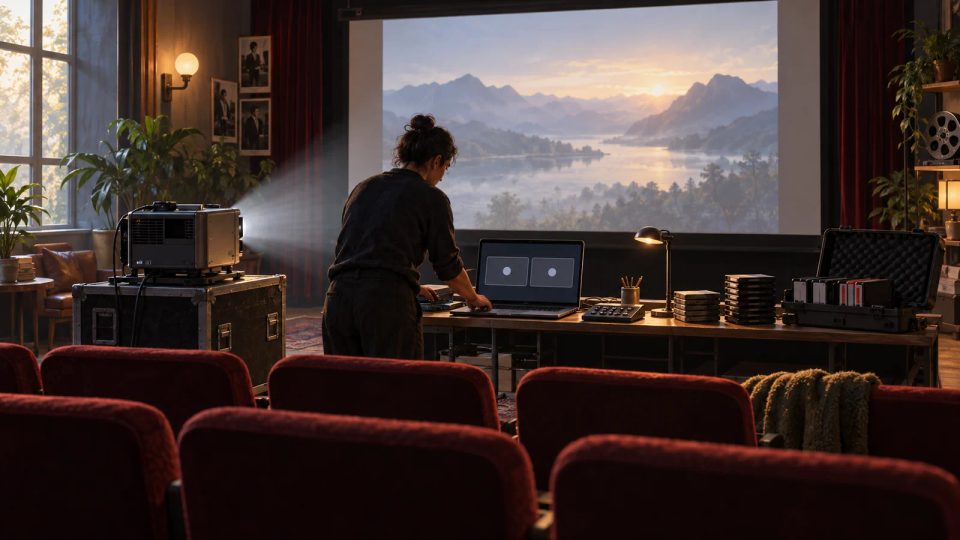
Original cinematic article illustration: in a dim screening venue, a presentation lead organizes a laptop, local storage, and three sets of screening material. A fictional station scene appears on the projection behind them. No text; not a product screenshot.
Interactive Film Presentation and Handover2026.10.13

Interactive Film Screening Backups: Three Versions and a Switch Card

With uncertain connectivity, backups should preserve the presentation’s purpose and disclose lost interaction. A version-switch card organizes a playable version, a presenter-led version, and a linear recording so staff know when to switch, where to resume, and what to tell viewers.

DramaFork Editorial Team15 min read
Continue reading
Original cinematic article illustration: at an editing desk, a creator compares continuous images of a letter handover at a pier, a withdrawn ticket, and boarding, choosing a demo ending that shows the decision’s consequences. No text; not a product screenshot.
Interactive Film Presentation and Handover2026.10.13

Where an Interactive Film Demo Should End: Deliver the Consequence

End a demo after viewers make a decision and see a recognizable consequence. A four-part checklist—promise, decision, result, reason to continue—compares two edits to deliver the interaction while leaving a new question open.

DramaFork Editorial Team15 min read
Continue reading
Original text-free cinematic illustration: in a dim projection room, a creator hands a blank information page to a media reviewer. A desk screen shows two branching images for access and choices; film reels and a timer suggest total footage and viewing time. Not a product screenshot.
Interactive Film Presentation and Delivery2026.10.13

Explain Interaction in an Interactive Film Press Kit: Show Reviewers What to Look For

Put the introduction, operating instructions and playable entry on one page. Separate first-route viewing time from total footage, and provide spoiler-free observation points with optional comparison routes.

DramaFork Editorial Team15 min read
Continue reading

Blog categories

  • All500
  • Creation tutorials40
  • Interactive narrative60
  • Getting started11
  • Galgame Route Design25
  • Visual Novel Production25
  • Interactive Fiction Design25
  • Narrative Design for Interactive Film Games25
  • Interactive Film Accessibility10
  • Interactive Film Workflow10
  • Interactive Game Basics10
  • Interactive Film Presentation and Delivery10
  • Interactive Film Localization10
  • Interactive Film Production10
  • Narrative Mechanics11
  • Creative Collaboration11
  • Getting started1
  • Fictional Case Study10
  • Story Localization10
  • Mobile and Accessibility10
  • Acting and Staging10
  • Exploring Time and Space10
  • Relationships and Groups10
  • Resources and Constraints10
  • Information and Commitments10
  • Production Practice59
  • Product workflow34
  • Choosing tools33

From a story to a playable world.

Start with one story decision

Create a project