• Home
  • Blog
  • Gallery
  • Pricing
  • Home
  • Blog
  • Gallery
  • Pricing
Start creating

Creator blog

Better stories start hereBetter stories start here

Discover practical AI tools, interactive storytelling methods, and production lessons—from the first idea to a story people can play.

DRAMAFORKStories · Craft · Possibility
Topics
AllCreation tutorialsInteractive narrativeGetting startedGalgame Route DesignVisual Novel ProductionInteractive Fiction DesignNarrative Design for Interactive Film GamesInteractive Film AccessibilityInteractive Film WorkflowInteractive Game BasicsInteractive Film Presentation and DeliveryInteractive Film LocalizationInteractive Film ProductionNarrative MechanicsCreative CollaborationGetting startedFictional Case StudyStory LocalizationMobile and AccessibilityActing and StagingExploring Time and SpaceRelationships and GroupsResources and ConstraintsInformation and CommitmentsProduction PracticeProduct workflowChoosing tools
10 articles

Editorial / 01

Latest articlesLatest articles

Practical methods for narrative structure, visual production, and everything in between.

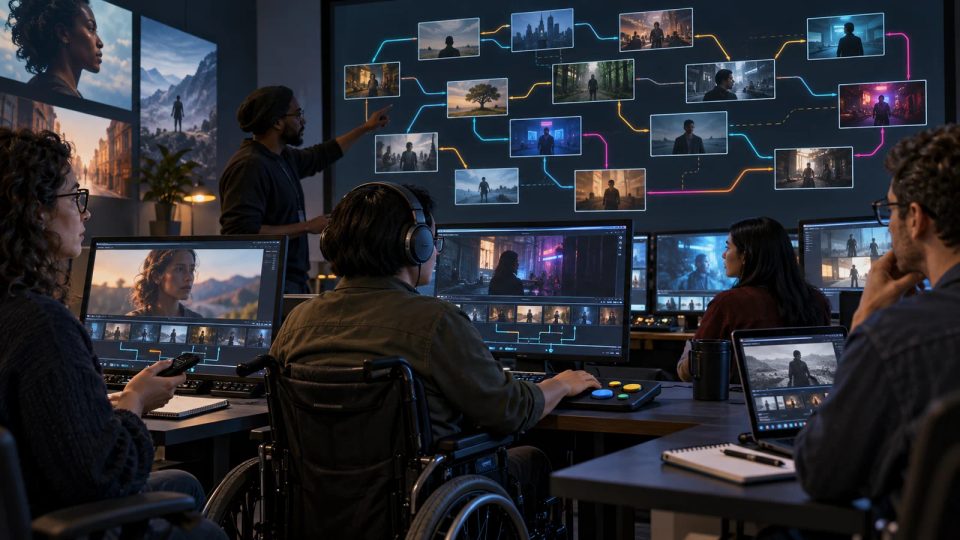
Original cover illustration of a diverse QA team tracing branching film routes with keyboards, remotes, headphones, and switch controls in a screening lab.Topic selection
Interactive Film Accessibility2026.10.13

Route-based accessibility QA for interactive film: a matrix for input, media, and state

Build a risk-based accessibility test matrix that combines representative routes, input methods, media alternatives, five locales, and state recovery without an unmanageable case count.

DramaFork Editorial Team14 min read
Continue reading

The next move is yours

From a story to a playable world.From a story to a playable world.

Do not wait for every video to be finished before testing the story. Build the characters, rules, and branches first, then let real choices guide what you make next.

Start with one story decision

Try a playable example

From a story to a playable world.

Create interactive narrative games with DramaFork: connect scripts, characters, shots, and choices into a playable first version.

Explore & play

  • Explore gallery
  • Interactive film
  • Text game
  • Character IP
  • Rankings
  • Works index

Create & collaborate

  • My creations
  • Film studio
  • Text-game studio
  • Character studio
  • Creator partnership

Reading room

  • Creator blog
  • Story topics
  • Article archive

Story guides

  • Interactive storytelling
  • Making interactive films
  • Designing text games
  • Character and worldbuilding

Plans & credits

  • Pricing
  • Credits

Policies & support

  • Privacy
  • Terms
  • Cookies
© 2026 DramaFork/DramaFork · Interactive narrative games
Press Enter to send, or drag away and release.
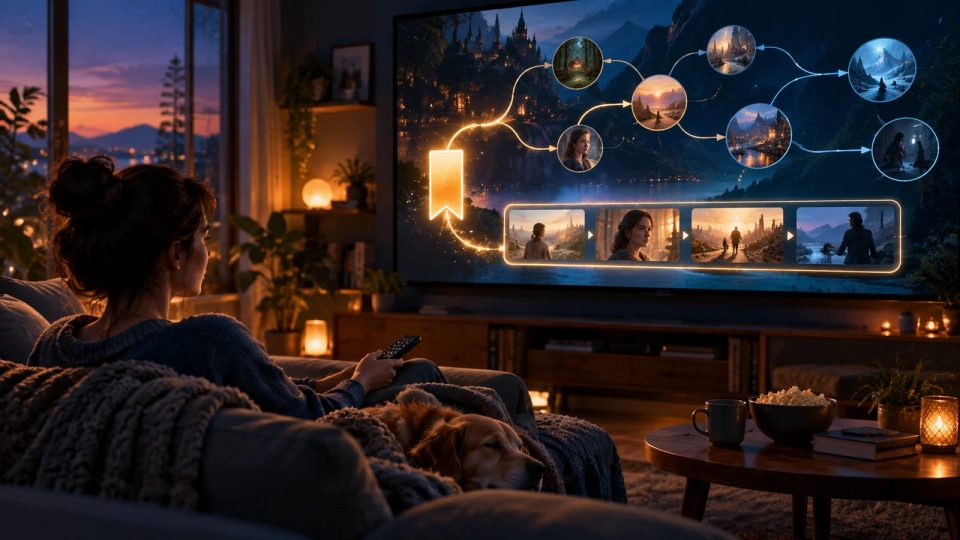
Original cover illustration of a returning viewer opening a luminous bookmark that reconnects a branching film timeline and known scenes.
Interactive Film Accessibility2026.10.13

Accessible save and resume for interactive film: retain preferences, state, and context

Design save and resume around checkpoints, retained accessibility preferences, narrative state, and concise recaps so returning viewers do not have to reconfigure or remember everything.

DramaFork Editorial Team14 min read
Continue reading
Original cover illustration of an editor turning crowded ambiguous choice cards into two clear action cards aligned with a film scene.
Interactive Film Accessibility2026.10.13

Write cognitively accessible interactive film choices with clear actions and objects

Turn vague or literary choices into understandable actions with short sentences, concrete verbs, consistent terms, and enough context without spoiling uncertain outcomes.

DramaFork Editorial Team14 min read
Continue reading
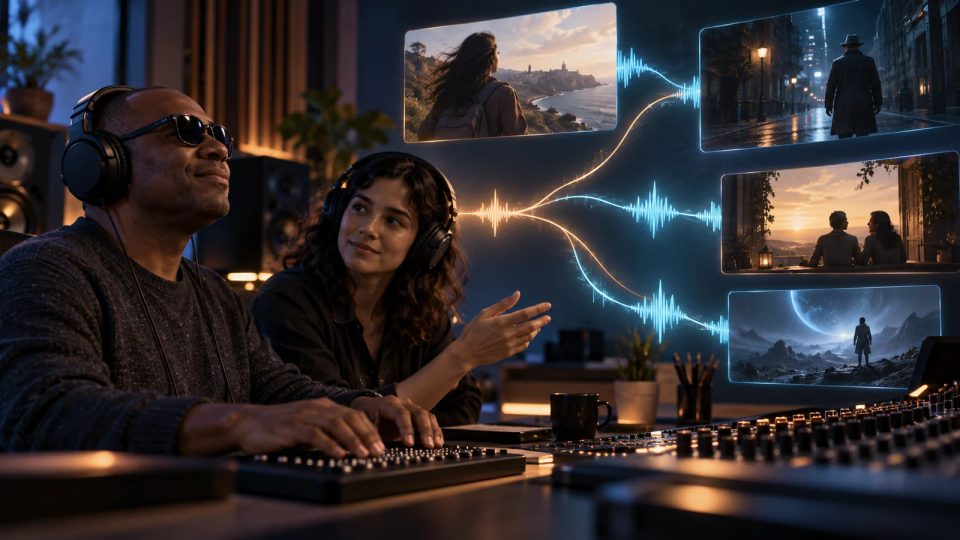
Original cover illustration of a blind viewer and sound designer listening as luminous waveforms connect several film branches in a mixing studio.
Interactive Film Accessibility2026.10.13

Audio description across interactive film branches: script space, state, and version control

Plan audio description per branch by identifying essential visual information, reserving dialogue gaps, managing shared and route-specific versions, and preventing spoilers.

DramaFork Editorial Team14 min read
Continue reading
Original cover illustration of a director choosing between a swirling transition and a stable dissolve in a post-production suite.
Interactive Film Accessibility2026.10.13

Reduced motion for interactive film: redesign transitions, shots, and choice feedback

Create a reduced-motion mode by separating essential from decorative movement and preserving route information through stable transitions, static feedback, and flash review.

DramaFork Editorial Team14 min read
Continue reading
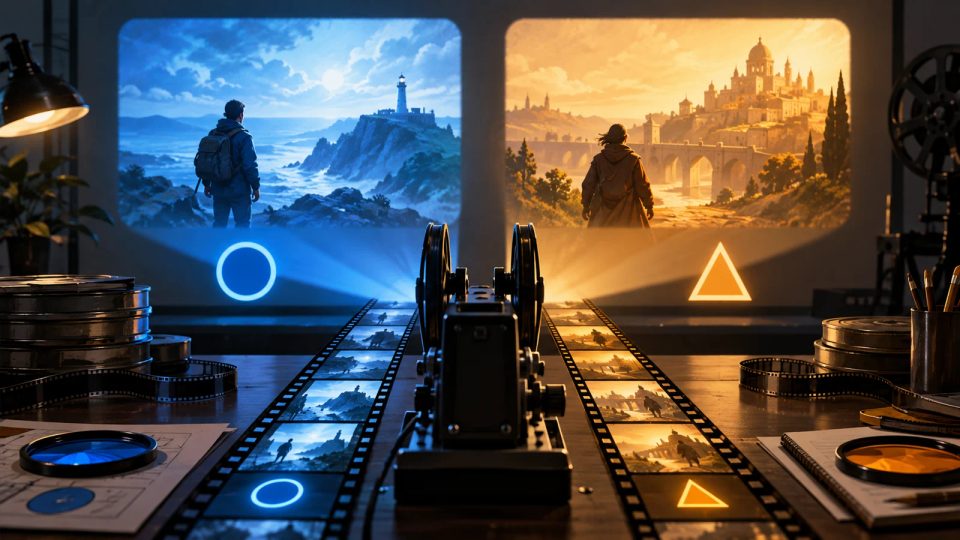
Original cover illustration of two film choice paths distinguished by high-contrast color, different shapes, and brightness cues.
Interactive Film Accessibility2026.10.13

Interactive film choices cannot rely on color alone: contrast, shape, and state cues

Keep choices distinguishable over moving footage with text, shape, position, and state feedback while testing text contrast, non-text contrast, and actual target size.

DramaFork Editorial Team14 min read
Continue reading
Original cover illustration of a suspended glass hourglass, a pause symbol, and two film branches in a quiet screening room.
Interactive Film Accessibility2026.10.13

Accessible timed choices in interactive film: pause, extend, and define no-input behavior

Define pause, extension, timer-off, and no-input behavior so an interactive film can preserve urgency without turning time into an access barrier.

DramaFork Editorial Team14 min read
Continue reading
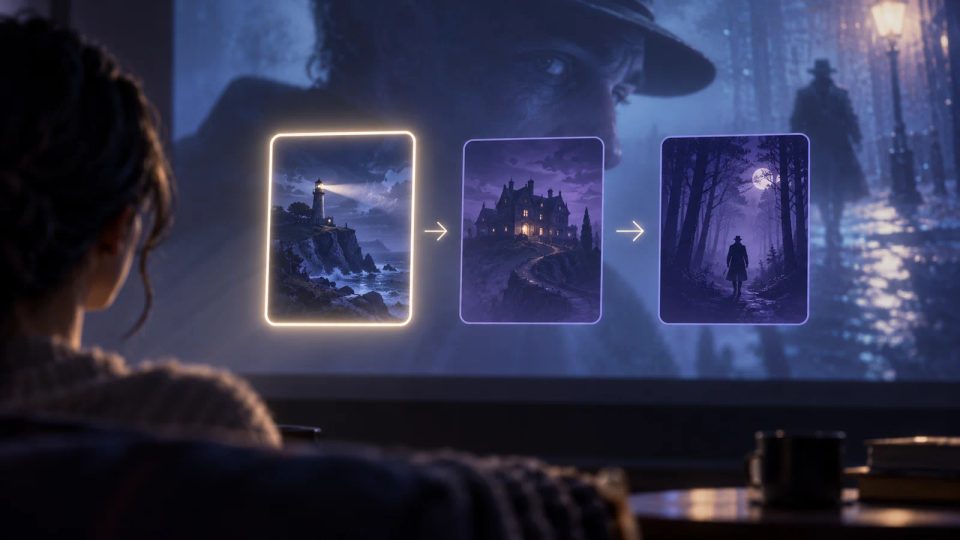
Original cover illustration of three abstract choice cards over a film scene, with one crisp luminous focus frame and a clear movement path.
Interactive Film Accessibility2026.10.13

Focus design for interactive film choices: keep order, position, and feedback visible

Define entry focus, movement order, obscuration handling, confirmation feedback, and return position so keyboard and remote viewers always know where they are.

DramaFork Editorial Team13 min read
Continue reading
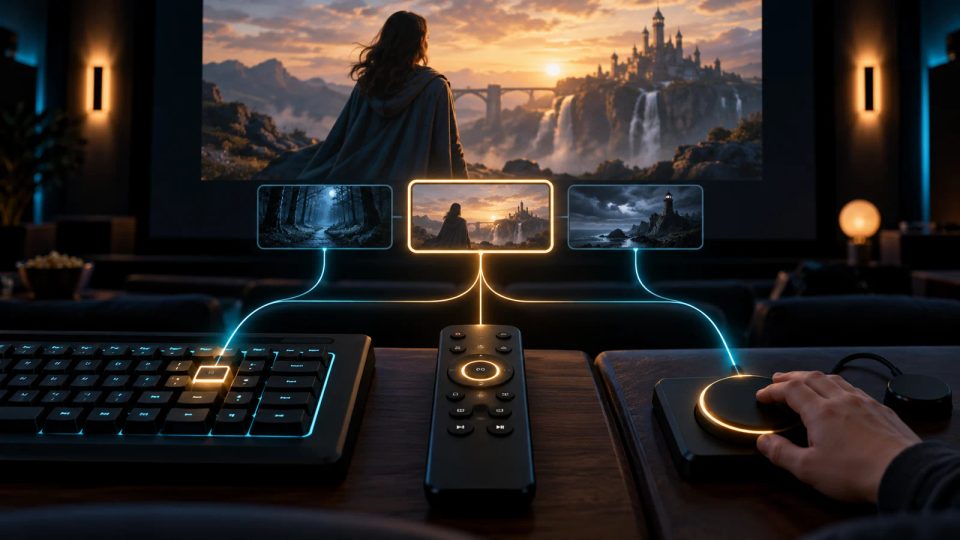
Original cover illustration of a keyboard, television remote, and adaptive switch linked by glowing paths to the same interactive film choice.
Interactive Film Accessibility2026.10.13

Keyboard, remote, and switch control for interactive film: design an equivalent input route

Turn click-only choices into equivalent keyboard, television remote, and switch-control tasks by defining navigation, confirmation, cancellation, error prevention, and device switching.

DramaFork Editorial Team14 min read
Continue reading
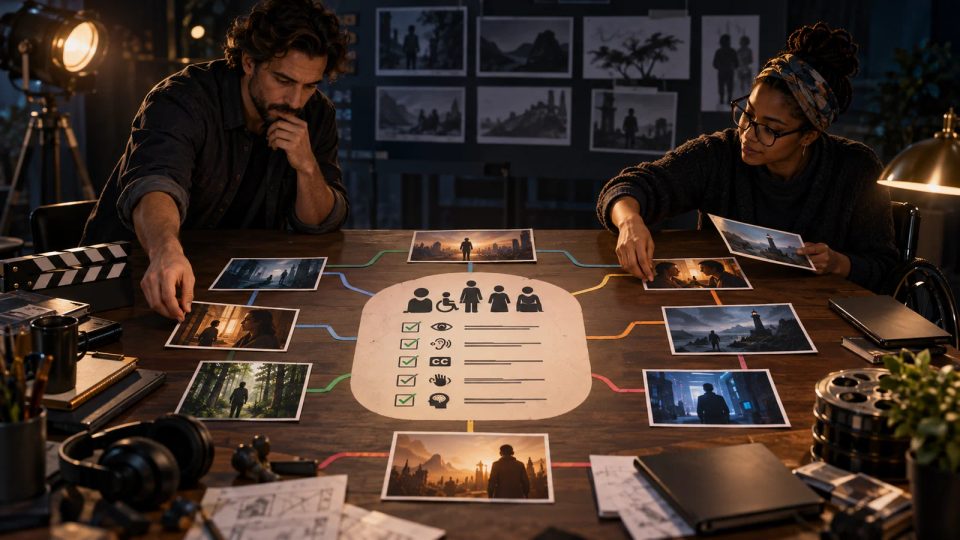
Original editorial illustration of a film director and accessibility specialist arranging branching scene cards and symbolic checks on a dark studio table.
Interactive Film Accessibility2026.10.13

How to set an interactive film accessibility baseline across routes, media, and acceptance

Build accessibility into an interactive film from project kickoff by inventorying viewer tasks, branch risks, alternatives, and evidence across writing, post-production, engineering, and QA.

DramaFork Editorial Team14 min read
Continue reading

Blog categories

  • All500
  • Creation tutorials40
  • Interactive narrative60
  • Getting started11
  • Galgame Route Design25
  • Visual Novel Production25
  • Interactive Fiction Design25
  • Narrative Design for Interactive Film Games25
  • Interactive Film Accessibility10
  • Interactive Film Workflow10
  • Interactive Game Basics10
  • Interactive Film Presentation and Delivery10
  • Interactive Film Localization10
  • Interactive Film Production10
  • Narrative Mechanics11
  • Creative Collaboration11
  • Getting started1
  • Fictional Case Study10
  • Story Localization10
  • Mobile and Accessibility10
  • Acting and Staging10
  • Exploring Time and Space10
  • Relationships and Groups10
  • Resources and Constraints10
  • Information and Commitments10
  • Production Practice59
  • Product workflow34
  • Choosing tools33

From a story to a playable world.

Start with one story decision

Create a project