
• Home
  • Blog
  • Gallery
  • Pricing
  • Home
  • Blog
  • Gallery
  • Pricing
Start creating

Creator blog

Better stories start here

Discover practical AI tools, interactive storytelling methods, and production lessons—from the first idea to a story people can play.

DRAMAFORKStories · Craft · Possibility
Topics
AllProduction PracticeProduct workflowInteractive narrativeCreation tutorialsChoosing toolsGetting started
59 articles

Editorial / 01

Latest articles

Practical methods for narrative structure, visual production, and everything in between.

A finished work package placed beside creator tools, version labels, and a feedback collection box.Topic selection
Production practice2026.10.04

How to Write the Credits and Version Notes at the End of an Interactive Story So Feedback Reaches the Right Person

Writing the ending information in three layers is enough: the deliverable name and version number, the division of creative contributions and tool usage, and the three pieces of information to include when giving feedback. Readers who spot a problem can locate the specific file, and when you receive feedback you can tell which layer to change, without going back and forth in emails asking "which version are you talking about?"
DramaFork Editorial Team17 min read
Continue reading

Blog categories

  • All201
  • Production Practice59
  • Product workflow34
  • Interactive narrative49
  • Creation tutorials19
  • Choosing tools33
  • Getting started7

Make your story playable for the first time

Start with one story decision

Create a project

The next move is yours

Make your story playable for the first time

Do not wait for every video to be finished before testing the story. Build the characters, rules, and branches first, then let real choices guide what you make next.

Start with one story decision

Try a playable example

Let agents handle production complexity while you keep creative control.

Start with one story idea, then shape scripts, characters, shots, and branches into a playable first version.

Product

  • Pricing
  • Capabilities
  • Workflow
  • Examples
  • FAQ

Explore

  • Playable gallery
  • Creator blog
  • Creator partnership

Legal

  • Privacy
  • Terms
© 2026 DramaFork/AI interactive story studio
Press Enter to send, or drag away and release.
The same character appears on three independent stages, each keeping different progress and objects.
Production practice2026.10.04

Same IP Character Chat and Text Adventure: How to Explain the Relationship Without Making Players Think Progress Is Shared?

Describe the relationship between the two entry points as "same world, same character identity, each progresses independently," and use a state comparison table on the entry page to clarify what carries over and what does not. The approach has four steps: first define a character profile for the IP as the shared identity foundation for both entry points; then write a separate "state boundary" statement for each entry point; next prepare a can-say/cannot-say table to constrain marketing copy; finally use a fictional dialogue to test whether players form incorrect expectations after reading.

DramaFork Editorial Team15 min read
Continue reading
A warm entrance and a severe iron gate create a genre-promise gap, and the creator recalibrates.
Production practice2026.10.04

Cover Looks Horror but the Content Is Cozy Slice-of-Life? How to Check Whether a Work's Genre Promise Is Consistent

Start with the conclusion: write one sentence each for the synopsis, opening, first core task, and ending describing "what intensity the player expects to bear right now," then read the four sentences side by side.

DramaFork Editorial Team13 min read
Continue reading
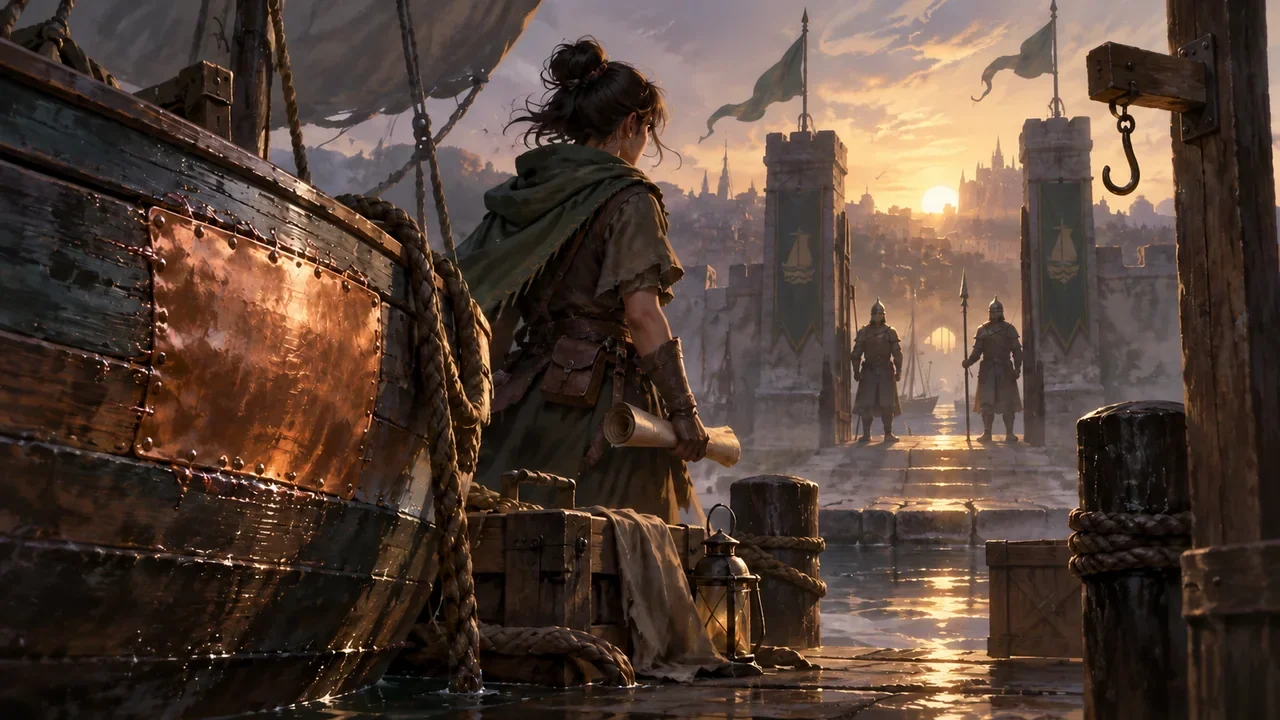
A copper plate left from the previous chapter and an empty permit hook lead toward a dawn gate inspection.
Production practice2026.10.03

How to Bridge Interactive Story Chapters: Recycle the Previous Chapter's Consequences, Then Give the Next Chapter a Clear Action

Bridging is not retelling the previous chapter; it turns the previous chapter's decision into a visible current state, then immediately hands the reader one thing to do.

DramaFork Editorial Team18 min read
Continue reading
A playtester uses a small story model while an observer holds a blank notebook at a respectful distance, no leading gesture or approving nod, quiet study scene.
Production practice2026.10.03

How to Ask Questions During Playtesting Without Hinting at the Answer: Turn "You Get It, Right?" into Neutral Questions

The goal of playtesting questions is not to get the player to say the answer you expect, but to have them reconstruct what just happened in their own words. The approach can be compressed into three steps: first have the player retell their actions, then ask which clue they based it on, and finally ask why they chose this one between two options. Put questions after the action, do not interject while they are hesitating, and do not evaluate any route as better. As long as a question contains "is it because," "you get it, right," or "this is obvious," what you get is mostly agreement,

DramaFork Editorial Team15 min read
Continue reading
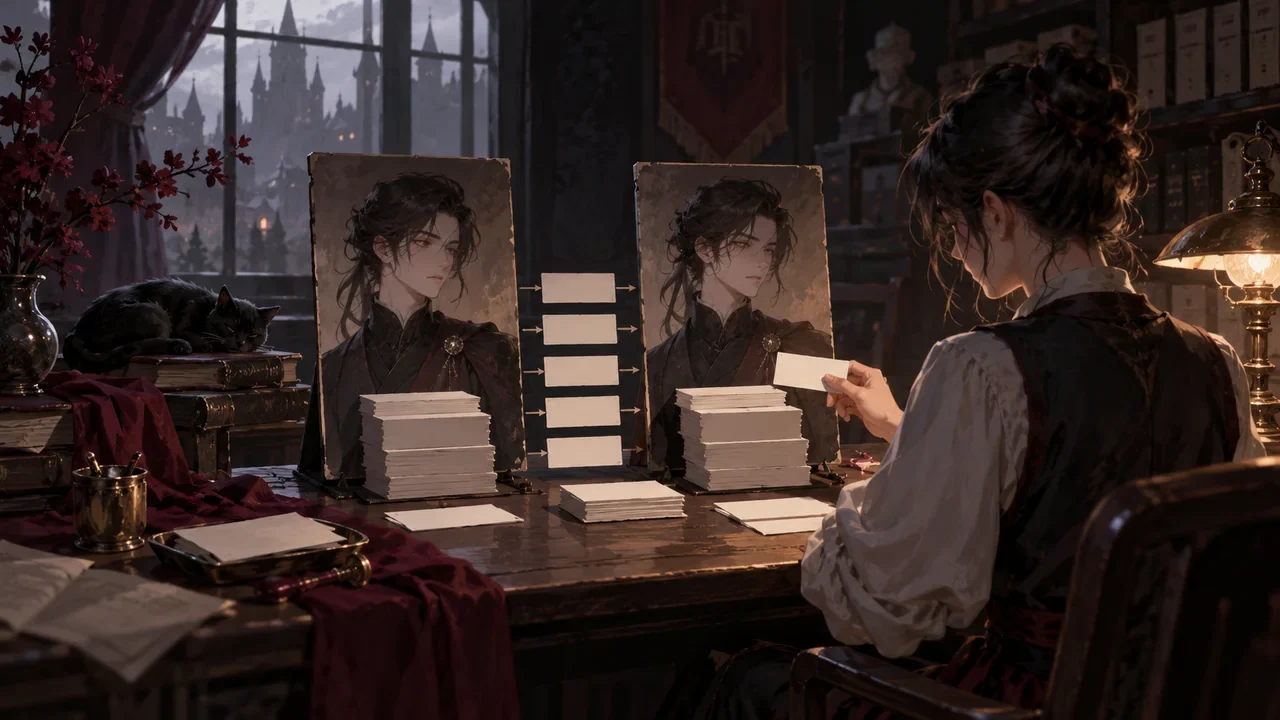
Fixed input markers compared against old and revised character responses.
Production practice2026.10.03

You Changed One Line of Character Dialogue—How Do You Leave Behind a Set of Human Review Inputs You Can Use Next Time?

Write the full dialogue before and after the change, the facts that must be preserved, the tone that may vary, and the failure conditions into a reusable review card. Next time you revise similar dialogue, just replace the input section instead of re-deriving the acceptance criteria.

DramaFork Editorial Team15 min read
Continue reading
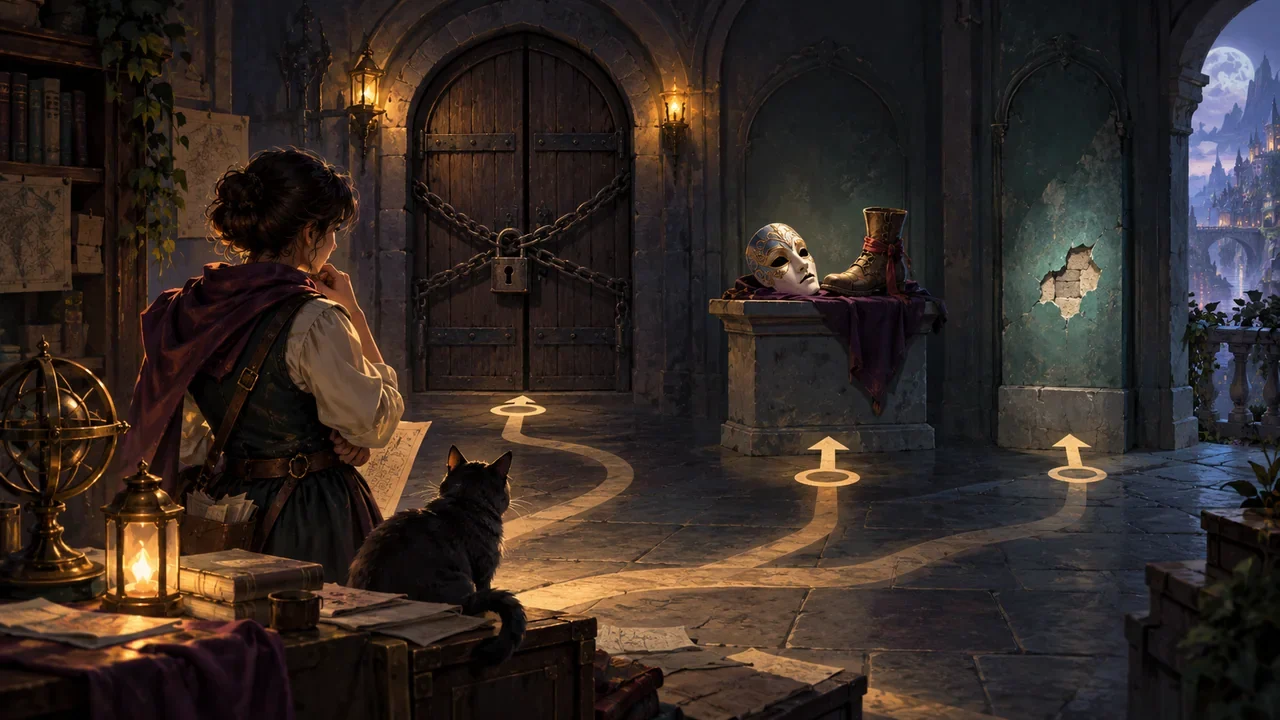
A blocked doorway, a mismatched prop, and a small paint chip represent different issue priorities.
Production practice2026.10.02

Typos, Contradictory Clues, and Dead-End Routes: What Should You Fix First When Reviewing an Interactive Story?

Fix issues that stop readers from continuing first, then issues that make readers judge incorrectly, then details that do not match up, and only last typos and wording. This order is not about which type of issue is most numerous, but about three things: whether the issue blocks reading, whether it contaminates the reader's understanding of later plot, and how much downstream content fixing it will affect. Below, five fictional defect tickets are used to walk through ranking and review; the works, characters, and data in the examples are made up for explanation, not actual test data.

DramaFork Editorial Team17 min read
Continue reading
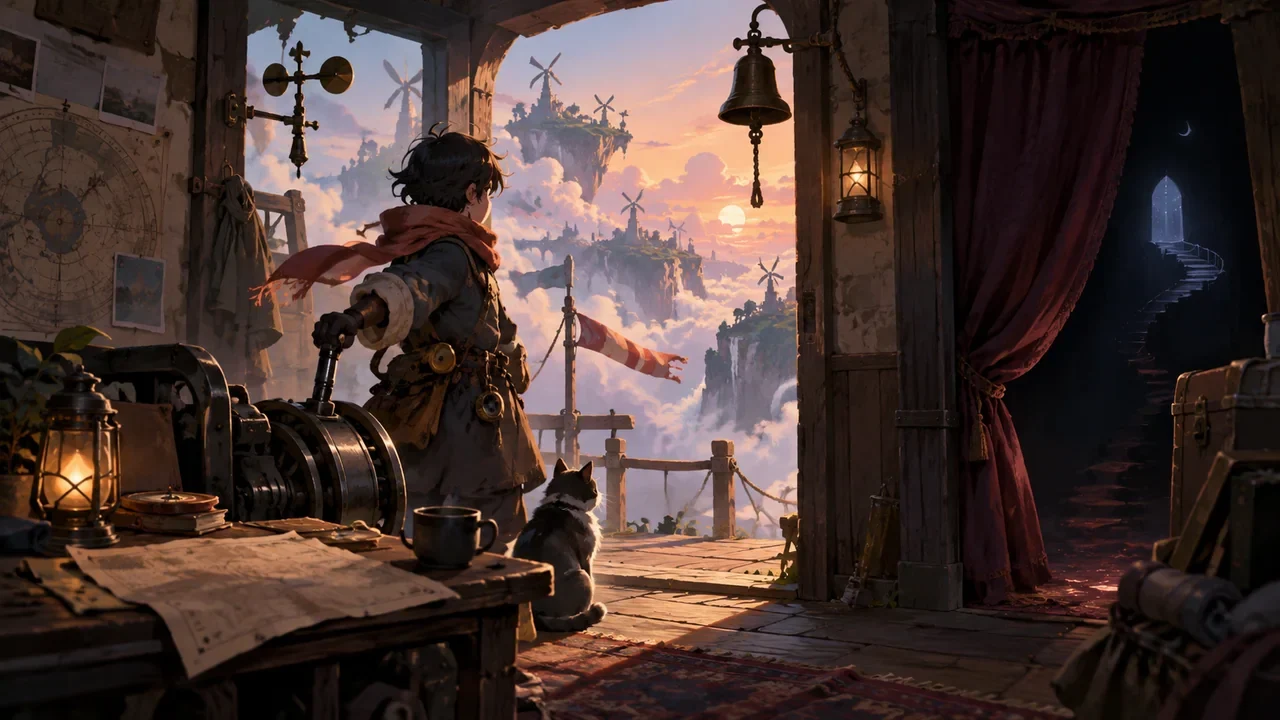
A doorway invitation presents the main story object and first actionable tool while a hidden ending remains behind a curtain.
Production practice2026.10.02

How to Write What Players Can Do in a Work Synopsis: Use Actions Instead of Piling Up Worldbuilding Nouns

What a synopsis needs to answer is not "how grand this world is," but "what the player needs to do right now after entering." A usable approach is four sentences: who you are, what must be dealt with right now, what categories of actions you can take, and what the actions cost. Keep only the worldbuilding nouns necessary to understand these four sentences. Below, a fictional teaching example, "Wind Station Duty Officer," demonstrates three synopsis versions and provides a sentence-function table so you can check your own synopsis sentence by sentence.

DramaFork Editorial Team15 min read
Continue reading
A work sample showing a rough draft, node model, and final piece side by side to demonstrate specific contributions.
Production practice2026.10.02

How to Label Your Contributions When Submitting an Interactive Story Sample: Let Reviewers See What You Were Responsible For

When co-creators submit joint work, what confuses reviewers most is not the work itself but "which parts of this did you make." The goal of labeling contributions is concrete: after reading the material description, reviewers can distinguish author responsibilities, existing materials, collaborator responsibilities, and unfinished parts, and can find representative excerpts and reviewable objects. Below is a fictional teaching example. The people, works, and data in the example are all fabricated and only used to demonstrate the format.

DramaFork Editorial Team17 min read
Continue reading
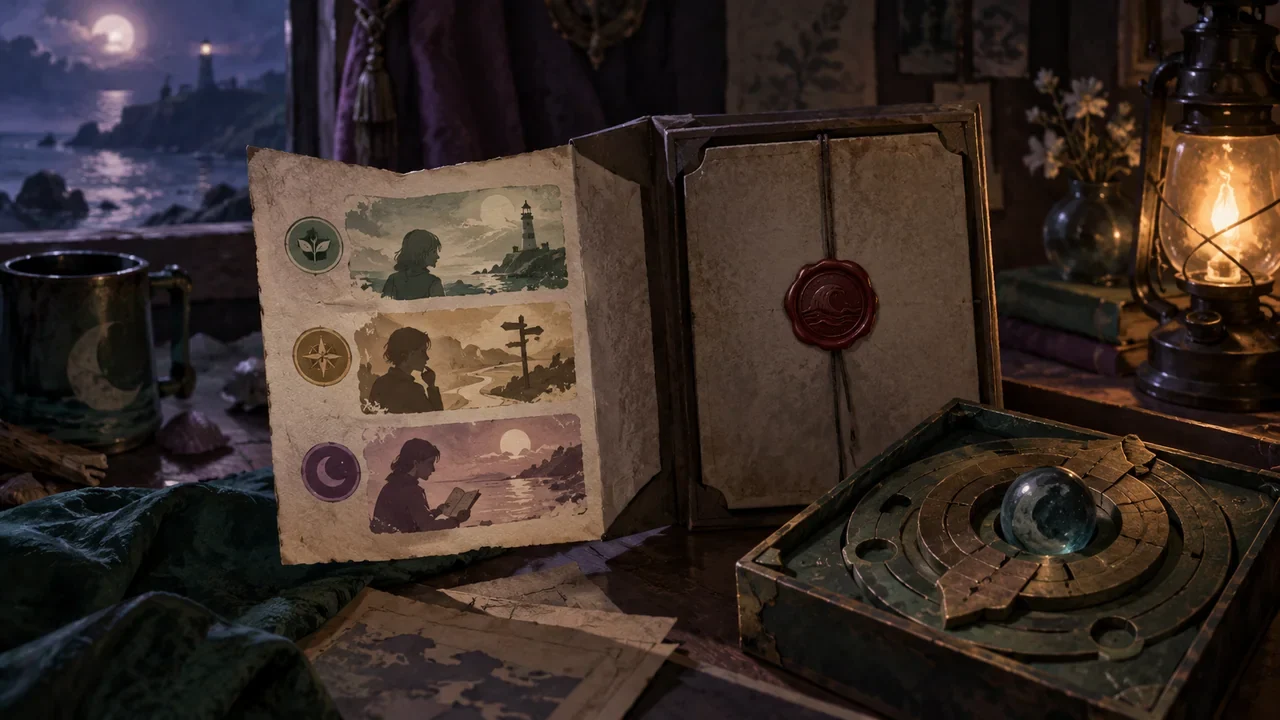
A hint booklet opens only the outer hint layer, while the final answer remains sealed inside.
Production practice2026.10.01

Writing Low-Spoiler Notes for Interactive Works: How to Answer Player Questions Without Revealing Route Answers?

Split the notes into three layers, and each layer only answers the questions that layer is allowed to answer: before-entry notes only cover "can I play it, is it for me," in-progress hints only cover "what do I do now that I'm stuck," and after-completion recap only covers "what did that part just mean." Each layer is also marked with a hint level, letting readers decide for themselves when to look. Below, the fictional teaching example Night Tide Signal is used to demonstrate how to write the three layers, how to mark the levels, and why some titles are themselves spoilers.

DramaFork Editorial Team18 min read
Continue reading
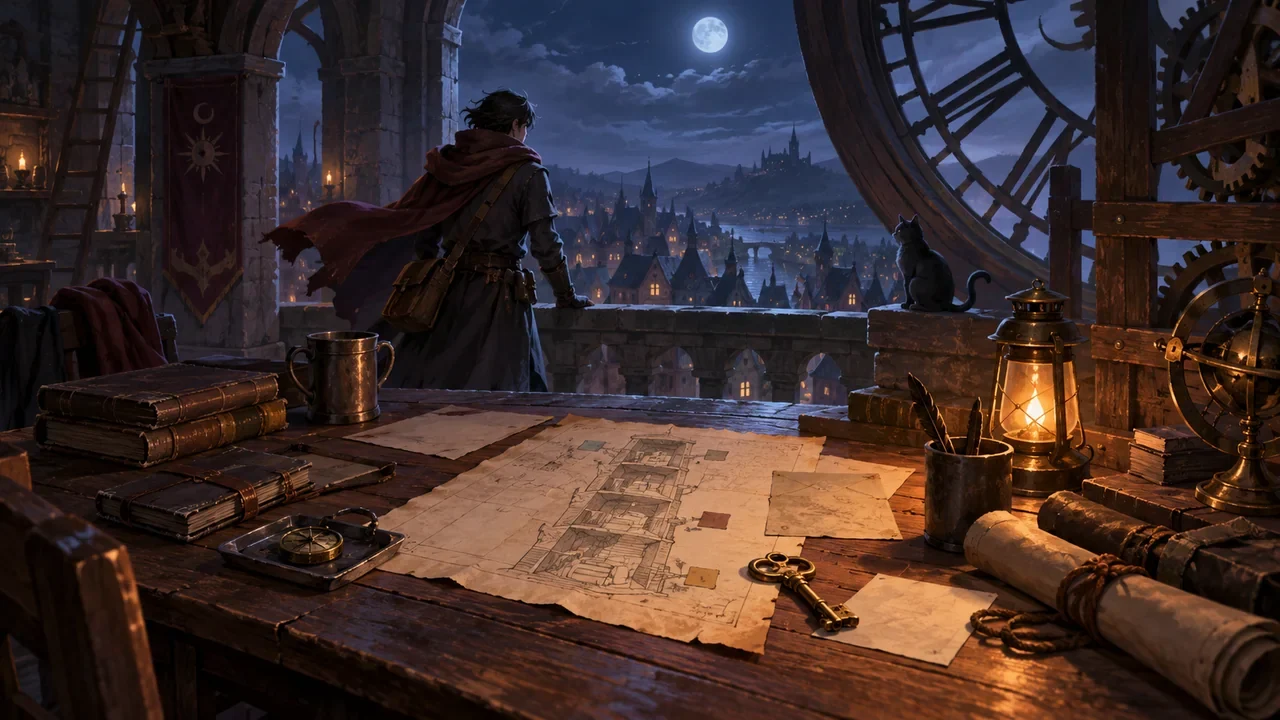
A night watch traveler returns to a clock tower desk with a key, visited-floor sketch, and unfinished task objects laid out.
Production practice2026.10.01

When Players Stop Midway and Come Back, How Do You Write a Spoiler-Free Recap?

The recap's job is to let players know again who they are, what they have done, what they have not done yet, and what they can do right now. It is not responsible for explaining secrets, nor for judging the player's last choice. The way to write it can be summarized in four lines: current identity, confirmed facts, unfinished tasks, immediate available actions. Each line only writes content the player has already experienced or personally confirmed; any clue the player must piece together themselves does not go into the recap.

DramaFork Editorial Team17 min read
Continue reading
  1. 1
  2. 2
  3. 3
  4. 4
  5. 5
  6. 6