
• Home
  • Blog
  • Gallery
  • Pricing
  • Home
  • Blog
  • Gallery
  • Pricing
Start creating

Creator blog

Better stories start here

Discover practical AI tools, interactive storytelling methods, and production lessons—from the first idea to a story people can play.

DRAMAFORKStories · Craft · Possibility
Topics
AllProduction PracticeProduct workflowInteractive narrativeCreation tutorialsChoosing toolsGetting started
34 articles

Editorial / 01

Latest articles

Practical methods for narrative structure, visual production, and everything in between.

A change log linking revision reasons, a new bridge action, and affected assets.Topic selection
Product workflow2026.09.30

How to Write a Change Log for Interactive Stories: Separate Reasons, Changes, and Affected Routes

A change log should have three columns: reason, change, and affected routes. The reason explains "why it changed," the change states "what changed," and the affected routes list "which assets and branches need review." A fictional teaching example runs throughout: an interactive film game originally had a "broken bridge" node in Chapter 2, where players had to find a rope to cross the river; the author later changed the broken bridge to a "delayed ferry," because the original design made a gentle route feel abrupt. All names, numbers, and dialogue below are fictional.


DramaFork Editorial Team12 min read
Continue reading

Blog categories

  • All201
  • Production Practice59
  • Product workflow34
  • Interactive narrative49
  • Creation tutorials19
  • Choosing tools33
  • Getting started7

Make your story playable for the first time

Start with one story decision

Create a project

The next move is yours

Make your story playable for the first time

Do not wait for every video to be finished before testing the story. Build the characters, rules, and branches first, then let real choices guide what you make next.

Start with one story decision

Try a playable example

Let agents handle production complexity while you keep creative control.

Start with one story idea, then shape scripts, characters, shots, and branches into a playable first version.

Product

  • Pricing
  • Capabilities
  • Workflow
  • Examples
  • FAQ

Explore

  • Playable gallery
  • Creator blog
  • Creator partnership

Legal

  • Privacy
  • Terms
© 2026 DramaFork/AI interactive story studio
Press Enter to send, or drag away and release.
Two creators turn vague feedback into a revision ticket pointing to a specific scene action.
Product workflow2026.09.29

Two Creators Take Turns Reviewing: How Do You Turn "This Is Wrong" Into an Actionable Revision Ticket?

Turning "this is wrong" into a revision ticket has only one core action: make every piece of feedback land on the seven fields of version, node, symptom, expectation, reason, responsibility, and review. When two people take turns reviewing, each first fills out a ticket independently, then merges conflicting items, and only then touches the draft. Below, a fictional teaching example is used to walk through the whole process; the people, dialogue, and values are not actual test data.

DramaFork Editorial Team14 min read
Continue reading
A local service on one computer faces another computer across the street, with a public connection bridge indicating the reachable address.
Product workflow2026.09.29

localhost Appears in a Remote Asset Package: Why It May Not Open on Another Computer

If a remote package's asset addresses point to localhost, then after switching computers they will request the recipient's own machine. The service on the creator's computer does not move along with the ZIP, so "it plays on my machine" is not enough to prove that others can play it too. The order of handling is: confirm the actual request address, verify the application domain, re-export, then validate on another device.

DramaFork Editorial Team13 min read
Continue reading
A delivery case prepared with acceptance materials according to device, network conditions, and target route.
Product workflow2026.09.28

Write the Delivery Goal Before Exporting: A One-Page Brief for the Recipient's Device, Network, and Verification Route

Before exporting, write a one-page delivery brief that clearly states the recipient device, network conditions, how to run it, the target route, and acceptance criteria, then decide whether to use a local asset package or a remote link package. The order cannot be reversed: first define how the recipient opens it and how they judge success, then choose the delivery format. Below, a fictional teaching example walks through the entire process, with the project named "Tide Post Office" and the recipients being two reviewers from the partner "Shoreline Studio."

DramaFork Editorial Team15 min read
Continue reading
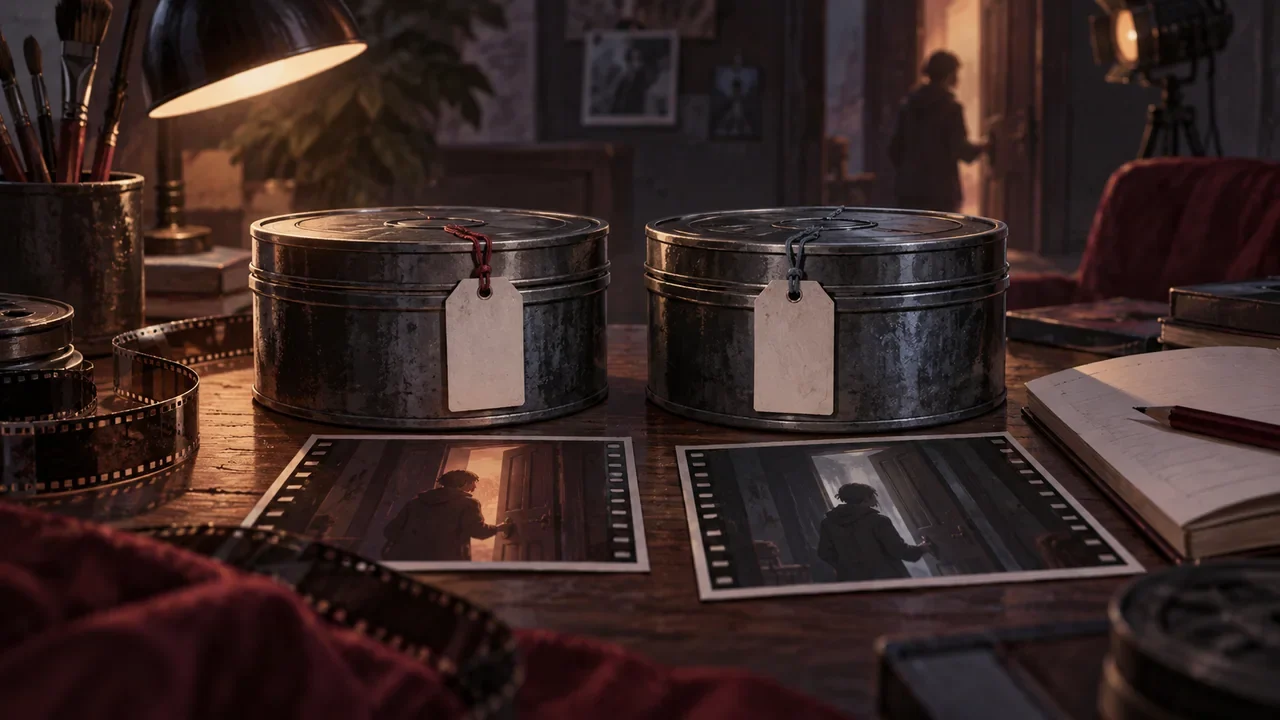
Two similar door-opening asset reels distinguished by object-state tags and scene thumbnails.
Product workflow2026.09.28

How to Avoid Attaching the Wrong Asset When Shot Names Are Similar: Make a Manual Mapping Table for Interactive Works

Conclusion first: write the four columns "node, shot, asset version, entry state" into the same table, with each row corresponding to only one playable asset file, and keep both the scene action and the consequence difference in the name. The table can be maintained manually in an ordinary document; DramaFork currently has no automatic asset audit function, and whether an asset is attached incorrectly must be checked by a person against the table. The following uses fictional teaching examples; the numbers and quoted words are not actual test data.

DramaFork Editorial Team12 min read
Continue reading
An old film reel remains intact beside a newly edited action sketch, with a reviewer judging whether it can still be reused.
Product workflow2026.09.28

DramaFork Shows "Needs Update" but the Old Assets Are Still There—How Should Creators Judge Whether They Can Still Be Used?

"Needs update" only means that this change touched a dependency of some completed step. It does not mean the old assets have already been replaced, nor does it mean they are necessarily wrong. What you need to do is manually verify: is what was changed the fact that the old assets are expressing? If the fact expressed by the old assets still holds, they can continue to be used; if the fact they express has already been changed, they need to be redone or at least changed to be consistent.

DramaFork Editorial Team14 min read
Continue reading
A production process passes three review lamps before planning, script, and high-cost assets.
Product workflow2026.09.27

When to Pause Auto-Advance: Set Three Human Review Questions for a DramaFork Project

Auto-advance is good for quickly laying out the parts you have already thought through; pause only where "the cost of rework will spill over into many downstream steps." For a two-person small team, it is recommended to set only three checkpoints: before the plan is finalized, before the script is converted to storyboards, and before high-cost video batch generation. Each checkpoint answers only one question; once answered, either release or return it, without requiring confirmation at every step.

DramaFork Editorial Team15 min read
Continue reading
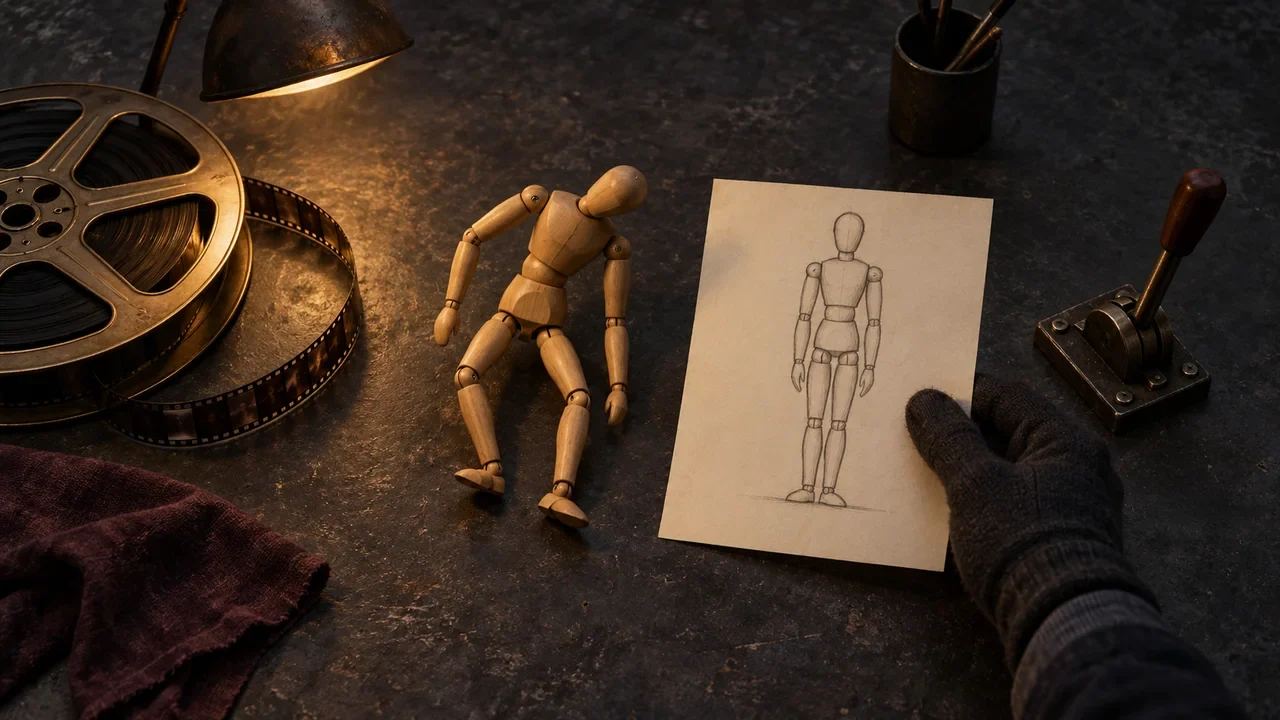
A stopped film reel, a wooden pose mannequin and a source sketch are compared on a workbench before retrying a video.
Product workflow2026.09.27

How to Retry After a DramaFork Video Failure: First Determine Whether It's the Prompt, the Asset, or the Task Status

After a video task fails, first record the task and the original prompt, then check the input version, and decide whether to modify the related storyboard or reference before retrying separately.

DramaFork Editorial Team13 min read
Continue reading
Preview screen frozen at a doorway, with diagnostics grouped beside it by script, interaction, and assets.
Product workflow2026.09.27

How to Group Issues in a DramaFork Playable Preview: Which Step Should Story, Interaction, and Assets Each Go Back To for Fixes?

When issues appear in a playable preview, don't rush to change nodes. Use a one-sentence symptom record to clearly write down "who saw what at what moment," then determine whether it belongs to story, interaction, or assets. Story issues go back to planning or script, interaction issues go back to interaction nodes, and asset issues go back to storyboard, style, character assets, or video; after changes, only recheck the affected downstream steps, and do not treat a preview that runs successfully as passing release testing.

DramaFork Editorial Team15 min read
Continue reading
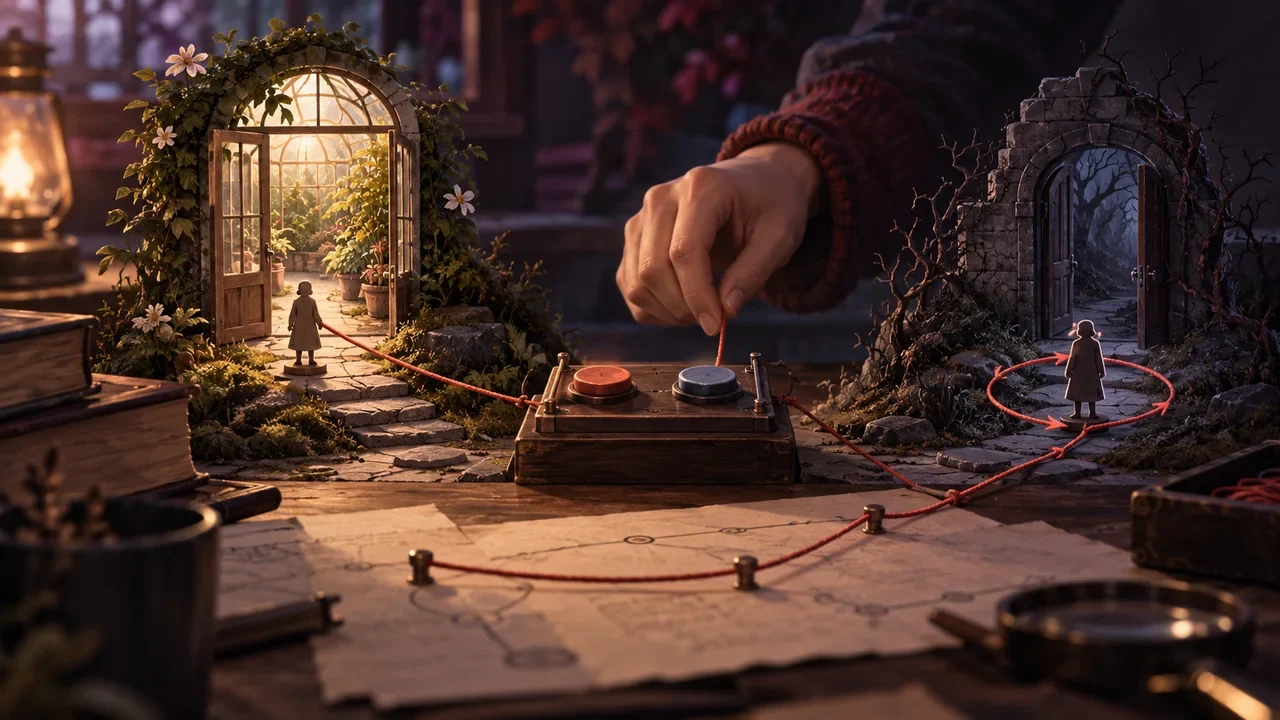
A choice switch connected by lines to two door models, with an editor checking whether an exit is misconnected.
Product workflow2026.09.26

How to Check DramaFork Interaction Nodes: Option Text, Exits, and Payoff Results Must Be Read as Pairs

When checking interaction nodes, treat each option as a "promise—payoff" pair: the intent the player reads on the button must receive a corresponding result in the node pointed to by the exit, and that result must be able to return to the main line or form a clear closure. Checking only the button text, or only looking at the node connections, will miss empty exits, misconnections, and duplicate intents. Below, a fictional teaching example, "Inside and Outside the Greenhouse Door," illustrates a reusable review table.

DramaFork Editorial Team14 min read
Continue reading
A creator turns material samples, lighting, and set models into executable style conditions.
Product workflow2026.09.26

After Choosing a Style, How to Write It for the Team: Turn References into Stable Text Constraints

After choosing a style, what you show the team is not the name of a reference work, but a text specification that can be checked item by item. The method is: first use one sentence to lock down the overall judgment of the style, then break down color tone, materials, light sources, and detail density into observable descriptions, and finally use a "can keep / can change" table to draw the boundaries of expression. Below, we walk through the fictional teaching example "Rainy Port Retro Style"; all names, numbers, and dialogue are fictional and do not correspond to any real project.

DramaFork Editorial Team16 min read
Continue reading
  1. 1
  2. 2
  3. 3
  4. 4