What to Check Before Confirming DramaFork Character Assets: Identify the Person First, Then Check Emotion and Shot Fit
Do four things first, then decide whether to use a character image: identify identity anchors, break down costume states, write action requirements, and list scene conditions. Only when all four steps pass does the image enter the usable pool; if it only passes the "looks good" test, rework is likely later in the video and preview stages. The following uses a fictional teaching example: the character is Shen Yan, an adult postman, and the story takes place in a windy harbor city. The names, numbers, and quoted lines are all made up and are only used to demonstrate the order of judgment.
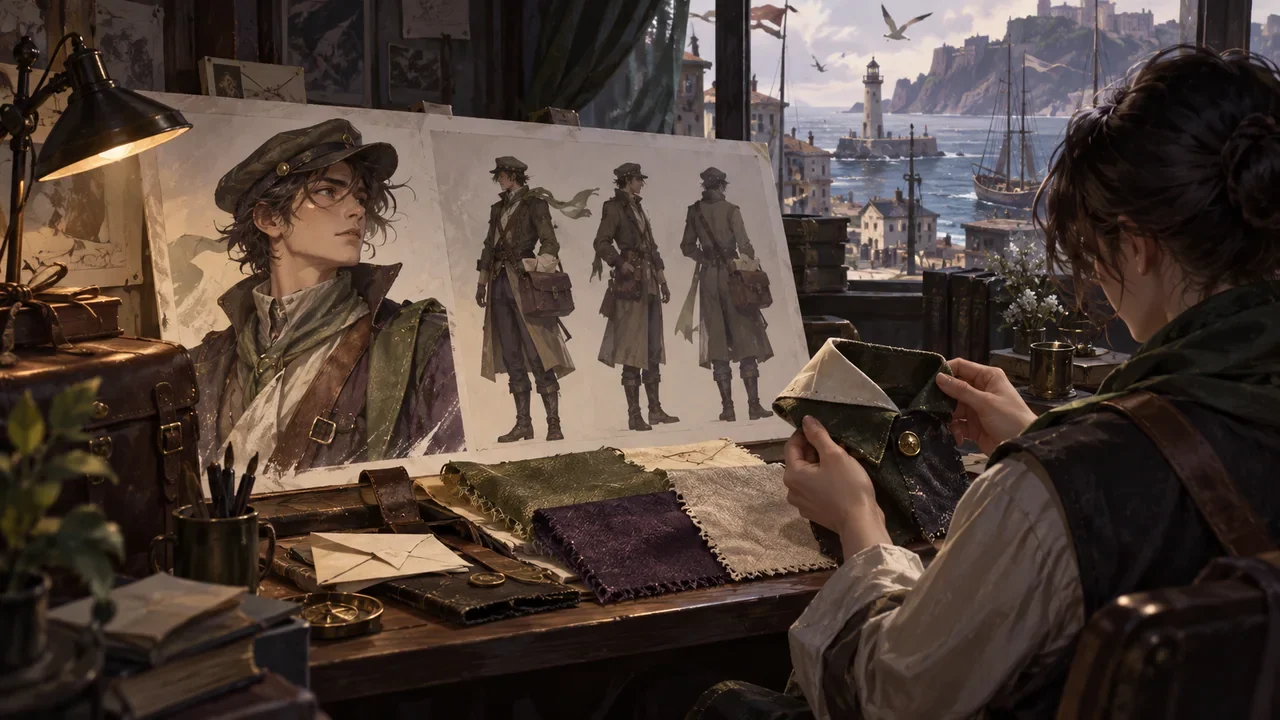
Introduction
Do four things first, then decide whether to use a character image: identify identity anchors, break down costume states, write action requirements, and list scene conditions. Only when all four steps pass does the image enter the usable pool; if it only passes the "looks good" test, rework is likely later in the video and preview stages. The following uses a fictional teaching example: the character is Shen Yan, an adult postman, and the story takes place in a windy harbor city. The names, numbers, and quoted lines are all made up and are only used to demonstrate the order of judgment.
Step 1: Identify the Person, First Write the Identity Anchors
Identity anchors are the traits that do not change with the plot and that the audience relies on to recognize "this is still the same person." For Shen Yan, first write down four items, and each item must be drawable or clearly describable:
- Age impression: around thirty, an adult, not written as a youth.
- Occupational traces: carries a mailbag year-round, the right shoulder slightly lower than the left.
- Fixed appearance: dark short hair, an old scar at the end of the left eyebrow.
- Baseline temperament: speaks little, often stands with hands in coat pockets.
These four items are the bottom line for "identifying the person." Emotion, costume, and shot can all change, but these four items are not recommended to contradict one another across different segments of the same character. If an image puts the old scar on the right eyebrow, or replaces the mailbag with a briefcase, it may be a good image, but it does not belong to Shen Yan's stable identity and needs rework or a separate character.
Identity anchors also include the character's goals, needs, secrets, initial relationships, arc, and boundaries in the character context. These do not all need to be packed into one image, but before confirming assets, they must be explainable in one sentence. For example: Shen Yan's goal is to finish delivering a batch of delayed letters, his need is to have one sentence heard seriously by someone, his secret is that he held back a letter addressed to himself, and his boundary is not to use his professional identity to deceive people. If these cannot be written, fill in the text first; do not rush to generate images.
Step 2: Break Down Costume States, Do Not Treat One Outfit as the Character
Costume is a state, not an identity. The same Shen Yan can have multiple states, and each state must be accepted separately. The table below is a fictional acceptance comparison; the numbers and conclusions are only teaching examples.
| State name | Visible features | Acceptable variation | Must be reworked |
|---|---|---|---|
| Daily duty | Dark blue coat, mailbag, old leather shoes | Coat open or buttoned, mailbag on the left or right | Mailbag disappears, replaced by a suitcase |
| Rainy-day delivery | Same coat plus waterproof cape, wet trouser cuffs | Cape color depth, amount of rain | Cape becomes a cloak, an umbrella appears but no hand is holding it |
| Night shift returning to port | Coat draped over the arm, shirt cuffs rolled up | Collar looseness, hair blown messy by wind | Old scar covered, mailbag replaced by a wine bottle |
| Holiday substitute shift | A small badge added outside the coat | Badge position left or right | Badge becomes a medal, clothing becomes formal dress |
"Acceptable variation" means natural differences allowed within the same state; "must be reworked" means items that break identity or state logic. When judging, first ask: which state does this image belong to? If even the state cannot be stated clearly, do not put it into video yet.
Step 3: Write Action Requirements, Then Look at Emotion
Emotion is not a face by itself; it must hang on an action. Shen Yan's "exhaustion" can be leaning on the post office doorframe and slowly unbuttoning the mailbag; "wariness" can be pressing the letter half a step closer to his chest. Before confirming assets, write one action requirement for each segment to be used, then write one emotional landing point.
For example, in a dialogue, Shen Yan hears the other person say, "You didn't deliver that letter, did you?" His action requirement is "fingers stop on the mailbag clasp, he does not immediately look up," and the emotional landing point is "a brief pause after being called out." If the reference image is only a smiling front-facing face, it cannot support this segment. At this point it is not that the image is bad; it is that the image does not match the action requirement.
Emotion and shot fit must be considered together. Close shots suit the old scar at the end of the eyebrow and a pause in the eyes; medium shots suit the mailbag and hand actions; long shots suit the harbor wind, streets and alleys, and character proportions. Write "emotion-action-shot size" as one line, and compare line by line during acceptance:
- Emotion: the pause after being called out.
- Action: fingers stop on the clasp, does not look up.
- Shot size: medium close-up, able to see both the hand and the face.
- Scene conditions: post office entrance, strong wind, cold light.
Only when all four items are present should you look for or generate the corresponding asset. Whichever item is missing, rework that item; do not substitute another image that is "good overall."
Step 4: List Scene Conditions, Confirm Downstream Impact
Scene conditions include location, time, weather, light, and the character's position in the frame. For Shen Yan's night shift returning to port segment, the conditions can be written as: harbor stone steps, late night, strong wind, cold light, character in the right third of the frame. If the reference image is daytime warm light, front-facing, centered, it may still be usable for identifying the person, but it is not suitable to go directly into this segment.
This step also relates to the downstream workflow. Changing character assets affects video, preview, and export; changing storyboards affects nodes, video, preview, and export; changing style affects characters, video, preview, and export. Completed steps may be marked as needing update, and old data is retained, but the creator must manually check whether the expression of old assets still holds. There is no semantically precise automatic diff, and no one-click confirmation reuse. Before confirming, first ask: will this change make Shen Yan in old segments look like another person?
Completion Check: One Image Is Not All Segments
After reviewing a character, finish with the checklist below. Each item must be answerable with "yes" or "no"; do not just write "feels okay."
- Are the four identity anchor items consistent across all segments to be used?
- Does each segment clearly state the costume state, and are variations within the state within the acceptable range?
- Does each segment have an action requirement and an emotional landing point, rather than only emotion words?
- Do shot size and scene conditions match the action requirement?
- Have changes been marked for affected video, preview, or export steps, and have old assets been manually checked?
Shen Yan's example can conclude here: he has three types of reference—the daily duty image for identifying the person, the night shift returning to port image for emotion, and the rainy-day medium shot image for the camera. Only when all three types pass the check is asset confirmation complete. If only one type passes, fill in the other two first, then enter the video stage.
This article was organized by DramaFork, according to the current project implementation notes: character assets are part of the creation workflow, can be advanced automatically or reviewed by stage, and failed asset tasks can be retried individually; the character step exists, but it does not claim to expose a complete character editor externally. Prompt constraints do not guarantee correct output every time; do not fabricate backstory that was not provided. When confirming assets, write the four items of identity, costume, action, and scene on the same sheet of paper and check them off one by one; this is less trouble than repeatedly looking at one image.