How to Write a Change Log for Interactive Stories: Separate Reasons, Changes, and Affected Routes
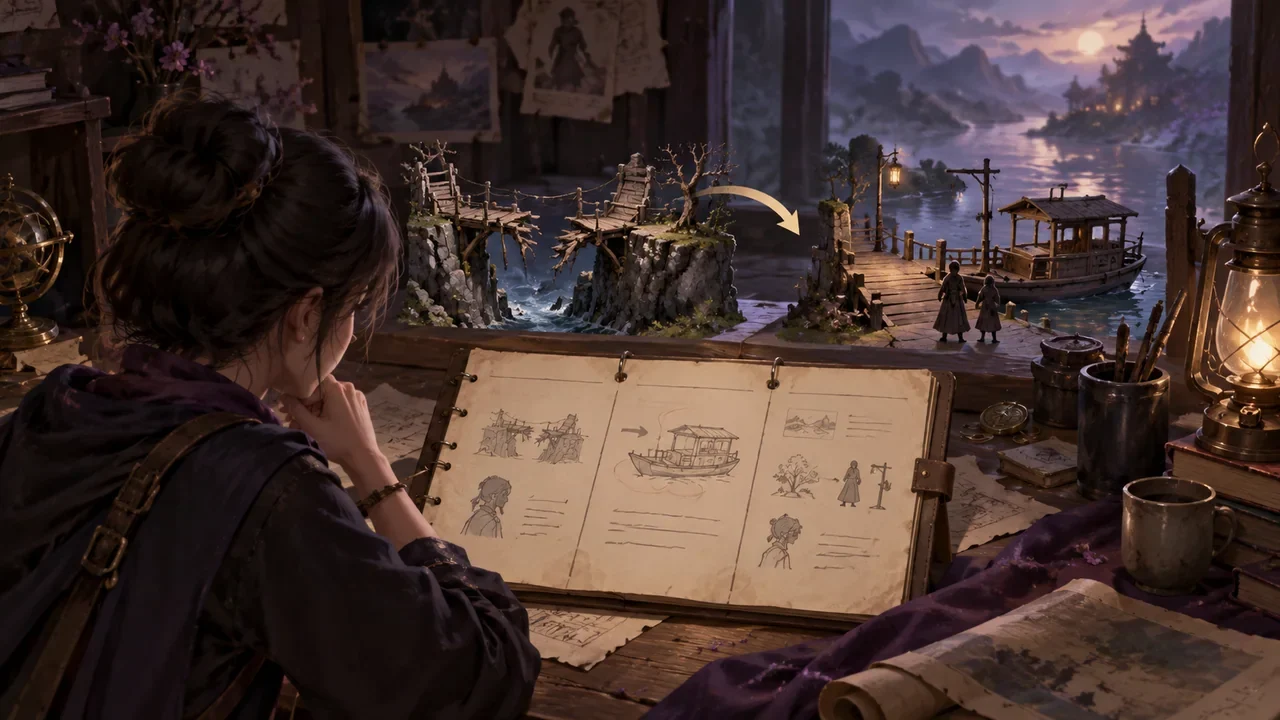
A change log should have three columns: reason, change, and affected routes. The reason explains "why it changed," the change states "what changed," and the affected routes list "which assets and branches need review." A fictional teaching example runs throughout: an interactive film game originally had a "broken bridge" node in Chapter 2, where players had to find a rope to cross the river; the author later changed the broken bridge to a "delayed ferry," because the original design made a gentle route feel abrupt. All names, numbers, and dialogue below are fictional.
Introduction
A change log should have three columns: reason, change, and affected routes. The reason explains "why it changed," the change states "what changed," and the affected routes list "which assets and branches need review." A fictional teaching example runs throughout: an interactive film game originally had a "broken bridge" node in Chapter 2, where players had to find a rope to cross the river; the author later changed the broken bridge to a "delayed ferry," because the original design made a gentle route feel abrupt. All names, numbers, and dialogue below are fictional and are only used to demonstrate the writing method.
Write the reason first, not "optimize the script"
The reason should be specific to a player experience problem or logic hole, and should note that this is the author's judgment, not a tested conclusion. For example:
Reason: The original broken bridge required the player to actively take the risk of finding a rope, but the "Ahe" route had previously always emphasized caution. If the player takes this route, the act of crossing the bridge does not match the character's temperament. The author judges that the forced sense of adventure needs to be reduced here.
The four words "optimize the script" do not let anyone review anything. Write clearly that "the character's temperament conflicts with the node requirement," so the next person taking over knows what to check. Do not mix change content into the reason either, or the three columns will collapse into one.
Write changes as "from what to what"
Use a comparison format in the change column, placing the old content and new content side by side. Still using the ferry as an example:
| Item | Before | After |
|---|---|---|
| Node name | Broken bridge | Delayed ferry |
| Passage condition | Find the rope | Wait for the ferryman to return |
| Character dialogue | Ahe: "I'll go find a rope." | Ahe: "The boat isn't here yet. Let's wait a while." |
| Player options | Find rope / detour | Wait for boat / ask where the ferryman went |
| Emotional direction | Tense, adventurous | Anxious, probing |
For dialogue, write only the sentences actually replaced. If Ahe says in the new version, "I keep feeling this boat won't come," that is newly added dialogue and must be listed separately; it cannot be hidden inside the "wait for boat" item. The more the change column looks like a checklist, the easier it is for downstream to verify.
Affected routes should be divided into two layers: "assets" and "routes"
Assets refer to storyboards, character assets, videos, previews, etc.; routes refer to branches the player may reach. After the ferry change, the review table for the fictional project can be filled in like this:
| Affected item | Type | Content to review | Handling status |
|---|---|---|---|
| Chapter 2 storyboard 07 | Storyboard | Does the broken bridge image still appear | To update |
| Ahe sprite · tense | Character asset | Does it still match the waiting-for-boat emotion | To confirm |
| River-crossing video 02 | Video | Does the rope shot need to be replaced | To update |
| Gentle route node table | Route | Should the passage condition be changed to waiting for the boat | To review |
| Playable preview | Preview | Can the old broken bridge still be entered | To verify |
Note that "to confirm" and "to update" are different: the former means no judgment has been made yet, while the latter means a change has already been decided. Mixing the two together makes it easy to miss assets that truly need to be changed during review.
Write a complete change ticket
Combine the three columns into a pasteable record:
Change ticket 085-ferry Reason: The Ahe route emphasizes caution, while the original broken bridge forced adventure, creating a temperament conflict. The author judges that the forced sense of adventure needs to be reduced. Change: The node "broken bridge" is changed to "delayed ferry"; the passage condition is changed from "find the rope" to "wait for the ferryman to return"; Ahe's dialogue is changed from "I'll go find a rope" to "The boat isn't here yet. Let's wait a while"; the options are changed from "find rope/detour" to "wait for boat/ask where the ferryman went." Affected routes: The gentle route passage condition needs review; Chapter 2 storyboard 07, river-crossing video 02, Ahe's tense sprite, and the playable preview need manual checking to see whether the old assets still hold. Note: Old broken bridge data is retained and not deleted.
The sentence "old data is retained" is very important. Changing planning or script affects storyboards, style, characters, nodes, videos, previews, and exports, but only the relevant completed steps are marked as needing updates, and the old data is still kept. There is no semantically precise automatic diff, and no one-click confirmation reuse, so "needs review" must be checked item by item by a person.
When a character makes up an excuse, mark clearly that it is not a new fact
In the ferry scene, the ferryman might say, "I went upstream to repair the oar." If this line is an excuse the character made up on the spot, record it as:
The ferryman's line "I went upstream to repair the oar" is a character excuse and does not constitute world fact; whether there is an oar-repair point upstream is undecided.
This way, later authors will not treat the excuse as a setting, nor will they have the ferryman really return from upstream in another route. Character context includes identity, goal, need, secret, initial relationship, arc, and boundaries, but prompt constraints do not guarantee that every output is correct; written excuses must be marked separately.
Completion check
After writing a change log, self-check with these five items:
- Is the reason specific to a certain experience or logic problem, rather than "optimization"?
- Does the change write "from what to what," and are dialogue lines listed sentence by sentence?
- Are affected routes divided into assets and routes, with status marked as to confirm or to update?
- Is it noted that old data is retained, and is there no promise of automatic precise dependency detection?
- Is the character excuse clearly marked as not a new world fact?
If all five can be answered, this record can be reviewed by others. Next, take the most recent change, add a change ticket according to the three-column table above, and then mark the status of each affected item one by one.