How to Avoid Attaching the Wrong Asset When Shot Names Are Similar: Make a Manual Mapping Table for Interactive Works
Conclusion first: write the four columns "node, shot, asset version, entry state" into the same table, with each row corresponding to only one playable asset file, and keep both the scene action and the consequence difference in the name. The table can be maintained manually in an ordinary document; DramaFork currently has no automatic asset audit function, and whether an asset is attached incorrectly must be checked by a person against the table. The following uses fictional teaching examples; the numbers and quoted words are not actual test data.
Introduction
Conclusion first: write the four columns "node, shot, asset version, entry state" into the same table, with each row corresponding to only one playable asset file, and keep both the scene action and the consequence difference in the name. The table can be maintained manually in an ordinary document; DramaFork currently has no automatic asset audit function, and whether an asset is attached incorrectly must be checked by a person against the table. The following uses fictional teaching examples; the numbers and quoted words are not actual test data.
How two "door opening" videos get confused
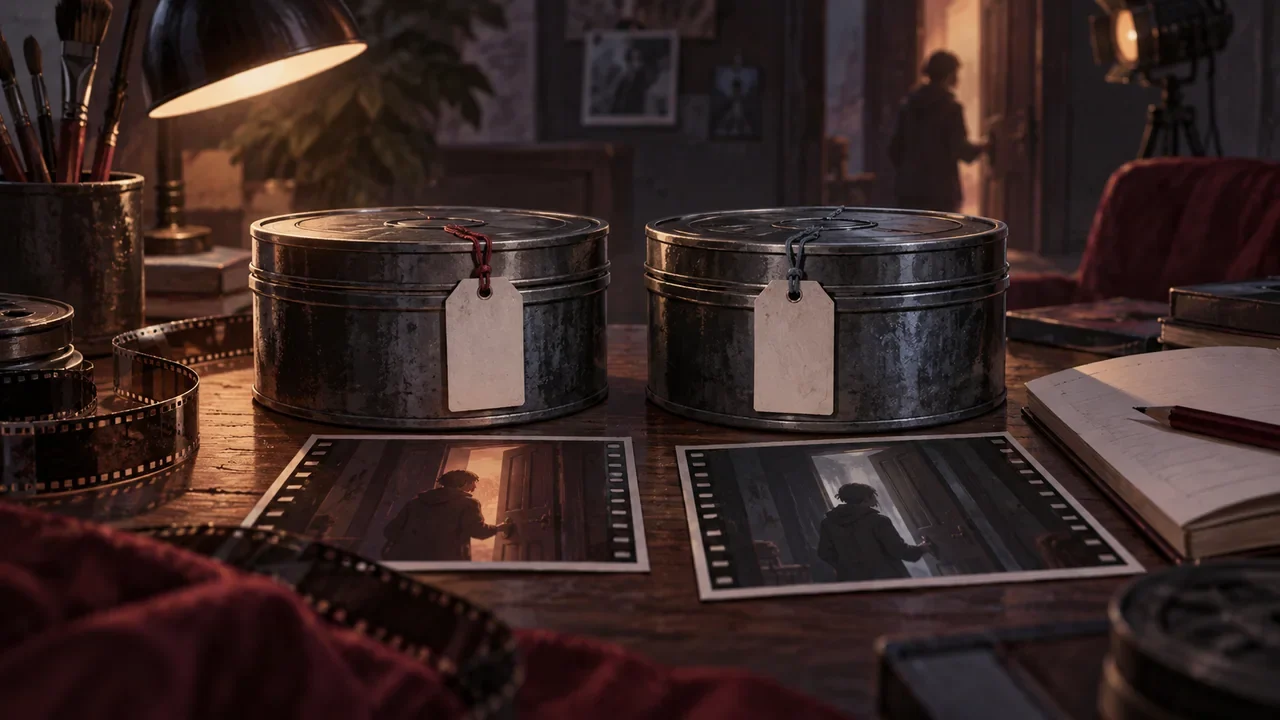
Suppose your interactive work has two videos, with file names open_door_v1.mp4 and open_door_final.mp4. The latter looks newer, so you attach "final" to two different nodes. The problem is that these two videos actually correspond to two consequences of the same scene: one is that after the protagonist pushes the door open, the light is on, and the other is that the light is off. The name only says "open door" and the version number, without saying the consequence, so anyone coming back a week later cannot tell which one should go into which entry.
Two concepts need to be distinguished here. A node is the position in an interactive work that the player enters after making a choice; DramaFork organizes nodes with tables, not drag-and-drop diagrams. Entry state refers to what prior context the player already has when arriving at this node, such as whether they have seen a certain character or whether they have taken a certain object. Asset version is how many times the same video has been revised. If the three are mixed into one file name, the wrong asset will be attached.
What a manual mapping table looks like
It is recommended to use a four-column table, with one asset file per row. The fixed column names are: node, shot, asset version, entry state. Below is a filled-in fictional table; the scene is "the protagonist returns to the old house late at night."
| Node | Shot | Asset version | Entry state |
|---|---|---|---|
| N07 Push door | Door opens · light on | open_door_light_v3.mp4 | The player has not entered the house before |
| N08 Push door | Door opens · light off | open_door_dark_v2.mp4 | The player has already seen the neighbor before |
| N09 Push door | Door opens · turns back after light off | open_door_dark_turn_v1.mp4 | The player chose "knock first" |
Note that the shots for N07 and N08 are both called "push door," but the consequences are different, so the asset version names include light and dark. N09 is a continuation of N08, with the added action "turns back," and it occupies a separate row. In this way, even if all three videos are called "open door," the "entry state" column can still be used to determine which one should be attached.
Do not write only "final version" in the name. final only means that you thought you were done revising at the time; it does not say which node or which entry state it belongs to. You can agree on this: asset name = scene action + consequence difference + version number, and use v1, v2, v3 for version numbers, not "final" or "truly final."
How to review after attaching the wrong asset
Suppose you discover that the player at N08 sees the image with the light on, which means the wrong asset was attached. Review in three steps; do not just directly change the file name.
Step one: go back to the table and find the row for N08, and confirm that its entry state is "has already seen the neighbor." Step two: play open_door_dark_v2.mp4, and confirm that the light in the image is off and that there is no "turns back" action. Step three: check whether N09 has also incorrectly attached the same clip, because N09 has a different entry state and needs the version with "turns back."
During review, write the actual playback result back into the table, for example by temporarily adding a column "checked" after "asset version" and writing "yes" or "no." This step is manual; DramaFork will not judge for you whether the old asset's expression still holds. After the script or storyboard has been changed, the related completed steps will only be marked as needing update, and the old data will be retained; whether it actually affects a certain video still has to be checked by you.
When a character makes up an excuse, the table must clearly mark the source
Interactive works often have plots where a character makes an excuse. For example, the character says, "I didn't go out that day." This is only the character's words, not a new world fact. When writing it into the mapping table, you can note in "entry state": "the character claims not to have gone out, unverified." Do not treat the character's excuse as a fact already known to the player when attaching assets, otherwise the entry state will be wrong.
Then check whether multiple rows share the same asset. Sharing can be valid, but it must be checked row by row: whether the character's position, held objects, and known information at the entry are consistent with the clip, and whether the exit action can connect to the subsequent node. In this example, the light-off clip cannot be attached to the node "it has been confirmed that someone is inside the house" merely because the scene is the same; if the video clearly shows no response from anyone, then it conflicts with that entry. Record the reason for sharing in a separate sentence, so that when one video is modified later, all nodes using it can also be found.
Completion check
After finishing the table, use these five checks:
- Every node has at least one row in the table, and no node is missing.
- Every row's "asset version" can find the corresponding file in the local asset package.
- Two videos with similar names can be distinguished by "entry state."
- No row writes only "final version" without writing the scene action and consequence.
- After reviewing an incorrect attachment, the actual playback result has been written back into the table.
After exporting the local asset package localAssets, run it according to the instructions and check it offline; the remote link package remoteUrls depends on the network and services, and is not a permanent resource guarantee. A successful ZIP does not equal playability verification, and a player does not equal an editor. After finishing this table, first pick the two rows with the most similar names, play each once, and confirm that the entry state matches the image.