• Home
  • Blog
  • Gallery
  • Pricing
  • Home
  • Blog
  • Gallery
  • Pricing
Start creating

Creator blog

Better stories start hereBetter stories start here

Discover practical AI tools, interactive storytelling methods, and production lessons—from the first idea to a story people can play.

DRAMAFORKStories · Craft · Possibility
Topics
AllCreation tutorialsInteractive narrativeGetting startedGalgame Route DesignVisual Novel ProductionInteractive Fiction DesignNarrative Design for Interactive Film GamesInteractive Film AccessibilityInteractive Film WorkflowInteractive Game BasicsInteractive Film Presentation and DeliveryInteractive Film LocalizationInteractive Film ProductionNarrative MechanicsCreative CollaborationGetting startedFictional Case StudyStory LocalizationMobile and AccessibilityActing and StagingExploring Time and SpaceRelationships and GroupsResources and ConstraintsInformation and CommitmentsProduction PracticeProduct workflowChoosing tools
10 articles

Editorial / 01

Latest articlesLatest articles

Practical methods for narrative structure, visual production, and everything in between.

Original cinematic article illustration, no text: a release lead puts a checked film build into a glowing release box. An older version sits in a separate rollback drawer beside acceptance slips, poster cards, and an observation notebook.Topic selection
Interactive Film Workflow2026.10.13

Release candidates in an interactive film workflow: Evidence and rollback

Bind a definite build to acceptance evidence, known limits, rollback points, and public materials. A fictional suspense film shows a release-candidate sheet, late-change handling, and routing post-launch problems back to their owners.

DramaFork Editorial Team14 min read
Continue reading

The next move is yours

From a story to a playable world.From a story to a playable world.

Do not wait for every video to be finished before testing the story. Build the characters, rules, and branches first, then let real choices guide what you make next.

Start with one story decision

Try a playable example

From a story to a playable world.

Create interactive narrative games with DramaFork: connect scripts, characters, shots, and choices into a playable first version.

Explore & play

  • Explore gallery
  • Interactive film
  • Text game
  • Character IP
  • Rankings
  • Works index

Create & collaborate

  • My creations
  • Film studio
  • Text-game studio
  • Character studio
  • Creator partnership

Reading room

  • Creator blog
  • Story topics
  • Article archive

Story guides

  • Interactive storytelling
  • Making interactive films
  • Designing text games
  • Character and worldbuilding

Plans & credits

  • Pricing
  • Credits

Policies & support

  • Privacy
  • Terms
  • Cookies
© 2026 DramaFork/DramaFork · Interactive narrative games
Press Enter to send, or drag away and release.
Original cinematic editorial illustration: a central source package connects five collaborators’ colored work packages: one for Simplified Chinese source proofreading, four for Traditional Chinese, English, Japanese and Korean localization. No flags or readable text; not a product screenshot.
Interactive Film Workflow2026.10.13

Starting five-language localization in an interactive film workflow: define scope with a meaning freeze package

Changing images need not hold every translation. Freeze story meaning, character knowledge and branch consequences per item, then use permitted changes, receipts and rework paths to start four targets alongside the Simplified Chinese source for a five-language release.

DramaFork Editorial Team15 min read
Continue reading
Original cinematic editorial illustration without text: fine glowing lines connect a replaced film segment to affected branches, subtitle cards and language markers. A reviewing editor selects a few checks while unaffected routes remain in shadow.
Interactive Film Workflow2026.10.13

Change regression in an interactive film workflow: An impact card for minimum retesting

After replacing a shot, trace its users and dependent judgments before creating checks with entry conditions and expected results. A change-impact card defines the handoff scope, evidence and return conditions.

DramaFork Editorial Team14 min read
Continue reading
Original cinematic article illustration: three reviewers at three studio doors. A writer checks clue links; a director studies faces and light; a release editor inspects branching film strips and a player symbolizing usable delivery. No text; not a product screenshot.
Interactive Film Workflow2026.10.13

Review gates in an interactive film workflow: Who accepts what

Use three review gates—causality, performance and audiovisuals, and release usability—with one handover sheet defining scope, issue ownership, and acceptance evidence so critical defects have an owner before the next stage.

DramaFork Editorial Team14 min read
Continue reading
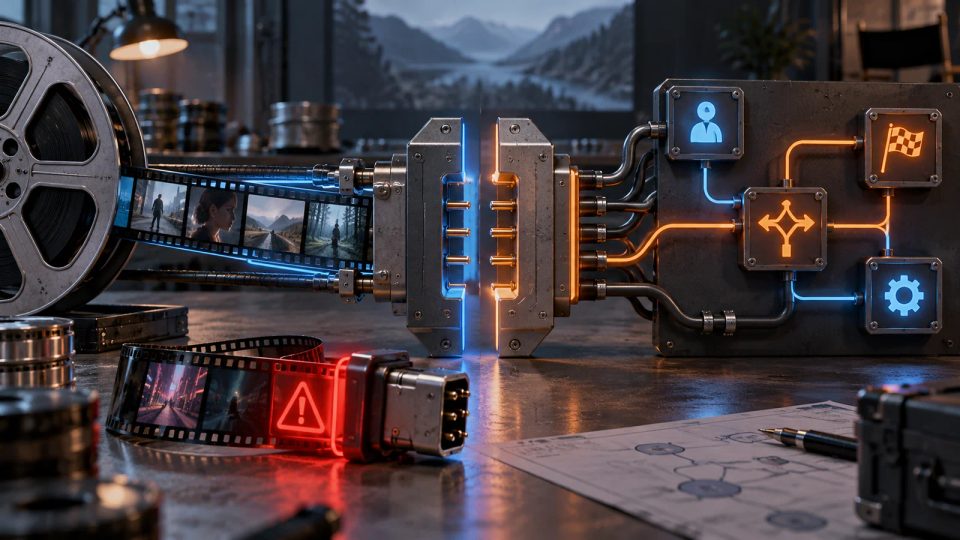
Original cinematic editorial illustration: film strips and a branching logic board meet at a precise interface panel. Text-free icons depict entry conditions, choices, end events and state changes; a wrong wire is stopped before connection. Not a product screenshot.
Interactive Film Workflow2026.10.13

How an interactive film workflow connects video and interaction logic

A playable clip must also state permitted entry, valid choice times, the event committing state and failure recovery. A clip interface sheet turns these agreements into checkable handoff evidence.

DramaFork Editorial Team12 min read
Continue reading
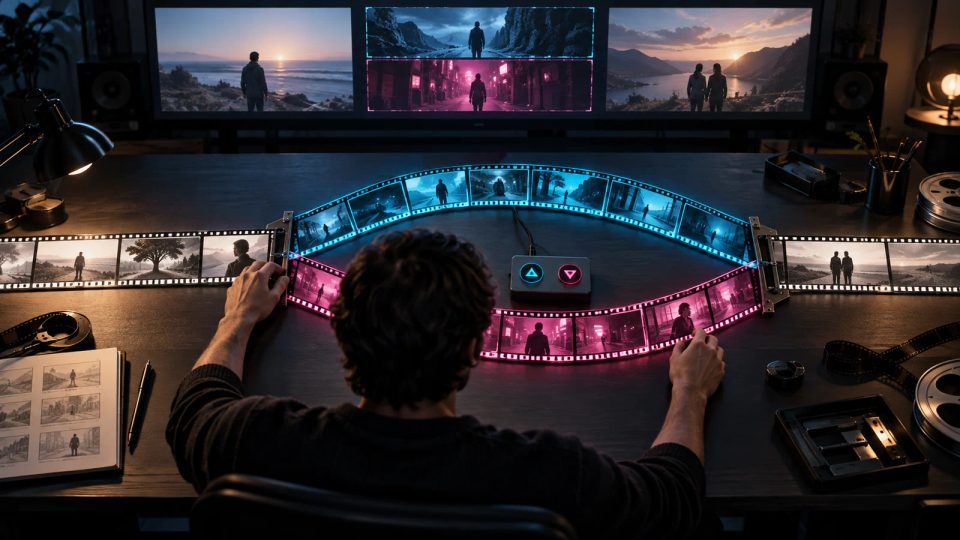
Original cinematic editorial illustration without text: an editor arranges three layers of film strips. A shared opening divides into two middle routes that join at one merge point; a small controller with choice symbols suggests navigation checks before finishing.
Interactive Film Workflow2026.10.13

Branch rough cuts in an interactive film workflow: Prove every path before finishing

Before finishing a branching rough cut, establish that options reach the right segments, consequences stay on their routes and shared scenes use no unearned knowledge. A route skeleton records connection evidence and return conditions.

DramaFork Editorial Team14 min read
Continue reading
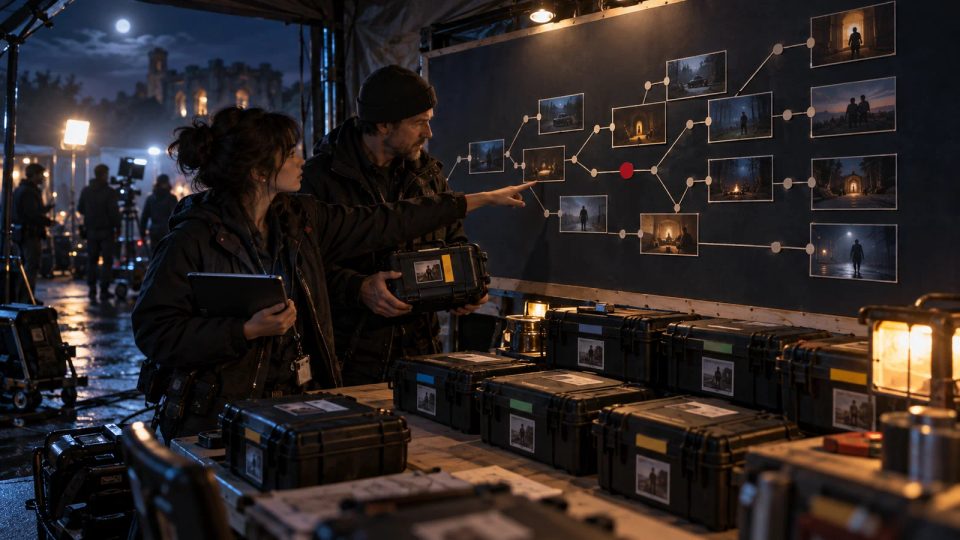
Original cinematic article illustration: after a night shoot, a media manager and script supervisor compare camera-card cases with a wall-sized branch board. One red marker identifies a missing path. No text; not a product screenshot.
Interactive Film Workflow2026.10.13

Daily footage handover in an interactive film workflow: Check route coverage

At wrap, reconcile planned nodes, recorded shots and takes, and ingested assets. A daily route-coverage receipt separates unshot, unlocated, unchecked, and narratively unusable material, assigning open gaps to tomorrow’s owner.

DramaFork Editorial Team14 min read
Continue reading
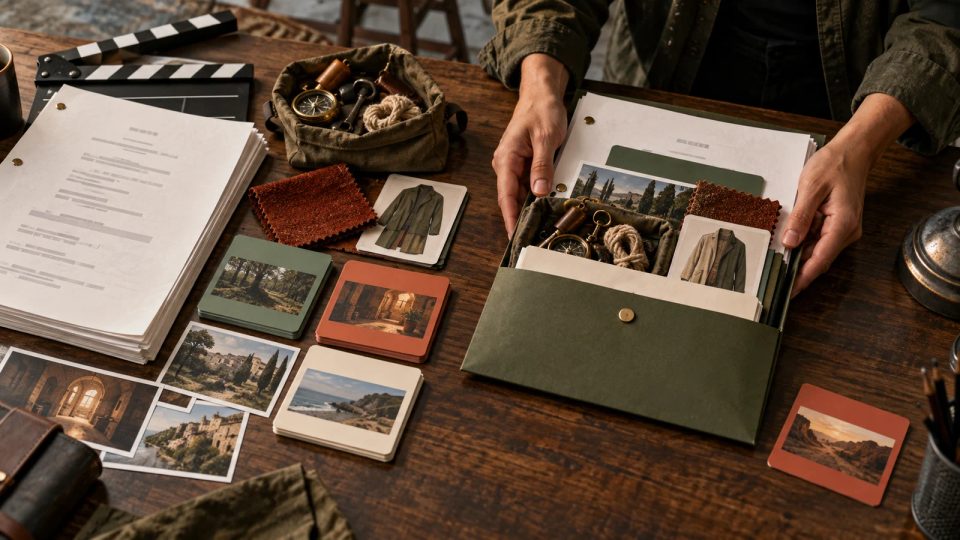
Original text-free cinematic editorial illustration: a script sits beside a clapperboard, prop bag and route-colored scene cards. A producer groups shoot-ready material into one package while an unresolved card remains outside.
Interactive Film Workflow2026.10.13

How an interactive film workflow moves from script to shooting: production unit cards

A finished script is not yet shoot-ready. A production unit card hands shared footage, route differences, prop states and open questions to named owners, with checkable evidence for release or return.

DramaFork Editorial Team14 min read
Continue reading
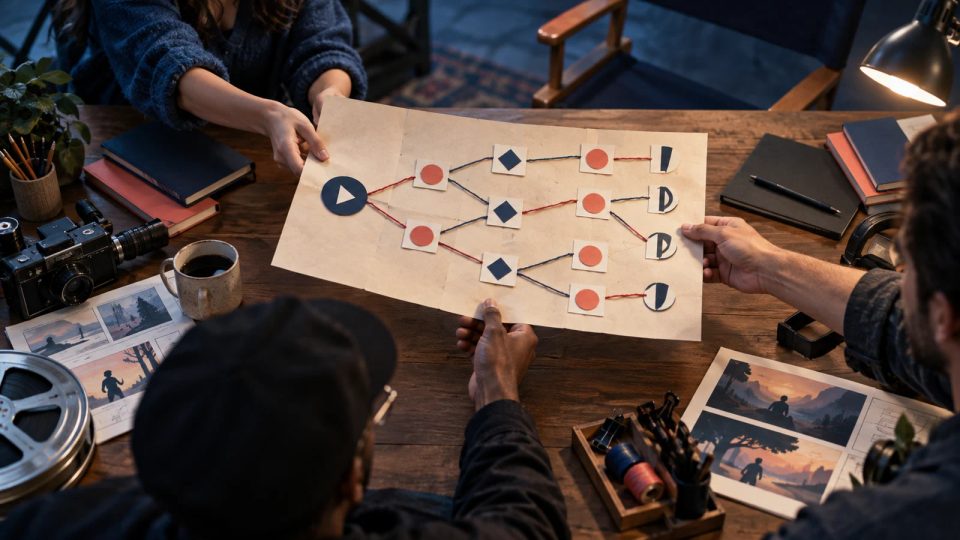
Original cinematic editorial illustration: a writer passes a paper branch map across a studio worktable to a director and an interaction designer. Entry, player-action, and exit symbols mark the nodes, with fine lines connecting the routes and no readable text.
Interactive Film Workflow2026.10.13

An interactive film workflow for handing off branch maps: define entry, actions, and exit with node contracts

A branch map shows where the story goes; a node contract explains what makes each step possible. Use a reusable handoff card to give producers, directors, and implementers the information available to players, action feedback, state changes, acceptance evidence, and responsibility for corrections.

DramaFork Editorial Team19 min read
Continue reading
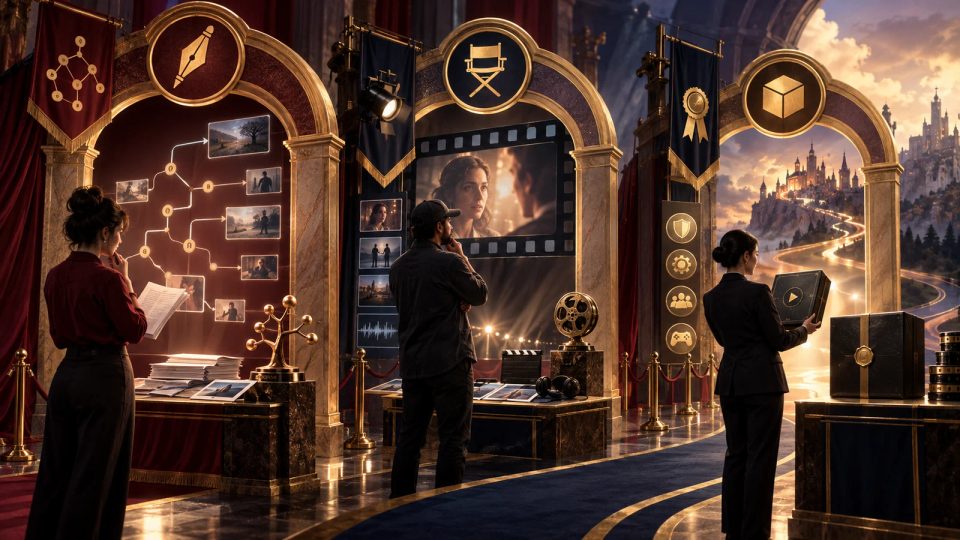
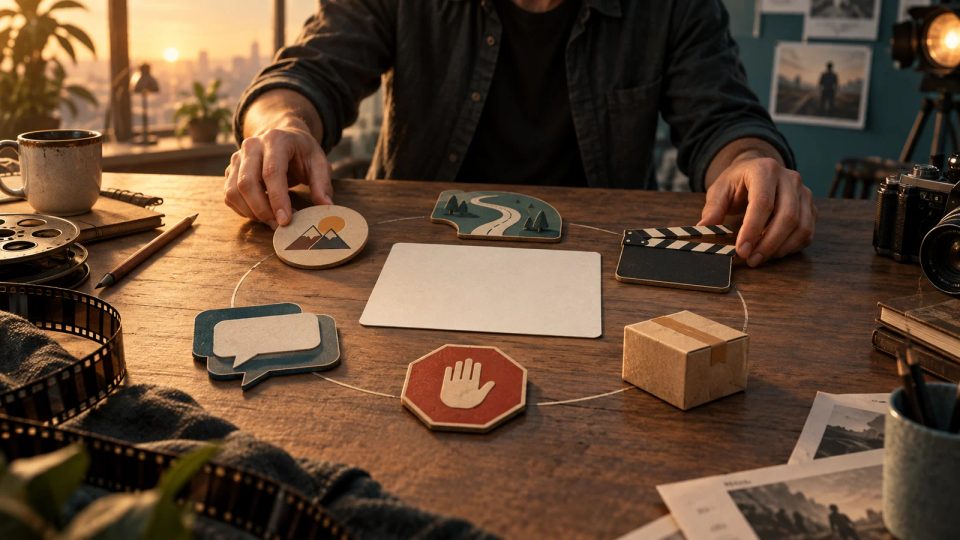
Original cinematic editorial illustration without text: a creator sits at a small desk with six physical markers around a blank project card—a story token, path strip, clapperboard, language card, stop marker, and delivery box—representing scope definition before work begins.
Interactive Film Workflow2026.10.13

Starting an interactive film workflow with an idea: define the screenwriter’s scope on one page

Before handing an idea to a screenwriter, agree on what viewers can do, which paths must work, and which issues require revision. A one-page handoff definition turns a mystery premise into a development scope that can be checked.

DramaFork Editorial Team20 min read
Continue reading

Blog categories

  • All500
  • Creation tutorials40
  • Interactive narrative60
  • Getting started11
  • Galgame Route Design25
  • Visual Novel Production25
  • Interactive Fiction Design25
  • Narrative Design for Interactive Film Games25
  • Interactive Film Accessibility10
  • Interactive Film Workflow10
  • Interactive Game Basics10
  • Interactive Film Presentation and Delivery10
  • Interactive Film Localization10
  • Interactive Film Production10
  • Narrative Mechanics11
  • Creative Collaboration11
  • Getting started1
  • Fictional Case Study10
  • Story Localization10
  • Mobile and Accessibility10
  • Acting and Staging10
  • Exploring Time and Space10
  • Relationships and Groups10
  • Resources and Constraints10
  • Information and Commitments10
  • Production Practice59
  • Product workflow34
  • Choosing tools33

From a story to a playable world.

Start with one story decision

Create a project