Release candidates in an interactive film workflow: Evidence and rollback
Bind a definite build to acceptance evidence, known limits, rollback points, and public materials. A fictional suspense film shows a release-candidate sheet, late-change handling, and routing post-launch problems back to their owners.

Introduction
A release candidate should be a set of reviewable deliverables bound to one version: work package, acceptance records, known limits, rollback arrangements, and public materials. The receiving release lead can determine which conditions are met, which issues may remain, and exactly what to restore after a failure. This interactive film workflow interface moves production delivery into a release decision and routes post-launch problems to the responsible stage.
1. Specify what is being accepted before deciding on release
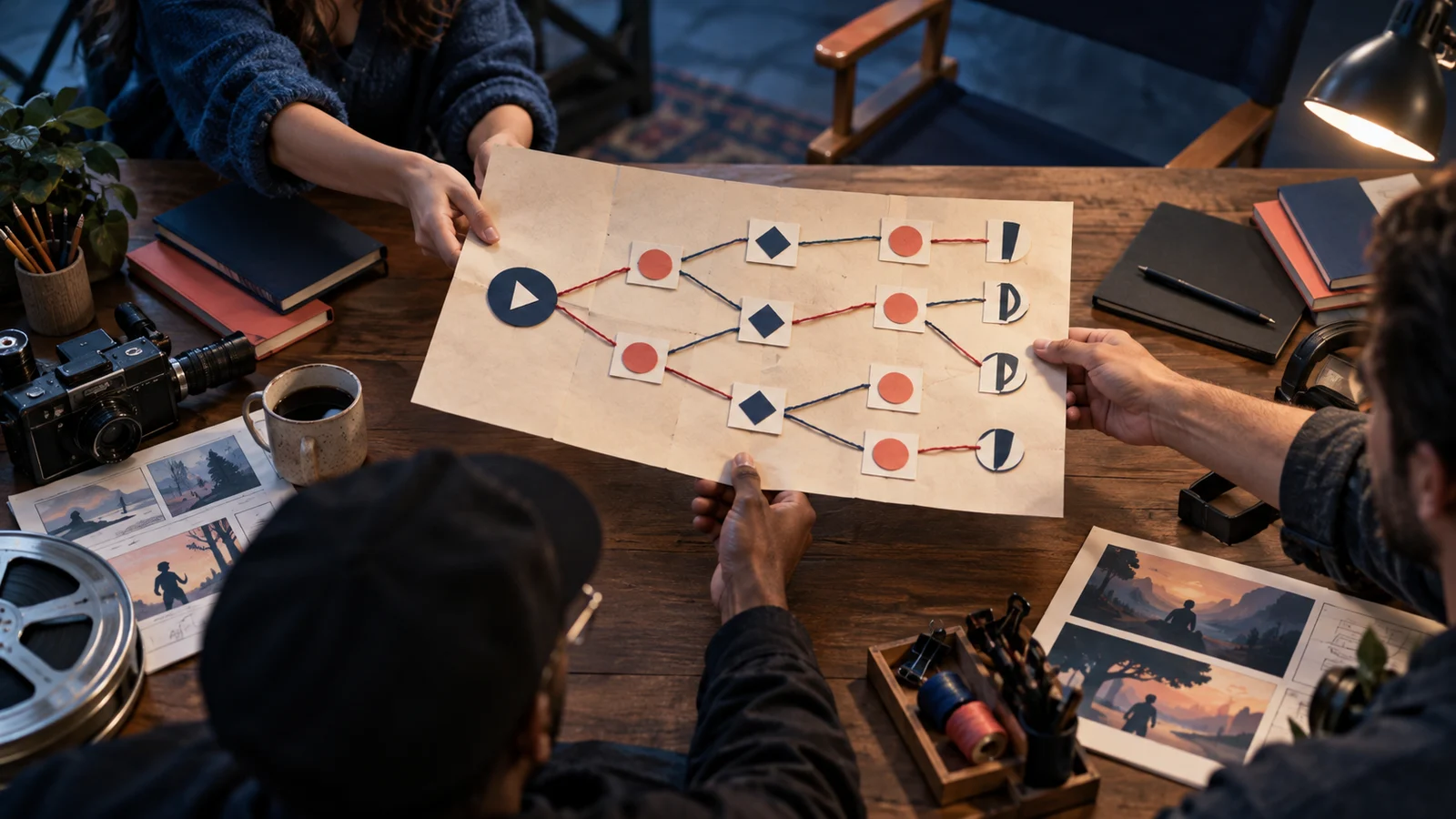
Midnight Lost Property Room is a fictional interactive suspense short. Viewers investigate a disappearance at a station lost-property room, choosing “inspect the register” or “question the attendant.” Routes converge, then end differently depending on whether alterations were found. Versions, roles, and failures below are teaching designs, not real user cases, measured results, or product features, nor a universal industry process.
Production should deliver at least a build, corresponding branch description, check records, and unresolved issues. A “build” is one definite runnable combination of video, subtitles, options, transitions, and required configuration. An edited film alone cannot show how ready the interactive part is.
Suppose the delivery is “candidate twelve.” Fix its storage location and attach a file inventory. Add checksums where feasible to detect replacements. Any later change affecting operation or viewing gets another version without overwriting accepted files. Otherwise yesterday’s signed subtitles could be different today.
Define acceptance scope too, such as “starting from the opening, Chinese subtitles, specified browser environment.” Do not extend a pass beyond that scope; unchecked environments remain unknown.
2. Make a release-candidate sheet the next person can execute
Copy the column structure below. Entries are proposed; actual evidence and sign-off must be added after execution.
| Column | Candidate twelve example | Check at receipt |
|---|---|---|
| Version and scope | Candidate twelve; package location; file inventory; target environment | Can the same build be retrieved? |
| Acceptance evidence | Branch, subtitle, sound records; corresponding owners | Are version, path, result, and checker complete? |
| Known limits | No cross-version resumption yet; entry notice awaiting review | Who is affected, how informed, who accepts? |
| Rollback point | Release eleven; location; restoration steps | Are old package and dependencies available? |
| Public materials | Poster three, description four, trailer two; their locations | Do they describe content this candidate actually opens? |
| Release decision | Approver, executor, decision time; pending | Any open blocking issue? |
| Post-launch record | Observation entry, duty owner, issue-record location | Who receives reports, when rechecked, where returned? |
Append return conditions stating what prevents execution. Unreachable endings, unusable key options, and descriptions promising unopened routes need treatment first. Whether minor typography may remain depends on this release’s requirements; record why it was accepted.
Small teams can combine roles but should separately record production completion, completed review, and approval. “I watched it” is insufficient: the next owner needs version, path, and observation.
3. Distinguish evidence, limits, and blockers along one suspect route
Design a candidate-twelve check: start at the opening, inspect the register, see alterations, enter convergence, verify later dialogue acknowledges the clue, and reach the corresponding ending. Record initial state, choice order, expected and actual results, and evidence location.
This supports conclusions only under those conditions, not the attendant-questioning route. Distinguish a fresh start from entry with old progress: pictures may match while hidden conditions differ. Without an initial state, reproduction is difficult.
Suppose the teaching walkthrough finds “You already read the altered record” at the ending despite never inspecting it. Return this causal error to interactive implementation, with the narrative owner confirming corrected conditions. A separate punctuation inconsistency that does not impede understanding can be pending, but accepting it still requires an explicit decision.
Known limits cannot be a category for every unfinished task. They should be stable, explainable boundaries such as no cross-version resumption. Randomly losing choice results is a fault; a disclaimer does not make it an acceptable boundary.
After causal repair, create candidate thirteen and retain the old record. Recheck affected paths. Reuse other records only if corresponding assets, operating conditions, and dependencies are unchanged with a clear reason, identifying their original version. Replacing sound just before release cannot inherit old sound sign-off.
4. Roll back a compatible set, not only an old video
The rollback point should be an accepted complete release combination. Retain release eleven’s work package, branch configuration, subtitles, and entry explanation together. If a new poster advertises added endings, replace that publicity too when restoring the old package.
Possible steps: stop new viewers entering the faulty version, preserve fault records, restore release eleven and matching materials, then check version, opening choice, and ending paths from the public entrance. Switching depends on the hosting environment; the sheet does not assume automatic platform rollback.
Old progress is easily missed. If candidate thirteen changes clue-state meaning, eleven may not read it. Choose an executable policy beforehand: retain compatible progress or explicitly require a restart. Do not promise lossless recovery without verification.
An old package depending on the same damaged media cannot escape the fault. With no usable old version, temporarily close the interactive entry and explain status. Clearly labeled viewing material is another option, but not restored interactive service. With no historical version at first release, put the stop-access plan in the rollback field instead of leaving it blank.
5. Add version-linked records after launch until every issue has a destination
After execution, record the actual public version, entry, time, and matching materials, then check the viewers’ entrance. A working production preview establishes only preview conditions, not public-entry verification.
Reuse this issue row: “time | public version | entry method and choice path | symptom | impact | evidence location | temporary treatment | owner | recheck condition.” Keep unknown information unknown rather than make one report a fault affecting every viewer.
For “stuck after questioning the attendant,” first ask how entry occurred and where it stopped. Missing media goes to delivery packaging; a wrong-node option goes to interactive implementation; normal playback with sudden knowledge of an unseen clue needs narrative and condition-logic review together.
Do not overwrite the original issue after repair. Append a new candidate number, recheck result, and renewed release decision to show where it appeared, how it was handled, and when it closed. The sheet connects evidence; it cannot prove unchecked paths safe or replace content, asset-authorization, and hosting-environment reviews.