An interactive film workflow for handing off branch maps: define entry, actions, and exit with node contracts
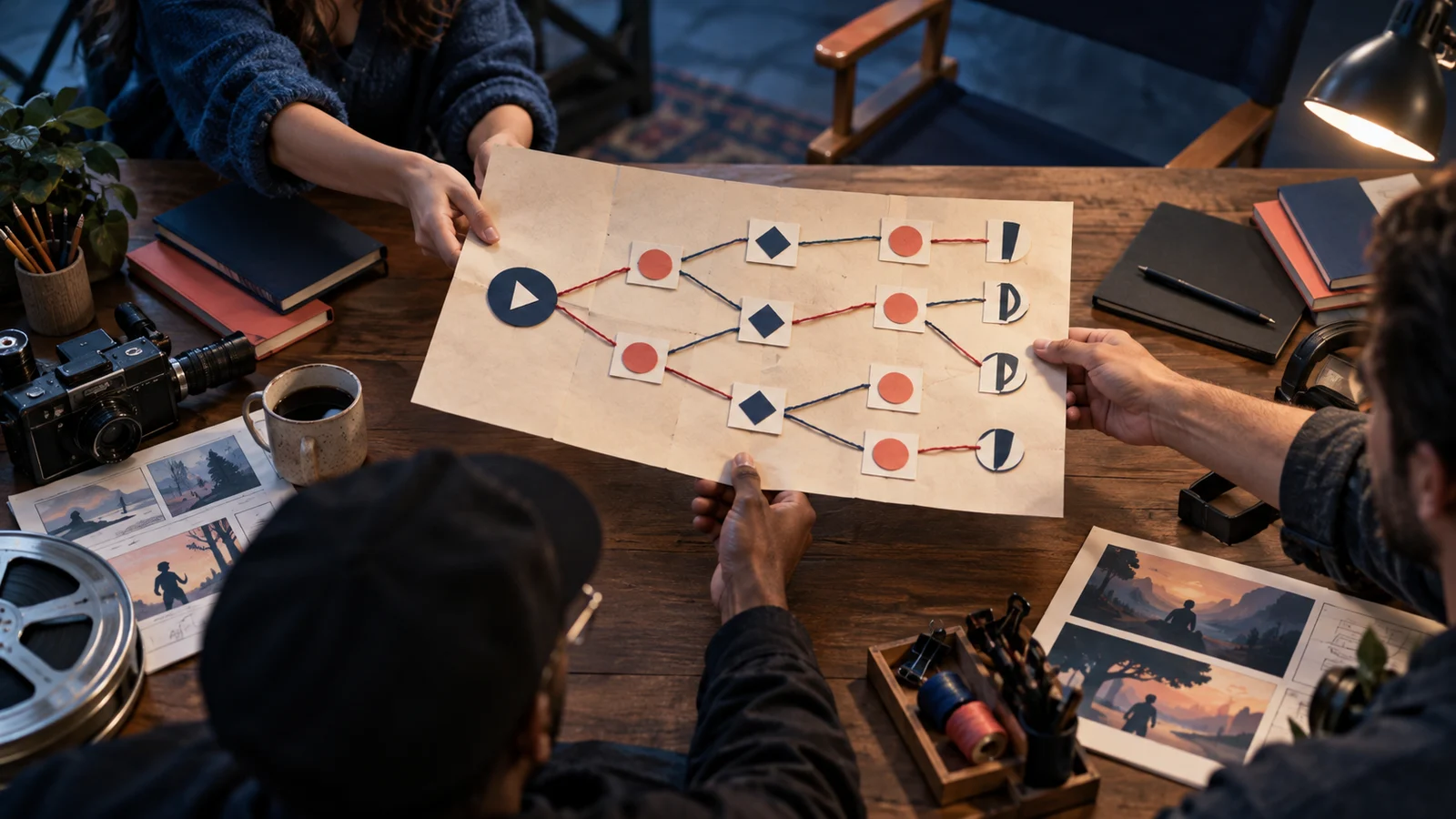
A branch map shows where the story goes; a node contract explains what makes each step possible. Use a reusable handoff card to give producers, directors, and implementers the information available to players, action feedback, state changes, acceptance evidence, and responsibility for corrections.
Introduction
When writers hand over a branch map, they should also provide a “node contract” (节点合同) for every node in the interactive film workflow: specify entry conditions, information players have been exposed to, available actions, required visible feedback, and the state on exit and the person responsible. Producers use these records to confirm asset scope, directors to plan performances, and implementers to connect conditions with exits. Acceptance means checking each commitment, not merely confirming that the arrows connect.
What a branch map delivers, and what its recipients still need
The inputs to this interactive film workflow handoff are a branch map with node IDs, choices, and ending directions, plus the corresponding script. The deliverable should be a set of records that lets recipients independently determine what needs to be produced here, when the node can be entered, and how it can be exited.
The official ink writing guide explains how to write branches and merges. A merge point on a map does not mean that both routes arrive with the same information and items. “Both routes lead to the duty office” may be true, while “Both routes allow the player to show the photo” may not be.
The node contract proposed here is an original teaching template for handoffs, not a legal contract or a universal industry standard. The short interactive mystery film Last-Train Lost Property below is entirely fictional. It does not represent a real user case, tested results, or product capabilities. In the story, an investigator searches for a missing passenger in a station that is about to close. The key decision is whether to show the station attendant a photo of an unusual luggage ticket.
A node contract you can copy directly
Complete a separate contract for each node. Every field marked “TBD” must have someone responsible for resolving it. Unknowns must not quietly be treated as default behavior.
| Field | What to record at handoff |
|---|---|
| ID and version | Stable node ID, contract version, corresponding script version |
| Entry state | Upstream node, prerequisites, permitted combinations of states on entry |
| Information available to the player | Clues actually presented earlier and their script passages; facts not yet revealed |
| Actions | Choice text, availability conditions, time limits, handling of no input |
| Visible feedback | Visuals, dialogue, or interface confirmation required after each action |
| Exit state | What each action writes, preserves, or clears, and where it leads next |
| Production dependencies | Feedback asset IDs, shared assets, necessary differences between entries |
| Responsibility and acceptance | Owners of each field, check cases, acceptance evidence, recipient of returned work |
“Available to the player” only means that the work has provided an opportunity to encounter the information. It does not guarantee that the player remembers or understands it. Also distinguish between “the character knows,” “the player has seen,” and “evidence currently in possession.” A character may have heard that a photo exists, and the player may have seen it, but the device the character holds may already be broken. These three facts cannot be collapsed into a single “has a clue” state.
Write enough in the contract to eliminate ambiguity between collaborators. Camera parameters can go in the shot list, and video encoding settings in a technical checklist. If they do not change this node’s commitments, they do not need to be squeezed onto the same card.
Completing the duty-office node in Last-Train Lost Property
Let “Questioning in the Duty Office” be node six. Node five has two exits: photograph the luggage ticket, or leave the storage room directly. Before the routes merge, both have shown a service suspension notice stating, “The station will close in ten minutes.” Both routes have therefore provided the information that closure is imminent; only the photography route has shown the unusual date on the ticket.
First enter “Node 06 / contract v1 / script v3” at the top of the card. The following list covers five core causal fields; production dependencies, responsibilities, and acceptance details are completed after the list. These five fields must not be mistaken for the complete contract.
The causal fields for node six could read:
- Entry: From node five; the photo state can only be “saved” or “not saved”; it has not yet been shown to the attendant.
- Information: All routes have shown the notice saying “The station closes in ten minutes”; only the “saved” route has shown the unusual date; the connection between the photo and the missing person remains unrevealed.
- Actions: When saved, offer “Show the photo” and “Only ask about the last train”; when not saved, offer only “Only ask about the last train.” There is no time limit. With no input, remain at the choice; do not select automatically.
- Feedback: After the photo is shown, the attendant looks at the phone and says, “This ticket shouldn’t be here.” When only asked about the train, the attendant points to the timetable. Both actions first show confirmation that the choice has been received.
- Exit: Showing the photo writes “attendant has seen the photo”; asking only preserves “has not seen.” The photo’s saved state retains its original value, and both routes enter node seven.
Production dependencies must also be written down: the shared questioning opening is N06-COMMON-01; the choice-received confirmation is N06-UI-01; the reactions to showing the photo and asking only are N06-PHOTO-01 and N06-ASK-01, respectively. The shared opening may include a phone, but its screen must not show the ticket photo. Only N06-PHOTO-01 shows the photo the character has actually saved. Otherwise, the route where no photo was taken would acquire evidence without cause. Node seven reads whether the attendant has seen the photo, opening with either “The ticket you just showed me” or “The train you asked about,” before continuing into the shared scene.
This preserves two separate facts: whether the photo has been saved and whether it has been shown. A single “photo clue” tag would make it impossible to distinguish later between “has evidence but withholds it” and “has no evidence at all.”
How to establish that the handoff succeeded, and return each failure to the right owner
Begin the handoff with a desk review. The writer is responsible for entry, information, actions, and exit, and submits contract v1 and script v3. The producer owns production dependencies and the four asset IDs. The director confirms which action or line delivers each piece of feedback; the implementer submits records of entry conditions and exit states. Acceptance evidence initially consists of three desk-review records. Once the assets are complete, add previews and state logs corresponding to the four IDs. A traceable production baseline is established only after everyone accepts the same version.
Prepare at least three check cases for this node: asking only without a photo, asking only with a photo, and having and showing a photo. For each case, record the state before entry, visible choices, selected action, expected feedback, state after exit, and opening line of the next node. Desk-review records demonstrate that the rules can be explained clearly. Once the assets are complete, corresponding previews and state records must be added to demonstrate that the finished work meets the agreement. These checks have not been performed for this article.
Locate failures at the field level. If the show-photo button still appears when the photo is “not saved,” return the issue to the implementer to check availability conditions. If the button is correct but the attendant talks about a photo while looking at an empty hand, return it to the director and editor to check the assets. If every version of node seven assumes the photo has been seen, first return it to the writer to correct the downstream commitments. If the required reaction assets were never included in the plan, the producer must coordinate a scope adjustment; the implementer must not be left to invent an alternative exit on the spot.
If an undefined entry state is discovered, record it as a handoff gap and block acceptance of that version. How the actual work should recover or notify the player requires a separate agreement. An unknown state must not be arbitrarily treated as “not saved.”
Revisions, alternatives, and the limits of this template
If the team decides that every route should allow “Show the photo,” it can add a shared story event in which the photo is acquired, then update the entry and information fields together. If the team prefers not to add assets, it can retain the differing choices. The former changes how story information is distributed; the latter preserves differences between routes. Either requires an explicit choice that cannot be concealed with button wording.
Include a change record with revisions: which field changed, which upstream and downstream nodes are affected, which assets need replacing, and who will repeat acceptance checks. Removing the phone close-up, for example, may leave the exit state unchanged while making the unusual date no longer visible. In that case, the basis for the player’s decision must be checked again.
Node contracts make responsibility and causality checkable, but they cannot, on their own, establish whether the mystery is engaging or the performances convincing. Nor can they replace acceptance checks on edit points. The best starting point is to choose one merge node and fully document three check cases. If recipients still need to ask “How does the player know?”, “Which part do we shoot here?”, or “What is remembered afterward?”, add the answers to the appropriate fields before expanding to other nodes.