Write cognitively accessible interactive film choices with clear actions and objects
Turn vague or literary choices into understandable actions with short sentences, concrete verbs, consistent terms, and enough context without spoiling uncertain outcomes.

Introduction
Clear choice copy tells viewers what the character will do, to whom or what, and which consequences remain unknown. Reducing cognitive load means removing ambiguous pronouns, double negatives, surprise terminology, and memory tests—not revealing the ending.
Interactive film accessibility cannot be reduced to a subtitle check before launch. The choice interface, playback controls, branch state, and media content form one complete journey. If any layer cannot be perceived, operated, or understood, a viewer can lose the means to continue. WCAG 2.2 defines the principles of perceivable, operable, understandable, and robust web content. This article translates relevant guidance into a production method for interactive film. It does not claim that following one article proves conformance; teams still need to confirm platform, market, and user-testing requirements.
Write an experience promise that can be accepted or rejected
H06 originally offers “Let it be” and “Don't not tell her.” Outside the writer's context, neither identifies the action or object. When shortened again for subtitles, viewers must guess whether they will hand over the letter, hide it, or leave.
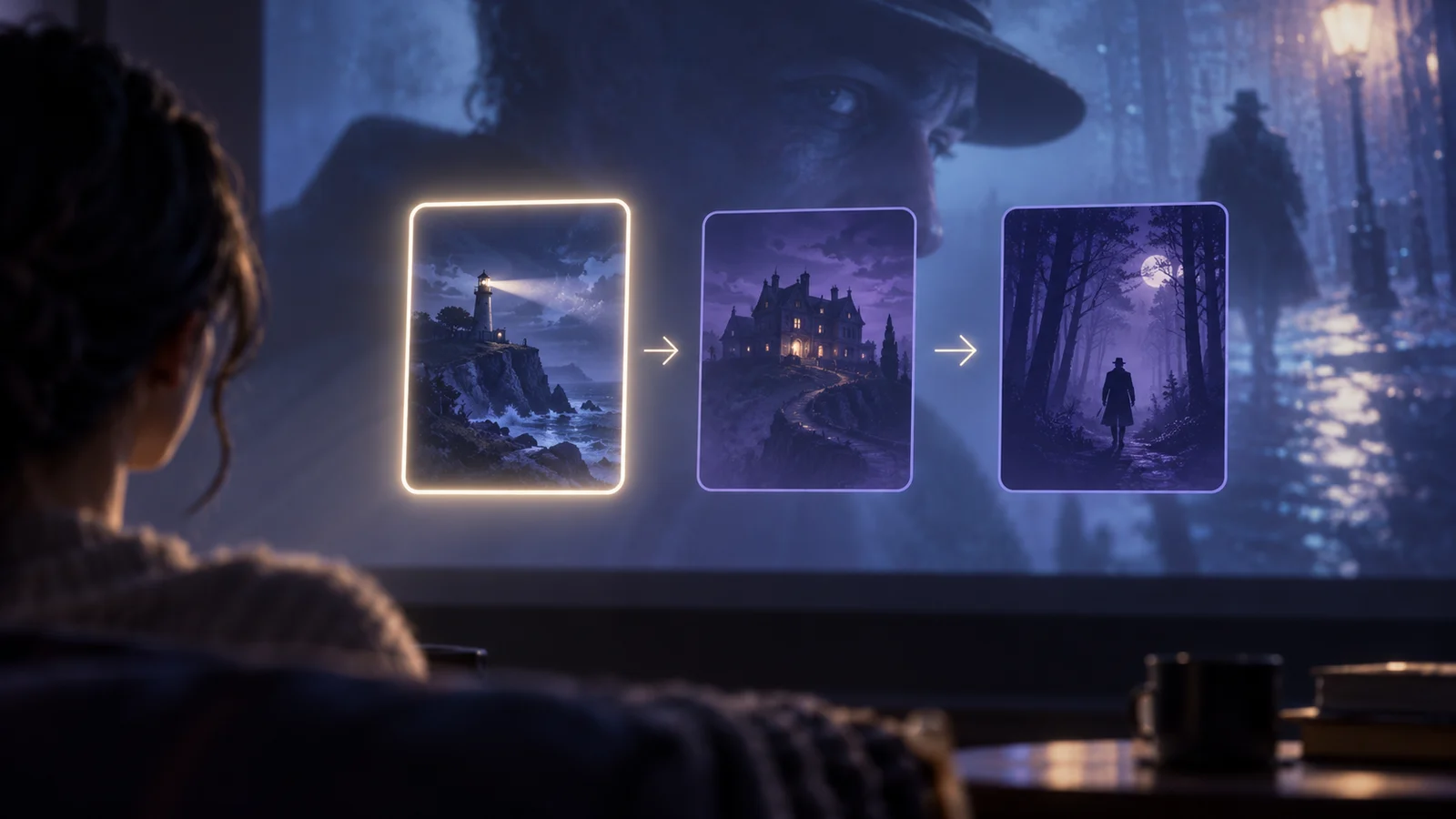
The examples use a fictional short film, The Letter from Fog Harbor. A viewer investigates a swapped letter at night and chooses among a warehouse, a waiting room, and a lighthouse. All people, routes, test records, and asset IDs are original teaching material. They are not real user research, completed test results, or automatic DramaFork features.
Start with one experience promise and one failure condition. The promise names who must complete which task, on what device, and under what condition. The failure condition identifies the point at which release must stop. “A keyboard-only viewer can complete every choice” is testable; “keyboard friendly” is not. Rewrite them as “Give the letter to the harbor officer” and “Put the letter away for now.” Both use parallel grammar, complete verbs and objects, and no promised outcome. Add one fact above: “The harbor officer has not seen the letter.” Keep names stable in every locale.
Connect requirements, implementation, and evidence
| Field | Question | Evidence |
|---|---|---|
| Viewer task | What must the viewer perceive, decide, or control? | A concise task and context |
| Interaction rule | Does the default and alternative path reach the same result? | Input, focus, timing, or presentation rule |
| Branch effect | Do settings, backtracking, and re-entry preserve story state? | Entry, exit, and retained-state record |
| Acceptance | Who tests which device, and where does a failure return? | Route ID, action log, and owner |
H06 displays context according to state_letter_held. Once the letter is handed over, Put Away no longer appears. Returning gives a brief recap of the last action. Bind copy versions to state conditions so a translation update cannot create an impossible action.
All four fields must refer to the same version. Updating a mockup without the route record makes it impossible to tell whether an old defect is fixed. Updating code without the experience promise turns “the control responds” into a false claim that the viewer understood it. Editorial, interaction, engineering, and QA are accepting a repeatable journey, not a screenshot.
Put the requirement into the production workflow
First, inventory the main route, short route, backtrack route, and no-input route. Mark every choice, playback control, and essential piece of information. Second, give each task a default and an alternative method that reach the same narrative result. Third, bind the rule to stable scene IDs, asset IDs, and state fields so that copy edits do not destroy traceability.
Fourth, test cheaply before polishing: complete a route by keyboard, at enlarged text size, with motion reduced, and after pausing and returning. Fifth, run cross-device and assistive-technology checks while recording steps, expected results, actual results, and evidence. Mark every verb, object, negative, pronoun, and implied premise. Ask someone who has not read the script to restate the difference. Check wrapping, reading order, and terminology in all five interfaces; do not delete the object merely to save space.
A useful record does not say “looks fine.” It says: “Enter at H02, enable the alternative setting, choose the left action, verify clue_letter=true, and confirm that H03 acknowledges it.” That record covers entry, action, feedback, and exit. When it fails, the team can locate the fault in input, presentation, or narrative state.
Most failures occur at system boundaries
Accept and Refuse can erase the object. Putting the outcome in the control creates false certainty. Calling the same item letter, note, then evidence increases memory load. Shorter copy alone is not cognitive accessibility.
Accessibility controls also fail when they are buried in a settings page that an affected viewer cannot reach. Provide a discoverable entry at launch, at the first choice, and in the pause menu. A changed preference needs immediate perceivable feedback and must remain active at the next node. If it disappears after reload, fix it or disclose the limitation before release.
Automation can flag missing names, some contrast problems, and some focus defects. It cannot decide whether choice copy is understandable, whether audio description spoils another branch, or whether pausing breaks narrative comprehension. Route testing and participation by disabled users remain essential. Return content defects to editorial, media defects to sound or post-production, state defects to engineering, and scope conflicts to the accountable owner.
Release gates must cover the complete process
Every choice has an identifiable action and object; adjacent choices use parallel structure; essential context does not depend on a fleeting earlier frame; locale terminology is consistent; and copy still matches state after backtracking or resume.
The minimum release packet contains the feature scope, route inventory, preference defaults, interface copy in all five locales, devices and input methods tested, known limitations, defect owners, and one end-to-end record from opening to ending. W3C sources provide standards and explanatory guidance. The tables, node labels, and fictional case here are an editorial method, not a mandated W3C template.
W3C cognitive resources include supplemental guidance beyond WCAG conformance criteria. This editorial method applies clear-content principles and does not present an internal readability review as complete cognitive-accessibility certification.
For the final check, ask someone outside the production team to reproduce the experience from the record. If they still need to ask what to press, how much time remains, what a cue means, or where a resumed session begins, the handoff is incomplete. Write the answer back into the rule and its evidence before publishing.
Sources: W3C WAI: Cognitive Accessibility; W3C WAI: Use Clear and Understandable Content.