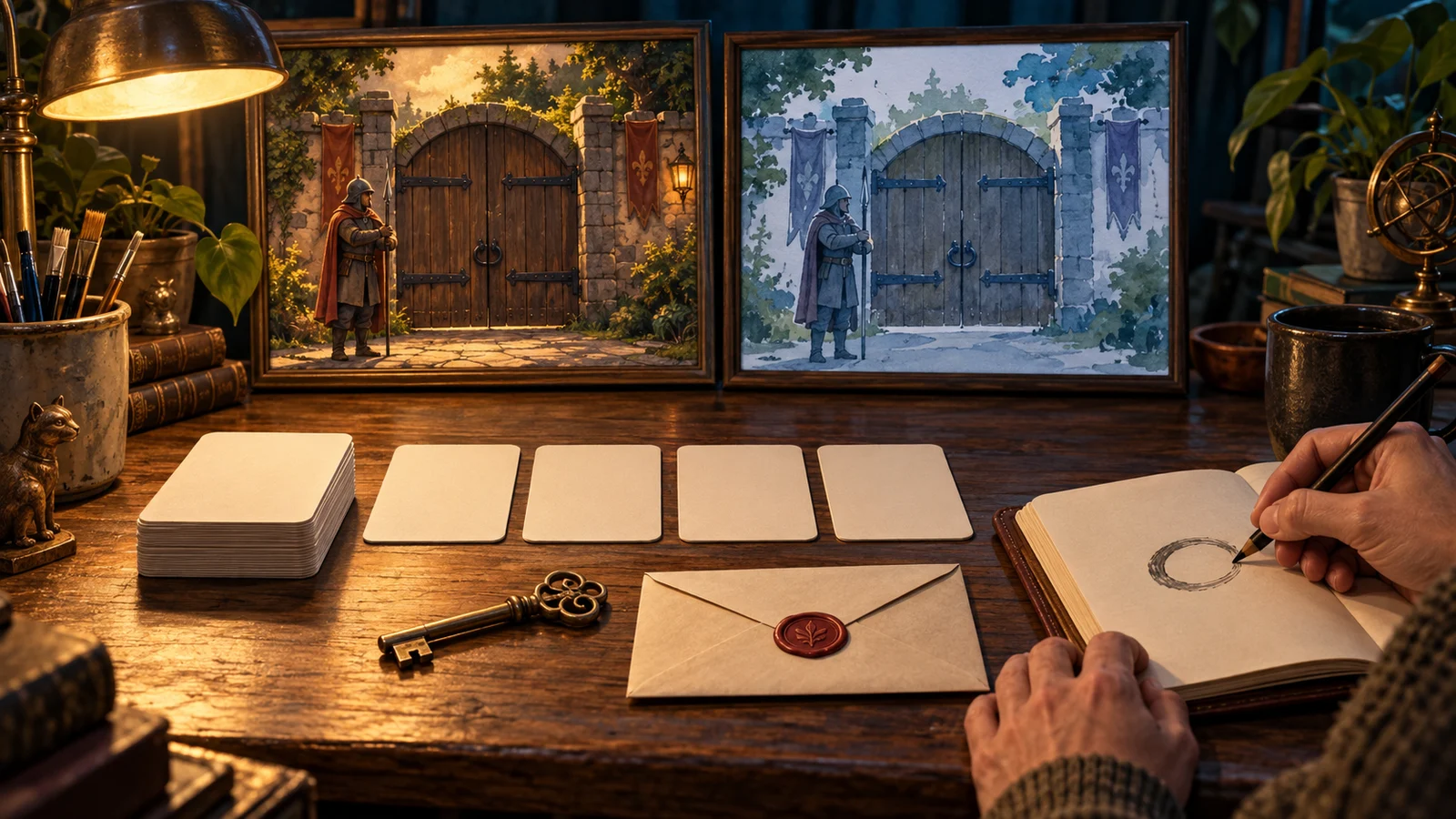
Interactive Film Group Choices: A Voting and Hosting Rule Card
Group decisions at a small screening need deadlines, tie procedures, late-vote rules, and clear grounds for a host to pause. A read-aloud rule card turns audience opinions into one verifiable playback instruction.
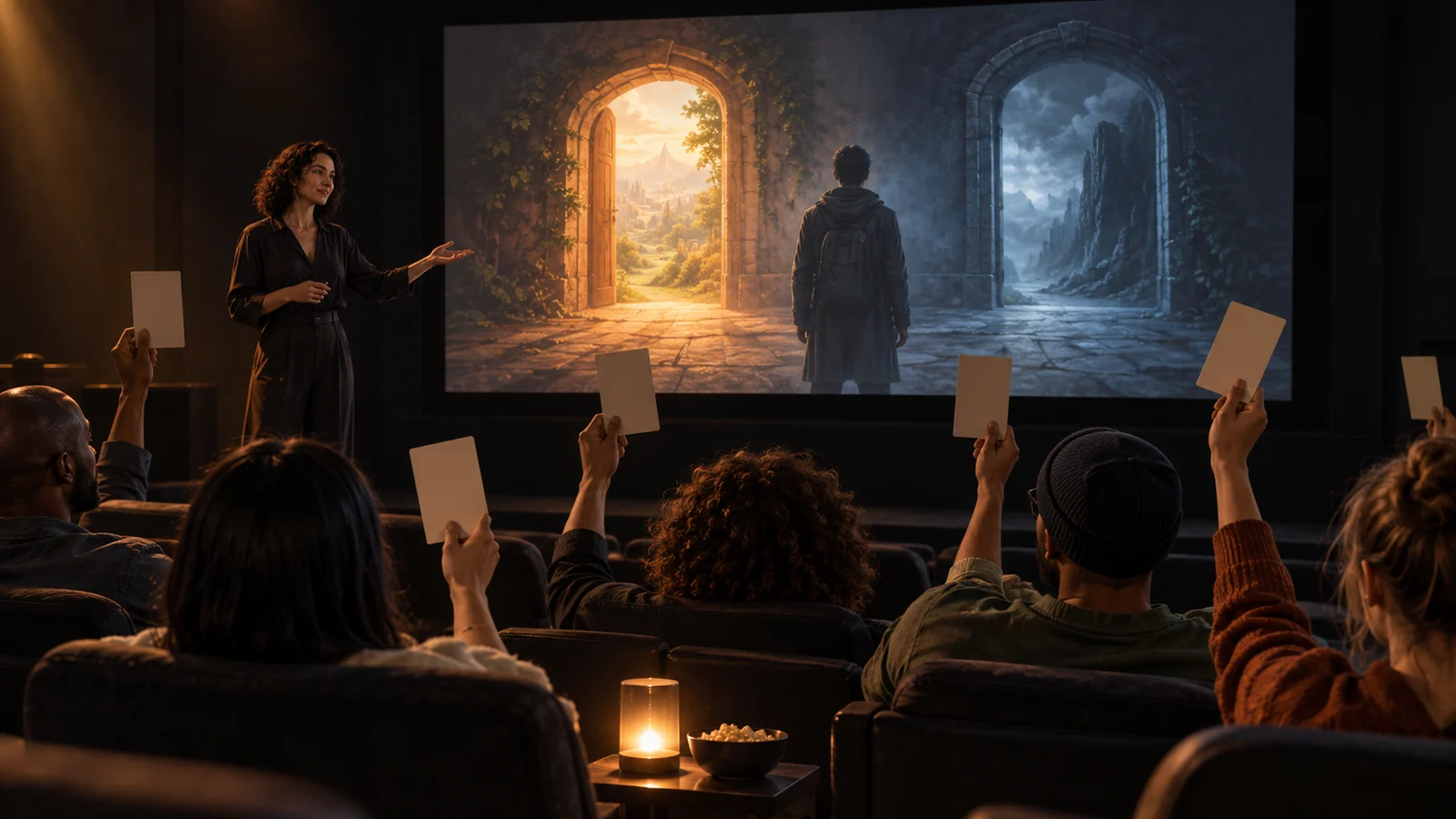
Agree how votes take effect before playback
At a small interactive film screening, announce a rule card first: who votes, when voting closes, how ties end, how late opinions are handled, and when the host may pause. Follow the same order at every node and confirm the result before operating the player. Viewers can debate the story, but counting rules must not change after totals are known.
The task is to turn several opinions into one playback instruction. Meaningful option consequences belong to narrative design; ballot validity and who submits belong to event organization. Even clearly written options can leave the loudest person deciding for everyone if no procedure was agreed.
The fictional short Last Ferry illustrates an eight-viewer screening. At the pier, characters choose “stay at the pier and wait for someone” or “check the lighthouse first.” Eight viewers vote, with a separate host and counter who do not vote. All numbers, times, and totals are examples, not real user cases, measured results, or product features. They do not imply DramaFork provides automatic voting or hosting.
Reusable rule card: settle procedural disputes at the opening
This card is for paper ballots in the example. Organizers can replace times and participant counts, but read it before round one and do not adjust it to the totals.
| Item | Agreement for this session |
|---|---|
| Eligibility | Viewers seated when the round begins; one vote each; host and counter do not vote |
| Option explanation | Host reads complete options; explains operation and literal meaning only, without revealing consequences |
| Discussion window | 40 seconds after reading; each turn at most 10 seconds; nobody must speak |
| Voting window | Then 20 seconds to collect ballots; write one option number and place it unsigned in the box |
| Valid ballot | In the box before the deadline with one clear number; blank, multiple, or illegible numbers are invalid; no ballot is an abstention |
| Closure and count | Host announces closure and seals the box; counter reads ballots aloud; host checks and records |
| Winning condition | Option with the most valid votes wins; need not exceed half of all seated viewers |
| Ties and zero votes | Public draw among the options tied for most votes; if all options receive zero, draw among all options |
| Late opinions | No added or changed ballots after closure; discuss after the screening and participate normally next round |
| Submission and corrections | Announce result, allow 10 seconds to check counting, then host submits; changed story preferences do not justify revoting |
Prepare a blank record strip at the opening: node name | participants this round | option totals | invalid ballots | abstentions | tie procedure | final instruction | reason for pause or correction. It tells a replacement host what has already been decided.
Unsigned paper ballots do not make discussion confidential. A viewer may have expressed a preference publicly, allowing others to guess their choice. Do not describe this card as guaranteeing anonymity.
Work through a round: does an opinion arriving after a tie count?
At the pier node, the host numbers the options one and two, reads both completely, and starts discussion. One viewer says waiting fits the character’s promise; another fears losing a lighthouse clue. The host maintains speaking order without judging which interpretation is cleverer. Speech does not consume the subsequent 20-second collection window.
At closure, the box contains seven ballots: three for one, three for two, and one with both numbers. The eighth viewer has not submitted. Record eight seated, six valid ballots, one invalid, and one abstention.
During the count, that viewer offers “two,” saying they wrote slowly. The host can reply, “This missed this round’s deadline and will not be counted. You still have one vote next round.” Accepting it now changes a tie into a win for two, effectively extending the window according to a known result.
Follow the card: show two equally sized folded slips marked one and two; the counter mixes them and draws one. Suppose one is drawn. Announce, “Valid votes are three to three. The opening rules’ draw selected one, so this round we stay at the pier.” No counting error appears during the ten-second check; then submit.
The strip can read: pier | eight | one: three, two: three | invalid: one | abstention: one | tie draw: one | submit one | no correction. This is one worked procedure, not evidence of happier viewers or a better story route.
Host exceptions repair procedure without changing the story choice
Limit pause grounds to incomplete display or reading of options, interrupted collection, totals conflicting with ballots issued, or clicking the wrong option at submission. Explain every pause and whether the round’s votes remain valid.
If the counter reads a “one” as “two,” preserve original ballots and recount; everyone need not vote again. If the host omitted an option, voters lacked full information: void the round, complete the explanation, and restart discussion and collection. One repairs counting; the other restores choice conditions. Do not mix the treatments.
If the player can remain before submission, check there. If a wrong click has already entered later material, determine whether return is possible using actually available controls. If not, record “audience decided one; operation entered two,” explain the discrepancy, and agree to continue or end this screening. Do not call the mistake the majority’s decision.
“This branch is more exciting,” “time is running out,” and “I know the other route fails” do not justify overturning totals. If the event must be shortened, announce new durations before the next round for later rounds. Do not change a closed round retroactively.
Which rules must change with a different voting method?
A show of hands saves writing and collection but can encourage following others, repeated switching, and missed counts. Agree to show votes together and hold them until counting ends, and specify whether changes are allowed before closure. Do not retain the paper rule “fixed on entering the box” while allowing shouted changes at any moment.
To give minority views more expression, agree beforehand to “one additional sentence per side after a tie, then one revote.” Specify what happens if that vote still ties, or debate has no endpoint. This example draws immediately to give one round an ending condition. Drawing resolves deadlock, not which opinion is more reasonable.
A work with a fixed, unpausable countdown may not fit this process. Check available time before screening. If complete reading, collection, and submission cannot fit, change the method or the clip. Do not promise 40 seconds of discussion every time on site.
Finally check the records: valid, invalid, and abstentions must sum to participants; every revote needs a procedural reason; actual playback must match the announced instruction. If it does not, locate the specific reading, collection, counting, or submission failure before revising the next event’s card.