Interactive Film Screening Backups: Three Versions and a Switch Card
With uncertain connectivity, backups should preserve the presentation’s purpose and disclose lost interaction. A version-switch card organizes a playable version, a presenter-led version, and a linear recording so staff know when to switch, where to resume, and what to tell viewers.
Establish what each of the three versions can demonstrate
At a venue with uncertain connectivity, prepare a playable version, a presenter-led version, and a linear recording. State each one’s purpose, startup requirements, and switching entry points. A backup should let the lead explain choices and consequences when the planned interaction cannot continue, while making clear what viewers can still participate in.
The playable version accepts audience choices and the running work presents corresponding results. In the presenter-led version, a presenter retrieves prepared clips to explain differences between choices. A linear recording plays one route in a fixed sequence whose results viewers cannot alter. The latter two are viewing materials: explanation depends on live operation and commentary; the recording depends on a continuous narrative organized beforehand.
Work backward from the purpose. If viewers should decide for themselves, prioritize playable conditions. To explain branch design, compare consequences with the presenter-led version. To show a complete story in the remaining time, choose the linear recording. They cannot verify one another: finishing a recording does not prove live interaction works, and a clear explanation does not prove unfamiliar viewers understand the interface independently.
Last-Shift Signal, its materials, staff, and switching process below are fictional teaching designs, not real user cases, tested results, or DramaFork features. These arrangements are not rules of any festival or exhibition.
Organize three sets of material around the same choice
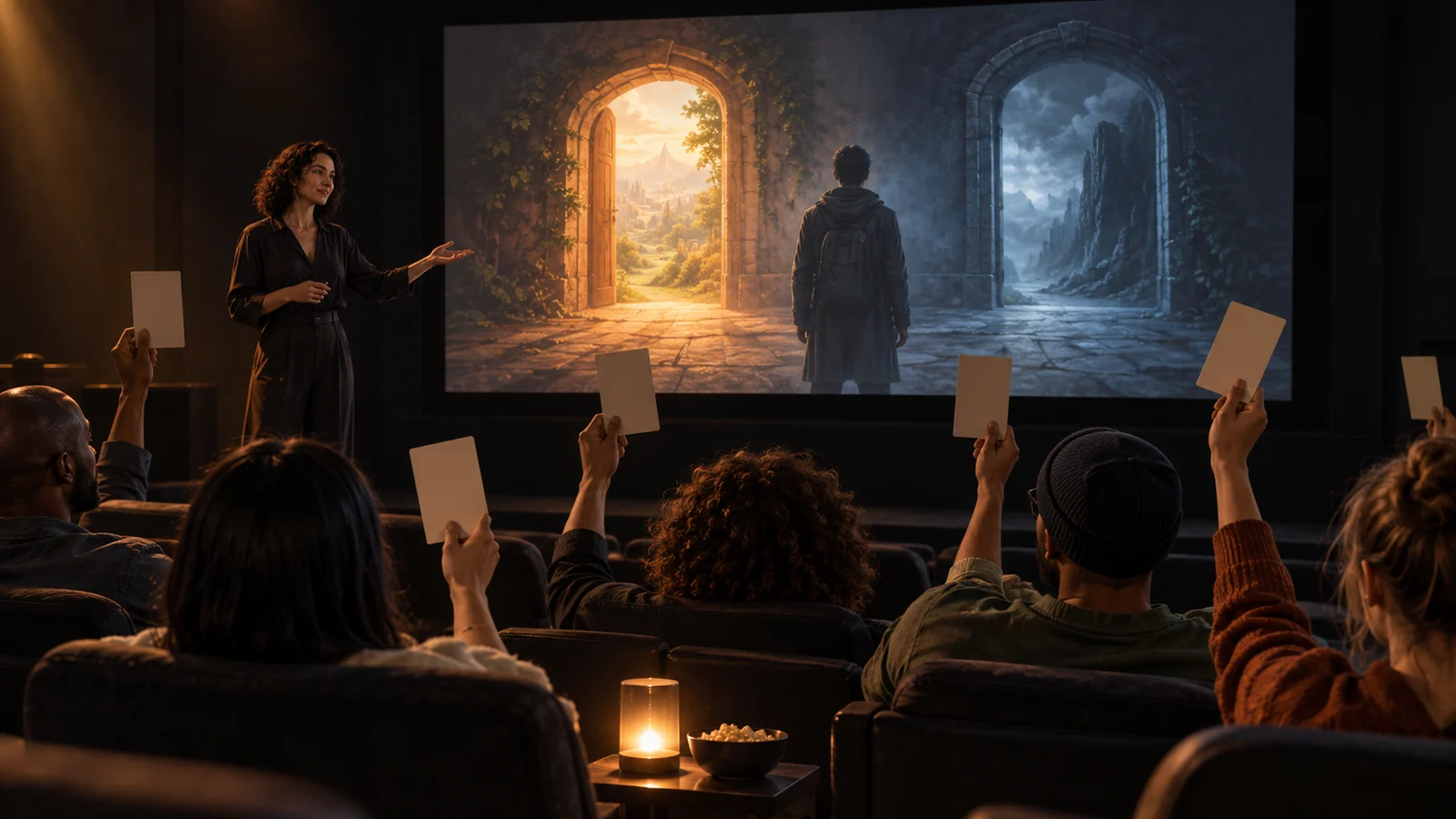
In Last-Shift Signal, the protagonist hears an ambiguous station announcement and chooses “forward a request for help” or “check the time first.” The first brings a companion early but retains incorrect platform information. The second corrects the platform but misses the first rendezvous. Both then enter a platform-search scene, with the companion in different locations.
The playable version should retain the announcement before the choice, actual input, branch feedback, and later location differences. If preparing offline operation, check whether startup, media, fonts, and necessary state still depend on the network. Local video files alone do not establish that the whole version works offline.
For explanation, prepare the common opening, two result clips, and a route explanation sheet. Play the opening, retrieve one result according to the explanation’s aim, then compare the other. If viewers raise hands, explain that the host uses the show of hands to choose footage. It does not mean audience input has entered the work’s program.
The linear recording can fix “check the time first” as its route, retaining the complete options screen, that selection, and subsequent results. Label the opening “prerecorded single route” and explain at the end what the other option changes. Do not join two mutually exclusive results as one experience; viewers would lose the causal relationship.
Use one version identifier across all three sets, such as “presentation draft B,” and identify the recording’s route. After story revisions, check option wording against results item by item. Do not let the playable version use new writing while the backup video explains old consequences.
Make a switch card another operator can use
Give the card with the materials to the actual operator. The entries below illustrate organization only; replace prerequisites and entry points for your own work.
| Material | Purpose and prerequisites | Lost capability | Entry |
|---|---|---|---|
| Playable | Audience decides; device can run the work and accept input | Covers only content opened for this presentation | Start from the common opening |
| Presenter-led | Presenter compares branches; local clips play and someone can explain | Cannot prove the program actually reads choices | Start before the choice or at a specified result |
| Linear recording | Continuous viewing of one route; fixed video plays | No live choices; not all paths covered | Start at the beginning or a marked resume point |
Below the table, add the work’s version, filenames, total duration, resume position, operator, person announcing the switch, and the recovery time allowed in this session. The session determines that time; it is not an industry standard.
The Last-Shift Signal card should also name two content anchors: “announcement ends” and “platform shot after checking.” Add their timecodes after export. Anchors help judge whether resuming makes narrative sense; timecodes locate the position. “Play from the middle” is not a usable handover.
Keep an audience explanation line ready to adapt: “We’re switching to prepared viewing material. Whether the preceding choice was submitted successfully is unconfirmed; we’ll now show the check-the-time route.” If submission is confirmed, say so explicitly instead of making a known fact sound uncertain.
Switch according to where the failure occurs
Suppose the audience just chose “check the time first” and the picture freezes. The operator cannot confirm receipt of input. Do not immediately play that route’s result and announce “This is the consequence of everyone’s choice.” An expected picture does not confirm the running process.
Following the card, first disclose that the state is unconfirmed, then decide what the session should preserve. If explaining choice costs matters, use the presenter-led version: restate both options from the choice screen, then play the checked-time result. If only continuous viewing fits the remaining time, use the linear recording and say that it already fixed this route beforehand.
Check viewers’ knowledge before resuming. If they did not finish hearing the announcement, jumping to “platform information corrected” removes the decision’s basis. Replay the announcement’s final part. If they already saw the checked-time result, enter at the next content anchor and explain that only previously seen material was omitted.
If failure happens before options appear, backups should not announce a choice on viewers’ behalf. If it follows branch feedback, prioritize resuming the same route. With only a recording of the opposite route, label it as another choice’s example and restate the divergence point.
Check that the backup escapes the same failure
Before delivery, turn every prerequisite into a check: can files open disconnected from the network? Can the target playback device output sound? Are subtitles legible and resume points accurate? Can another operator find the entry using only the card? Record scope and unconfirmed items. Playback on a development computer does not replace venue-device confirmation.
A common failure is putting all three sets behind the same online entry, or storing the video locally but keeping the explanation’s route map only in the cloud. Network failure then takes the backups too. Another failure is having nobody able to explain. If only the author can make the presenter-led version understandable, prepare a short cue script or choose an information-complete linear recording instead.
A venue with one video input can plan to prioritize viewing materials. An interactive installation may need to retain the playable version and arrange another experience opportunity. Confirm these choices with the venue; they do not establish compliance with any submission requirement.
Hand over all three sets, the switch card, and unresolved items. If local playback or the projection chain itself is unavailable, viewing versions cannot serve as backups either. State honestly that the presentation cannot continue. A backup’s boundary is the equipment, people, and content it still requires.