How to Sequence Background, Sprite, and Dialogue Changes on the Same Beat in a Visual Novel
Break a seemingly simultaneous scene change into preparation, the visible handoff, and enabling dialogue. Use a presentation dependency table to specify what can run in parallel, which intermediate images must remain hidden, and when the first line may appear.
Introduction
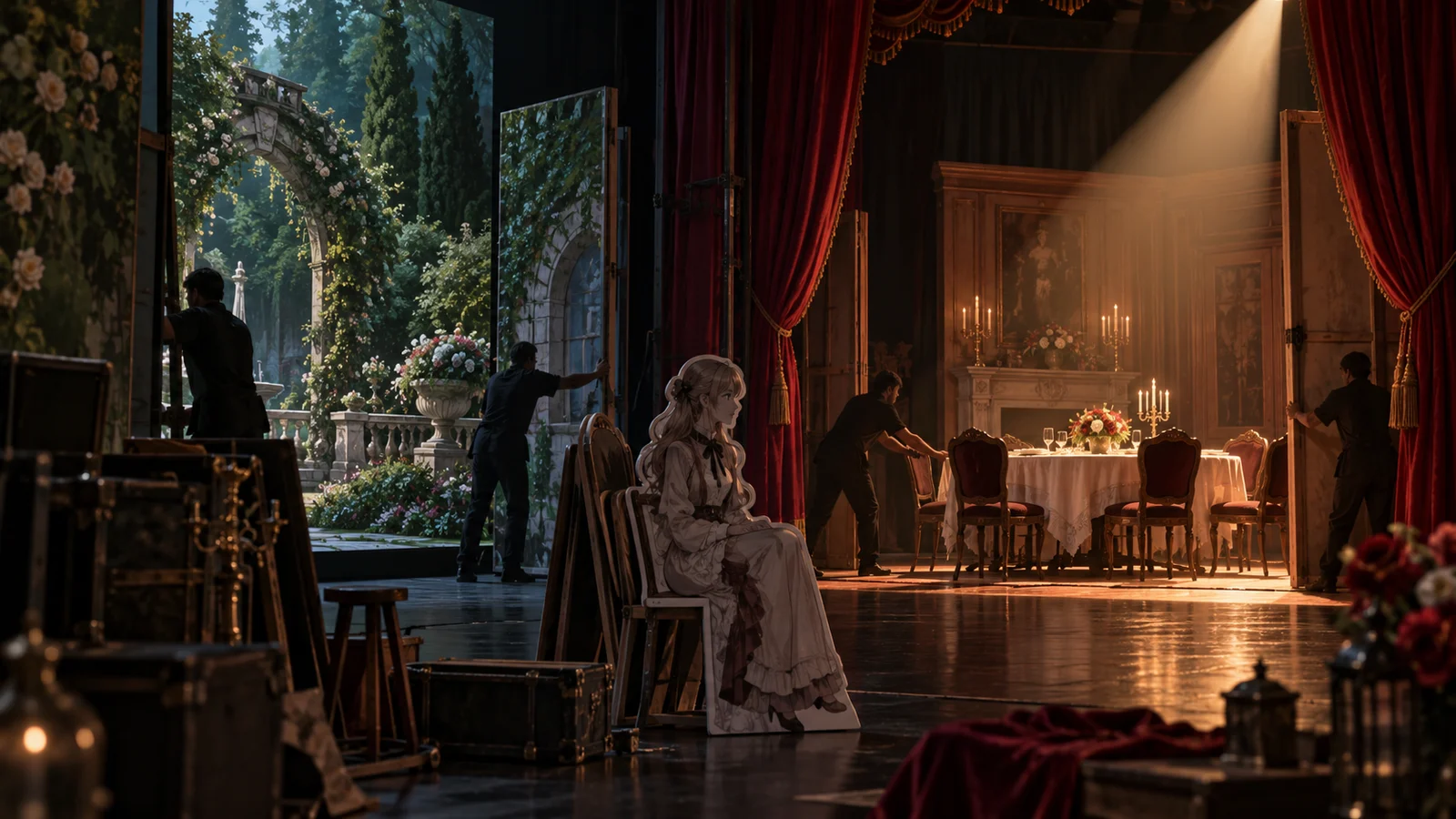
In a visual novel, a background change, a character sprite change, and a new line of dialogue may need to feel like a single beat. The handoff still needs explicit prerequisites: prepare the complete new scene, cross a shared boundary for the visible change, and only then enable dialogue. Instead of simply writing “switch simultaneously,” specify what readers may see before the change, what must be in place afterward, and which combinations must never appear.
The fictional teaching example below moves from a courtyard to a dining room and develops a reusable presentation dependency table. Its characters, dialogue, states, and sequences are constructed for instruction. They are not a real user case, measured results, or DramaFork product features, and the example does not depend on any named engine.
Define the complete image this beat must deliver
A script editor’s job is not to choose implementation commands. It is to turn “cut to the dining room, where Shen Ning is already seated, then have Shen Ning speak” into an outcome that can be checked. “Already” matters: readers should see the character seated from the outset, without watching them enter or sit down.
The starting state is the courtyard background with the outgoing characters still present. The previous line has finished, and the conditions for leaving have been met. The end state is the dining room background, Shen Ning seated at the table, the correct overlap between the sprite and the table, and Shen Ning’s first line: “The soup’s still hot. Have a seat.” Neither the courtyard characters nor the previous dialogue should carry into that end state.
Specify the composition as well: Shen Ning is behind the table, which hides the lower part of the seated sprite while leaving the head and upper body recognizable. If the table is painted into the background, the implementer still needs to confirm that the assets can produce this arrangement. Having a seated sprite file does not establish that the image convincingly places the character at the table.
This changes the unit of acceptance from three separate changes to one complete composition. The implementation can determine whether character positioning, background preparation, or dialogue preparation starts first, provided it respects the dependencies.
Separate preparation, the visible handoff, and enabling dialogue
“Preparation” means getting everything the new image needs into a state ready for handoff without showing readers an unfinished combination. In this example, the dining room background, Shen Ning’s seated sprite, and the new dialogue text can be prepared separately. The character’s final position and overlap with the table must still be checked against the dining room composition. A ready sprite alone does not mean the whole scene is ready.
The “visible handoff” is the boundary at which readers move from the permitted old state to the complete new state. It defines the visible result; it does not require every underlying operation to happen at precisely the same instant. Internal changes may occur sequentially, as long as readers never see those steps as an incorrect image.
“Enabling dialogue” means allowing the new line to start appearing and allowing normal progression through that line. This depends on the new scene already being visible, not merely on a scene-change request having been issued. If text appears character by character, the checkpoint is before the first character appears. Do not wait until the entire line is displayed to check whether the character is in place.
The dependencies can therefore be written as follows: prepare the background and seated sprite separately; permit the handoff once the composition has been confirmed; enable dialogue once the complete dining room image is visible. None of this requires an added pause at each step. A valid sequence does not mean readers must wait for a fixed period.
Use a dependency table to specify the handoff
The table below uses a direct cut to the complete dining room. Each row specifies conditions that must be satisfied, not a particular command syntax. “Ready” always means that the conditions stated in that row have been met.
| Stage | Target image | Prerequisites | Work that can run in parallel | Visible handoff boundary | Conditions for enabling dialogue |
|---|---|---|---|---|---|
| Hold the starting state | Complete courtyard with the outgoing characters | The previous line has ended, and leaving the courtyard is permitted | Prepare the new background, seated sprite, and dialogue text | Keep the visible scene unchanged for now | Keep new dialogue disabled |
| Prepare the end state | Complete dining room composition, not yet visible | Background, seated sprite, and composition requirements are defined | The background and sprite can be prepared separately; dialogue can be prepared in advance | Permit the handoff only after confirming character position, scale, and occlusion by the table in front | Ready assets do not yet permit dialogue |
| Perform the scene handoff | Dining room and Shen Ning behind the table become visible together | The complete target composition is ready | Removal of outgoing characters can be included in the same visible handoff | Show the complete courtyard before the boundary and only the complete dining room afterward; never expose a mixed state | Wait until the complete new image is visible |
| Enable dialogue | Complete dining room with Shen Ning’s first line | The scene change is visible; previous dialogue and speaker name are removed | Normal progression for this line can be enabled | The first text character must not appear before the complete new image | Display Shen Ning’s name and “The soup’s still hot. Have a seat.” |
To reuse the table, replace the starting and ending states first, then fill in the dependencies between them. Do not merely substitute asset names. Some characters must appear at a doorway; some lines only make sense once a light is on. Their conditions for enabling dialogue are different.
You can also include a statement ready to paste into the script: “Hold the courtyard until the dining room background, Shen Ning’s seated sprite, and occlusion by the table in front are ready. Hand off to the complete dining room in one visible change. Never show Shen Ning in the courtyard or the outgoing characters in the dining room. Display Shen Ning’s first line only after the handoff is visible.” The table supports item-by-item checks; this statement keeps the intended presentation close to the story.
Test forbidden intermediate states with incorrect sequences
Showing Shen Ning before changing to the dining room briefly produces an image of Shen Ning sitting in the courtyard. Even if it lasts only a moment, it may imply that the character was there all along or has just teleported there. The issue is more than visual untidiness: the scene has delivered an extra state the script never intended to communicate.
Changing to the dining room before adding Shen Ning exposes an empty room first. In another scene, that could be an intentional establishing shot. Here, however, the character must already be at the table when the cut occurs. You cannot simply treat the empty room as an inconsequential transition.
Showing dialogue before completing the image may lead readers to interpret “The soup’s still hot” as something said in the courtyard, or mistake it for an off-screen line. If the speaker name is not handed over at the same time, the line may also be attributed to the wrong person. Having dialogue text ready does not satisfy the conditions for enabling it.
During a manual walkthrough, list the states between internal actions one by one and ask whether each may be visible. If not, add an explicit requirement to keep it hidden. If you decide to allow it, write it as a formal part of the presentation and rearrange the dialogue accordingly. You cannot rely on an intermediate image to communicate information while claiming it is not part of the presentation.
Specify where to stop if preparation fails
This example uses the rule “hold the complete courtyard until the handoff conditions are met.” Suppose the background is ready but Shen Ning’s seated sprite or its overlap with the table has not been confirmed. Do not hand off to the dining room or enable the new dialogue. This defines the state to retain on failure; it does not mean that waiting long enough counts as success. If preparation remains incomplete, follow the project’s established exception-handling process.
Another option is to cover the old image first, make the changes while it is hidden, and reveal the dining room once readiness has been confirmed. This can make hidden sequential operations easier to describe. However, covering the image becomes a visible beat in its own right and changes the feel of a direct cut. If you use it, define the covered image as a permitted state rather than adding it on the fly.
Acceptance checks should include at least the normal handoff and walkthroughs in which the background is ready first, the character is ready first, or either is not ready. In every case, check whether permitted images remain complete, forbidden combinations become visible, or the first text character appears too early. If the project has fast-forward or skip paths, confirm that they obey the same conditions instead of assuming they are necessarily safe.
This table applies to compound scene changes in which the new scene should appear as a whole. If the intended result includes a character fading in, a hold on an empty room, or off-screen dialogue, define those visible stages separately. The table specifies handoff outcomes and dependencies; it does not prove that a particular implementation meets them. The implementer must still explain how the boundary is maintained and check the agreement against the actual presentation.