Visual Novel Screens That Keep Shaking or Stay Dark After a Transition: Define When Effects End
If the screen keeps shaking after a transition, first check which sequence owns the effect and which event ends it. An effect lifecycle card spells out natural endings, early exits, and overlapping effects, so the next scene retains only the effects it needs.
Introduction
If the screen keeps shaking or stays dark after a transition, give the old effect explicit boundaries: what it affects, which dialogue it spans, which event removes it, and who cleans it up if the player leaves without reaching that event. Record these rules in an “effect lifecycle card,” then walk through every exit. This makes omissions easier to find than simply adding “return to normal” in the next scene.
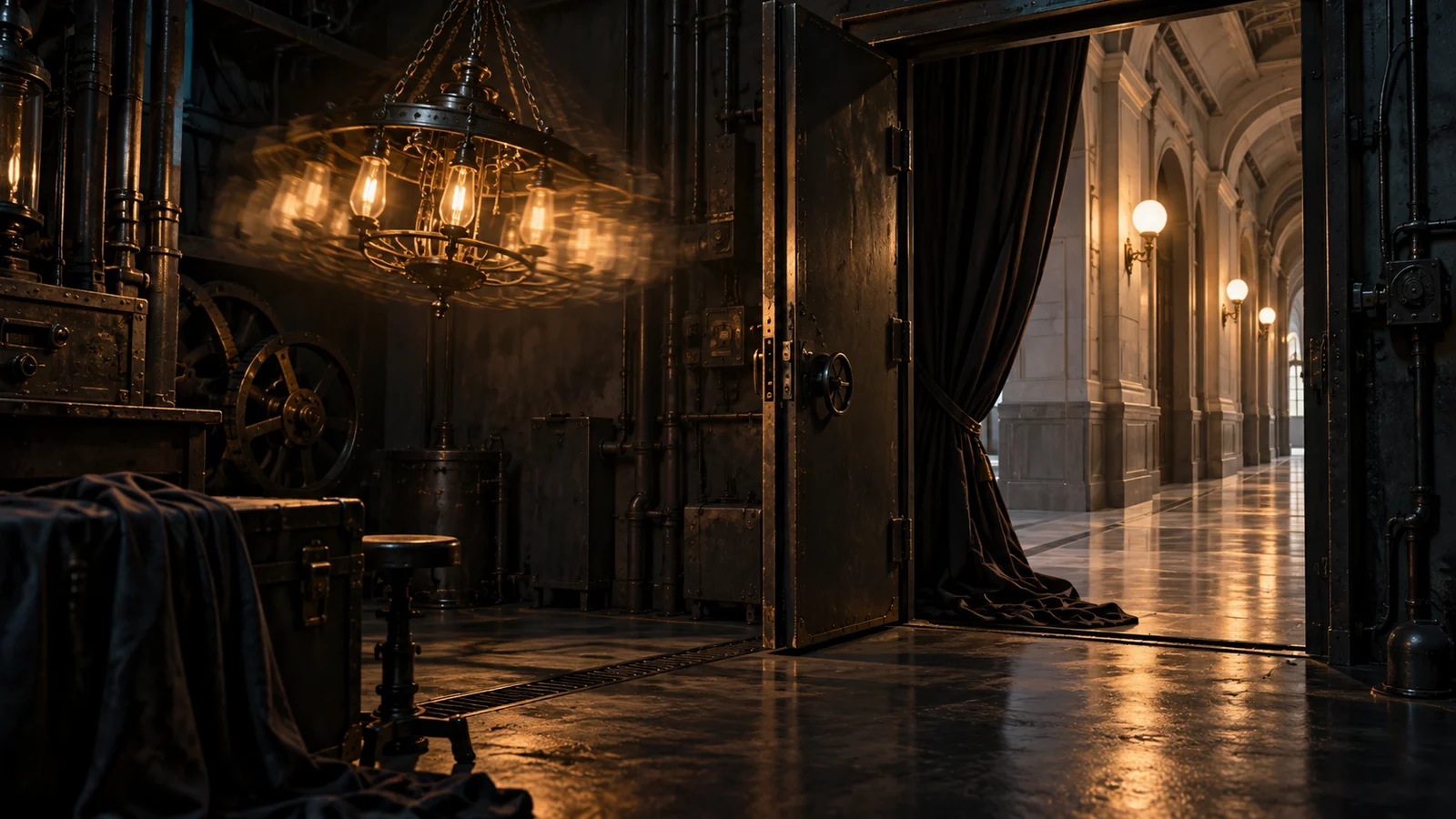
The underground machine room below is a fictional teaching example. Its story, card, and sequence of effects were created for explanation. They are not a real user case, measurements, a hands-on test, or DramaFork product features. Every action is a script-level agreement, not a command for any particular engine.
Separate what an effect affects from who owns it
In this scenario, the protagonist enters an underground machine room, where a running machine makes the screen shake continuously. The protagonist can stay and shut it down, or retreat to the corridor while it is still running. Both routes should leave the corridor view steady, but only the first means the machine has stopped.
These are two different matters: “the shake affects the entire screen” describes its visual target; “this machine-room sequence owns the shake” assigns responsibility for ending it. Covering the whole screen does not give an effect permission to persist throughout the story.
Likewise, trembling might affect only a character, swaying might affect only the background, and a dark overlay might cover the screen. Editors should fill in the card according to the intended presentation. They should neither assume that every shake is full-screen nor treat a character’s exit as proof that all screen effects must end.
This example uses full-screen shake to convey what it feels like to stand beside the running machine, but limits it to this visit to the machine room. Dialogue in the corridor can still establish that the machine is running without inheriting this shake. That preserves the story state while drawing a clear visual boundary.
Make the lifecycle card ready for handoff
Here is the completed card for this example. When copying it, keep every field and replace the specific targets, events, and exits. “Clean up at the end” is no substitute for naming an event.
| Field | Agreement for this example |
|---|---|
| Effect identifier | Machine room, current visit · machine shake |
| Visual target | The entire scene view; intended to convey the vibration felt by the protagonist inside the machine room |
| Start event | After entering the machine room and showing the machine running, before the first observation line |
| Duration and scope | Spans observation, conversation, and shutdown-operation dialogue; the sequence retains responsibility while the machine has not stopped and the protagonist has not left this section |
| End event | Remove this instance of the shake after the story confirms the machine has stopped, before the first post-shutdown line appears |
| Early-exit handling | On every branch leaving this section, remove it before the next scene’s first visible frame; do not change whether the machine is running |
| Cleanup responsibility | The machine-room section handles removal; the shutdown branch and every exit use the same cleanup agreement, which the editor responsible for maintenance checks item by item |
| Cleanup completion criteria | This shake instance no longer contributes to changes on screen; repeated cleanup does not affect other effects |
“Continue until the machine stops” is still insufficient, because an early-exit route may never reach the shutdown event. The card must cover both the natural ending and early exits. If an exit directly into another story section is added later, add it to the exit record too; do not check only the options leading to the corridor.
The effect identifier distinguishes this particular activation of the shake. It does not require any specific technical format. On re-entry, first use the story state to determine whether the machine is still running. If shaking is needed, create a fresh record for this visit; do not treat an effect left over from the previous visit as a proper continuation.
Check the placement of end actions along both routes
First, walk through the normal route: enter the machine room, show the machine running, and start the shake. The protagonist observes, asks questions, and carries out the shutdown procedure. The story confirms that the machine has stopped; remove the shake, then display “Quiet at last.” Finally, enter the corridor. If cleanup is reached again at the exit, this effect instance is already gone, so no further action should be needed.
Here, the shake ends before the first post-shutdown line to keep the text and visuals consistent. If the design calls for residual shaking after shutdown, name the end event “residual-shake sequence ends” and include that sequence within the effect’s scope. Do not state that the machine has stopped while relying on an undocumented leftover effect to convey residual vibration.
Next, walk through the early-exit route: start the shake, finish the observation dialogue, and have the protagonist choose to retreat. Clean up before leaving the machine room, then show a steady corridor. The recorded story state is still “machine running.” Removing the screen shake does not complete the shutdown objective and should not also trigger the post-shutdown dialogue.
If the original script removes the shake only after the shutdown dialogue, the second route bypasses that action. The fix belongs at the early exit. Waiting until the corridor appears may leave the old effect visible in its opening frame. Stopping before the retreat option appears would instead remove the vibration too soon from the route where the protagonist stays inside and continues talking.
When similar effects overlap, remove only the instance you own
Now add a brief impact to the example: while the machine’s continuous shake is active, something suddenly strikes the door, creating a separate short shake. Both affect the screen, but they have different sources and end events. When the door-impact shake ends, remove only that instance and let the machine shake continue. When the machine shuts down, remove only the machine’s instance.
A note such as “turn off shaking” therefore needs to specify which activation it means. If the project supports separate management, record ownership and an end action for each instance. If the implementation requires all shake effects to share a single state, the card must not pretend it supports independent overlapping effects. You can change the presentation to avoid overlap, or first agree on the order of overriding and restoration after an effect ends, then have the implementer confirm it.
A global reset takes fewer words to specify, but may remove effects that should remain. For example, if the corridor needs its own dark overlay, cleanup from the old scene must not remove the new overlay too. Removing effects individually requires more maintenance but makes responsibility explicit. Dark overlays and localized blur also need separate cards; do not assume they disappear automatically when the shake ends.
Complete the handoff and review with an exit checklist
At handoff, list every way out of this section beside the card and answer four questions for each: Did this route ever start the effect? Does this section still own it when the protagonist leaves? Does cleanup happen before the next scene’s first visible frame? Does cleanup accidentally change the story state or remove someone else’s effect?
For this example, check at least departure after a normal shutdown, retreat while the machine is running, re-entry after leaving, and overlap between the door-impact shake and the machine shake. Record the expected state, such as “no machine-room shake in the corridor; machine still running,” rather than merely “transition works.” If a route never starts the effect at all, exit cleanup should safely require no action.
This card supports reasoning through script relationships; it cannot prove that actual playback is correct. After implementation, you still need to follow these paths and observe when effects end and whether anything lingers. For effects that genuinely need to persist across scenes, separately specify the receiving section, the handoff event, and who is ultimately responsible for removal. Without an explicit receiver, do not make continued persistence the default. Loading a save or replaying earlier content also requires separate state-restoration rules; exit cleanup cannot replace them.