How to End Branch Music in an Interactive Film: Exits for “Leave” and “Stay”
Confirming a choice need not stop the melody immediately. A music cue table separates the outgoing cue’s ending, the transition bed and the new branch’s entry, with a fallback for clicks that miss an exit.
Decide how the music exits before deciding when the next cue enters
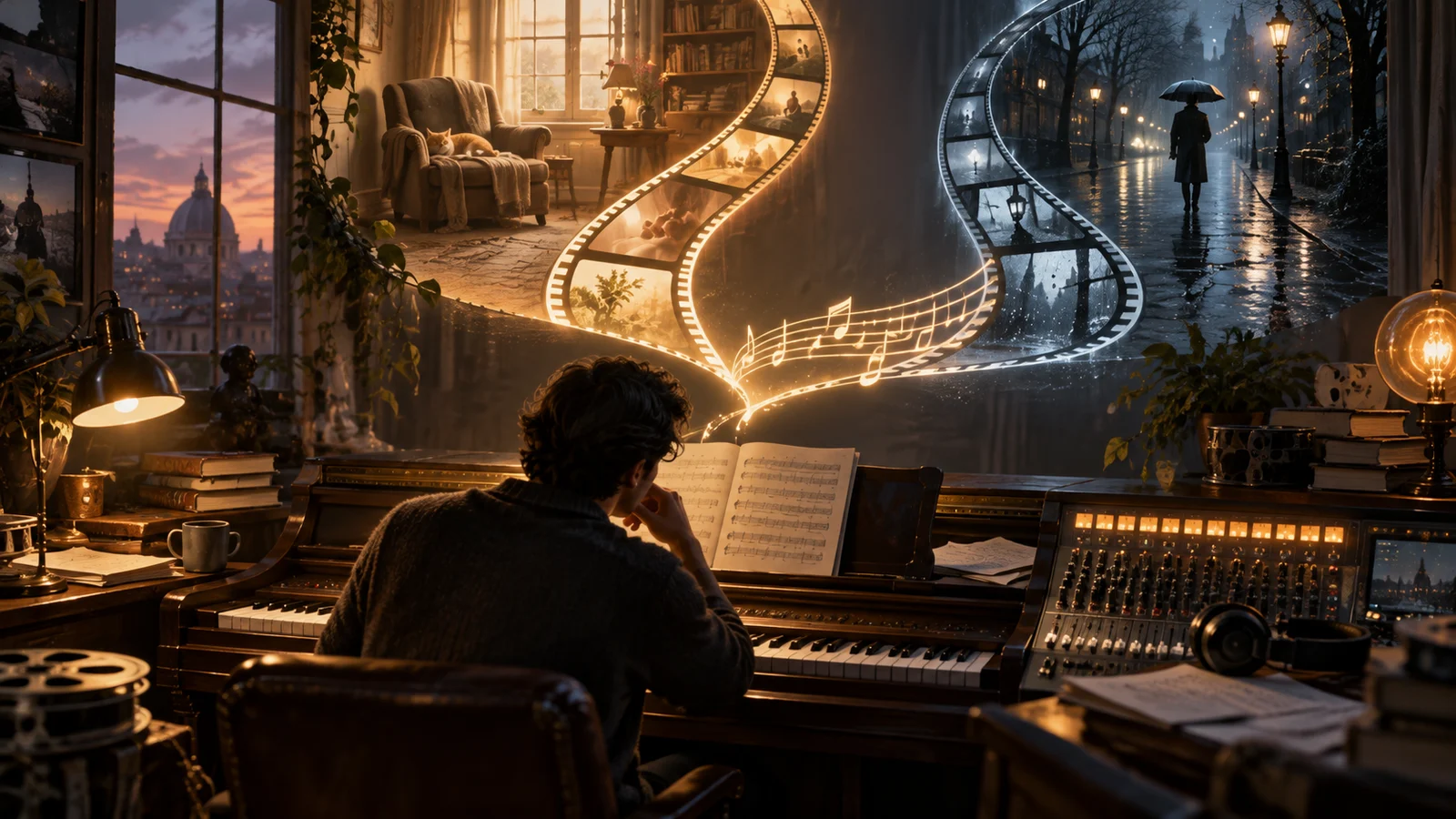
When planning music for “leave or stay,” record three positions separately: where the outgoing melody is allowed to end, the transition bed connecting the two cues, and where music may enter on the new branch. A click confirms the choice; it need not also resolve the old cue and start the new one. With these three positions defined, the sound editor can identify which part a particular transition is missing.
An exit is not simply a fade-out. A melody that grows quieter but loses the second half of its phrase may still sound unfinished. First listen for whether it can stop at a short phrase ending, the release of a held note, or a prepared short ending; then decide how to lower its level. The new cue can enter after the branch’s visuals begin, allowing footsteps, breathing or room tone to carry the action first.
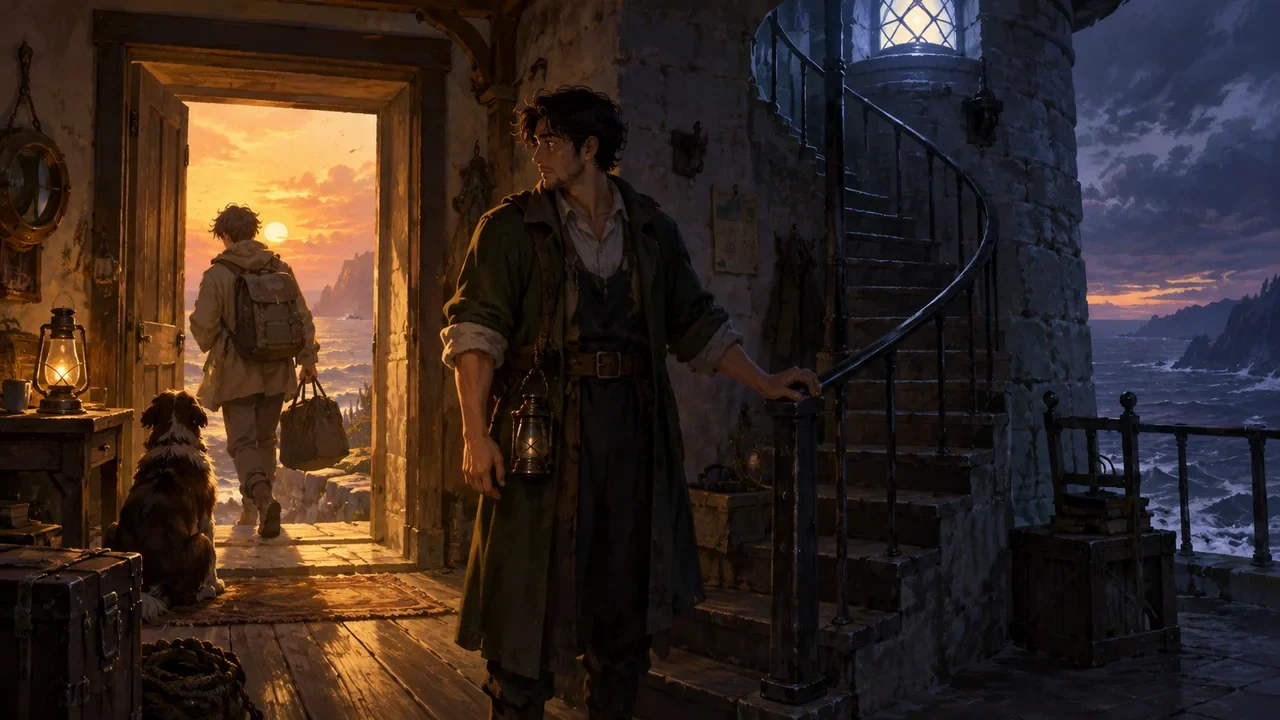
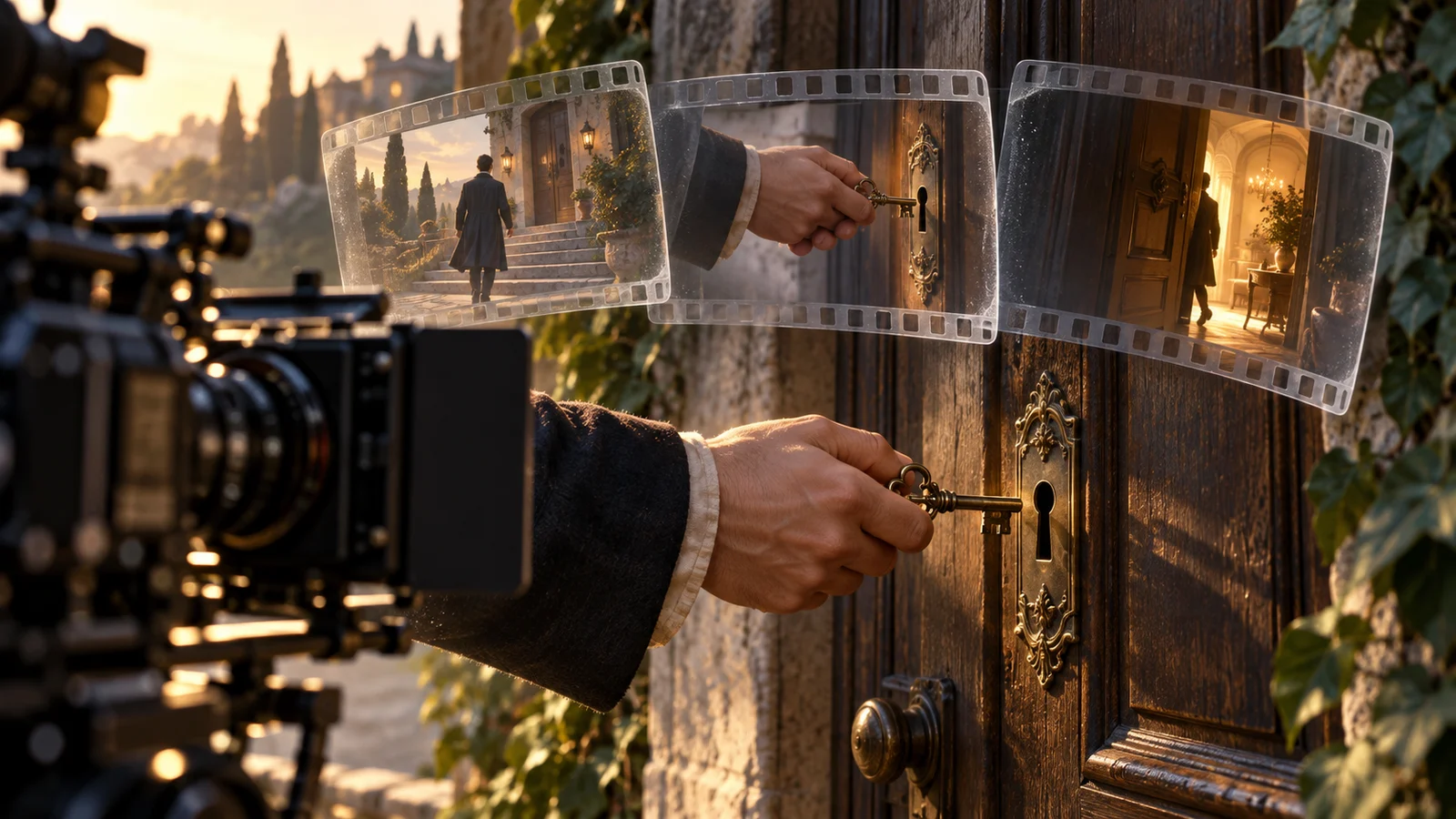
This article uses the fictional short film The Letter by the Door as a teaching example: an older sister asks her younger brother whether he will stay, and the audience chooses to leave or stay. The music structures, timings and tables below are original illustrations, not a real user case, tested results or a representation of any product feature.
Write the pre-choice music in phrases you can leave
Suppose the pre-choice piano material lasts six seconds, with candidate exits marked at 1.5, 3, 4.5 and 6 seconds. These timings are design parameters for this example, not a universal rule to cut every 1.5 seconds. Listen to each candidate independently to confirm that the preceding notes form an intelligible short phrase.
Before the choice appears, the piano states the theme. Once the options appear, it shifts to a sparser repeating motif over a sustained tone that does not strongly drive the beat. The waiting section then has its own musical form, without repeatedly playing the same emphatic melody. Check the sustained tone’s harmony too: a soft timbre does not make it compatible with every new cue.
The leave branch opens with the door handle turning and footsteps; new music waits until the corridor shot. The stay branch preserves the character’s intake of breath and first reply, with piano returning in the gap after the dialogue. Both branches carry forward the pre-choice suspense without presenting leaving as punishment or staying as the correct answer.
First establish how much time the picture can accommodate for the sound transition. Here, the outgoing cue is provisionally allowed to delay its exit by at most 0.8 seconds. This is a budget for an editing discussion, not a verified experience threshold. If the next exit exceeds the budget, use another ending method; do not stall the character’s action without cause just to preserve the melody.
Use a music cue table to define regular exits and fallbacks
The table below can become a project handoff sheet. The timing column refers to positions within the outgoing cue, while the entry column refers to visible events on the new branch. This keeps two different timelines from being conflated into one timestamp.
| Node and trigger | Outgoing cue ending | Transition bed | New branch entry | If the exit is missed |
|---|---|---|---|---|
| Waiting for a choice | Six-second phrase ending; can connect to waiting material | Sparse sustained tone and room ambience | No branch music yet | Switch to a separate waiting section |
| Confirm leave | Next short phrase ending within the budget | Release the outgoing tail; footsteps take over | Start the bass motif once the corridor shot settles | Use a short ending; remove the sustained tone earlier |
| Confirm stay | Next short phrase ending within the budget | Room ambience; sustained tone gradually exits | Gap after the first spoken reply | Use a short ending; push the new theme back further |
| Timeout defaults to leave | Follow the leave branch’s exit rule | Connect the door-handle sound and room ambience | Same as the leave branch | Do not layer an extra timeout cue |
The “short ending” in the table should be an asset that has actually been prepared or a defined editing plan, not just a label in the notes. At handoff, add asset IDs, usable ranges, tail lengths and which sounds may overlap. If separate music tracks are unavailable, note that limitation too, so the next editor does not assume they can remove the piano alone while retaining the other parts.
The transition bed also needs a clear rule for who or what ends it: room ambience exits as the location changes, and the sustained tone releases before the new cue enters. A vague instruction to “keep the bed” may leave both branches dragging the old harmony along, as though the choice has happened but the music is still stuck at the doorway.
Walk through two different clicks to see whether the table helps
First, suppose the viewer chooses to leave at 2.2 seconds into the old cue. The next exit is at 3 seconds, a difference of 0.8 seconds, exactly within the example’s budget. The picture immediately shows the brother turning toward the door. The piano completes its short phrase, and the door-handle sound then carries attention forward. The outgoing tail can extend into the action, but the corridor bass waits for the specified shot.
This transition does not require the picture to wait for the piano to end. What needs to align is the meaning of the sound and action: the character has decided to leave, while the music may close that hesitation with a short phrase. If the old cue continues developing a new climax, it reopens an emotion that has already ended.
Second, suppose the viewer chooses to stay at 3.1 seconds. The next exit is at 4.5 seconds, requiring a wait of 1.4 seconds, beyond the budget. Use the prepared short ending instead: stop developing the motif, let the last note release over roughly 0.3 seconds, retain the ambience and allow the character to speak first. The new theme enters in the gap after the reply. All these durations are proposals awaiting listening review.
For comparison, keep the dialogue and picture identical and change only the sound connection. Listen first for a cut-off phrase, then for masking of the first dialogue word, and finally for whether the new music speaks for the character too soon. If the shot, level and entry position all change together, it is hard to know which change solved the problem.
In these situations, changing the plan helps more than extending a fade
If both branches share harmony and similar timbres, consider retaining a common bed and replacing only the motif above it. If their beats or harmonies differ substantially, retreating to ambience before introducing the new cue is usually easier to design. Crossfades suit material that can coexist briefly; they do not guarantee clarity when two melodies sound together.
An abrupt narrative rupture, such as a character slamming the door, can justify a hard cut. Make the musical interruption intentional and let the action carry the break. Otherwise, an occasional use of the same cut may sound like an asset joined incorrectly rather than a narrative decision.
A long wait without a choice is a separate problem. Repeating the six-second section may keep manufacturing false climaxes. Prepare a separate low-information waiting section, or gradually retreat to ambience. The waiting section needs exits of its own; do not simply move the original problem to the end of a loop.
Finally, arrange four preview cases: an immediate choice, a choice close to an exit, a choice just after missing an exit, and a long wait. Run each with both leave and stay. Record specific audible problems and asset positions instead of merely writing “not smooth.” This table communicates musical intent and fallback paths. Whether actual playback supports overlapping tails, separate-track control or precise entries still needs a separate check; if it does not, prepare the corresponding complete sound versions in advance.