How to Allow Room for Editing in Interactive Film Choice Shots: Connecting a Doorway Wait to Branches
A character holding a key while awaiting a choice is a different shot from a character already opening the door. Plan three sections—lead-in footage as the actor settles into the waiting pose, the waiting section, and branch transitions—to separate repeatable micro-movements from narrative actions that happen only once, and record possible cut points on a shoot card.
Introduction
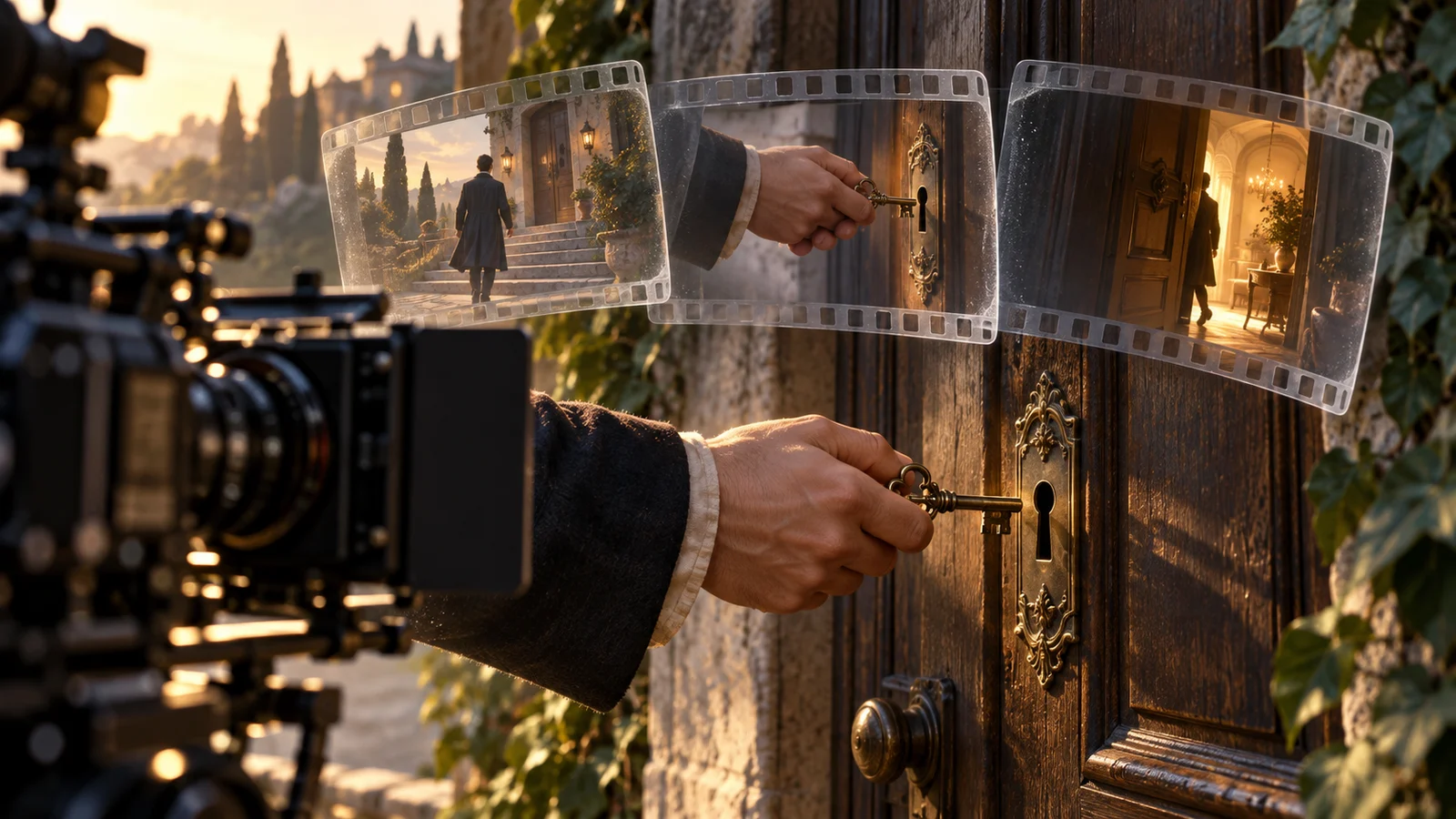
In an interactive film choice shot, leave editing handles where the character has not yet acted on a decision and can naturally hold their position. In a doorway scene, the character can wait with a key in hand; inserting it into the lock, turning the handle, and crossing the threshold belong in the branches after the choice. Divide the footage into lead-in handles, a waiting section, and branch transitions, with defined starting and ending actions for each. This is more useful than simply asking the actor to “pause a little longer.”
The following story, The Letter Outside the Door, is a fictional teaching example created specifically for this explanation. It is not a real user case, an empirical test result, or a description of product features. The filming and checking methods below are creative suggestions, not claims of verified effectiveness.
1. Define the Action Boundaries: Repeatable Does Not Necessarily Mean Suitable for Waiting
The setup: Lin Lan receives a key left by her older sister and arrives at a studio she has not entered for years. She has finished reading a note, and the audience now decides whether she will “open the door and go inside” or “put away the key and leave.” The question in the shot is whether to enter. All necessary information must be provided before the wait, and the door must remain closed.
The director first divides the actions into two columns. Gentle breathing and slight movements of a sleeve with the body are possible waiting actions. Raising the key toward the keyhole, turning it, or stepping back and turning away changes how the audience understands the decision and therefore counts as a narrative action. The distinction is not how large a movement is, but whether it advances events toward a particular answer.
Even looking down can mean different things. A brief glance at the key can convey hesitation, while repeatedly checking the note may suggest that a new clue has appeared. Twirling the key between the fingers is repeatable, but it can also suggest familiarity, agitation, or nonchalance. Keep only actions that fit the character’s current emotional state.
One useful question is: if viewers watched this section three times in a row, would they think the character had made another decision? If so, do not treat it as a neutral loop.
2. Lead-in Handles: Let the Actor Reach the Waiting Pose Before Introducing the Choice
This example uses a locked-off medium close-up from the side, with both the lock and the hand holding the key in frame. Lin Lan finishes reading the note, keeps it in her left hand, and settles her right hand, holding the key, at her waist. She looks at the door and settles her weight. Only then does she reach a suitable point for the options to appear. The key has not moved toward the keyhole, so both answers remain possible.
Here, lead-in handles include the performed transition into a stable waiting pose, not just extra frames around a cut. Actors often make a final weight adjustment as they come to a stop, and their clothing and key may still be moving. If the choice begins there, the editor will lack stable footage. If the wait starts as soon as the character enters the corridor, viewers may not yet understand the question.
The director can give a concrete cue: “Finish reading the note, lower your hand to your waist, look at the door, settle, and hold.” The script supervisor records separately where the information is complete and where the pose becomes stable. Footage between those points gives the editor options; it does not all have to become a pause the audience actually sees.
The length of the handles should follow the complete action rather than a fixed number of seconds. Preserve the breath after a line ends, the process of coming to a settled stance, and enough stable footage for the pose to register. A single frame at the end of the movement is not enough.
3. The Waiting Section: Capture Small Movements and Avoid Progressive Changes
During the wait, Lin Lan keeps her feet in place, her right hand away from the lock, and her gaze mainly on the door. Natural breathing and very slight changes in finger tension are allowed, but repeated sighing, wiping away tears, or gradually tightening her grip on the key are not planned. These changes accumulate emotion, making a return to the beginning look as though the character has suddenly reverted to an earlier state.
“Can the story wait here?” and “Can the image loop?” require separate judgments. Breathing may be narratively neutral, but chest height, shoulder line, and key angle still need to be similar at the cut. Record several complete breathing cycles on set and retain a reference image of the stable pose so post-production can look for matching beginnings and endings. Small movements do not automatically join cleanly.
The background must meet the same conditions. Someone who passes at the far end of the corridor cannot reappear without explanation. A slow push-in will create a framing jump when it returns to the beginning. This example therefore uses a locked-off camera and a background with no passersby. Record continuous ambient sound separately, and mark key-clinking sounds individually so they do not call attention to the join on every repetition.
Footage provides editing flexibility; it cannot guarantee that waiting indefinitely will remain believable. If the character’s situation does not allow a long pause—for example, someone inside is waiting for her answer—rethink what the wait centers on or when the choice occurs.
4. Branch Transitions: Use a Three-Section Card to Guide the Shoot
First establish a shared transition pose: the door is closed, the right hand holds the key at the waist, the left hand holds the note, and the character looks at the door. Start both branches from this pose, retaining a brief stable section before performing the respective actions. The following card can be reused by substituting characters, props, and actions. Its third section, branch transitions, is split into two rows.
| Section | Performance and filming requirements in this example | Reference for the editor |
|---|---|---|
| Lead-in handles | Finish reading the note, lower the hand, settle, and look at the door | Record separately where the information is complete and the pose becomes stable |
| Waiting section | Hold the key at the waist, complete full breaths, and keep the feet in place | Mark candidate intervals with similar starting and ending poses |
| Enter branch | Start from the shared pose, then raise the hand and insert the key | Retain stable footage before the hand rises and the beginning of the movement |
| Leave branch | Start from the shared pose, then put away the key and turn | Retain stable footage before putting away the key and the beginning of the movement |
Below the card, also record camera position, shot size, which hand holds each item, foot positions, gaze direction, lighting state, sound events, and corresponding footage IDs. The reference image must clearly show how much of the key is exposed. Simply writing “matching pose” makes prop details easy to miss.
When assembling the sequence, first connect the waiting section to “enter”: the hand holding the key at the waist connects to the hand rising, followed by inserting the key. Then connect it to “leave”: the same holding pose connects to putting the key away, followed by turning. If the leave branch already begins with both hands empty, the first action expressing the choice is missing. That requires a pickup or a rearrangement of the shots.
Not every frame within the wait will necessarily cut directly to these two branch openings. If the editor plans to delay the cut until the poses match, review whether that delay feels sluggish. A shared pose does not mean every frame can connect.
5. Alternative Approaches When Joins Fail, and the Limits of the Checks
If small hand movements remain difficult to match, switch to an over-the-shoulder shot that temporarily keeps the key-holding hand out of frame, then cut to a hand close-up in the branch. This reduces visible detail at the join but loses some of the hesitation conveyed by the key. A cutaway to the doorplate or the gap around the door can also carry the wait, provided viewers already know the character is still standing outside.
If the performance must intensify gradually, film a continuous waiting passage without requiring it to loop. The tradeoff is that you must separately define what happens narratively when the footage ends. A freeze-frame suits work that deliberately adopts a still-image style. In a scene emphasizing the passage of real time, first review whether an abrupt stop makes sense within the film.
In the rough cut, review three situations for both branches: choosing immediately, choosing after repeated waiting, and choosing partway through a micro-movement. If the shoulder line jumps, revisit the candidate cut points. If the character reaches toward the lock before a choice, redraw the boundary around narrative actions. If the note changes hands, check the starting state of the branch footage. These are checks to be performed, not test findings from this example.
The card can help directors deliver footage with room to make connections, but it does not cover switching between footage or branches during playback, input response, or loading behavior. The first principle to preserve on set is this: however long the wait, the door has not opened. Only after the choice does the character begin carrying it out with the first clear action.