Don't Wait Until Editing to Discover the Sound Won't Connect: Location Recording and Audio Continuity
Whether video transitions in an interactive film game feel natural is often something the ears notice first. A reverse shot or insert can conceal a visual cut, but ambience suddenly disappearing, the end of a line being cut off, or a change in air-conditioning frequencies will immediately expose a branch. Sound must be designed separately for each node's entry, waiting section, and exit, with enough editable material recorded on set for every route.
Introduction
Whether video transitions in an interactive film game feel natural is often something the ears notice first. A reverse shot or insert can conceal a visual cut, but ambience suddenly disappearing, the end of a line being cut off, or a change in air-conditioning frequencies will immediately expose a branch. Sound must be designed separately for each node's entry, waiting section, and exit, with enough editable material recorded on set for every route.
Map the Sound Routes in Preproduction
For each node, record dialogue, ambience, action sounds, equipment sounds, music, and interaction cues, marking which ones extend across an entry or exit. Ask these questions for every connection on the branching map: What is the last thing heard in the preceding segment? What is the first sound in the next? Can the two overlap or crossfade?
The phone scene in 《零点回拨》 (Midnight Callback) needs to distinguish room ambience, sound from the phone's earpiece, line noise, and the character's breathing. If the player chooses speakerphone, the next segment cannot retain the earpiece filtering; this is both a mixing issue and a change in world state.
Leave Extra Material at the Start and End of Every Variant
Do not call cut immediately before or after dialogue. Capture the character's breathing, movements, and ambient sound so the editor can use a J-cut or L-cut. The first line after a choice is submitted especially needs a clean starting point; if the actor changes state before the end of the preceding line has finished, the branch cannot connect smoothly.
Action sounds also need to be complete: picking up a phone, putting down a cup, and opening a door should all be recorded from the start of the movement to its finish. An action recorded halfway through can connect to only one visual shot, leaving no room for reuse across branches.
Record Room Tone for the Actual Conditions
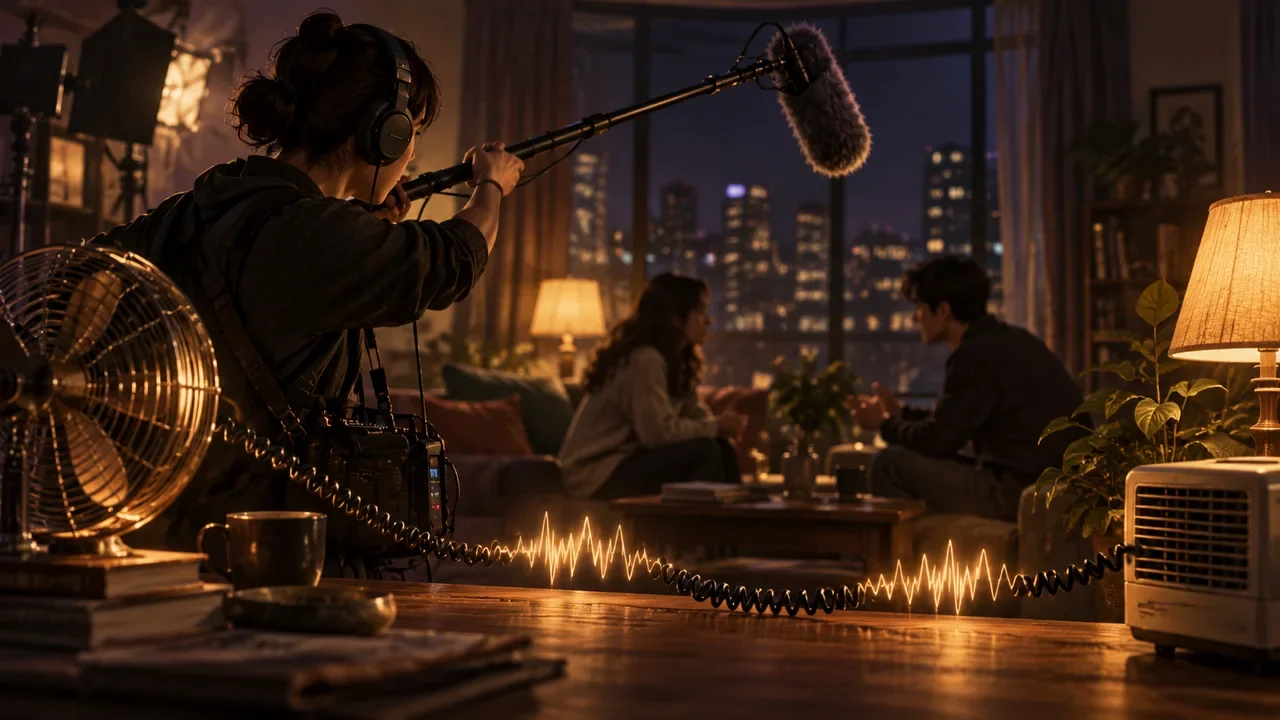
Record sufficiently long room tone for each location, lighting equipment setup, and time period, and document the state of the air conditioning, refrigerator, traffic outside the window, and people present. Before and after a power outage, opening or closing a door, or a change in rainfall may all constitute different environments; one noise bed cannot cover the entire scene.
Link recording filenames to the scene, state, and time. If anyone speaks or moves on set, record again; do not treat “a few dozen roughly quiet seconds” as usable ambience. Also capture wild tracks of key props and footsteps to provide repair material for branch exits.
Monitor Branches, Not Just Individual Takes
After confirming that the dialogue in the current take is clear, the sound recordist should also quickly listen to it in sequence with possible preceding and following takes. Focus on the background frequency spectrum, microphone distance, reverberation, performance volume, and overlapping actions. Keep technical conditions as consistent as possible across versions of the same dialogue performed in different states, so the differences come from the performance rather than the microphone moving closer and farther away.
Wireless microphones and the boom can be recorded simultaneously on isolated tracks, with a synchronization reference retained. Mark radio interference, clothing rustle, or clipping immediately; do not expect AI in postproduction to fix every problem.
Choice Waiting Sections Need Sound Too
If the image waits on a choice interface for ten seconds, the sound cannot suddenly fall silent. Design ambient layers that can extend naturally, such as distant sirens, phone line noise, rain, or machinery running. If the character's breathing must loop, the splice must be unobtrusive, and a long wait must not turn it into obvious repetition.
Timed choices can use sounds within the story to convey pressure, but do not let cues interfere with reading subtitles or obscure key dialogue. Menu sound effects, countdowns, and the film mix should share loudness standards and be tested on different devices.
Audio State Follows Narrative State
Whether a character is injured changes their breathing; whether a room door is open changes reverberation; whether the player has obtained headphones may change the sound field. Put these into an audio state table and link them to world variables. Do not let the program switch only the video while forgetting to switch the ambience bus or filtering.
Music should also be divided by structure: entry, loop, choice hover, outcome, and exit. Provide beat-aligned versions and ending passages in advance to avoid abruptly cutting a complete music track at every branch. When necessary, use ambience to bridge music changes so the choice feedback is heard first.
Preserve Metadata from Set to Postproduction
Recording reports should include the scene, shot, take, node, character state, microphone, sampling settings, problems, and the director's selected takes. Verify and back up files daily, and synchronize them with picture timecode or the slate. Postproduction should not receive only a pile of WAV files named by date.
Before picture lock, perform an “eyes-closed route test”: listen through the main branches without watching the image and mark every perceptible break. Then check dialogue intelligibility on headphones, a television, phone speakers, and at lower volume.
Additional Recording Cannot Be the Default Plan
ADR can fix technical problems or change lines, but the actor's state, sense of space, and lip movements are difficult to reproduce exactly. If additional recording is necessary, provide the original take, the preceding and following routes, a state card, and the footage so the actor understands the action objective for that version; recreate the corresponding subtitles and regression-test every route that reuses it.
The final mix should also retain adjustable stems or buses for dialogue, music, ambience, and interaction cues, allowing players to hear clues clearly even when they lower the music. Dynamic range presets must be verified on televisions, headphones, and phones, rather than monitored only in the recording studio.
Next step: choose a scene containing both choices and converging branches, map its sound routes, and list the extra dialogue material, ambience, and action sounds needed for every entry, waiting section, and exit; on the shoot day, include listening to branches in sequence in the footage acceptance workflow.