• Home
  • Blog
  • Gallery
  • Pricing
  • Home
  • Blog
  • Gallery
  • Pricing
Start creating

Creator blog

Better stories start here

Discover practical AI tools, interactive storytelling methods, and production lessons—from the first idea to a story people can play.

DRAMAFORKStories · Craft · Possibility
Topics
AllProduction PracticeProduct workflowInteractive narrativeCreation tutorialsChoosing toolsGetting started
201 articles

Editorial / 03

Latest articles

Practical methods for narrative structure, visual production, and everything in between.

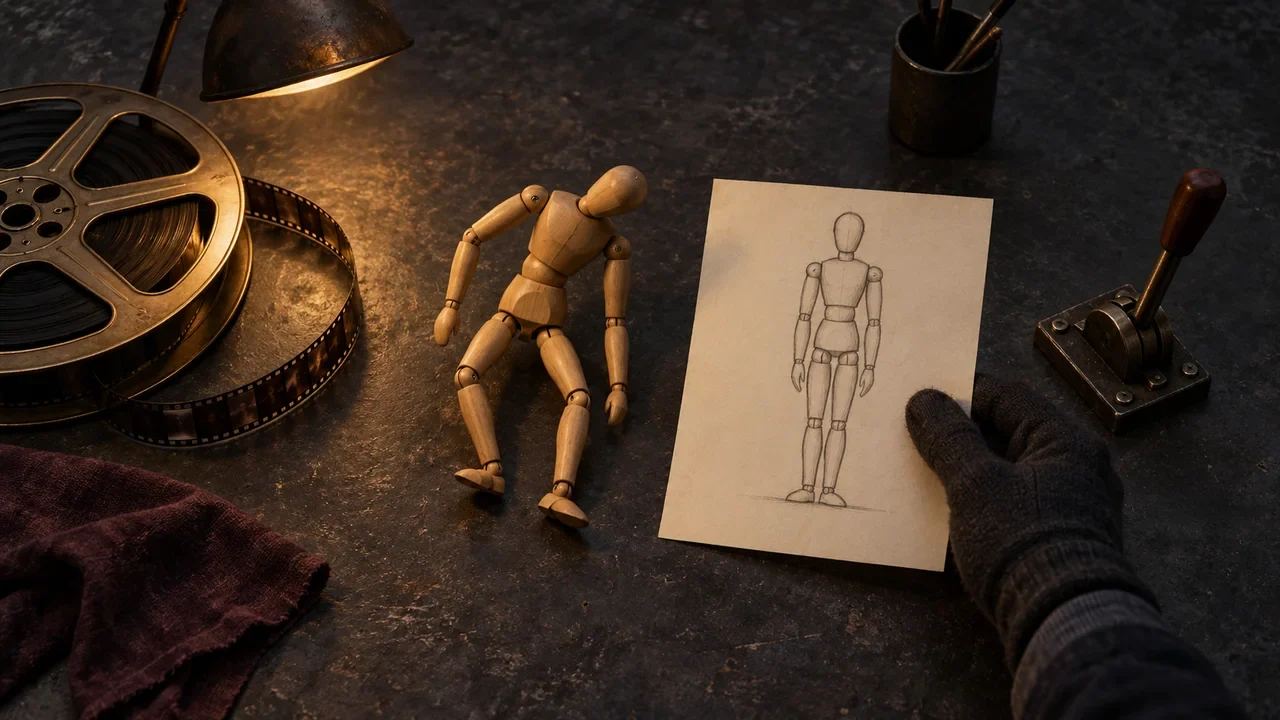
A stopped film reel, a wooden pose mannequin and a source sketch are compared on a workbench before retrying a video.Featured
Product workflow2026.09.27

How to Retry After a DramaFork Video Failure: First Determine Whether It's the Prompt, the Asset, or the Task Status

After a video task fails, first record the task and the original prompt, then check the input version, and decide whether to modify the related storyboard or reference before retrying separately.

DramaFork Editorial Team13 min read
Continue reading

Blog categories

  • All201
  • Production Practice59
  • Product workflow34
  • Interactive narrative49
  • Creation tutorials19
  • Choosing tools33
  • Getting started7

Make your story playable for the first time

Start with one story decision

Create a project

The next move is yours

Make your story playable for the first time

Do not wait for every video to be finished before testing the story. Build the characters, rules, and branches first, then let real choices guide what you make next.

Start with one story decision

Try a playable example

Let agents handle production complexity while you keep creative control.

Start with one story idea, then shape scripts, characters, shots, and branches into a playable first version.

Product

  • Pricing
  • Capabilities
  • Workflow
  • Examples
  • FAQ

Explore

  • Playable gallery
  • Creator blog
  • Creator partnership

Legal

  • Privacy
  • Terms
© 2026 DramaFork/AI interactive story studio
Press Enter to send, or drag away and release.
Preview screen frozen at a doorway, with diagnostics grouped beside it by script, interaction, and assets.
Product workflow2026.09.27

How to Group Issues in a DramaFork Playable Preview: Which Step Should Story, Interaction, and Assets Each Go Back To for Fixes?

When issues appear in a playable preview, don't rush to change nodes. Use a one-sentence symptom record to clearly write down "who saw what at what moment," then determine whether it belongs to story, interaction, or assets. Story issues go back to planning or script, interaction issues go back to interaction nodes, and asset issues go back to storyboard, style, character assets, or video; after changes, only recheck the affected downstream steps, and do not treat a preview that runs successfully as passing release testing.

DramaFork Editorial Team15 min read
Continue reading
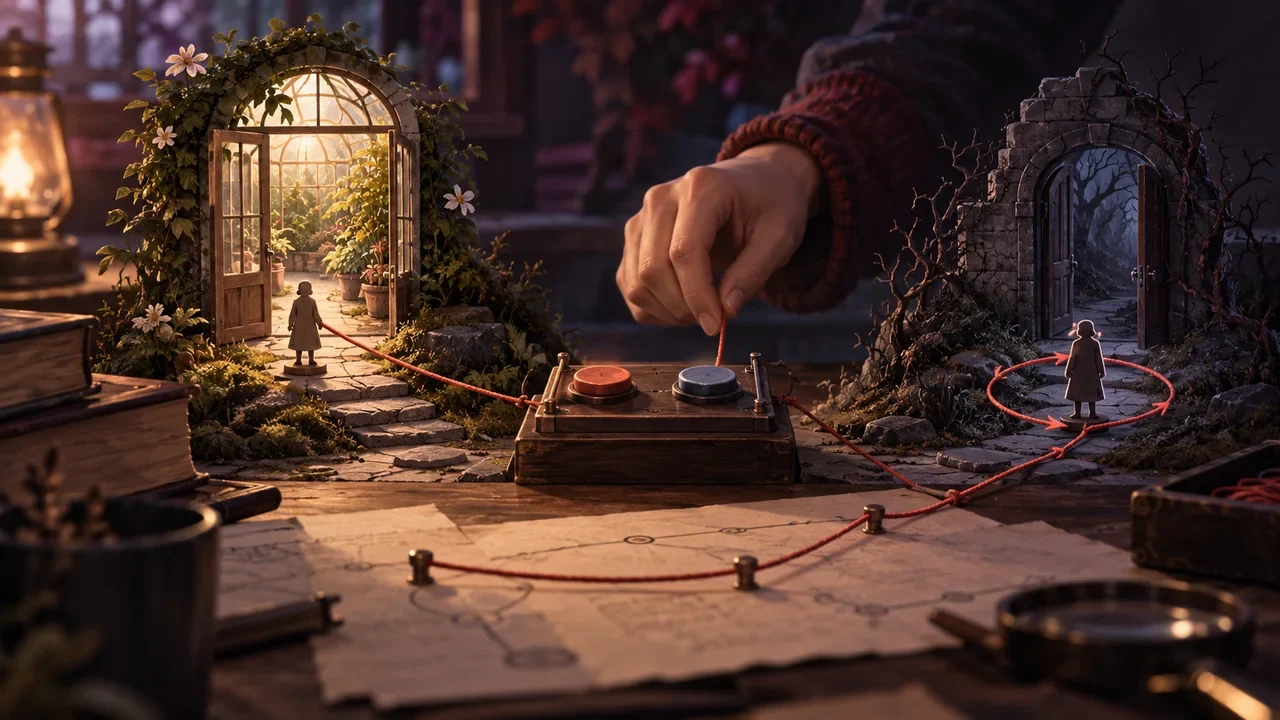
A choice switch connected by lines to two door models, with an editor checking whether an exit is misconnected.
Product workflow2026.09.26

How to Check DramaFork Interaction Nodes: Option Text, Exits, and Payoff Results Must Be Read as Pairs

When checking interaction nodes, treat each option as a "promise—payoff" pair: the intent the player reads on the button must receive a corresponding result in the node pointed to by the exit, and that result must be able to return to the main line or form a clear closure. Checking only the button text, or only looking at the node connections, will miss empty exits, misconnections, and duplicate intents. Below, a fictional teaching example, "Inside and Outside the Greenhouse Door," illustrates a reusable review table.

DramaFork Editorial Team14 min read
Continue reading
A creator turns material samples, lighting, and set models into executable style conditions.
Product workflow2026.09.26

After Choosing a Style, How to Write It for the Team: Turn References into Stable Text Constraints

After choosing a style, what you show the team is not the name of a reference work, but a text specification that can be checked item by item. The method is: first use one sentence to lock down the overall judgment of the style, then break down color tone, materials, light sources, and detail density into observable descriptions, and finally use a "can keep / can change" table to draw the boundaries of expression. Below, we walk through the fictional teaching example "Rainy Port Retro Style"; all names, numbers, and dialogue are fictional and do not correspond to any real project.

DramaFork Editorial Team16 min read
Continue reading
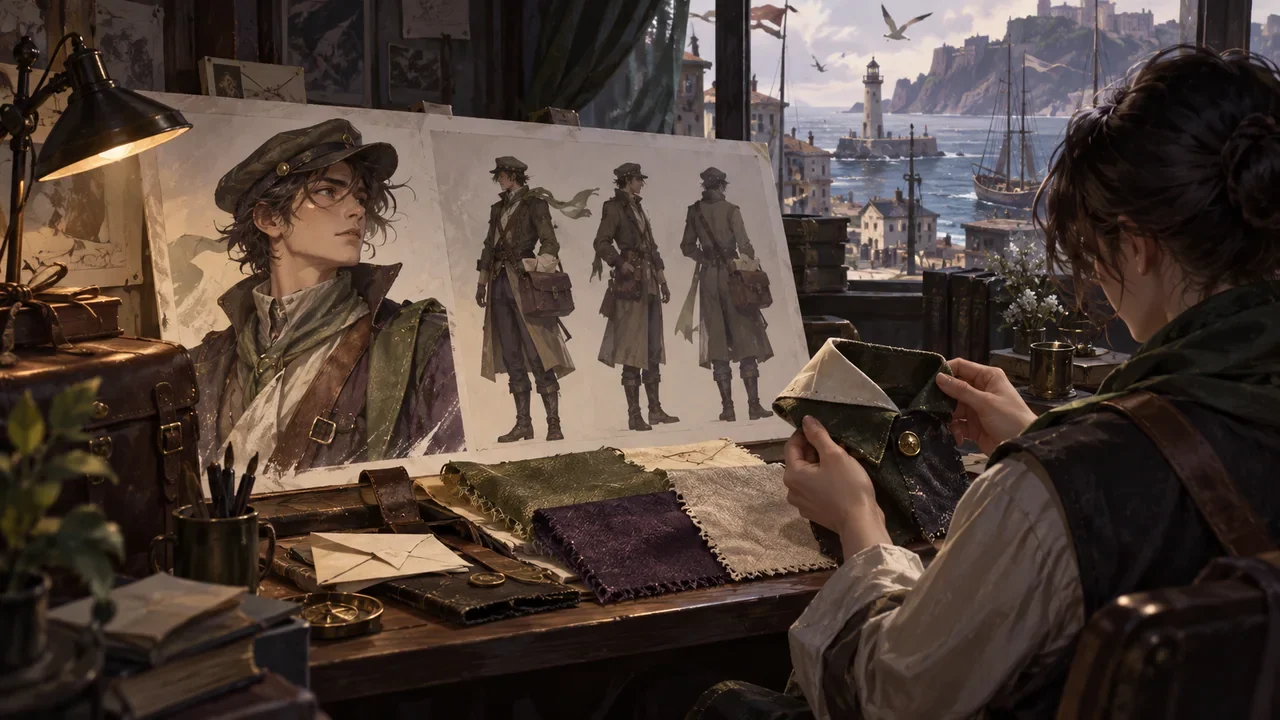
A character reference sheet, costume fabric, and silhouette studies are checked around the same collar detail.
Product workflow2026.09.26

What to Check Before Confirming DramaFork Character Assets: Identify the Person First, Then Check Emotion and Shot Fit

Do four things first, then decide whether to use a character image: identify identity anchors, break down costume states, write action requirements, and list scene conditions. Only when all four steps pass does the image enter the usable pool; if it only passes the "looks good" test, rework is likely later in the video and preview stages. The following uses a fictional teaching example: the character is Shen Yan, an adult postman, and the story takes place in a windy harbor city. The names, numbers, and quoted lines are all made up and are only used to demonstrate the order of judgment.

DramaFork Editorial Team15 min read
Continue reading
A character lowers a paper boat onto an empty desk, completing the missing action between adjacent storyboard frames.
Product workflow2026.09.25

DramaFork Storyboard Misses an Action: Why Later Assets May Not Match

When a storyboard misses an action, first check the exit of the previous shot against the entrance of the next shot. For example, at the end of shot 7 the paper boat is still in Lin Wan's hand, but at the start of shot 8 it is already on the table, with no action of putting the paper boat down in between. The author needs to add this transfer, then check whether nodes and videos still use the old description. Changing only the text of the later shot cannot prove that already completed segments change along with it.

DramaFork Editorial Team13 min read
Continue reading
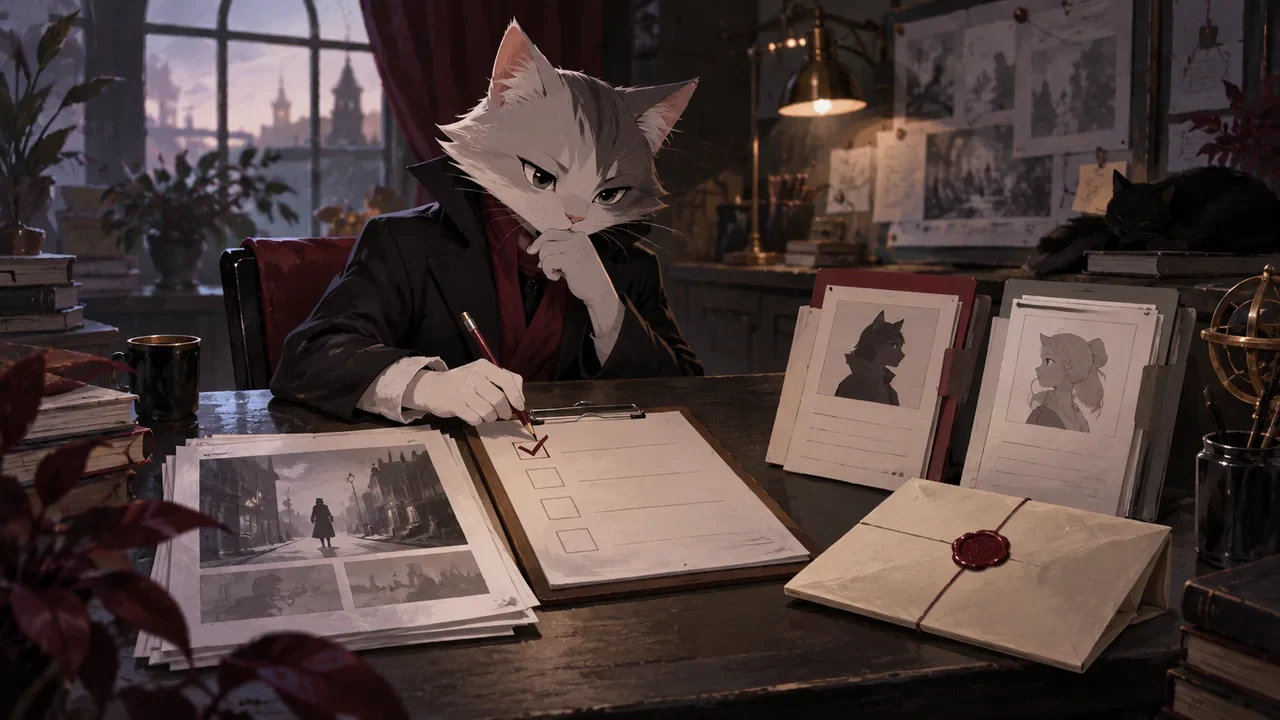
A cat editor checks scene cards, character files and a sealed envelope at a script review desk.
Product workflow2026.09.25

Before DramaFork Scripts Enter Storyboarding, How Do You Do an Entry Check?

Before entering storyboarding, you can first check four things: whether the scene has observable actions, whether the choices have concrete consequences, what each character knows at this moment, and what condition this scene ends on. An ambiguous script, once it enters storyboarding, will be turned into concrete images; if the direction of that concretization differs from the author's intent, you need to go back and adjust. Therefore, when you find that the core conflict is unresolved, revise the script text first, then continue generating storyboards.

DramaFork Editorial Team16 min read
Continue reading
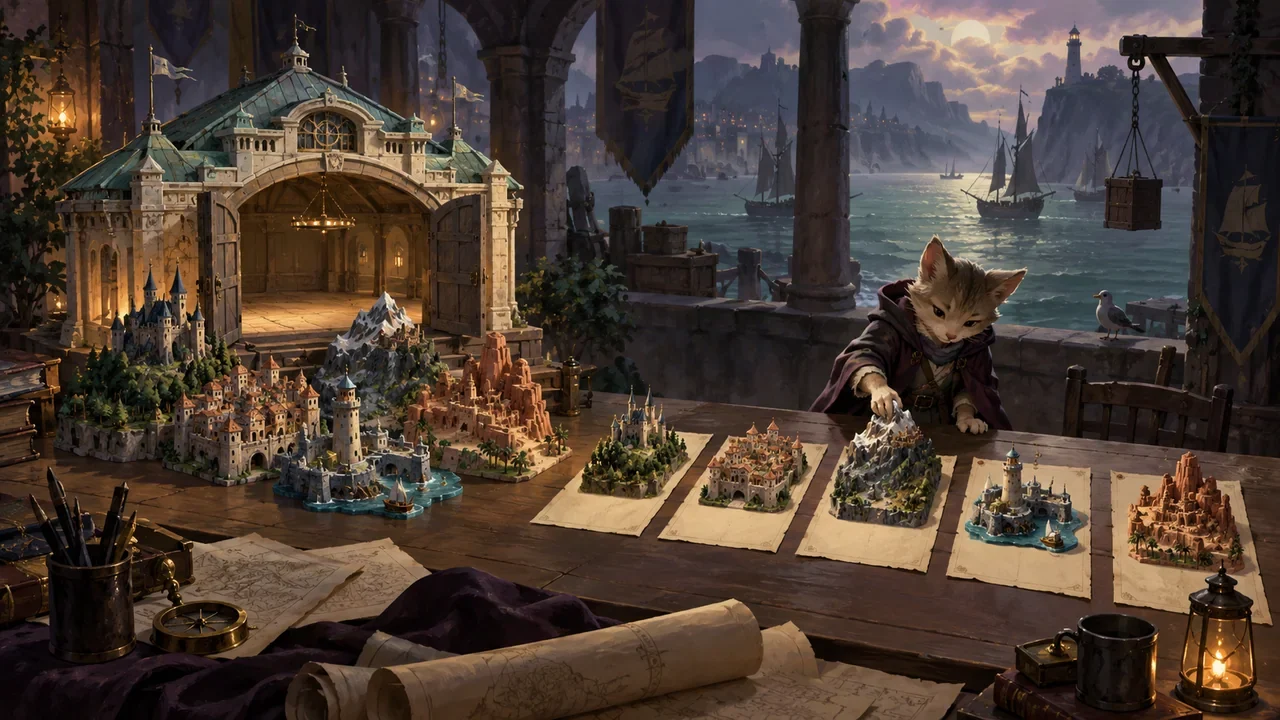
A cat editor adjusts miniature cities beside a model harbor hall.
Product workflow2026.09.25

How Does DramaFork Check for Mutually Contradictory Requirements During Planning?

The most common problem in planning is that each requirement looks reasonable on its own, but they undermine each other when put together. The check is not to fill out the creative sheet again, but to pull out five types of requirements and compare them pairwise: story goal, player identity, scale, form, and ending promise. The method is to first write them as judgeable short sentences, then ask pair by pair "can these two hold at the same time," write the ones that cannot into a conflict list, and finally use a contraction plan to change one of them rather than keeping all five.

DramaFork Editorial Team16 min read
Continue reading
A cluttered stack of scene cards is pared down to one object, one obstacle, and one action.
Production practice2026.09.24

How to Shorten an Overlong Pre-Choice Video: Keep the Information Needed for Judgment, Then Cut Repeated Setup

Do three things first: break the current video into information segments by shot, label each one as "fact," "emotion," or "action signal," then keep only the segments that support the player's choice. When the basis for judgment is insufficient, add facts; when emotions repeat, merge them; when the action signal is missing, add a clear direction. Below, a fictional ship-repair argument case walks through it: each of the six information segments has a clear category, and after trimming, the short script still lets the player understand "whether to give the last rivet to the opponent."

DramaFork Editorial Team12 min read
Continue reading
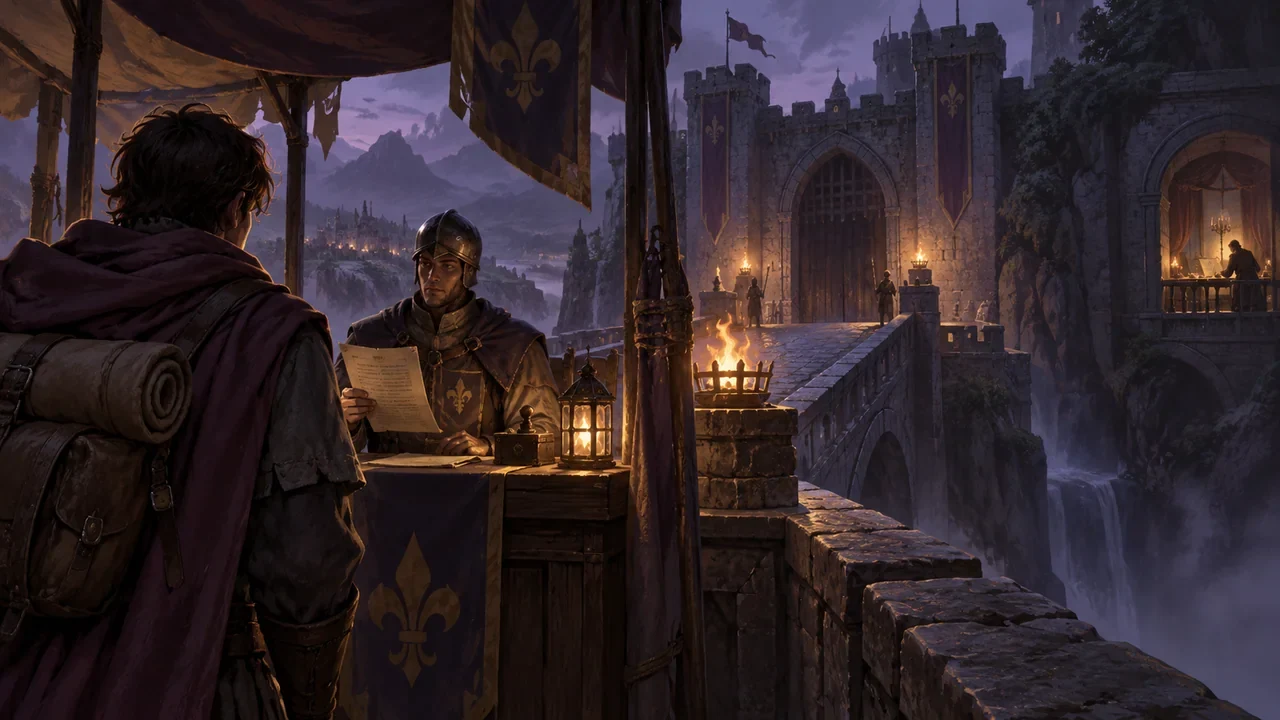
A choice shot from behind a traveler shows a visible bridge and permit clerk.
Production practice2026.09.24

Should the perspective before and after a choice be consistent: How do you avoid the player suddenly knowing something the protagonist does not?

It needs to be consistent, but the thing that must be consistent is not "what the protagonist knows," but "who is allowed to know what in this scene." The writer must first define the information sources for each scene, then make choices use only information that has already appeared in front of the player. If a choice must use knowledge the protagonist has not yet obtained, either add a scene in which the protagonist obtains it, or rewrite the choice as an action the protagonist can take based on existing clues.

DramaFork Editorial Team17 min read
Continue reading
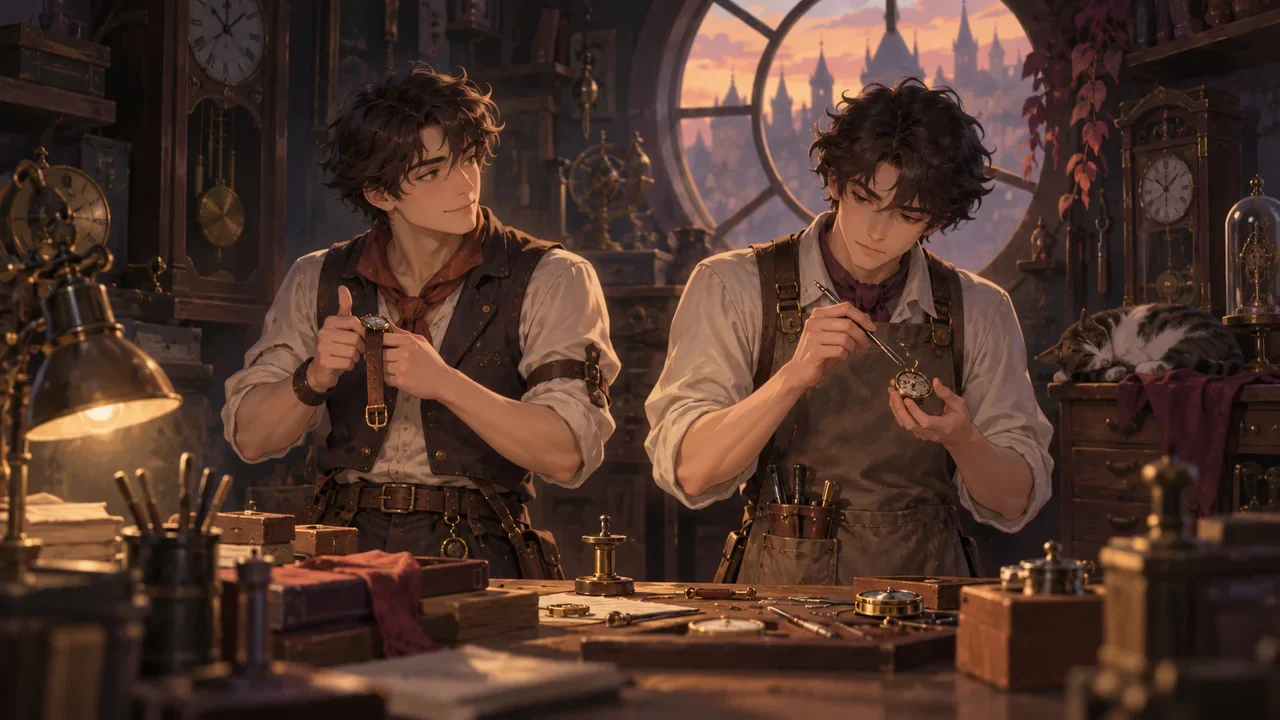
Similar-looking watch repairers distinguished by a vest, an apron, and different hand actions.
Production practice2026.09.24

Two Characters Look Alike: How Can Clothing, Behavior, and Forms of Address Help Players Tell Them Apart?

Conclusion first: split recognition into four mutually independent clues, each of which can stand on its own, so players do not need to rely on facial features to tell them apart. The four are: silhouette (different at a distance), carried objects (ownership visible up close), action habits (confirmable in motion), and forms of address and self-reference (identifiable in dialogue). Below, a pair of fictional twin watchmakers is used to build a complete construction; the characters, numbers, and dialogue are all teaching examples, not measured data.

DramaFork Editorial Team13 min read
Continue reading
  1. 1
  2. 2
  3. 3
  4. 4
  5. ...19