• Home
  • Blog
  • Gallery
  • Pricing
  • Home
  • Blog
  • Gallery
  • Pricing
Start creating

Creator blog

Better stories start here

Discover practical AI tools, interactive storytelling methods, and production lessons—from the first idea to a story people can play.

DRAMAFORKStories · Craft · Possibility
Topics
AllProduction PracticeProduct workflowInteractive narrativeCreation tutorialsChoosing toolsGetting started
59 articles

Editorial / 03

Latest articles

Practical methods for narrative structure, visual production, and everything in between.

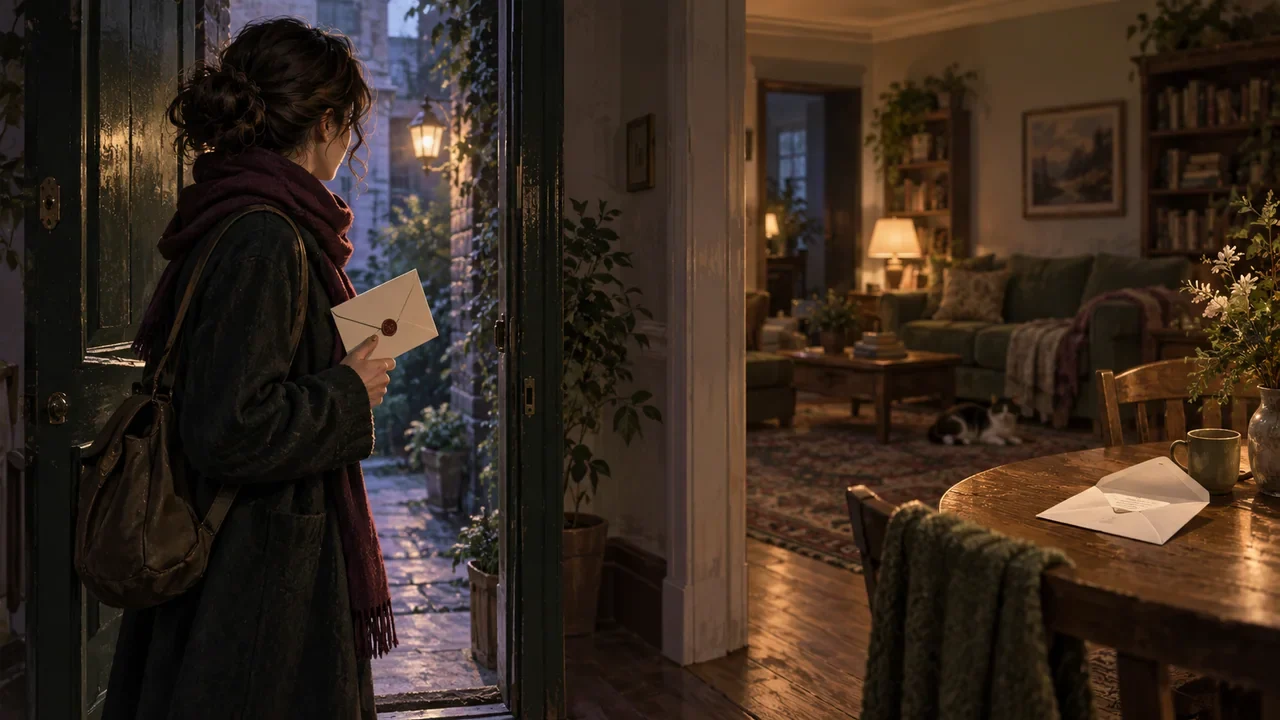
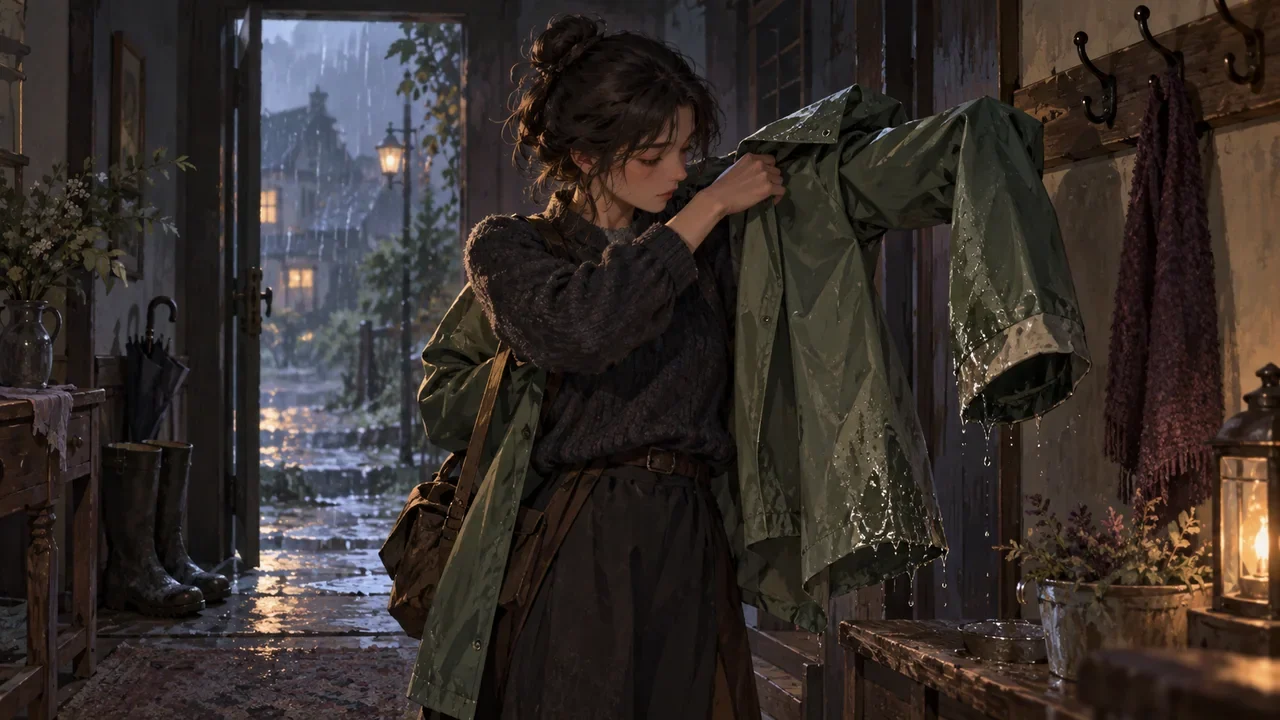
A raincoat passes from a wet doorway hook to a character's shoulders, with one dry cuff and one damp hem clearly visible.Topic selection
Production practice2026.09.22

Clothes Get Wet, Dirty, or Taken Off in a Branch: How Do You Prevent a Character's State from Suddenly Resetting?

Manage clothing as an independent state line, not as an accessory description attached to a character illustration. The method has four steps: give each key garment an observable initial state; at branch nodes, write clearly "what action changed it"; give each change a recovery condition; and finally require downstream text to reference only the current state, not rewrite from impression. Below, a fictional teaching example is used to walk through the whole process; the characters, numbers, and dialogue are all made up, only to demonstrate the method.

DramaFork Editorial Team16 min read
Continue reading

Blog categories

  • All201
  • Production Practice59
  • Product workflow34
  • Interactive narrative49
  • Creation tutorials19
  • Choosing tools33
  • Getting started7

Make your story playable for the first time

Start with one story decision

Create a project

The next move is yours

Make your story playable for the first time

Do not wait for every video to be finished before testing the story. Build the characters, rules, and branches first, then let real choices guide what you make next.

Start with one story decision

Try a playable example

Let agents handle production complexity while you keep creative control.

Start with one story idea, then shape scripts, characters, shots, and branches into a playable first version.

Product

  • Pricing
  • Capabilities
  • Workflow
  • Examples
  • FAQ

Explore

  • Playable gallery
  • Creator blog
  • Creator partnership

Legal

  • Privacy
  • Terms
© 2026 DramaFork/AI interactive story studio
Press Enter to send, or drag away and release.
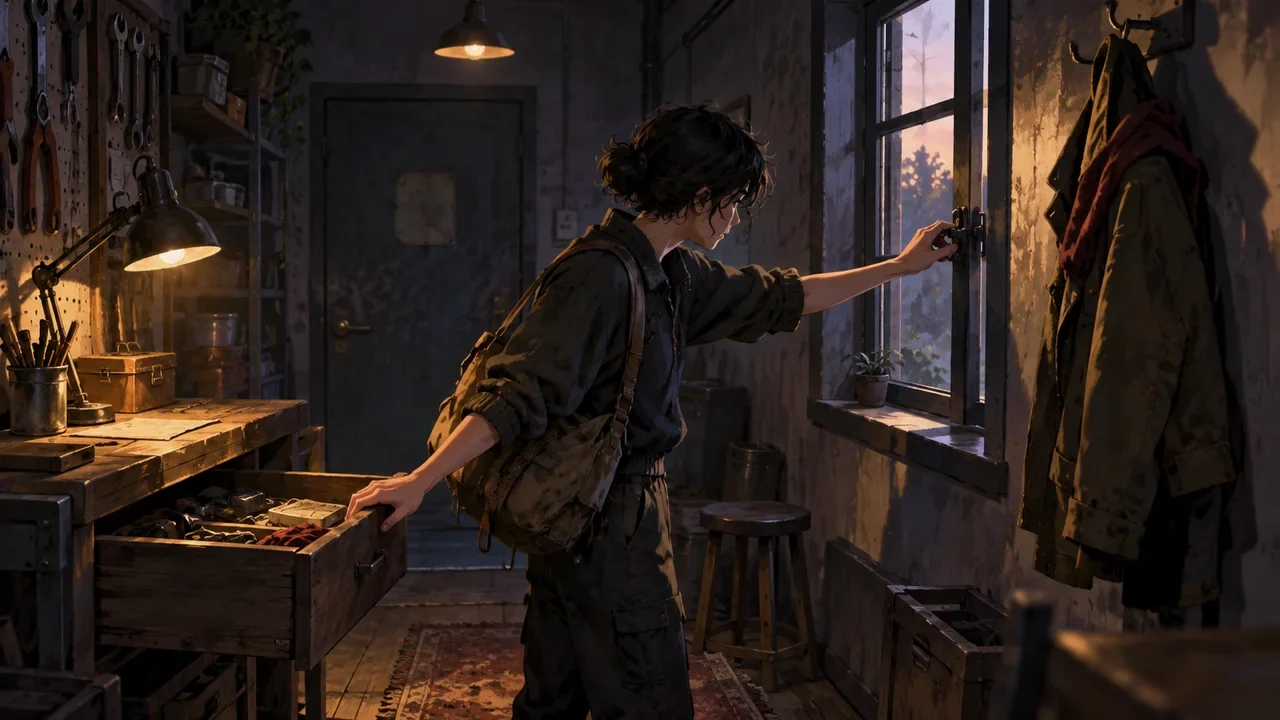
A single small room uses a drawer, window latch, and coat to offer different story actions.
Production practice2026.09.22

A Single-Room Interactive Short: How Can Two Choices Change Different Things?

To make two choices change different things, the approach is to first define three spatial anchors for the room, then have each choice act on a different object, and finally separate the two paths by degree of knowledge. The following uses the fictional teaching example "Repair Room" to illustrate; the characters, numbers, and dialogue are all invented for demonstration, not actual test data.

DramaFork Editorial Team12 min read
Continue reading
Two characters sit quietly beside a lamp, with an unanswered prompt object left between them.
Production practice2026.09.21

How to Write Silence in Interactive Dialogue: Give the Wait an Intent, Not Just a Blank

Silence in interactive dialogue is not the absence of content, but the character temporarily withholding content. The first thing a writer must do is give this wait an intent: is the character organizing information, refusing to answer, or inviting the other person to speak first. Different intents mean different actions, readable signals, and recovery entry points. What the player sees is not a countdown, but what the character is doing and where they can pick up the conversation.

DramaFork Editorial Team16 min read
Continue reading
A boat repairer uses his thumb to confirm a crack in the boat plank, with a short ruler left on the nearby workbench.
Production practice2026.09.21

How to Revise “The Shot Feels Cinematic”: Turn Abstract Storyboards into Observable Actions

“The shot feels cinematic” cannot be handed directly to the storyboard or video stage, because it does not tell anyone what happens in the shot. The fix is to break it into five columns: shot size, subject, action, spatial relationship, and end state. Each column should contain only one thing the camera or character can accomplish, and conflicting movement requirements should be removed. Below, a fictional teaching example is used to walk through the entire process; the numbers, dialogue, and characters in the example are not measured data.

DramaFork Editorial Team18 min read
Continue reading
A visitor outside a threshold holds an unopened invitation while a warm interior table suggests a later state, in a continuity-focused doorway composition.
Production practice2026.09.21

What State Does a Branching Video Start In and End In? Write Entrance and Exit Contracts for Each Shot

Branching video is hard not because of how good it looks, but because the pieces must connect. The fix is to write an entrance and exit contract for every shot: the entrance states where the character is, what they hold, and what they know at the start; the exit states how those three change by the end, plus the final action.

DramaFork Editorial Team16 min read
Continue reading
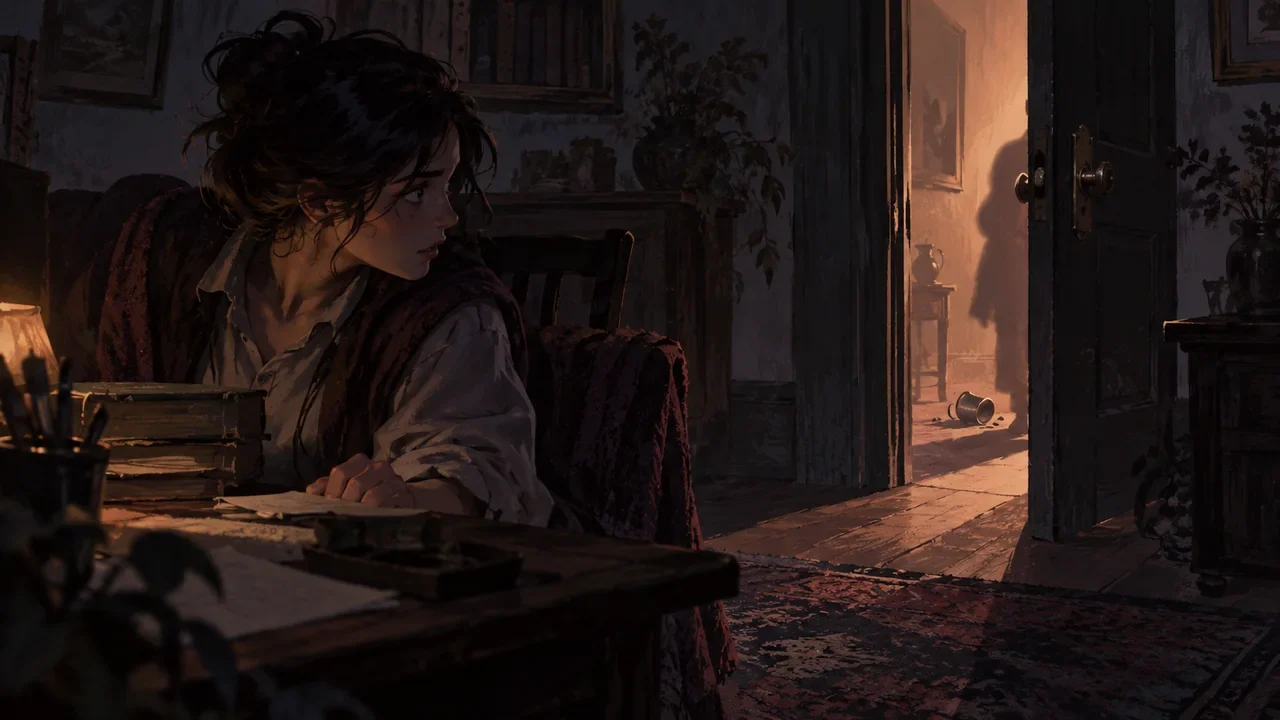
A character in a room hears an off-screen object fall and looks toward a half-open door.
Production practice2026.09.20

How Off-Screen Events Carry Interactive Choices: What Players Hear Must Have Verifiable Consequences

For off-screen events to carry choices, the method is to break them into three checkable things: a specific sound source, a clue that can change the state inside the scene, and a confirmation object that must appear after a choice. The storyboard author first writes down "what happened outside the door," then writes down "who inside the scene therefore moved what," and finally places the confirmation object into the shots. If any one is missing, the off-screen information is only atmosphere, and the player's choice has nowhere to land.

DramaFork Editorial Team16 min read
Continue reading
Three people at a bookstore counter look toward the customer, the doorway, and the newcomer.
Production practice2026.09.20

Where Characters Look in Branching Dialogue: Use Gaze Targets to Avoid Relationship Misalignment After Cuts

Write one "gaze target" for each shot, then write one "turn action" for the beat when the dialogue partner changes, and finally unify left/right descriptions with a frame of reference. A gaze target means who or what the character is looking at in that moment; a spatial anchor means the character's relative position to fixed objects such as the counter, door, or window; a frame of reference means whether "left/right" is based on the audience's viewpoint or the character's viewpoint. Write all three into the storyboard so you can check orientation and attention changes before and after cuts.

DramaFork Editorial Team15 min read
Continue reading
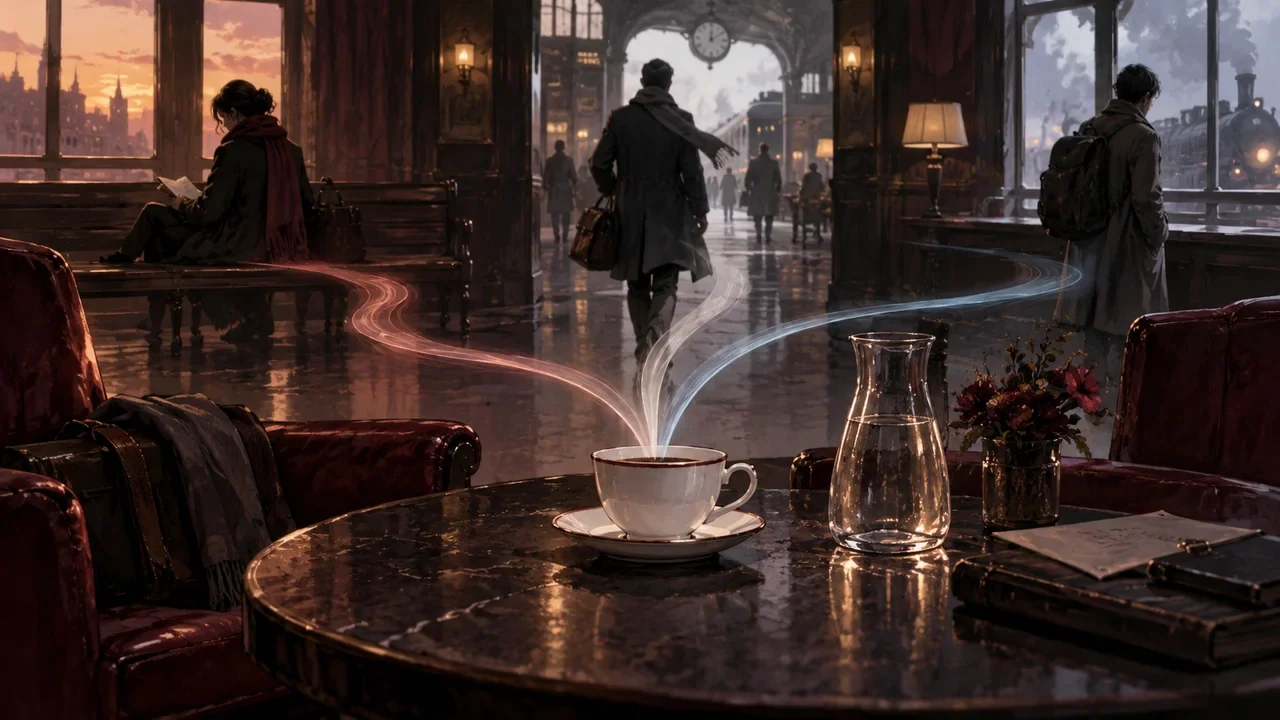
In a lounge, a white porcelain cup returns from the bench and window to the shared state on the coffee table.
Production practice2026.09.20

One Cup Across Three Branches: How to Make a Minimal Prop Continuity Table?

For every prop that needs to cross branches, build a four-column table with the columns "time point, location, holder, visible state and movement action." Fill it out once for each branch, compare them side by side before the merge, first determine location and holder and fill in the necessary handoffs, then fix visible state, and finally polish the scale of movement. Below, a fictional teaching example walks through the full process; the characters, numbers, and dialogue are all invented and do not correspond to any real project.

DramaFork Editorial Team18 min read
Continue reading
Dialogue examples showing the same character with different forms of address, tones, and refusal postures.
Production practice2026.09.04

AI Character Dialogue Localization: What Should Be Checked Separately for Forms of Address, Tone, and Refusal Style?

First fix the character's identity, relationships, and behavioral boundaries, then check forms of address, tone, information scope, and action commitments for each language. Grammatically correct dialogue only shows that the sentences hold up; whether it still sounds like the same character needs to be reviewed within specific relationships and situations.

DramaFork Editorial Team15 min read
Continue reading
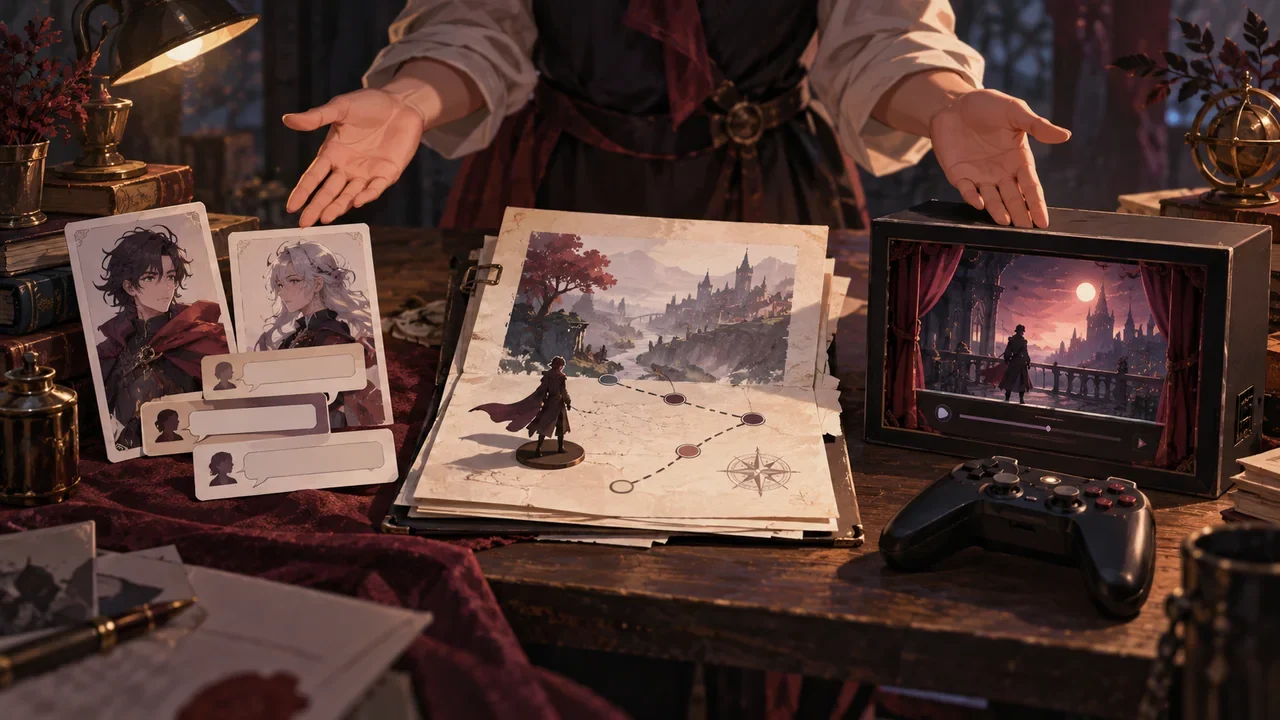
A creator presents character dialogue, a text turn, and a playable segment on a table.
Production practice2026.09.04

How to Write an Interactive Story Collaboration Proposal: How Character Samples, Text Turns, and Playable Segments Showcase Creative Direction

A collaboration proposal should let reviewers quickly understand three things: what experience you want to create, which materials already prove your creative ability, and what problem you hope to solve together in the next stage. Character creators can submit character cards and dialogue samples, text authors can submit complete turns, and interactive film/game teams can submit playable segments; you do not need to complete all forms at once.

DramaFork Editorial Team14 min read
Continue reading
Cover of the blog article “The Final Step from 0 to 1: How to Run a Retrospective That Guides Your Next Work”
Production practice2026.09.01

The Final Step from 0 to 1: How to Run a Retrospective That Guides Your Next Work

A useful retrospective is neither a celebration nor a blame session. It connects plans, actual outcomes, evidence, and rules for next time. It should ultimately produce three kinds of assets: practices to retain, systems that must change, and hypotheses to test before the next project begins. “Lessons learned” without an owner and a trigger for action are soon forgotten.

DramaFork Editorial Team13 min read
Continue reading
  1. 1
  2. 2
  3. 3
  4. 4
  5. 5
  6. 6