• Home
  • Blog
  • Gallery
  • Pricing
  • Home
  • Blog
  • Gallery
  • Pricing
Start creating

Creator blog

Better stories start here

Discover practical AI tools, interactive storytelling methods, and production lessons—from the first idea to a story people can play.

DRAMAFORKStories · Craft · Possibility
Topics
AllProduction PracticeProduct workflowInteractive narrativeCreation tutorialsChoosing toolsGetting started
34 articles

Editorial / 02

Latest articles

Practical methods for narrative structure, visual production, and everything in between.

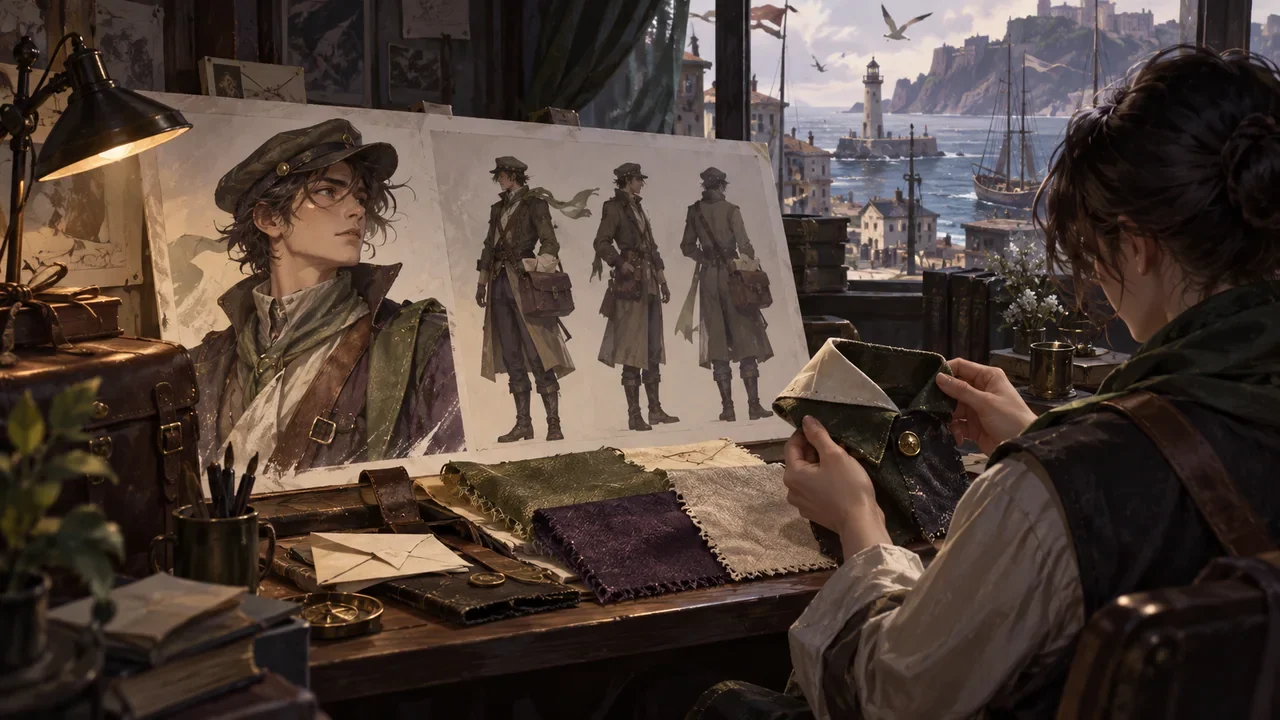
A character reference sheet, costume fabric, and silhouette studies are checked around the same collar detail.Topic selection
Product workflow2026.09.26

What to Check Before Confirming DramaFork Character Assets: Identify the Person First, Then Check Emotion and Shot Fit

Do four things first, then decide whether to use a character image: identify identity anchors, break down costume states, write action requirements, and list scene conditions. Only when all four steps pass does the image enter the usable pool; if it only passes the "looks good" test, rework is likely later in the video and preview stages. The following uses a fictional teaching example: the character is Shen Yan, an adult postman, and the story takes place in a windy harbor city. The names, numbers, and quoted lines are all made up and are only used to demonstrate the order of judgment.

DramaFork Editorial Team15 min read
Continue reading

Blog categories

  • All201
  • Production Practice59
  • Product workflow34
  • Interactive narrative49
  • Creation tutorials19
  • Choosing tools33
  • Getting started7

Make your story playable for the first time

Start with one story decision

Create a project

The next move is yours

Make your story playable for the first time

Do not wait for every video to be finished before testing the story. Build the characters, rules, and branches first, then let real choices guide what you make next.

Start with one story decision

Try a playable example

Let agents handle production complexity while you keep creative control.

Start with one story idea, then shape scripts, characters, shots, and branches into a playable first version.

Product

  • Pricing
  • Capabilities
  • Workflow
  • Examples
  • FAQ

Explore

  • Playable gallery
  • Creator blog
  • Creator partnership

Legal

  • Privacy
  • Terms
© 2026 DramaFork/AI interactive story studio
Press Enter to send, or drag away and release.
A character lowers a paper boat onto an empty desk, completing the missing action between adjacent storyboard frames.
Product workflow2026.09.25

DramaFork Storyboard Misses an Action: Why Later Assets May Not Match

When a storyboard misses an action, first check the exit of the previous shot against the entrance of the next shot. For example, at the end of shot 7 the paper boat is still in Lin Wan's hand, but at the start of shot 8 it is already on the table, with no action of putting the paper boat down in between. The author needs to add this transfer, then check whether nodes and videos still use the old description. Changing only the text of the later shot cannot prove that already completed segments change along with it.

DramaFork Editorial Team13 min read
Continue reading
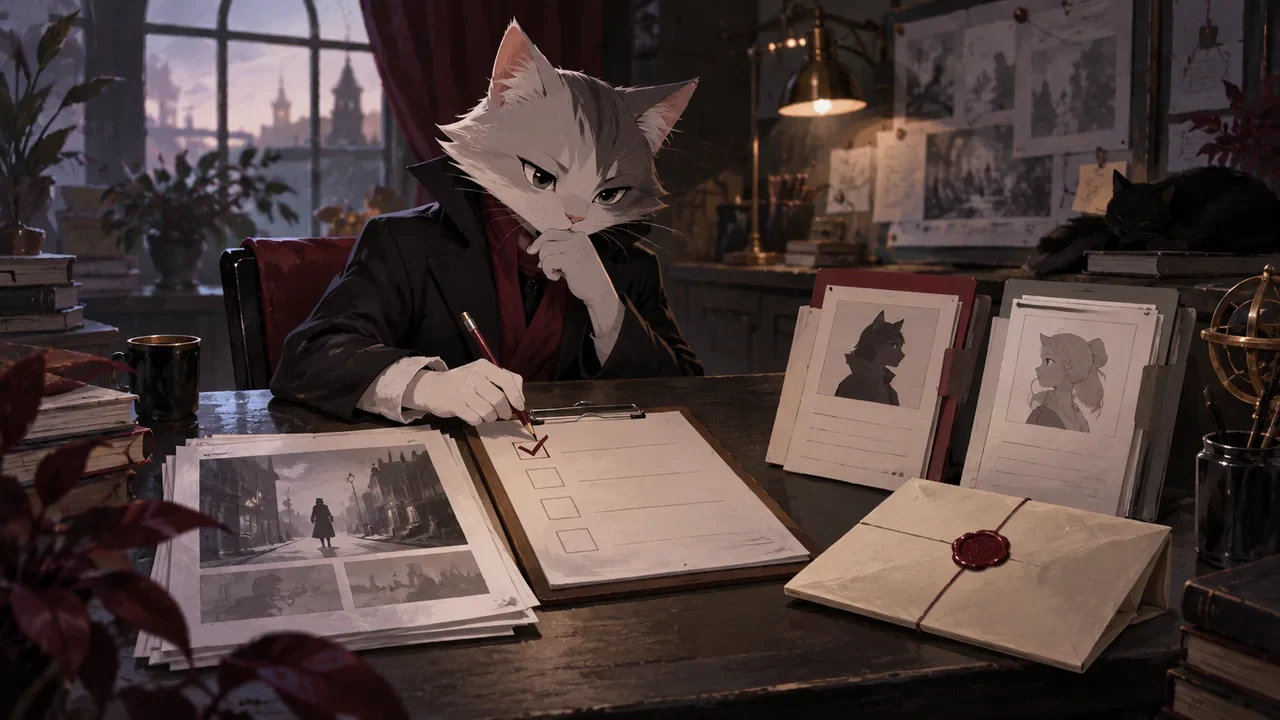
A cat editor checks scene cards, character files and a sealed envelope at a script review desk.
Product workflow2026.09.25

Before DramaFork Scripts Enter Storyboarding, How Do You Do an Entry Check?

Before entering storyboarding, you can first check four things: whether the scene has observable actions, whether the choices have concrete consequences, what each character knows at this moment, and what condition this scene ends on. An ambiguous script, once it enters storyboarding, will be turned into concrete images; if the direction of that concretization differs from the author's intent, you need to go back and adjust. Therefore, when you find that the core conflict is unresolved, revise the script text first, then continue generating storyboards.

DramaFork Editorial Team16 min read
Continue reading
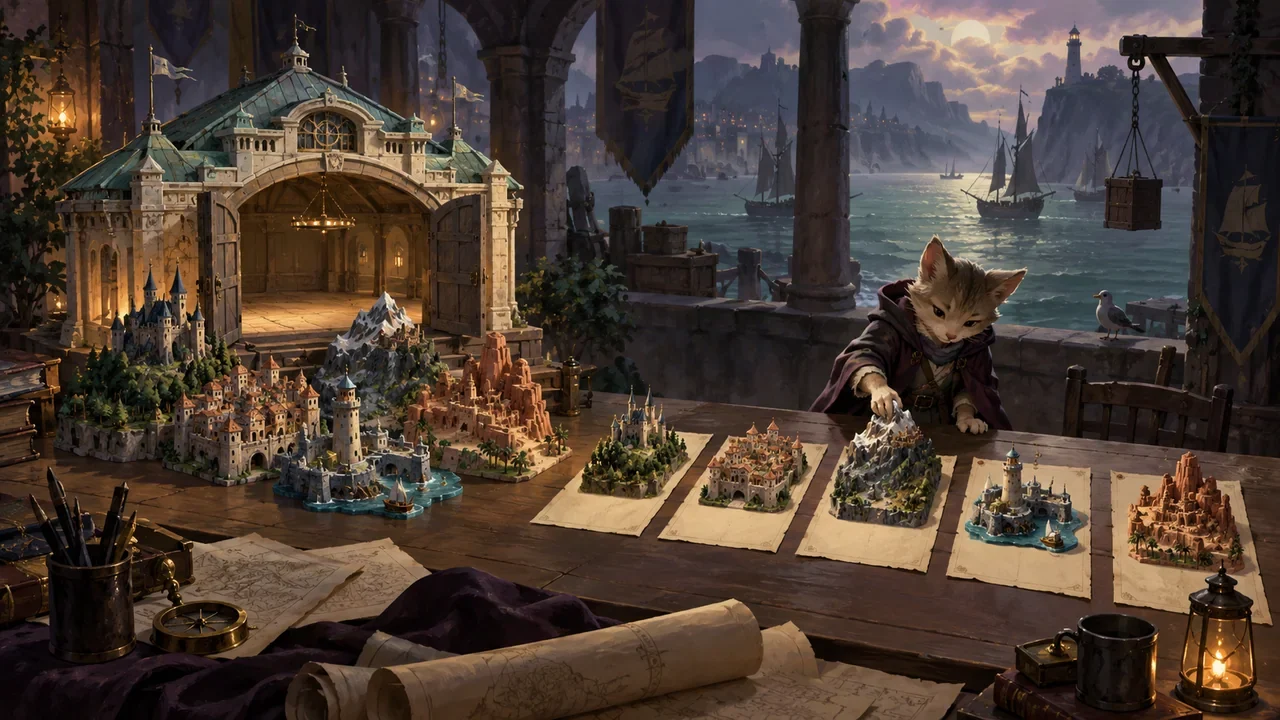
A cat editor adjusts miniature cities beside a model harbor hall.
Product workflow2026.09.25

How Does DramaFork Check for Mutually Contradictory Requirements During Planning?

The most common problem in planning is that each requirement looks reasonable on its own, but they undermine each other when put together. The check is not to fill out the creative sheet again, but to pull out five types of requirements and compare them pairwise: story goal, player identity, scale, form, and ending promise. The method is to first write them as judgeable short sentences, then ask pair by pair "can these two hold at the same time," write the ones that cannot into a conflict list, and finally use a contraction plan to change one of them rather than keeping all five.

DramaFork Editorial Team16 min read
Continue reading
Two travel cases on a station bench: one packed with a miniature projector and physical film reels, the other carrying a slender illuminated cable leading to a distant server lantern.
Product workflow2026.09.04

DramaFork Work Export: How to Choose Between a Local Asset Package and a Remote Link Package, and How to Accept Them?

For offline display, long-term archiving, or recipients with unstable networks, prioritize checking the local asset package; if you want to reduce the transmitted file size, the recipient can connect to the internet, and the asset service remains continuously available, you can choose the remote link package. Both must be accepted on another device; downloading the ZIP only proves that file delivery is complete, not that the entire work is playable.

DramaFork Editorial Team14 min read
Continue reading
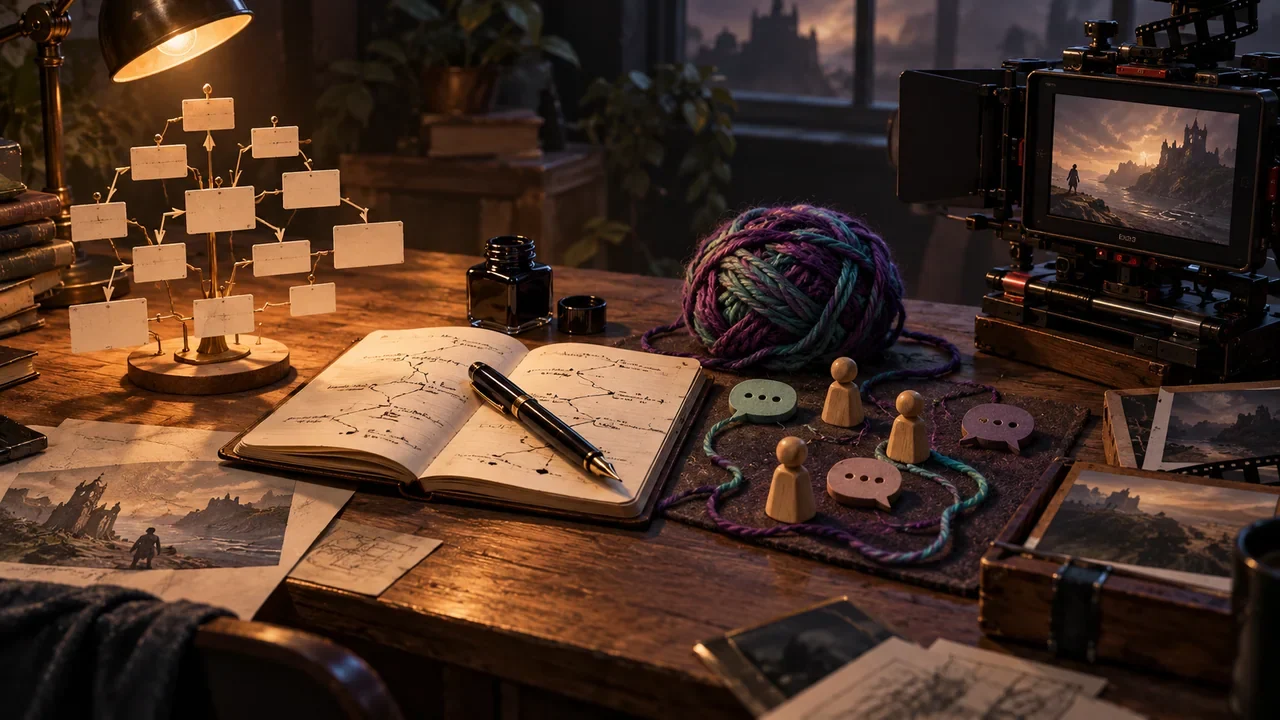
A revised script page on a desk casts branching shadows across a storyboard, character sketch, and film reel, with one red editing pencil.
Product workflow2026.09.03

After Revising the Script in DramaFork, Which Assets Need to Be Rechecked? A Change Impact Table

After modifying the script, you should check existing results according to the dependencies among planning, storyboard, style, characters, nodes, and video, then replaytest and export again. DramaFork will mark affected related completed steps as "needs update," retaining old content for inspection; this status indicates that versions may be inconsistent, not that every asset has already been deleted.

DramaFork Editorial Team14 min read
Continue reading
Cover of the blog article “Plan Analytics Before Launch: How to Track Choice Rates, Exit Points, and Endings”
Product workflow2026.08.26

Plan Analytics Before Launch: How to Track Choice Rates, Exit Points, and Endings

Analytics for interactive cinematic games should be designed when node data is finalized, because useful data must capture what players saw, what they could choose, what they ultimately chose, and whether playback succeeded technically. Recording only button clicks mixes together options that were never shown, accidental taps, exits, and loading failures, leading to mistaken judgments about the story.

DramaFork Editorial Team12 min read
Continue reading
Blog cover for “Why Video Turns Black During Transitions: Preloading, Caching, and Seamless Branch Playback”
Product workflow2026.08.26

Why Video Turns Black During Transitions: Preloading, Caching, and Seamless Branch Playback

A black screen during a branch transition usually involves more than simply “poor player performance”: the next video may not be ready, its first frame may not have been decoded, the rendering texture may have been cleared, or the two clips may lack visual continuity. Solutions need to cover encoding, preloading, switching between two players, cache budgets, and exit-shot design.

DramaFork Editorial Team12 min read
Continue reading
Cover of the blog article “How a Script Becomes Data a Program Can Read: Nodes, Options, Conditions, and Outcomes”
Product workflow2026.08.26

How a Script Becomes Data a Program Can Read: Nodes, Options, Conditions, and Outcomes

Connecting a script to a program is about establishing a stable narrative data contract, not copying a Word file into JSON. Each node describes what plays and when interactions appear; each option describes its display conditions, player intent, state outcomes, and target node. Text, media, and logic reference one another, while each has its own traceable versions.

DramaFork Editorial Team11 min read
Continue reading
Cover image for the blog article “How to Choose Between Twine, ink, Yarn Spinner, and DramaFork”
Product workflow2026.08.25

How to Choose Between Twine, ink, Yarn Spinner, and DramaFork

Choose tools around your team's bottlenecks: Twine suits quickly mapping out web-style branches, ink suits complex text-based narrative logic, Yarn Spinner suits dialogue collaboration within a game engine, and DramaFork suits interactive film games centered on video nodes and production workflows. Build the same ten-minute sample chapter first, then compare handoff, playback, and maintenance costs instead of looking only at feature lists.

DramaFork Editorial Team12 min read
Continue reading
Blog cover for “Landscape or Portrait, PC or Web: Decide the Release Format Before Writing the Script”
Product workflow2026.08.18

Landscape or Portrait, PC or Web: Decide the Release Format Before Writing the Script

The release format is not a packaging option to choose after the script is finished. Landscape or portrait determines actor positioning and subtitle space; PC or Web determines input methods, video storage, loading strategies, and distribution paths. The team should decide on a primary aspect ratio and platform before building the three-minute prototype at the latest.

DramaFork Editorial Team12 min read
Continue reading
  1. 1
  2. 2
  3. 3
  4. 4