Landscape or Portrait, PC or Web: Decide the Release Format Before Writing the Script
The release format is not a packaging option to choose after the script is finished. Landscape or portrait determines actor positioning and subtitle space; PC or Web determines input methods, video storage, loading strategies, and distribution paths. The team should decide on a primary aspect ratio and platform before building the three-minute prototype at the latest.
Introduction
The release format is not a packaging option to choose after the script is finished. Landscape or portrait determines actor positioning and subtitle space; PC or Web determines input methods, video storage, loading strategies, and distribution paths. The team should decide on a primary aspect ratio and platform before building the three-minute prototype at the latest.
This article provides a framework for decisions at project initiation; it does not mean every project must release on only one platform. Choosing a primary platform first gives the initial version technical and viewing conditions that can be validated; porting should take place after the core experience is stable.
Landscape and portrait change more than composition
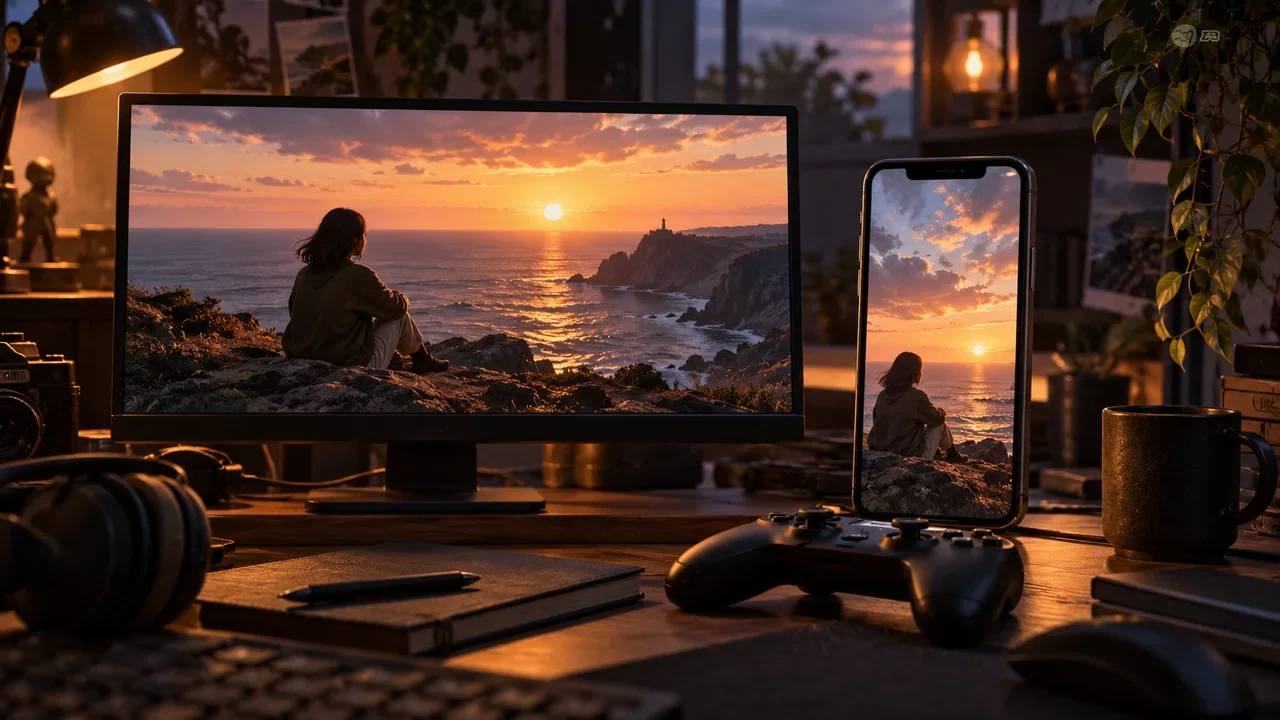
Landscape is better suited to multiple people in the same frame, environmental clues, surveillance footage, and traditional PC/console viewing. Players can look across a wider area, and subtitles and choices are easier to place below or beside the image.
Portrait is closer to one-handed viewing on a phone. Characters’ faces and interpersonal conflicts can more easily occupy the center of the frame, but there is less space for environmental information. Subtitles, options, countdowns, and system prompts compete for the same area. If safe areas are not reserved during filming, post-production can only cover up performances or reduce the text size.
Do not assume you will shoot both a landscape set and a portrait set. Cropping landscape footage to portrait loses character relationships and clues, while placing portrait footage in landscape leaves large amounts of empty space. Supporting both aspect ratios means recomposing shots, checking subtitles, exporting assets, and testing interfaces, and should be budgeted as a separate cost.
PC, Web, and mobile each have major constraints
A PC client suits larger video packages, keyboard and mouse or controller input, offline saves, and Steam distribution. Its costs include installation, builds, platform reviews, and more variation between devices.
A Web version has a low barrier to entry and makes prototypes easy to share, but browser autoplay rules, network fluctuations, caching, decoding capabilities, and tab switching all affect the video experience. You cannot assume that the fast network on a development machine represents real-world conditions.
Mobile suits portrait orientation and short sessions, but requires handling touch target areas, system interruptions, resuming from the background, storage space, different screen aspect ratios, and store rules. Users are also more likely to watch with the sound off, so subtitles and non-audio feedback should be designed from the first version.
Choose based on player tasks, not team preferences
If the core task is comparing several surveillance feeds and looking for details, landscape on PC is usually more natural. If the core task is quickly expressing a stance during a short drama’s conflict, portrait on mobile is closer to actual usage conditions. If the core goal is to let prospective users experience a three-minute prototype without installing anything, Web can serve as the validation platform.
The full version of 《零点回拨》 includes a customer service interface, call records, surveillance footage, and evidence comparisons, making it suitable for landscape on PC; however, the three-minute version used for user acquisition can be built for Web, retaining one incoming-call judgment and one clear consequence. These are not simply two exports of the same project, but a complete product and a slice for validation.
The platform determines the video integration approach
Being able to “play” video is only the minimum requirement. Interactive film games also need to prepare the next clip in advance, switch quickly after a choice, handle pausing and resuming, and keep audio and video stable on low-spec devices.
Unity’s VideoPlayer.Prepare prepares resources before playback; Unreal Engine’s Media Framework supports local files, streaming media, audio and video tracks, and integration with Blueprint and UMG; Godot’s VideoStreamPlayer also has its own format and Web performance limitations. Check the target platform and encoding before choosing an engine, rather than discovering after filming that all the footage needs conversion.
Create a release format decision table
Rate each candidate option from one to five:
| Dimension | Facts to check |
|---|---|
| Player fit | Whether target users actually use that device in that setting |
| Interaction fit | Whether input, text, clues, and time pressure feel natural |
| Audiovisual fit | Whether the aspect ratio can accommodate characters, subtitles, and options |
| Technical risk | Whether video, caching, saves, and device differences are manageable |
| Distribution cost | Accounts, reviews, assets, and the amount of version maintenance |
| User acquisition path | Where players discover and enter the work |
| Team capability | Whether the team has the relevant test devices and development experience |
The scores do not automatically provide an answer. Any option scoring below three on “player fit” or “technical risk” should first undergo targeted prototyping, rather than having those weaknesses averaged out in the total score.
State three things clearly in the project initiation document
First: what the primary aspect ratio and platform are for the initial version. Second: why they best suit the target players and core task. Third: which platforms are not supported for now, and under what conditions they will be reconsidered.
Once the release format is decided, the script can account for how long a segment can last, how much information players can see at once, and how choices should appear. The next stage is to turn these constraints into the core loop.
Check the release format before starting work
When putting the plan into practice, record the target devices, aspect ratio, session length, input methods, and network conditions on the same specification card. Then test both landscape and portrait with a minimal segment containing dialogue, choices, subtitles, and video transitions. Proceed to the full script stage only after the team confirms that composition, interaction target areas, and asset costs are all viable.