• Home
  • Blog
  • Gallery
  • Pricing
  • Home
  • Blog
  • Gallery
  • Pricing
Start creating

Creator blog

Better stories start hereBetter stories start here

Discover practical AI tools, interactive storytelling methods, and production lessons—from the first idea to a story people can play.

DRAMAFORKStories · Craft · Possibility
Topics
AllTool comparisonsCreator guidesCreation tutorialsInteractive narrativeGetting startedGalgame Route DesignVisual Novel ProductionInteractive Fiction DesignNarrative Design for Interactive Film GamesInteractive Film AccessibilityInteractive Film WorkflowInteractive Game BasicsInteractive Film Presentation and DeliveryInteractive Film LocalizationInteractive Film ProductionNarrative MechanicsCreative CollaborationGetting startedFictional Case StudyStory LocalizationMobile and AccessibilityActing and StagingExploring Time and SpaceRelationships and GroupsResources and ConstraintsInformation and CommitmentsProduction PracticeProduct workflowChoosing tools
193 articles

Editorial / 04

Search resultsSearch results

Articles related to “interactive film”

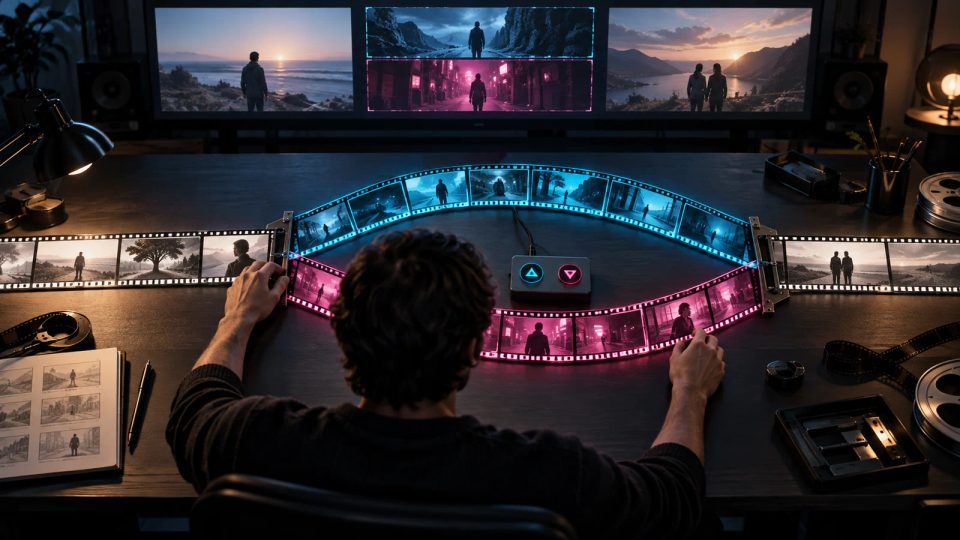
Original cinematic editorial illustration without text: an editor arranges three layers of film strips. A shared opening divides into two middle routes that join at one merge point; a small controller with choice symbols suggests navigation checks before finishing.Most relevant
Interactive Film Workflow2026.10.13

Branch rough cuts in an interactive film workflow: Prove every path before finishing

Before finishing a branching rough cut, establish that options reach the right segments, consequences stay on their routes and shared scenes use no unearned knowledge. A route skeleton records connection evidence and return conditions.
DramaFork Editorial Team14 min read
Continue reading

The next move is yours

From a story to a playable world.From a story to a playable world.

Do not wait for every video to be finished before testing the story. Build the characters, rules, and branches first, then let real choices guide what you make next.

Start with one story decision

Try a playable example

From a story to a playable world.

Create interactive narrative games with DramaFork: connect scripts, characters, shots, and choices into a playable first version.

Explore & play

  • Explore gallery
  • Interactive film
  • Text game
  • Character IP
  • Rankings
  • Works index

Create & collaborate

  • My creations
  • Film studio
  • Text-game studio
  • Character studio
  • Creator partnership

Reading room

  • Creator blog
  • Story topics
  • Article archive

Story guides

  • Interactive storytelling
  • Making interactive films
  • Designing text games
  • Character and worldbuilding

Plans & credits

  • Pricing
  • Credits

Policies & support

  • Privacy
  • Terms
  • Cookies
© 2026 DramaFork/DramaFork · Interactive narrative games
Press Enter to send, or drag away and release.
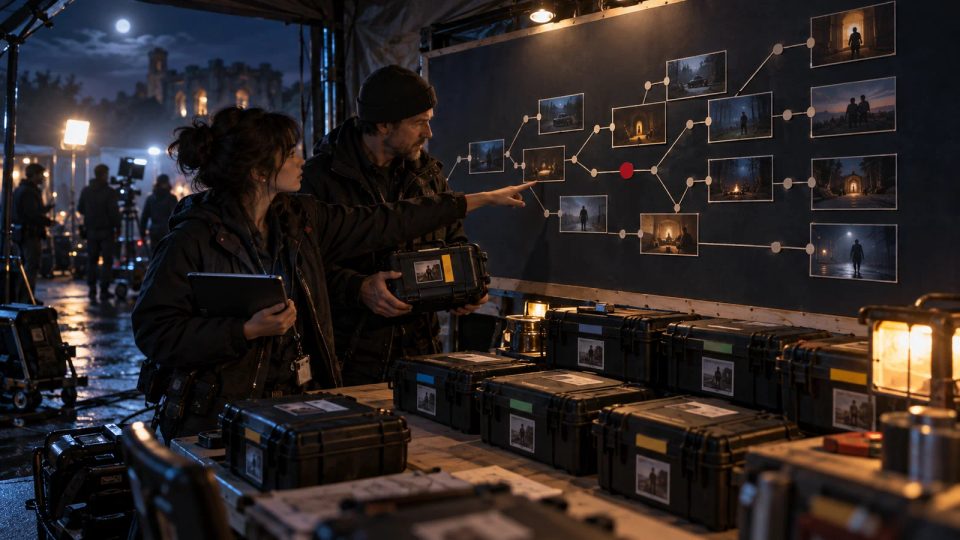
Original cinematic article illustration: after a night shoot, a media manager and script supervisor compare camera-card cases with a wall-sized branch board. One red marker identifies a missing path. No text; not a product screenshot.
Interactive Film Workflow2026.10.13

Daily footage handover in an interactive film workflow: Check route coverage

At wrap, reconcile planned nodes, recorded shots and takes, and ingested assets. A daily route-coverage receipt separates unshot, unlocated, unchecked, and narratively unusable material, assigning open gaps to tomorrow’s owner.

DramaFork Editorial Team14 min read
Continue reading
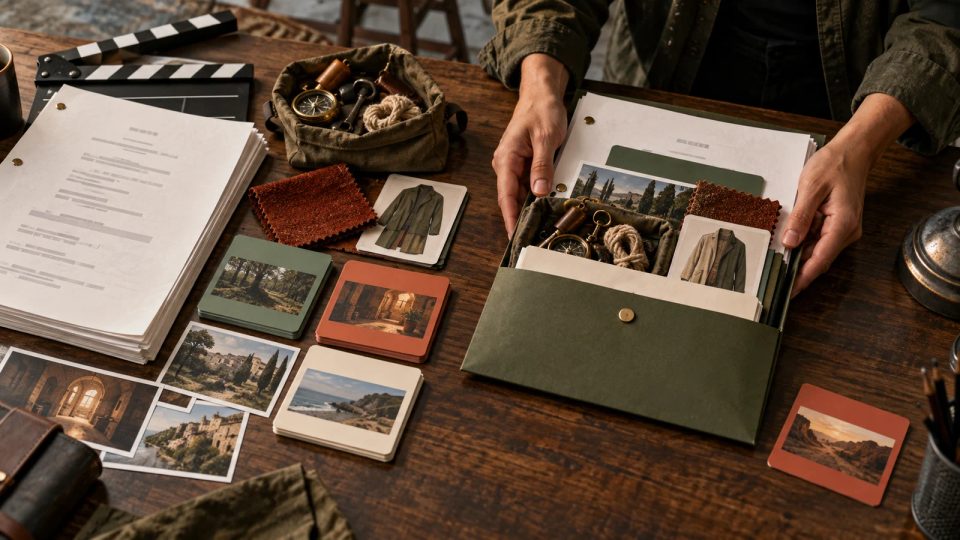
Original text-free cinematic editorial illustration: a script sits beside a clapperboard, prop bag and route-colored scene cards. A producer groups shoot-ready material into one package while an unresolved card remains outside.
Interactive Film Workflow2026.10.13

How an interactive film workflow moves from script to shooting: production unit cards

A finished script is not yet shoot-ready. A production unit card hands shared footage, route differences, prop states and open questions to named owners, with checkable evidence for release or return.

DramaFork Editorial Team14 min read
Continue reading
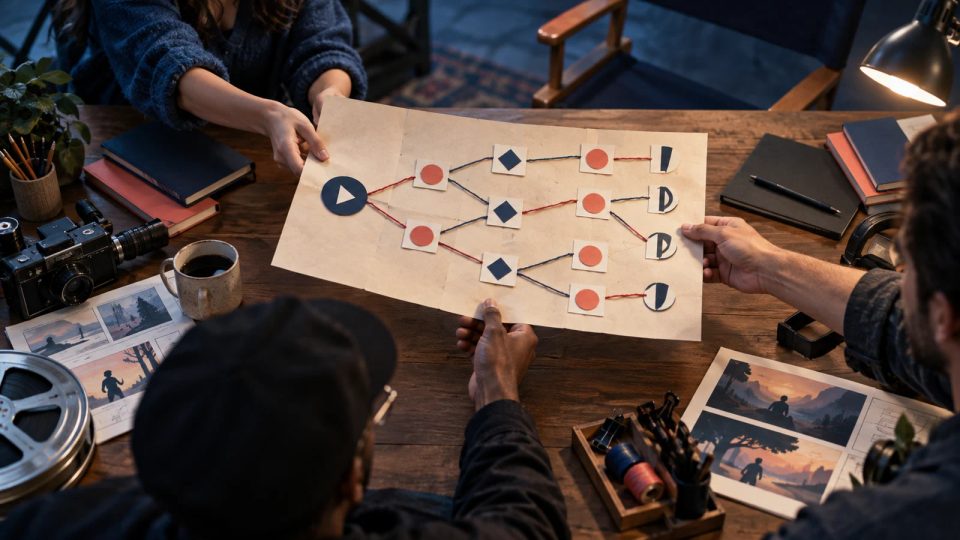
Original cinematic editorial illustration: a writer passes a paper branch map across a studio worktable to a director and an interaction designer. Entry, player-action, and exit symbols mark the nodes, with fine lines connecting the routes and no readable text.
Interactive Film Workflow2026.10.13

An interactive film workflow for handing off branch maps: define entry, actions, and exit with node contracts

A branch map shows where the story goes; a node contract explains what makes each step possible. Use a reusable handoff card to give producers, directors, and implementers the information available to players, action feedback, state changes, acceptance evidence, and responsibility for corrections.

DramaFork Editorial Team19 min read
Continue reading
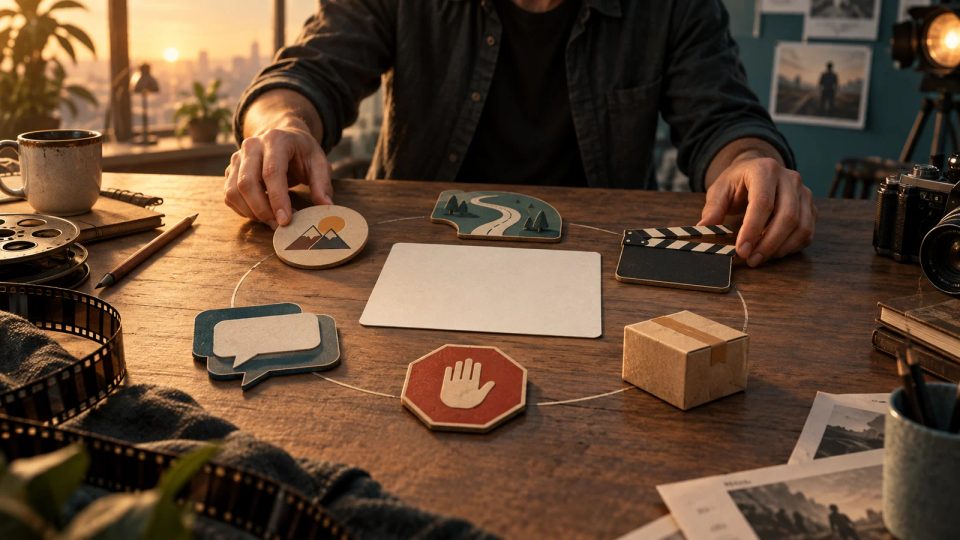
Original cinematic editorial illustration without text: a creator sits at a small desk with six physical markers around a blank project card—a story token, path strip, clapperboard, language card, stop marker, and delivery box—representing scope definition before work begins.
Interactive Film Workflow2026.10.13

Starting an interactive film workflow with an idea: define the screenwriter’s scope on one page

Before handing an idea to a screenwriter, agree on what viewers can do, which paths must work, and which issues require revision. A one-page handoff definition turns a mystery premise into a development scope that can be checked.

DramaFork Editorial Team20 min read
Continue reading
Original cinematic article illustration, no text: four adult friends sit at a living-room table. Only one operates a tablet; others point at blank clue cards. An unbranded fictional station platform on the tablet distinguishes advice from input. Not a product screenshot.
Interactive Game Basics2026.10.13

Interactive Game with One Operator: Participation and Control

One person choosing while friends advise is shared play with one operator and group discussion. Separate who suggests, who submits input, and how to confirm a suggestion became an action in the game.

DramaFork Editorial Team14 min read
Continue reading
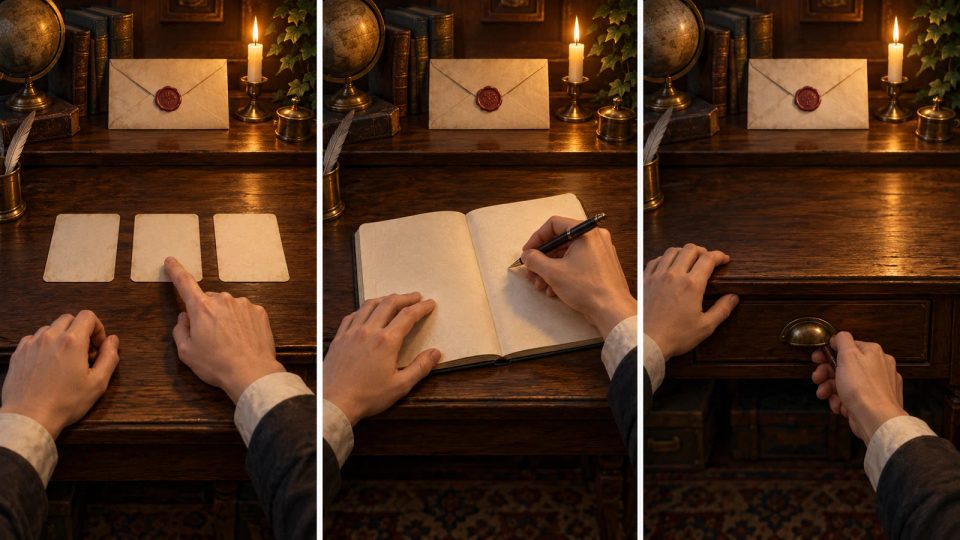
Original text-free cinematic illustration: one sealed letter sits on an archive-room desk. Three sets of hands point to blank choice cards, write in a text-free notebook and hold a drawer handle beside the letter, showing three forms of participation. No real product interface.
Interactive Game Basics2026.10.13

Does an Interactive Game Need Choice Buttons? Compare Three Input Methods

Choosing a line, typing an action and manipulating objects can all express the intent to collect a letter. A comparison card shows what each accepts and distinguishes successful input from successful action.

DramaFork Editorial Team13 min read
Continue reading
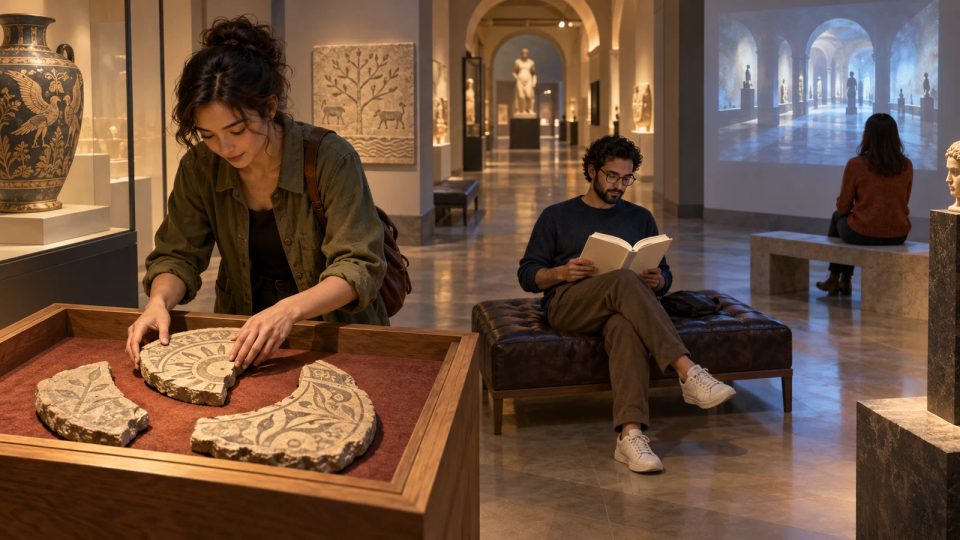
Original cinematic article illustration: under warm lights in a quiet museum, one visitor faces book pages, a small projection, and a box of puzzle fragments; another watches the projection. Reading, viewing, and handling coexist. No readable text in any medium.
Interactive Game Basics2026.10.13

Interactive Game, Interactive Story, and Interactive Fiction: What Players Do

Text, video, and images tell you how content is presented, but not what players do. Four versions of one fictional museum distinguish reading controls, story participation, and rule-based tasks. An observation card describes how they overlap.

DramaFork Editorial Team15 min read
Continue reading
Original text-free cinematic illustration: producer and distribution staff exchange clip boxes, subtitle material and choice cards across a workstation. Five language-tag groups, cover thumbnails and public-description sheets sit in warm and cool light. Not a product screenshot.
Interactive Film Presentation and Delivery2026.10.13

Interactive Film Handover Checks: Separate Production Completion from Five-Language Viewing

Exported clips do not establish complete viewing in five languages. Use a one-page handover sheet to identify routes, languages, media versions, subtitles and covers, then sign production acceptance and release scope separately.

DramaFork Editorial Team14 min read
Continue reading
Original text-free cinematic illustration: a content lead in a dim editing room compares a replaced key-handover shot with subtitle tracks, trailer clips, demo footage and press-kit thumbnails. Warm and cool light illuminate the workstation. Not a real product screenshot.
Interactive Film Presentation and Delivery2026.10.13

Replace an Interactive Film Shot: Audit Subtitles, Trailers and Demo Versions

After replacing a shot, trace each use in subtitles, trailers, demos and press kits with a location-based reference list. Separate file, timing and story changes, and attach review evidence to concrete delivery versions.

DramaFork Editorial Team13 min read
Continue reading
Original text-free cinematic illustration: in a dim editing room, an editor faces two reviewers signaling shorter and longer transitions. A screen shows a key close-up and a dock wide shot; branching sketches lie on the desk. Not a product screenshot.
Interactive Film Presentation and Delivery2026.10.13

Record Interactive Film Review Disagreements: Separate Aesthetic Preferences from Route Errors

When reviewers want the same transition shorter and longer, first align their routes. Split comments into observable facts, route impact, aesthetic preference and questions to verify, then decide what to fix first and what requires the creative lead’s judgment.

DramaFork Editorial Team14 min read
Continue reading
Original cinematic illustration: a director and two live actors sit at a table read, with wordless route cards and blank script pages. Two beams with different colour temperatures meet at a dispatch-room doorway model, suggesting branches entering a shared scene. No text; not a product screenshot.
Interactive Film Presentation and Delivery2026.10.13

How to Rehearse Unfilmed Interactive Film Routes with Actors: Establish Cause Before Sharing Footage

A shared scene depends on whether characters have reason to say the same line after each route. Connect entry facts, actor objectives, partner responses and merge conditions in a rehearsal sheet before deciding which performances to share.

DramaFork Editorial Team14 min read
Continue reading
Original cinematic illustration: in a dim fictional gallery, a curator positions a screen, entry-information board and choice card. One visitor enters through the doorway while another holds the card and watches a story about film reels. No text; not a product screenshot.
Interactive Film Presentation and Delivery2026.10.13

How to Design an Interactive Film Exhibition Loop: Show Late Arrivals Who Is Choosing

Visitors arriving midway need to know the current scene, when they may participate and where the story resets. A fictional gallery example provides three entry messages and a loop script that identifies the decision-maker.

DramaFork Editorial Team15 min read
Continue reading
Original cinematic illustration: a teacher leads a classroom discussion beside a paused fictional rehearsal-room scene. Separate before-choice and after-choice sheets lie on students’ desks; soft projection light falls on thoughtful faces. No text; not a product screenshot.
Interactive Film Presentation and Delivery2026.10.13

How to Organize an Interactive Film Classroom Discussion: Record Reasons Before Discussing Outcomes

Keep pre-choice reasons separate from explanations after the outcome, so the class can discuss what informed the original judgment. An original fictional scene supplies two worksheets, neutral questions and completed examples.

DramaFork Editorial Team15 min read
Continue reading
Original cinematic article illustration: in a dim small screening room, a host beside the screen organizes a shared audience choice. A counter sorts paper ballots at a table while seated viewers watch the host. No text; not a product screenshot.
Interactive Film Presentation and Handover2026.10.13

Interactive Film Group Choices: A Voting and Hosting Rule Card

Group decisions at a small screening need deadlines, tie procedures, late-vote rules, and clear grounds for a host to pause. A read-aloud rule card turns audience opinions into one verifiable playback instruction.

DramaFork Editorial Team14 min read
Continue reading
Original cinematic article illustration: in a dim screening venue, a presentation lead organizes a laptop, local storage, and three sets of screening material. A fictional station scene appears on the projection behind them. No text; not a product screenshot.
Interactive Film Presentation and Handover2026.10.13

Interactive Film Screening Backups: Three Versions and a Switch Card

With uncertain connectivity, backups should preserve the presentation’s purpose and disclose lost interaction. A version-switch card organizes a playable version, a presenter-led version, and a linear recording so staff know when to switch, where to resume, and what to tell viewers.

DramaFork Editorial Team15 min read
Continue reading
Original cinematic article illustration: at an editing desk, a creator compares continuous images of a letter handover at a pier, a withdrawn ticket, and boarding, choosing a demo ending that shows the decision’s consequences. No text; not a product screenshot.
Interactive Film Presentation and Handover2026.10.13

Where an Interactive Film Demo Should End: Deliver the Consequence

End a demo after viewers make a decision and see a recognizable consequence. A four-part checklist—promise, decision, result, reason to continue—compares two edits to deliver the interaction while leaving a new question open.

DramaFork Editorial Team15 min read
Continue reading
Original text-free cinematic illustration: in a dim projection room, a creator hands a blank information page to a media reviewer. A desk screen shows two branching images for access and choices; film reels and a timer suggest total footage and viewing time. Not a product screenshot.
Interactive Film Presentation and Delivery2026.10.13

Explain Interaction in an Interactive Film Press Kit: Show Reviewers What to Look For

Put the introduction, operating instructions and playable entry on one page. Separate first-route viewing time from total footage, and provide spoiler-free observation points with optional comparison routes.

DramaFork Editorial Team15 min read
Continue reading
Original text-free cinematic illustration: a distribution editor in a dim editing room arranges shot cards of a rainy theater, an original tape and a reaching hand. Action cards sit under a lamp; cards implying route outcomes are grouped in shadow. Not a product screenshot.
Interactive Film Localization2026.10.13

Make an Interactive Film Trailer Without Revealing Choice Outcomes: Show Problems and Actions

A trailer should show the problem viewers face and the actions they can take while leaving outcomes unknown. A three-level shot table and a 30-second script apply that boundary to images, dialogue and sound connections.

DramaFork Editorial Team14 min read
Continue reading
  1. 1
  2. ...3
  3. 4
  4. 5
  5. ...11

Blog categories

  • All511
  • Tool comparisons6
  • Creator guides2
  • Creation tutorials43
  • Interactive narrative60
  • Getting started11
  • Galgame Route Design25
  • Visual Novel Production25
  • Interactive Fiction Design25
  • Narrative Design for Interactive Film Games25
  • Interactive Film Accessibility10
  • Interactive Film Workflow10
  • Interactive Game Basics10
  • Interactive Film Presentation and Delivery10
  • Interactive Film Localization10
  • Interactive Film Production10
  • Narrative Mechanics11
  • Creative Collaboration11
  • Getting started1
  • Fictional Case Study10
  • Story Localization10
  • Mobile and Accessibility10
  • Acting and Staging10
  • Exploring Time and Space10
  • Relationships and Groups10
  • Resources and Constraints10
  • Information and Commitments10
  • Production Practice59
  • Product workflow34
  • Choosing tools33

From a story to a playable world.

Start with one story decision

Create a project