• Home
  • Blog
  • Gallery
  • Pricing
  • Home
  • Blog
  • Gallery
  • Pricing
Start creating

Creator blog

Better stories start hereBetter stories start here

Discover practical AI tools, interactive storytelling methods, and production lessons—from the first idea to a story people can play.

DRAMAFORKStories · Craft · Possibility
Topics
AllTool comparisonsCreator guidesCreation tutorialsInteractive narrativeGetting startedGalgame Route DesignVisual Novel ProductionInteractive Fiction DesignNarrative Design for Interactive Film GamesInteractive Film AccessibilityInteractive Film WorkflowInteractive Game BasicsInteractive Film Presentation and DeliveryInteractive Film LocalizationInteractive Film ProductionNarrative MechanicsCreative CollaborationGetting startedFictional Case StudyStory LocalizationMobile and AccessibilityActing and StagingExploring Time and SpaceRelationships and GroupsResources and ConstraintsInformation and CommitmentsProduction PracticeProduct workflowChoosing tools
193 articles

Editorial / 03

Search resultsSearch results

Articles related to “interactive film”

A cinematic editorial illustration: an adult caretaker is about to continue speaking as a foreground figure raises a hand to interrupt.Most relevant
Interactive Film Game Narrative Design2026.10.13

When Players Interrupt a Line in an Interactive Film Game, What Happens to the Rest?

Hearing “You can go in” does not mean the player has heard the escort condition that follows. Place interruption windows at semantic completion points, then use an interrupted-line recovery table to decide what to supply, drop, or turn into a question. Later dialogue must not treat unspoken information as shared knowledge.

DramaFork Editorial Team17 min read
Continue reading

The next move is yours

From a story to a playable world.From a story to a playable world.

Do not wait for every video to be finished before testing the story. Build the characters, rules, and branches first, then let real choices guide what you make next.

Start with one story decision

Try a playable example

From a story to a playable world.

Create interactive narrative games with DramaFork: connect scripts, characters, shots, and choices into a playable first version.

Explore & play

  • Explore gallery
  • Interactive film
  • Text game
  • Character IP
  • Rankings
  • Works index

Create & collaborate

  • My creations
  • Film studio
  • Text-game studio
  • Character studio
  • Creator partnership

Reading room

  • Creator blog
  • Story topics
  • Article archive

Story guides

  • Interactive storytelling
  • Making interactive films
  • Designing text games
  • Character and worldbuilding

Plans & credits

  • Pricing
  • Credits

Policies & support

  • Privacy
  • Terms
  • Cookies
© 2026 DramaFork/DramaFork · Interactive narrative games
Press Enter to send, or drag away and release.
Cinematic editorial illustration: an adult actor in close-up grips a drawer handle while an off-camera reader beside the camera raises a hand in shadow; a narrow beam of light connects the on-camera and off-camera spaces.
Interactive Film Game Narrative Design2026.10.13

Shooting Reverse Shots Separately in Interactive Film Games: Off-Camera Lines That Preserve Actors’ Reasons to Respond

When shooting each side of a conversation separately, agree on which line and action mark the other character’s change of position, then leave the actor room to respond. A fictional counter scene shows how to fill out a reusable off-camera cue card, separating essential pauses and delivery from performance details that can vary naturally.

DramaFork Editorial Team18 min read
Continue reading
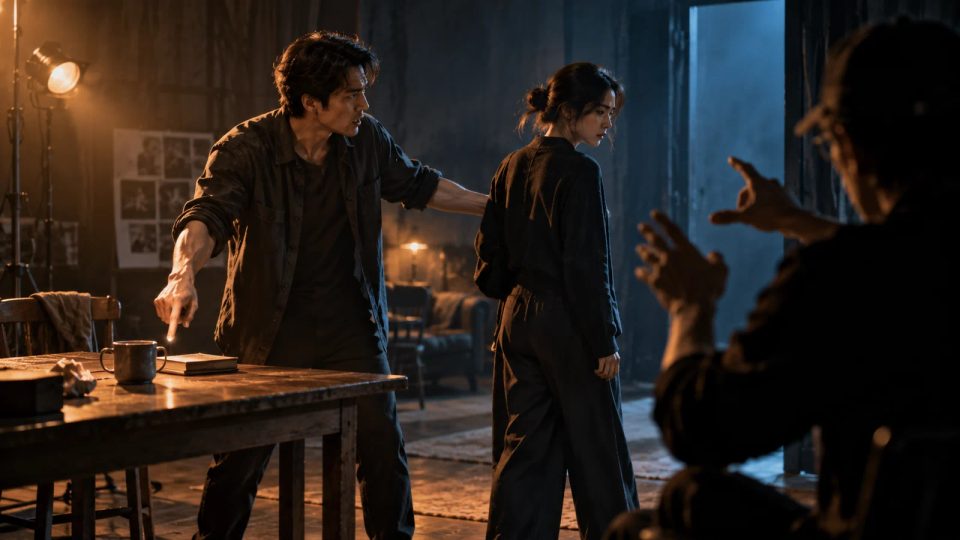
Cinematic editorial illustration: in a rehearsal room, an adult actor blocks the path of a scene partner who is about to leave, pointing with one hand at an object on a table.
Narrative Design for Interactive Film Games2026.10.13

How an Interactive Film Game Director Can Turn “Angrier” into a Playable Direction

Turn “more disappointed” or “angrier” into a request a scene partner can respond to now: specify whom the actor is addressing, the behavior they want, the tactic, and when to end the attempt. Use a fictional rehearsal scene to fill out a reusable direction-rewriting table and identify where a note goes beyond the script.

DramaFork Editorial Team18 min read
Continue reading
Cinematic editorial illustration: in a sparse audition room, an adult actor reaches toward the doorway.
Narrative Design for Interactive Film Games2026.10.13

Interactive Film Game Auditions: Assessing Branch Adaptation by Changing Prior Events

Keep the dialogue, the task of borrowing a key, and the scene partner’s response fixed. Change only one event that happened before the scene. This reusable audition card helps you observe how actors turn different prior events into immediate action—and distinguish grounded adjustments from simply intensifying emotion.

DramaFork Editorial Team18 min read
Continue reading
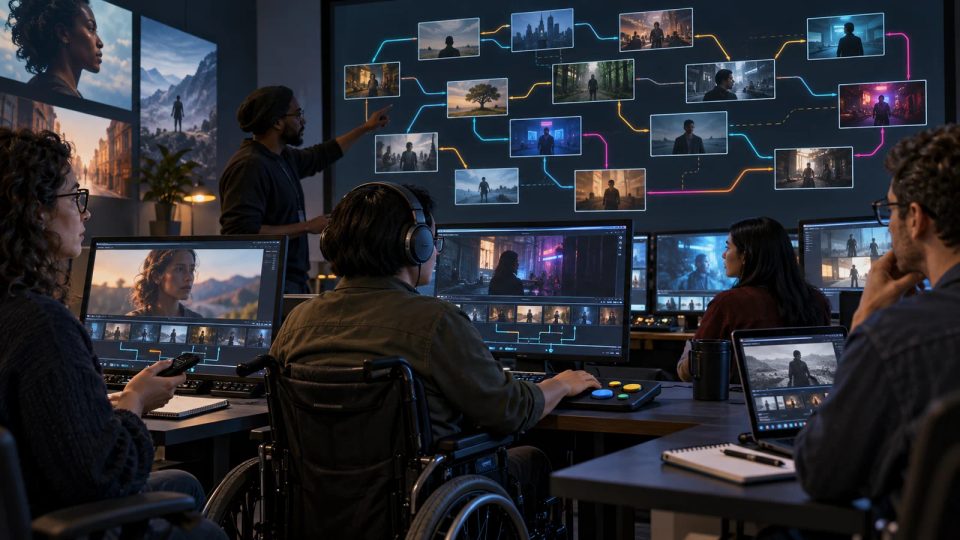
Original cover illustration of a diverse QA team tracing branching film routes with keyboards, remotes, headphones, and switch controls in a screening lab.
Interactive Film Accessibility2026.10.13

Route-based accessibility QA for interactive film: a matrix for input, media, and state

Build a risk-based accessibility test matrix that combines representative routes, input methods, media alternatives, five locales, and state recovery without an unmanageable case count.

DramaFork Editorial Team14 min read
Continue reading
Original cover illustration of a returning viewer opening a luminous bookmark that reconnects a branching film timeline and known scenes.
Interactive Film Accessibility2026.10.13

Accessible save and resume for interactive film: retain preferences, state, and context

Design save and resume around checkpoints, retained accessibility preferences, narrative state, and concise recaps so returning viewers do not have to reconfigure or remember everything.

DramaFork Editorial Team14 min read
Continue reading
Original cover illustration of an editor turning crowded ambiguous choice cards into two clear action cards aligned with a film scene.
Interactive Film Accessibility2026.10.13

Write cognitively accessible interactive film choices with clear actions and objects

Turn vague or literary choices into understandable actions with short sentences, concrete verbs, consistent terms, and enough context without spoiling uncertain outcomes.

DramaFork Editorial Team14 min read
Continue reading
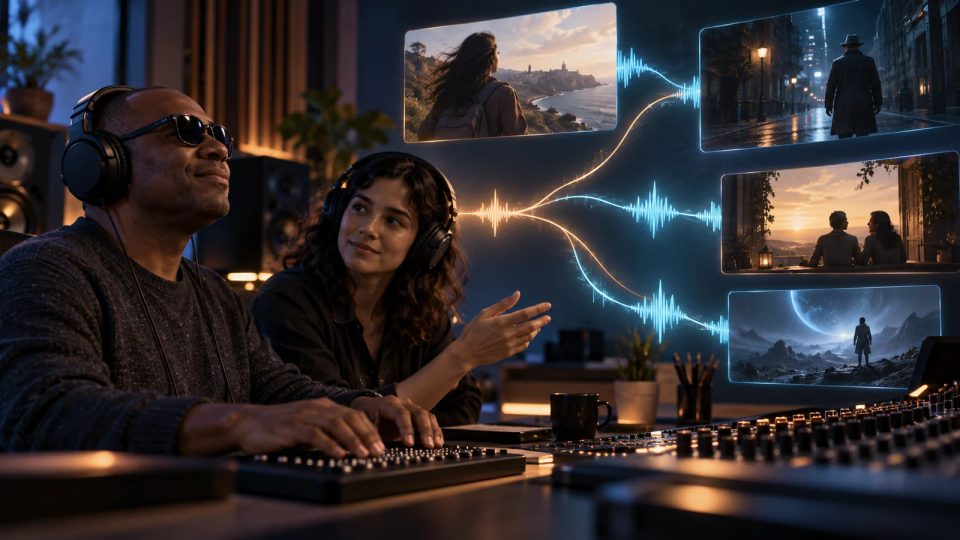
Original cover illustration of a blind viewer and sound designer listening as luminous waveforms connect several film branches in a mixing studio.
Interactive Film Accessibility2026.10.13

Audio description across interactive film branches: script space, state, and version control

Plan audio description per branch by identifying essential visual information, reserving dialogue gaps, managing shared and route-specific versions, and preventing spoilers.

DramaFork Editorial Team14 min read
Continue reading
Original cover illustration of a director choosing between a swirling transition and a stable dissolve in a post-production suite.
Interactive Film Accessibility2026.10.13

Reduced motion for interactive film: redesign transitions, shots, and choice feedback

Create a reduced-motion mode by separating essential from decorative movement and preserving route information through stable transitions, static feedback, and flash review.

DramaFork Editorial Team14 min read
Continue reading
Original cover illustration of two film choice paths distinguished by high-contrast color, different shapes, and brightness cues.
Interactive Film Accessibility2026.10.13

Interactive film choices cannot rely on color alone: contrast, shape, and state cues

Keep choices distinguishable over moving footage with text, shape, position, and state feedback while testing text contrast, non-text contrast, and actual target size.

DramaFork Editorial Team14 min read
Continue reading
Original cover illustration of a suspended glass hourglass, a pause symbol, and two film branches in a quiet screening room.
Interactive Film Accessibility2026.10.13

Accessible timed choices in interactive film: pause, extend, and define no-input behavior

Define pause, extension, timer-off, and no-input behavior so an interactive film can preserve urgency without turning time into an access barrier.

DramaFork Editorial Team14 min read
Continue reading
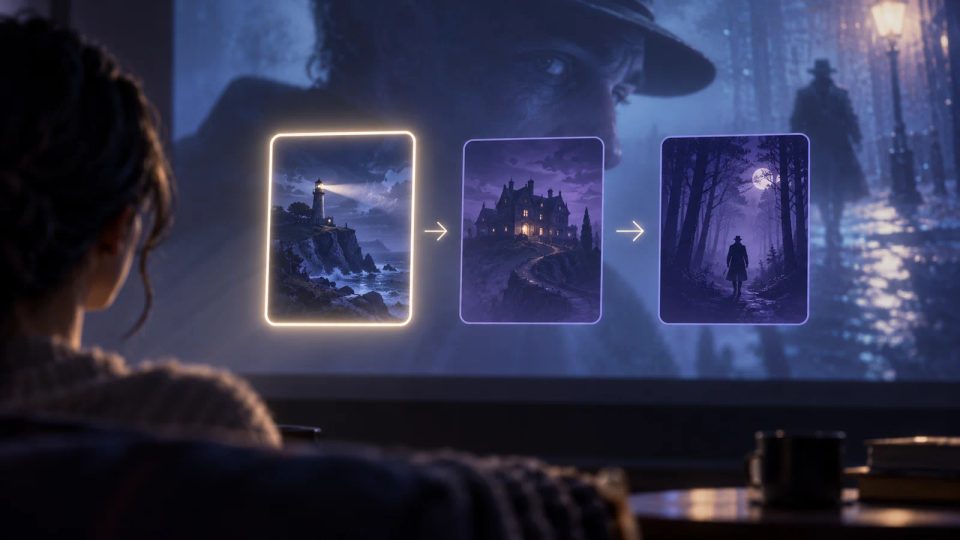
Original cover illustration of three abstract choice cards over a film scene, with one crisp luminous focus frame and a clear movement path.
Interactive Film Accessibility2026.10.13

Focus design for interactive film choices: keep order, position, and feedback visible

Define entry focus, movement order, obscuration handling, confirmation feedback, and return position so keyboard and remote viewers always know where they are.

DramaFork Editorial Team13 min read
Continue reading
Original cover illustration of a keyboard, television remote, and adaptive switch linked by glowing paths to the same interactive film choice.
Interactive Film Accessibility2026.10.13

Keyboard, remote, and switch control for interactive film: design an equivalent input route

Turn click-only choices into equivalent keyboard, television remote, and switch-control tasks by defining navigation, confirmation, cancellation, error prevention, and device switching.

DramaFork Editorial Team14 min read
Continue reading
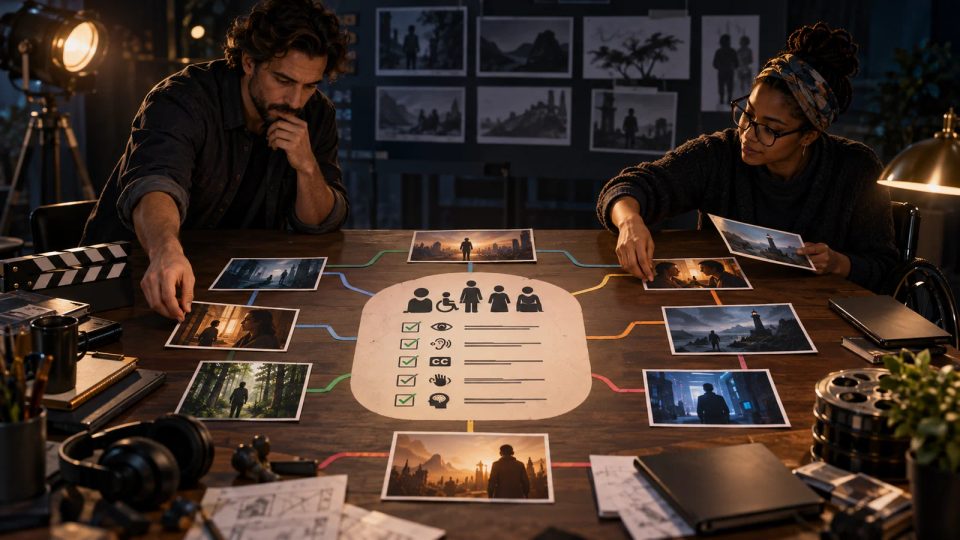
Original editorial illustration of a film director and accessibility specialist arranging branching scene cards and symbolic checks on a dark studio table.
Interactive Film Accessibility2026.10.13

How to set an interactive film accessibility baseline across routes, media, and acceptance

Build accessibility into an interactive film from project kickoff by inventorying viewer tasks, branch risks, alternatives, and evidence across writing, post-production, engineering, and QA.

DramaFork Editorial Team14 min read
Continue reading
Original cinematic article illustration, no text: a release lead puts a checked film build into a glowing release box. An older version sits in a separate rollback drawer beside acceptance slips, poster cards, and an observation notebook.
Interactive Film Workflow2026.10.13

Release candidates in an interactive film workflow: Evidence and rollback

Bind a definite build to acceptance evidence, known limits, rollback points, and public materials. A fictional suspense film shows a release-candidate sheet, late-change handling, and routing post-launch problems back to their owners.

DramaFork Editorial Team14 min read
Continue reading
Original cinematic editorial illustration: a central source package connects five collaborators’ colored work packages: one for Simplified Chinese source proofreading, four for Traditional Chinese, English, Japanese and Korean localization. No flags or readable text; not a product screenshot.
Interactive Film Workflow2026.10.13

Starting five-language localization in an interactive film workflow: define scope with a meaning freeze package

Changing images need not hold every translation. Freeze story meaning, character knowledge and branch consequences per item, then use permitted changes, receipts and rework paths to start four targets alongside the Simplified Chinese source for a five-language release.

DramaFork Editorial Team15 min read
Continue reading
Original cinematic editorial illustration without text: fine glowing lines connect a replaced film segment to affected branches, subtitle cards and language markers. A reviewing editor selects a few checks while unaffected routes remain in shadow.
Interactive Film Workflow2026.10.13

Change regression in an interactive film workflow: An impact card for minimum retesting

After replacing a shot, trace its users and dependent judgments before creating checks with entry conditions and expected results. A change-impact card defines the handoff scope, evidence and return conditions.

DramaFork Editorial Team14 min read
Continue reading
Original cinematic article illustration: three reviewers at three studio doors. A writer checks clue links; a director studies faces and light; a release editor inspects branching film strips and a player symbolizing usable delivery. No text; not a product screenshot.
Interactive Film Workflow2026.10.13

Review gates in an interactive film workflow: Who accepts what

Use three review gates—causality, performance and audiovisuals, and release usability—with one handover sheet defining scope, issue ownership, and acceptance evidence so critical defects have an owner before the next stage.

DramaFork Editorial Team14 min read
Continue reading
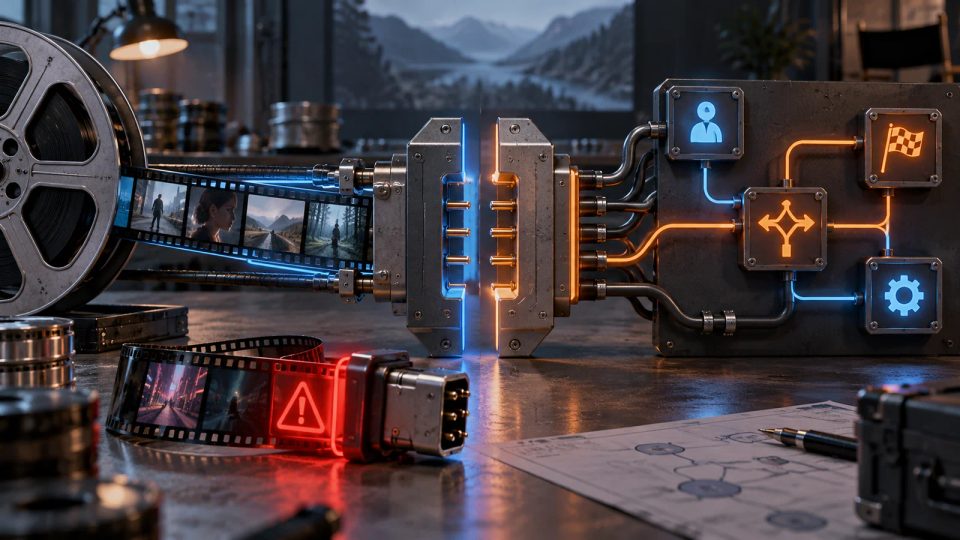
Original cinematic editorial illustration: film strips and a branching logic board meet at a precise interface panel. Text-free icons depict entry conditions, choices, end events and state changes; a wrong wire is stopped before connection. Not a product screenshot.
Interactive Film Workflow2026.10.13

How an interactive film workflow connects video and interaction logic

A playable clip must also state permitted entry, valid choice times, the event committing state and failure recovery. A clip interface sheet turns these agreements into checkable handoff evidence.

DramaFork Editorial Team12 min read
Continue reading
  1. 1
  2. 2
  3. 3
  4. 4
  5. ...11

Blog categories

  • All511
  • Tool comparisons6
  • Creator guides2
  • Creation tutorials43
  • Interactive narrative60
  • Getting started11
  • Galgame Route Design25
  • Visual Novel Production25
  • Interactive Fiction Design25
  • Narrative Design for Interactive Film Games25
  • Interactive Film Accessibility10
  • Interactive Film Workflow10
  • Interactive Game Basics10
  • Interactive Film Presentation and Delivery10
  • Interactive Film Localization10
  • Interactive Film Production10
  • Narrative Mechanics11
  • Creative Collaboration11
  • Getting started1
  • Fictional Case Study10
  • Story Localization10
  • Mobile and Accessibility10
  • Acting and Staging10
  • Exploring Time and Space10
  • Relationships and Groups10
  • Resources and Constraints10
  • Information and Commitments10
  • Production Practice59
  • Product workflow34
  • Choosing tools33

From a story to a playable world.

Start with one story decision

Create a project