• Home
  • Blog
  • Gallery
  • Pricing
  • Home
  • Blog
  • Gallery
  • Pricing
Start creating

Creator blog

Better stories start hereBetter stories start here

Discover practical AI tools, interactive storytelling methods, and production lessons—from the first idea to a story people can play.

DRAMAFORKStories · Craft · Possibility
Topics
AllTool comparisonsCreator guidesCreation tutorialsInteractive narrativeGetting startedGalgame Route DesignVisual Novel ProductionInteractive Fiction DesignNarrative Design for Interactive Film GamesInteractive Film AccessibilityInteractive Film WorkflowInteractive Game BasicsInteractive Film Presentation and DeliveryInteractive Film LocalizationInteractive Film ProductionNarrative MechanicsCreative CollaborationGetting startedFictional Case StudyStory LocalizationMobile and AccessibilityActing and StagingExploring Time and SpaceRelationships and GroupsResources and ConstraintsInformation and CommitmentsProduction PracticeProduct workflowChoosing tools
193 articles

Editorial / 07

Search resultsSearch results

Articles related to “interactive film”

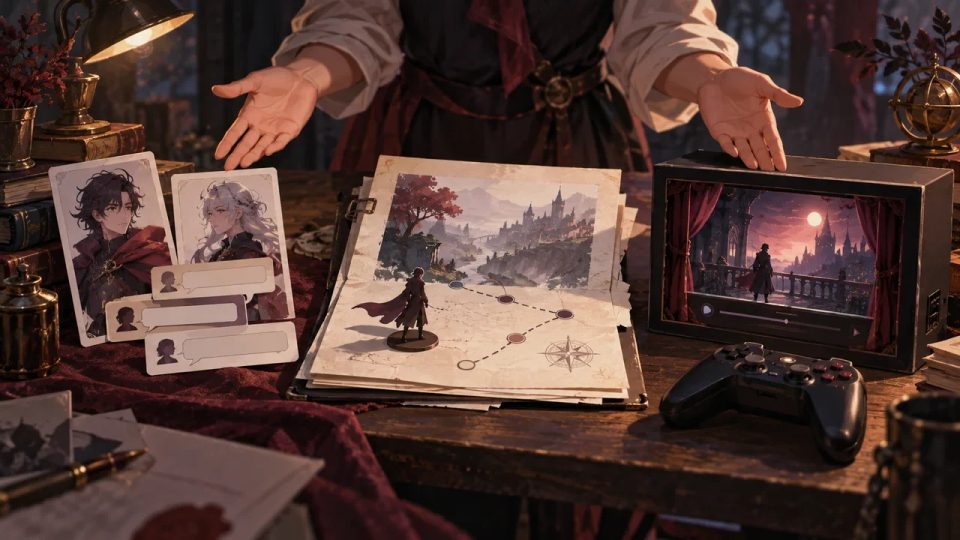
A creator presents character dialogue, a text turn, and a playable segment on a table.Most relevant
Production practice2026.09.04

How to Write an Interactive Story Collaboration Proposal: How Character Samples, Text Turns, and Playable Segments Showcase Creative Direction

A collaboration proposal should let reviewers quickly understand three things: what experience you want to create, which materials already prove your creative ability, and what problem you hope to solve together in the next stage. Character creators can submit character cards and dialogue samples, text authors can submit complete turns, and interactive film/game teams can submit playable segments; you do not need to complete all forms at once.


DramaFork Editorial Team14 min read
Continue reading

The next move is yours

From a story to a playable world.From a story to a playable world.

Do not wait for every video to be finished before testing the story. Build the characters, rules, and branches first, then let real choices guide what you make next.

Start with one story decision

Try a playable example

From a story to a playable world.

Create interactive narrative games with DramaFork: connect scripts, characters, shots, and choices into a playable first version.

Explore & play

  • Explore gallery
  • Interactive film
  • Text game
  • Character IP
  • Rankings
  • Works index

Create & collaborate

  • My creations
  • Film studio
  • Text-game studio
  • Character studio
  • Creator partnership

Reading room

  • Creator blog
  • Story topics
  • Article archive

Story guides

  • Interactive storytelling
  • Making interactive films
  • Designing text games
  • Character and worldbuilding

Plans & credits

  • Pricing
  • Credits

Policies & support

  • Privacy
  • Terms
  • Cookies
© 2026 DramaFork/DramaFork · Interactive narrative games
Press Enter to send, or drag away and release.
An open storybook on a director's desk connects a glowing conversational lantern, a folded paper adventure landscape, and a miniature film projector; triangular tabletop composition viewed from above.
Choosing tools2026.09.02

Same IP: Should You Start with Character Chat, Text Adventure, or Interactive Film-Game?

Choose the hypothesis that most needs validation first, then choose the content format. If the question is whether a character has recognizability, you can start with character chat; if the question is whether actions and costs can form a loop, you can start with a text adventure; if the question is whether performance, camera, and timing of choice hold up, you need an interactive film-game prototype. The three formats answer different questions, and the success of one prototype cannot be used to draw conclusions for another.

DramaFork Editorial Team14 min read
Continue reading
Cover of the blog article “The Final Step from 0 to 1: How to Run a Retrospective That Guides Your Next Work”
Production practice2026.09.01

The Final Step from 0 to 1: How to Run a Retrospective That Guides Your Next Work

A useful retrospective is neither a celebration nor a blame session. It connects plans, actual outcomes, evidence, and rules for next time. It should ultimately produce three kinds of assets: practices to retain, systems that must change, and hypotheses to test before the next project begins. “Lessons learned” without an owner and a trigger for action are soon forgotten.

DramaFork Editorial Team13 min read
Continue reading
Cover of the blog article “What Data to Track After Launching an Interactive Film Game: Choice Rates, Completion Rates, Replay Rates, and Ending Distribution”
Production practice2026.09.01

What Data to Track After Launching an Interactive Film Game: Choice Rates, Completion Rates, Replay Rates, and Ending Distribution

After launch, the priority is to distinguish four questions: whether players understand choices, complete the experience smoothly, want to explore, and where content or technical issues block them. Choice rates, completion rates, replay rates, and ending distribution must use actual exposure and opportunities to play as their denominators, segmented by version, platform, and first playthrough versus replay.

DramaFork Editorial Team13 min read
Continue reading
Cover of the blog article “From Store Page to Launch: The Complete Steam Release Checklist for Interactive Film Games”
Production practice2026.09.01

From Store Page to Launch: The Complete Steam Release Checklist for Interactive Film Games

Plan backward from your Steam release across five parallel workflows—product, store, compliance, builds, and operations—instead of treating it as the final step after uploading a finished game. Fees, waiting periods, asset specifications, and review requirements may change; follow the latest official Steamworks documentation and dashboard prompts when executing the release. This article provides a reusable preparation framework.

DramaFork Editorial Team12 min read
Continue reading
Cover of the blog article “Don't Wait Until Editing to Discover the Sound Won't Connect: Location Recording and Audio Continuity”
Production practice2026.08.31

Don't Wait Until Editing to Discover the Sound Won't Connect: Location Recording and Audio Continuity

Whether video transitions in an interactive film game feel natural is often something the ears notice first. A reverse shot or insert can conceal a visual cut, but ambience suddenly disappearing, the end of a line being cut off, or a change in air-conditioning frequencies will immediately expose a branch. Sound must be designed separately for each node's entry, waiting section, and exit, with enough editable material recorded on set for every route.

DramaFork Editorial Team13 min read
Continue reading
Blog article cover for “How to Organize Saves, Localization, and Asset Packages So Future Updates Don’t Require Reworking the Entire Game”
Production practice2026.08.31

How to Organize Saves, Localization, and Asset Packages So Future Updates Don’t Require Reworking the Entire Game

An updatable interactive film game needs to decouple narrative logic, player saves, localized text, and media assets, connecting them through stable IDs and version manifests. Updating a subtitle segment should not require repackaging every video, replacing a video should not invalidate old saves, and adding a language should not require duplicating the entire branching logic.

DramaFork Editorial Team13 min read
Continue reading
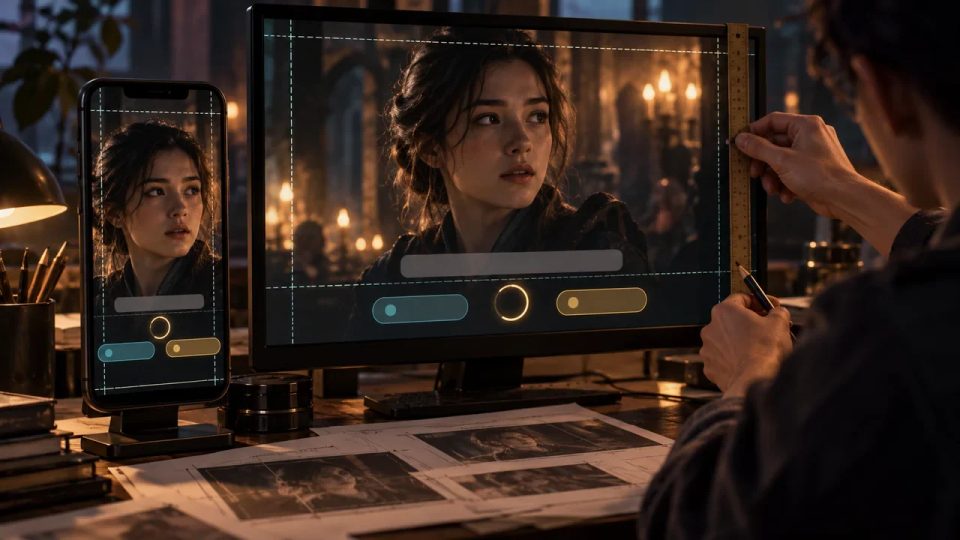
Blog cover for “Keeping Choice Buttons, Subtitles, and Countdowns Clear of the Action: Landscape and Portrait Interaction Guidelines”
Production practice2026.08.30

Keeping Choice Buttons, Subtitles, and Countdowns Clear of the Action: Landscape and Portrait Interaction Guidelines

The interface of an interactive film game is part of the shot composition, not merely a layer over the video. Choices, subtitles, countdowns, and system messages must share safe areas and priorities, with separate validation for landscape, portrait, distant TV viewing, and mobile touch input. The goal is to let players follow the story and operate the controls without competing demands on their attention, rather than to make the UI as invisible as possible.

DramaFork Editorial Team13 min read
Continue reading
Cover of the blog article “Why Film Multiple Versions of the Same Line: How Performance States Respond to Player Choices”
Production practice2026.08.29

Why Film Multiple Versions of the Same Line: How Performance States Respond to Player Choices

Multiple versions of the same line are needed because players change the character’s reason for saying it, not to stockpile footage. With identical wording, “I understand” can express trust, dismissal, a threat, or acceptance after a breakdown. Reusing a single neutral performance makes the character forget what the player just did.

DramaFork Editorial Team13 min read
Continue reading
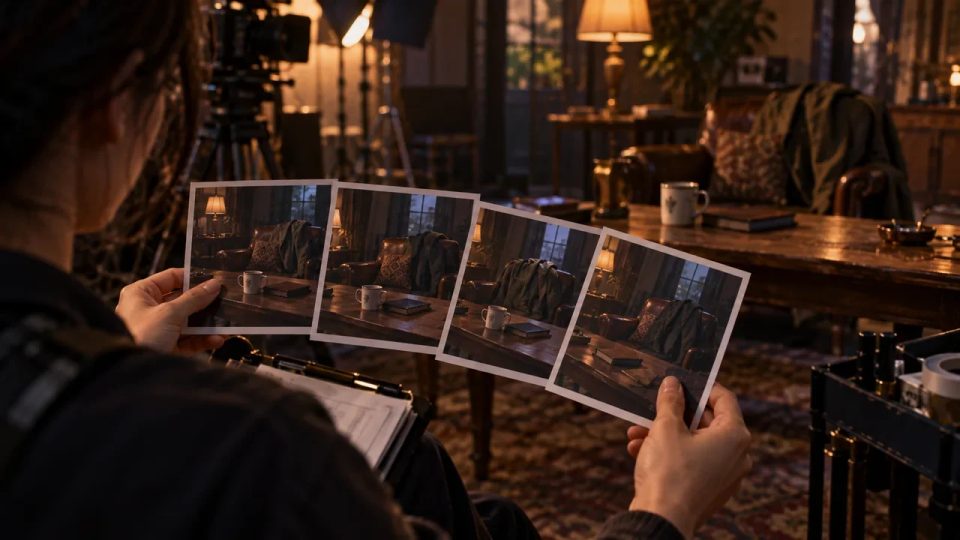
Cover of the blog article “How to Shoot a Scene with Four Branches: Continuity, Script Supervision, and Shooting Order”
Production practice2026.08.29

How to Shoot a Scene with Four Branches: Continuity, Script Supervision, and Shooting Order

The biggest risk in a scene with four branches is not the dialogue, but mismatches between entry states, pauses before choices, and exit actions. On set, shoot it as a shared core with several state variants, using a branch board, continuity photos, and exit checks to safeguard each route, rather than shooting the entire scene four times in succession.

DramaFork Editorial Team13 min read
Continue reading
Blog cover for “Where to Cut Interactive Video: Edit Points, Choice Cues, and Exit Shots”
Production practice2026.08.29

Where to Cut Interactive Video: Edit Points, Choice Cues, and Exit Shots

The best cut point in interactive video is not where a line of dialogue ends, but a shared window in which the player understands the question, the image can wait, the sound can continue, and the next branch can enter naturally. Editing must design the “cue—pause—submit—feedback—exit” sequence together, rather than inserting a button at random after editing a linear version.

DramaFork Editorial Team13 min read
Continue reading
Blog article cover for “Balancing Locations and Branches in a Shooting Schedule: Don’t Shoot in Player Order”
Production practice2026.08.28

Balancing Locations and Branches in a Shooting Schedule: Don’t Shoot in Player Order

Interactive film games should organize filming around locations, actors, lighting, and character states, rather than the order in which players experience the game. The scheduling challenge is to improve on-set efficiency while preserving nonlinear performances and continuity. The most reliable approach is to group shots by physical setup first, then order them by state block and shot family within each setup.

DramaFork Editorial Team12 min read
Continue reading
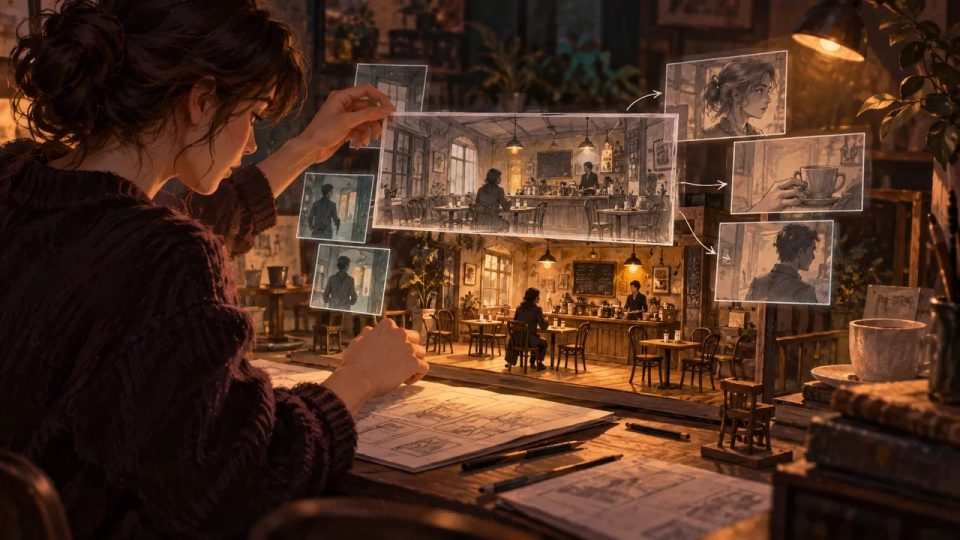
Cover of the blog article “How to Storyboard a Branching Story: Shared and Variant Shots in the Same Scene”
Production practice2026.08.28

How to Storyboard a Branching Story: Shared and Variant Shots in the Same Scene

Storyboarding an interactive film game cannot mean drawing every route from scratch, nor can it mean drawing only one main storyline and explaining the branches verbally. A more effective approach is to divide each scene into a shared core, entry variants, choice pauses, and exit variants, using state labels to indicate which shots can be reused and which must be filmed separately.

DramaFork Editorial Team12 min read
Continue reading
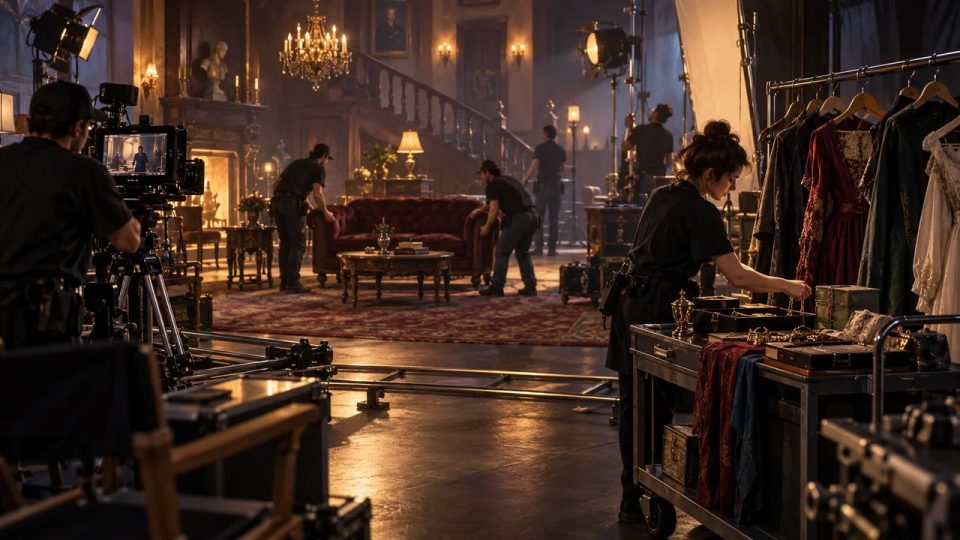
Cover of the blog article “Casting, Locations, Costumes and Makeup, and Rights Clearances: An Interactive Film Game Preproduction Checklist”
Production practice2026.08.27

Casting, Locations, Costumes and Makeup, and Rights Clearances: An Interactive Film Game Preproduction Checklist

The goal of preproduction for an interactive film game is not to have “found everything,” but to ensure that every branch can be completed under the same performance, spatial, visual, and rights conditions. Casting, locations, costumes and makeup, and rights clearances need to be checked together around nodes and character states; any verbal permission, temporary substitution, or unconfirmed availability will become a bigger problem when branches need to be reshot.

DramaFork Editorial Team14 min read
Continue reading
Blog cover for “How to Budget an Interactive Film Game: Look Beyond Finished Minutes”
Production practice2026.08.27

How to Budget an Interactive Film Game: Look Beyond Finished Minutes

An interactive film game cannot be budgeted solely by the length of a single playthrough. The real cost driver is the “total volume of unique content”: everything that must be written, rehearsed, filmed, edited, encoded, localized, and tested, multiplied by branching complexity and change risk. The budget should show cash, person-days, and usage of critical resources together.

DramaFork Editorial Team13 min read
Continue reading
Blog cover for “Breaking an Interactive Script into Shootable Tables: Scenes, Characters, States, and an Asset Matrix”
Production practice2026.08.27

Breaking an Interactive Script into Shootable Tables: Scenes, Characters, States, and an Asset Matrix

Before an interactive script enters production, it must shift from “the order players read it” to “units the team can produce.” The most practical deliverable is four cross-referenced tables: a scene table, a character state table, a node–asset matrix, and a continuity table. Together, they answer where to shoot, who performs, how many versions to shoot, and who receives each file.

DramaFork Editorial Team12 min read
Continue reading
Blog cover for “Why Video Turns Black During Transitions: Preloading, Caching, and Seamless Branch Playback”
Product workflow2026.08.26

Why Video Turns Black During Transitions: Preloading, Caching, and Seamless Branch Playback

A black screen during a branch transition usually involves more than simply “poor player performance”: the next video may not be ready, its first frame may not have been decoded, the rendering texture may have been cleared, or the two clips may lack visual continuity. Solutions need to cover encoding, preloading, switching between two players, cache budgets, and exit-shot design.

DramaFork Editorial Team12 min read
Continue reading
Cover image for the blog article “How to Choose Between Twine, ink, Yarn Spinner, and DramaFork”
Product workflow2026.08.25

How to Choose Between Twine, ink, Yarn Spinner, and DramaFork

Choose tools around your team's bottlenecks: Twine suits quickly mapping out web-style branches, ink suits complex text-based narrative logic, Yarn Spinner suits dialogue collaboration within a game engine, and DramaFork suits interactive film games centered on video nodes and production workflows. Build the same ten-minute sample chapter first, then compare handoff, playback, and maintenance costs instead of looking only at feature lists.

DramaFork Editorial Team12 min read
Continue reading
A small interactive theater model beside a sand timer, with one entrance and two exits.
Getting started2026.08.25

The First Version Should Only Be Three Minutes: How to Complete a Minimal Closed Loop for an Interactive Film Game

The first playable version of an interactive film game should not be a half-finished first chapter, but a complete closed loop of about three minutes: enter a video, understand one choice, see the difference, have one convergence or ending occur, and be able to restart. It must simultaneously expose problems in narrative, shooting, editing, playback, input, state, and testing.

DramaFork Editorial Team18 min read
Continue reading
  1. 1
  2. ...6
  3. 7
  4. 8
  5. ...11

Blog categories

  • All511
  • Tool comparisons6
  • Creator guides2
  • Creation tutorials43
  • Interactive narrative60
  • Getting started11
  • Galgame Route Design25
  • Visual Novel Production25
  • Interactive Fiction Design25
  • Narrative Design for Interactive Film Games25
  • Interactive Film Accessibility10
  • Interactive Film Workflow10
  • Interactive Game Basics10
  • Interactive Film Presentation and Delivery10
  • Interactive Film Localization10
  • Interactive Film Production10
  • Narrative Mechanics11
  • Creative Collaboration11
  • Getting started1
  • Fictional Case Study10
  • Story Localization10
  • Mobile and Accessibility10
  • Acting and Staging10
  • Exploring Time and Space10
  • Relationships and Groups10
  • Resources and Constraints10
  • Information and Commitments10
  • Production Practice59
  • Product workflow34
  • Choosing tools33

From a story to a playable world.

Start with one story decision

Create a project