• Home
  • Blog
  • Gallery
  • Pricing
  • Home
  • Blog
  • Gallery
  • Pricing
Start creating

Creator blog

Better stories start hereBetter stories start here

Discover practical AI tools, interactive storytelling methods, and production lessons—from the first idea to a story people can play.

DRAMAFORKStories · Craft · Possibility
Topics
AllTool comparisonsCreator guidesCreation tutorialsInteractive narrativeGetting startedGalgame Route DesignVisual Novel ProductionInteractive Fiction DesignNarrative Design for Interactive Film GamesInteractive Film AccessibilityInteractive Film WorkflowInteractive Game BasicsInteractive Film Presentation and DeliveryInteractive Film LocalizationInteractive Film ProductionNarrative MechanicsCreative CollaborationGetting startedFictional Case StudyStory LocalizationMobile and AccessibilityActing and StagingExploring Time and SpaceRelationships and GroupsResources and ConstraintsInformation and CommitmentsProduction PracticeProduct workflowChoosing tools
20 articles

Editorial / 01

Search resultsSearch results

Articles related to “interactive film”

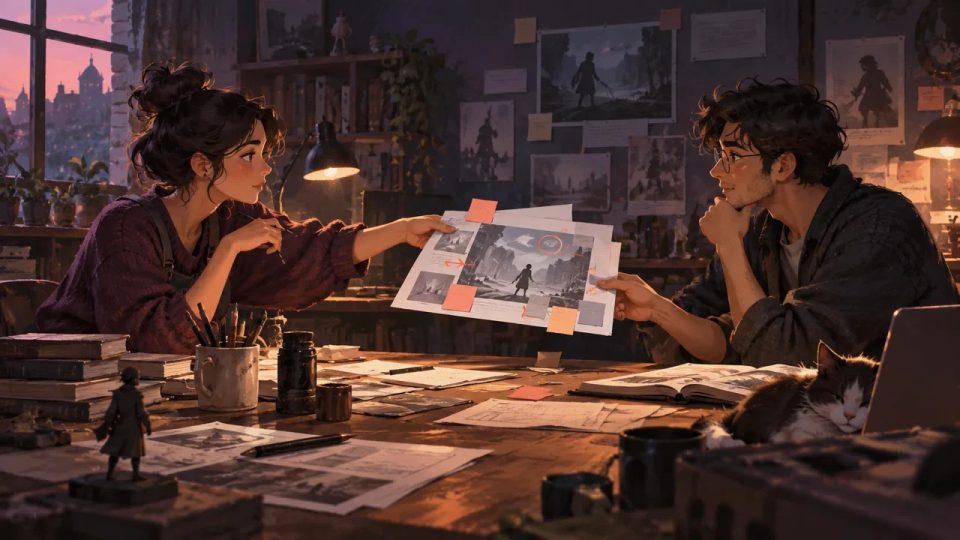
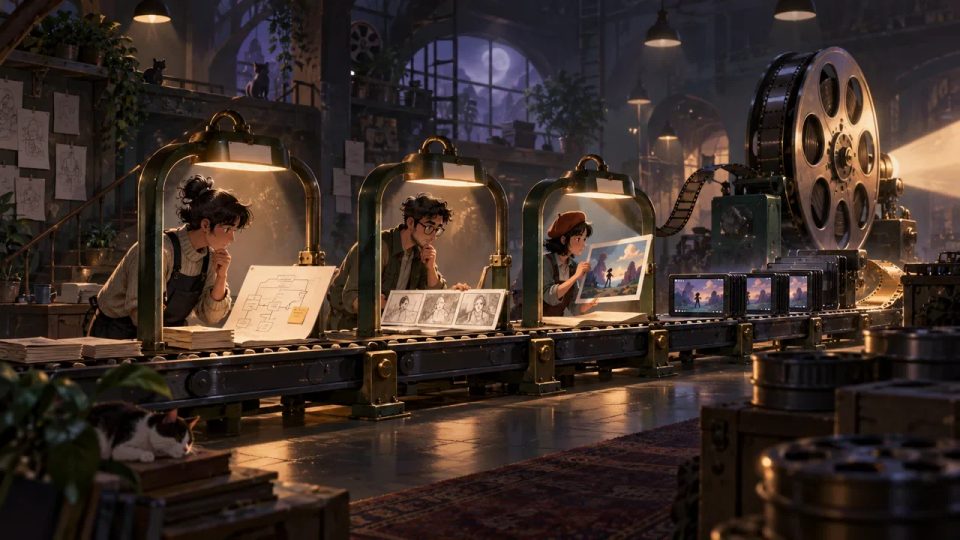
A change log linking revision reasons, a new bridge action, and affected assets.Most relevant
Product workflow2026.09.30

How to Write a Change Log for Interactive Stories: Separate Reasons, Changes, and Affected Routes

A change log should have three columns: reason, change, and affected routes. The reason explains "why it changed," the change states "what changed," and the affected routes list "which assets and branches need review." A fictional teaching example runs throughout: an interactive film game originally had a "broken bridge" node in Chapter 2, where players had to find a rope to cross the river; the author later changed the broken bridge to a "delayed ferry," because the original design made a gentle route feel abrupt. All names, numbers, and dialogue below are fictional.
DramaFork Editorial Team12 min read
Continue reading

The next move is yours

From a story to a playable world.From a story to a playable world.

Do not wait for every video to be finished before testing the story. Build the characters, rules, and branches first, then let real choices guide what you make next.

Start with one story decision

Try a playable example

From a story to a playable world.

Create interactive narrative games with DramaFork: connect scripts, characters, shots, and choices into a playable first version.

Explore & play

  • Explore gallery
  • Interactive film
  • Text game
  • Character IP
  • Rankings
  • Works index

Create & collaborate

  • My creations
  • Film studio
  • Text-game studio
  • Character studio
  • Creator partnership

Reading room

  • Creator blog
  • Story topics
  • Article archive

Story guides

  • Interactive storytelling
  • Making interactive films
  • Designing text games
  • Character and worldbuilding

Plans & credits

  • Pricing
  • Credits

Policies & support

  • Privacy
  • Terms
  • Cookies
© 2026 DramaFork/DramaFork · Interactive narrative games
Press Enter to send, or drag away and release.
Two creators turn vague feedback into a revision ticket pointing to a specific scene action.
Product workflow2026.09.29

Two Creators Take Turns Reviewing: How Do You Turn "This Is Wrong" Into an Actionable Revision Ticket?

Turning "this is wrong" into a revision ticket has only one core action: make every piece of feedback land on the seven fields of version, node, symptom, expectation, reason, responsibility, and review. When two people take turns reviewing, each first fills out a ticket independently, then merges conflicting items, and only then touches the draft. Below, a fictional teaching example is used to walk through the whole process; the people, dialogue, and values are not actual test data.

DramaFork Editorial Team14 min read
Continue reading
A production process passes three review lamps before planning, script, and high-cost assets.
Product workflow2026.09.27

When to Pause Auto-Advance: Set Three Human Review Questions for a DramaFork Project

Auto-advance is good for quickly laying out the parts you have already thought through; pause only where "the cost of rework will spill over into many downstream steps." For a two-person small team, it is recommended to set only three checkpoints: before the plan is finalized, before the script is converted to storyboards, and before high-cost video batch generation. Each checkpoint answers only one question; once answered, either release or return it, without requiring confirmation at every step.

DramaFork Editorial Team15 min read
Continue reading
Preview screen frozen at a doorway, with diagnostics grouped beside it by script, interaction, and assets.
Product workflow2026.09.27

How to Group Issues in a DramaFork Playable Preview: Which Step Should Story, Interaction, and Assets Each Go Back To for Fixes?

When issues appear in a playable preview, don't rush to change nodes. Use a one-sentence symptom record to clearly write down "who saw what at what moment," then determine whether it belongs to story, interaction, or assets. Story issues go back to planning or script, interaction issues go back to interaction nodes, and asset issues go back to storyboard, style, character assets, or video; after changes, only recheck the affected downstream steps, and do not treat a preview that runs successfully as passing release testing.

DramaFork Editorial Team15 min read
Continue reading
A cat editor checks scene cards, character files and a sealed envelope at a script review desk.
Product workflow2026.09.25

Before DramaFork Scripts Enter Storyboarding, How Do You Do an Entry Check?

Before entering storyboarding, you can first check four things: whether the scene has observable actions, whether the choices have concrete consequences, what each character knows at this moment, and what condition this scene ends on. An ambiguous script, once it enters storyboarding, will be turned into concrete images; if the direction of that concretization differs from the author's intent, you need to go back and adjust. Therefore, when you find that the core conflict is unresolved, revise the script text first, then continue generating storyboards.

DramaFork Editorial Team16 min read
Continue reading
A cat editor adjusts miniature cities beside a model harbor hall.
Product workflow2026.09.25

How Does DramaFork Check for Mutually Contradictory Requirements During Planning?

The most common problem in planning is that each requirement looks reasonable on its own, but they undermine each other when put together. The check is not to fill out the creative sheet again, but to pull out five types of requirements and compare them pairwise: story goal, player identity, scale, form, and ending promise. The method is to first write them as judgeable short sentences, then ask pair by pair "can these two hold at the same time," write the ones that cannot into a conflict list, and finally use a contraction plan to change one of them rather than keeping all five.

DramaFork Editorial Team16 min read
Continue reading
Blog cover for “Why Video Turns Black During Transitions: Preloading, Caching, and Seamless Branch Playback”
Product workflow2026.08.26

Why Video Turns Black During Transitions: Preloading, Caching, and Seamless Branch Playback

A black screen during a branch transition usually involves more than simply “poor player performance”: the next video may not be ready, its first frame may not have been decoded, the rendering texture may have been cleared, or the two clips may lack visual continuity. Solutions need to cover encoding, preloading, switching between two players, cache budgets, and exit-shot design.

DramaFork Editorial Team12 min read
Continue reading
Cover image for the blog article “How to Choose Between Twine, ink, Yarn Spinner, and DramaFork”
Product workflow2026.08.25

How to Choose Between Twine, ink, Yarn Spinner, and DramaFork

Choose tools around your team's bottlenecks: Twine suits quickly mapping out web-style branches, ink suits complex text-based narrative logic, Yarn Spinner suits dialogue collaboration within a game engine, and DramaFork suits interactive film games centered on video nodes and production workflows. Build the same ten-minute sample chapter first, then compare handoff, playback, and maintenance costs instead of looking only at feature lists.

DramaFork Editorial Team12 min read
Continue reading
Blog cover for “Landscape or Portrait, PC or Web: Decide the Release Format Before Writing the Script”
Product workflow2026.08.18

Landscape or Portrait, PC or Web: Decide the Release Format Before Writing the Script

The release format is not a packaging option to choose after the script is finished. Landscape or portrait determines actor positioning and subtitle space; PC or Web determines input methods, video storage, loading strategies, and distribution paths. The team should decide on a primary aspect ratio and platform before building the three-minute prototype at the latest.

DramaFork Editorial Team12 min read
Continue reading
Cover of the blog article “Write a ‘Not-to-Do List’ Before Starting: How to Keep Your First Project Under Control”
Product workflow2026.08.18

Write a “Not-to-Do List” Before Starting: How to Keep Your First Project Under Control

The most common failure in a first interactive film game is not a lack of creativity, but putting every good idea into the first version. Characters, scenes, branches, mechanics, and platforms keep multiplying until nothing gets finished. The solution is to establish a “not-to-do list” before writing the full script and define a trigger for each limit.

DramaFork Editorial Team12 min read
Continue reading
Blog article cover for “Reference Works Are More Than a Watchlist: How to Analyze 5 Competitors Without Copying Them”
Product workflow2026.08.18

Reference Works Are More Than a Watchlist: How to Analyze 5 Competitors Without Copying Them

The purpose of competitor research is to find verifiable design relationships, rather than collect “works I like”: which mechanisms deliver a particular promise to players, how much content production costs, and where players feel confused or disappointed. The most effective approach is to choose five works that each answer a different question and analyze them using the same table, rather than imitate the subject matter, characters, and plot sequences of one work.

DramaFork Editorial Team13 min read
Continue reading
Blog article cover for “From a One-Sentence Idea to a Player Promise: First Decide What Players Do in the Story”
Product workflow2026.08.17

From a One-Sentence Idea to a Player Promise: First Decide What Players Do in the Story

A one-sentence idea sparks interest; a player promise tells people “what I can do, and why my actions matter.” An interactive film game needs both from the outset. “A late-night customer service agent receives a call from twenty-four hours in the future” is only a story hook; “assess whether the calls are genuine, choose allies, and change what happens after midnight” is a player promise that can be verified.

DramaFork Editorial Team13 min read
Continue reading
Cover of the blog article “What Scale of Interactive Movie Game Can One, Three, or Ten People Make?”
Product workflow2026.08.17

What Scale of Interactive Movie Game Can One, Three, or Ten People Make?

Team size determines how many characters, locations, separate videos, systems, and rounds of rework you can manage at once, rather than how “high-end” a work is. One person can make a complete interactive movie game, but should focus innovation on a single mechanic; three people can form a minimal end-to-end workflow covering content, audiovisual production, and programming; ten people are better suited to advancing filming across multiple locations, complex post-production, and a formal release at the same time.

DramaFork Editorial Team13 min read
Continue reading
Blog cover for “Before Writing the Plot, Define Who Will Play Your Work and in What Context”
Product workflow2026.08.17

Before Writing the Plot, Define Who Will Play Your Work and in What Context

The first document when starting an interactive film game should be a “target player context card,” rather than a character biography: who enters the experience, on what device, at what time, with what expectations, and why they stop. Only when that context is clear can the team decide segment length, choice countdowns, subtitle size, save points, and content promises.

DramaFork Editorial Team13 min read
Continue reading
Cover of the blog article “What Are the Differences Between Interactive Films, FMV Games, Interactive Short Dramas, and Visual Novels?”
Product workflow2026.08.16

What Are the Differences Between Interactive Films, FMV Games, Interactive Short Dramas, and Visual Novels?

Interactive films, FMV games, interactive short dramas, and visual novels all let players influence the story, but these four names are not interchangeable. The real differences lie in the medium that carries the main content, how often players interact, what their choices change, and whether the team spends its budget on filming, text, systems, or ongoing updates.

DramaFork Editorial Team13 min read
Continue reading
Cover of the blog article “An Interactive Film Game from 0 to 1: A Complete Map of the Workflow, Roles, and Deliverables”
Product workflow2026.08.16

An Interactive Film Game from 0 to 1: A Complete Map of the Workflow, Roles, and Deliverables

The real challenge of making an interactive film game is not “shooting a video and adding two buttons,” but keeping the story, choices, assets, code, and testing aligned around the same project. The safest approach is to divide production into ten stages with clear deliverables: project initiation, core experience, story, branching system, prototype, production planning, filming, post-production integration, testing, and release review. Each stage’s output must be directly usable by the next.

DramaFork Editorial Team13 min read
Continue reading
Blog cover for “《魂天·彼岸》: Eight Key Characters, Public Identities, and Relationship Clues”
Product workflow2026.08.02

《魂天·彼岸》: Eight Key Characters, Public Identities, and Relationship Clues

Using the official website’s public character guide, this article examines the identities, positions, interests, and observable relationship clues of eight key characters in 《魂天·彼岸》.

DramaFork Editorial Team13 min read
Continue reading
Cover of the blog article “Making AI Interactive Film Games with a Small Team: A Work Breakdown from Script to Branch Testing”
Product workflow2026.08.01

Making AI Interactive Film Games with a Small Team: A Work Breakdown from Script to Branch Testing

A breakdown of scripting, branching, assets, continuity, testing, and version management for small teams making AI interactive film games.

DramaFork Editorial Team12 min read
Continue reading
Cover image for the blog article “How to Turn a ‘Sense of Ritual’ into an Operable System: Design Methods for Placement, Waiting, Tracing, and Confirmation”
Product workflow2026.07.31

How to Turn a “Sense of Ritual” into an Operable System: Design Methods for Placement, Waiting, Tracing, and Confirmation

Use four types of actions, placement, waiting, tracing, and confirmation, to design ritual interactions that are understandable, provide feedback, and can carry narrative consequences.

DramaFork Editorial Team13 min read
Continue reading
  1. 1
  2. 2

Blog categories

  • All511
  • Tool comparisons6
  • Creator guides2
  • Creation tutorials43
  • Interactive narrative60
  • Getting started11
  • Galgame Route Design25
  • Visual Novel Production25
  • Interactive Fiction Design25
  • Narrative Design for Interactive Film Games25
  • Interactive Film Accessibility10
  • Interactive Film Workflow10
  • Interactive Game Basics10
  • Interactive Film Presentation and Delivery10
  • Interactive Film Localization10
  • Interactive Film Production10
  • Narrative Mechanics11
  • Creative Collaboration11
  • Getting started1
  • Fictional Case Study10
  • Story Localization10
  • Mobile and Accessibility10
  • Acting and Staging10
  • Exploring Time and Space10
  • Relationships and Groups10
  • Resources and Constraints10
  • Information and Commitments10
  • Production Practice59
  • Product workflow34
  • Choosing tools33

From a story to a playable world.

Start with one story decision

Create a project