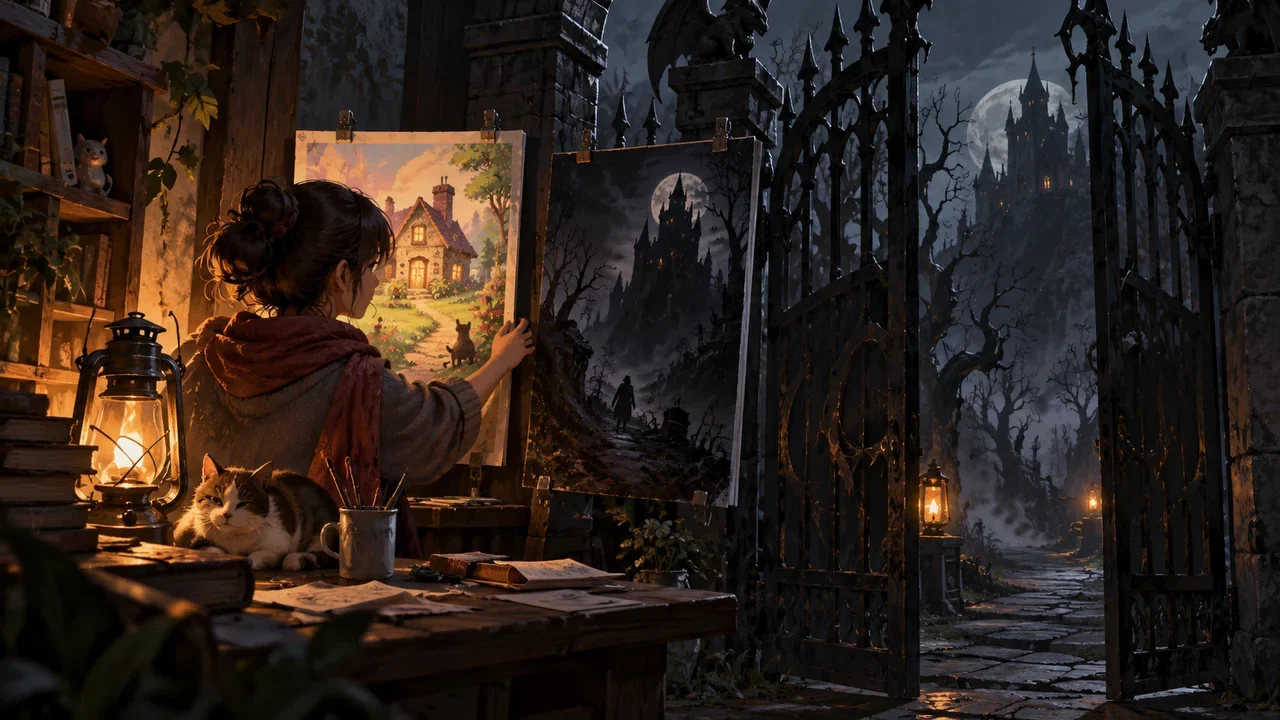
How Off-Screen Events Carry Interactive Choices: What Players Hear Must Have Verifiable Consequences
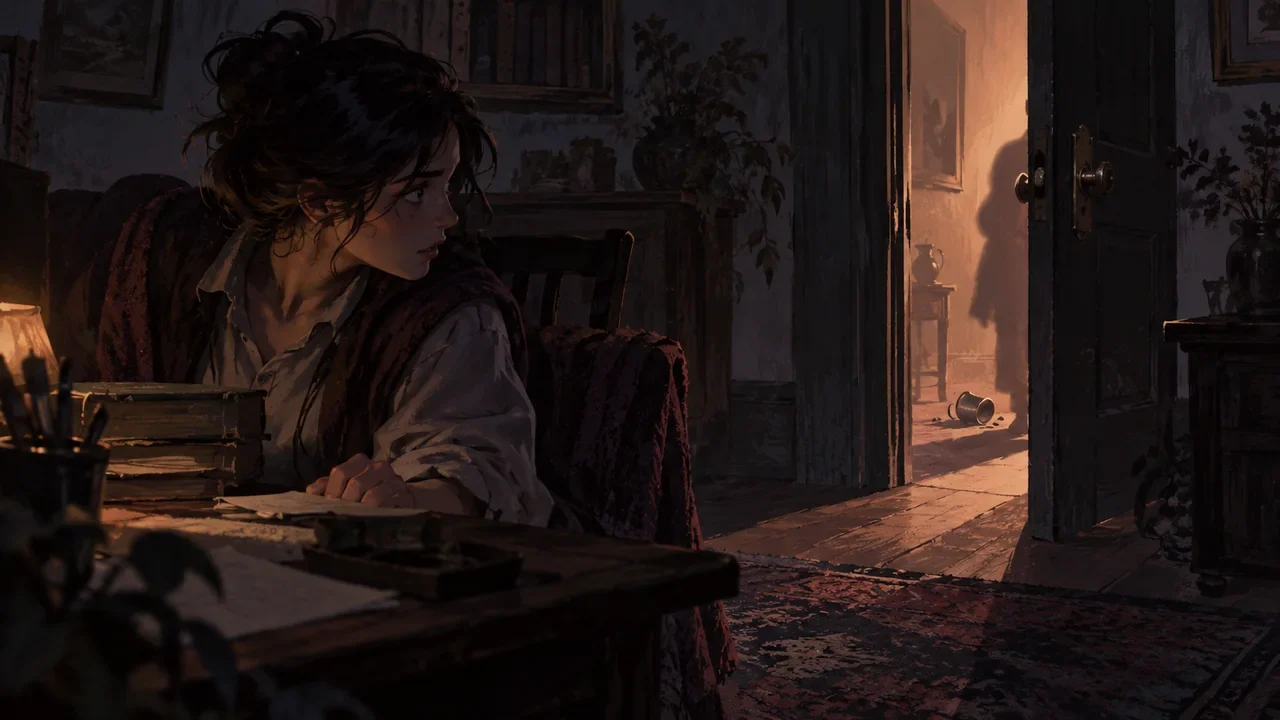
For off-screen events to carry choices, the method is to break them into three checkable things: a specific sound source, a clue that can change the state inside the scene, and a confirmation object that must appear after a choice. The storyboard author first writes down "what happened outside the door," then writes down "who inside the scene therefore moved what," and finally places the confirmation object into the shots. If any one is missing, the off-screen information is only atmosphere, and the player's choice has nowhere to land.
Introduction
For off-screen events to carry choices, the method is to break them into three checkable things: a specific sound source, a clue that can change the state inside the scene, and a confirmation object that must appear after a choice. The storyboard author first writes down "what happened outside the door," then writes down "who inside the scene therefore moved what," and finally places the confirmation object into the shots. If any one is missing, the off-screen information is only atmosphere, and the player's choice has nowhere to land.
Below, walk through it using the fictional teaching example "Greenhouse Night Shift." Setup: the protagonist A Lan is inspecting the seedling racks inside the greenhouse, and an alarm comes from the corridor outside the door. The characters, numbers, and lines in this example are all made up, and are only used to explain the writing method.
First define the sound source: off-screen information must have an origin
The sentence "an alarm comes from outside the door" is not enough by itself, because it has no origin, and the player cannot judge whether to believe it. In the storyboard, first add three pieces of information:
- Sound source location: east side of the corridor, about ten steps from the greenhouse door.
- Sound source nature: the public broadcast outside the greenhouse, not a device on A Lan.
- Sound source content: a short looping prompt that stops after repeating twice.
Once the origin is clear, what the player hears is not "there is danger," but "the east-side broadcast is sounding." These two sentences are handled completely differently in the storyboard: the former can only be paired with a tense expression, while the latter can be paired with A Lan turning her head to look at the door, her hand stopping on the seedling light switch.
Three kinds of credible off-screen information can be arranged like this:
| Off-screen information | Source | Observable clue inside the scene | What the player can infer |
|---|---|---|---|
| The broadcast stops after looping twice | Public broadcast on the east side of the corridor | A Lan looks toward the door, the light is still on | The prompt has ended, but no one has come to handle it |
| Footsteps outside the door go from far to near | Corridor floor, not the broadcast | The light and shadow under the door gap are blocked for a moment | Someone has stopped outside the door |
| The sound of paper rubbing comes from the vent | Vent on the north side of the greenhouse | A label paper on the rack is lifted by the airflow | Something has come in from the north side |
All three rows satisfy "has an origin." The difference is that the amount of clue the player can get is different, and the later choices are therefore different.
The clue must be able to change the state inside the scene
If the off-screen information only lets the player "know something is happening outside," and nothing inside the scene changes, the choice becomes a pure attitude question. The method is to let the clue first move a small object inside the scene.
In "Greenhouse Night Shift," there are three things in front of A Lan: the seedling light switch, the record board, and the door bolt. After the off-screen broadcast sounds, first let the corner of the sticky note on the record board be lifted by the airflow from the vent. This action does not need narration to explain it; the shot only needs to show the sticky note turning over. After the sticky note turns over, A Lan knows that the north-side vent is open, and this is usable state inside the scene.
At this point, the off-screen event has completed its first job: it does not directly show the big scene in the corridor, but it changes the position of one thing inside the greenhouse, and the player therefore obtains an operable clue.
Two handling branches: after a choice, there must be a confirmation object
Branch one: A Lan closes the vent first. She walks to the north side and presses down the vent flap. The confirmation object is that after the flap is in place, the sticky note no longer turns. Shot result: the sticky note is still, the seedling light keeps its original brightness, and the broadcast outside the door has already stopped.
Branch two: A Lan opens the door to check first. She pulls the door bolt, and the door opens a crack. The confirmation object is that the light and shadow under the door gap return, there is no one in the corridor, and there is only a stepped-on notice sheet. Shot result: the notice sheet enters the frame, the vent is still open, and the sticky note continues to turn.
The difference between the two branches is not announced by narration, but by three visible items: whether the sticky note turns, the position of the vent flap, and whether the notice sheet appears. After the player makes the choice, they can read from the image what they changed.
If a character speaks in a branch, the line must also carry a confirmation function. For example, after A Lan finishes closing the vent, she says: "The north side is pressed down first." This line corresponds to the position of the flap, not an emotional summary. If she says "It's safe now," it becomes an unsupported claim, and the player cannot verify it.
When a character fabricates an excuse, mark clearly that it is not a new world fact
In branch two, a character Xiao Zhou can be arranged to walk over from the end of the corridor. Xiao Zhou says: "The broadcast was a false alarm. I was just in the power distribution room and heard nothing." This line is the character's statement, not a world fact. In the storyboard, it must be separated from observable items: while Xiao Zhou is speaking, the notice sheet is still on the ground, and the vent is still open. The player can choose to believe him, or choose to continue checking the vent.
In terms of writing, it is recommended to write a line in the storyboard notes: "This sentence is the character's own account, unverified." In this way, later shots will not treat "false alarm" as confirmed information and continue advancing it. Characters can lie and can misremember, but the verifiable part of the off-screen event itself cannot be overwritten by dialogue.
Restrain the scope of display: do not rely on narration to fill in the big scene
The place where off-screen events most easily get out of control is when the author wants to show the chaos in the corridor but does not want to actually draw it, so they use narration to say "outside is already in complete chaos." This writing method makes the earlier clues ineffective, because what the player hears is a summary that cannot be verified.
The alternative is to compress the big scene into one small object. The chaos in the corridor can be carried by a stepped-on notice sheet, a power distribution room door that is not fully closed, and a broadcast that repeats twice and then stops. The player does not need to see the entire corridor, only the traces the corridor leaves inside the greenhouse.
The number of shots can also be restrained. Each of the two branches above can be completed in four to five shots: hearing the broadcast, the sticky note turning, making the choice, the confirmation object appearing, and the character line (optional). There is no need to insert an additional panorama of the corridor.
Completion check
After writing a segment of off-screen event, check it against the following five items:
- Whether the sound source states its location and nature, rather than only writing "a sound comes."
- Whether at least one thing inside the scene changes because of the off-screen information.
- Whether every branch has a visible confirmation object, and the confirmation object can be captured by the shot.
- Whether character lines are marked separately from observable items, and the character's own account is not treated as fact.
- Whether narration is used to summarize a big scene that was not shown; if so, change it into one small object.
If all five pass, the off-screen event can carry choices. Next, you can take the storyboard you are currently writing, pick one piece of off-screen information that is explained only by narration, add the three pieces of sound source, in-scene change, and confirmation object, and then check whether the shot results of the two branches are different.