Episode vs DramaFork: How Does Creating an Interactive Story Differ?
Episode has a Writer Portal, not just stories to read. Compare illustrated serial storytelling with branching video production, from scripts and assets to publishing.

Introduction
If you want to write a story that lets readers choose what happens next, Episode and DramaFork are both worth understanding. Deciding what you want to make is more useful than starting with which tool generates faster.
For a serial built from character art, backgrounds, actions, and dialogue, start by looking at Episode Writer Portal. For a project that organizes a branching screenplay, characters, storyboards, video, and a playable website, look at DramaFork's workflow. Both require the author to handle consequences. The difference is what you edit each day and what you eventually hand to readers.
This article was written by the DramaFork editorial team and checked on November 24, 2026. It draws on the official sources below and this site's existing editing and export workflows. We did not run a timed or cost comparison using paid accounts on both platforms. The cover is conceptual artwork, not a product screenshot.
Episode already has story creation tools
Episode's official documentation describes Writer Portal as a writing and directing tool, with backgrounds, outfits, characters, and directing tools. Its script-format documentation, choices and branching guide, and author playtesting instructions explain how to arrange dialogue, connect branches, and check routes in the app. The Writer Portal introduction is a useful starting point.
Calling Episode a place where you can only play, not create, would make the comparison inaccurate from the outset. It is better understood as a story creation environment with its own assets and directing rules.
Compare these five working tasks first
| What you need to handle | Episode Writer Portal | DramaFork |
|---|---|---|
| Presenting characters and settings | Arrange scenes using the asset library, character outfits, and directing commands | Approve visual direction, then produce characters, storyboards, and video assets |
| Writing choices | Write options and their branches in the script | Edit the branching screenplay, storyboard table, and interaction-node table |
| What the author needs to learn | Episode's script format, commands, and directing conventions | Stage tasks, table fields, node destinations, and asset mappings |
| Checking the work | Official guides explain author playtesting and route checks in the app | Check the playable flow in the project once assets and nodes are ready |
| Delivery | Publish and update stories for the Episode app | Continue editing the account project or export a playable website ZIP |
This is not a quality ranking. Someone comfortable directing character performances with commands may not want to manage video regeneration. Someone who needs cinematic shots cannot solve editing problems simply by adding more backgrounds. DramaFork currently uses tables to check branches, rather than a draggable story map.
Use a station scene to see which approach suits you
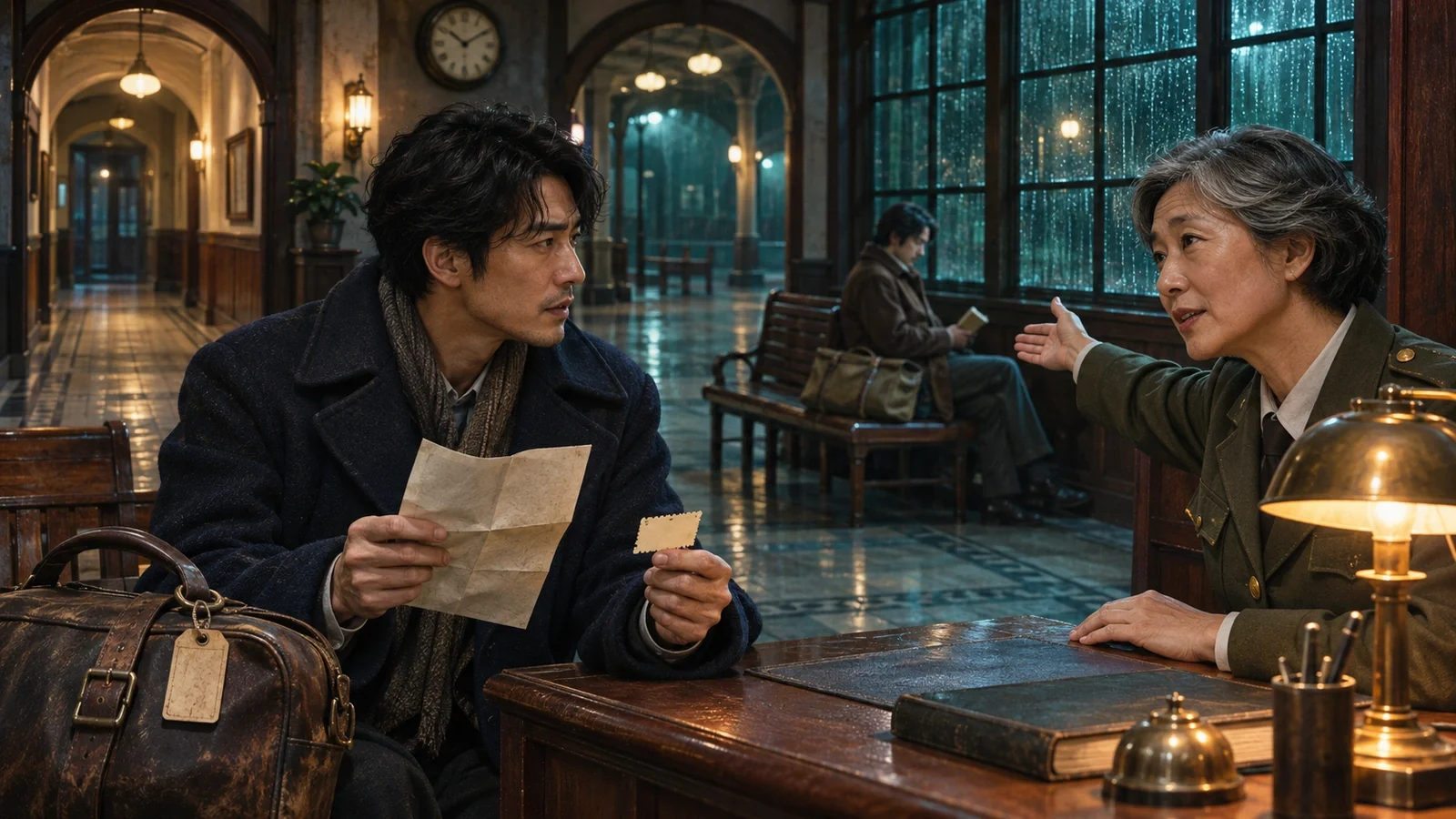
Consider an original exercise: as the last train arrives, an adult named Lin Yao receives a message from an old friend asking to meet. The player can ask why first, or board and reply later. The first route reveals something about the past. The second preserves the travel plan but loses the chance to speak in person.
If your main concern is how she turns, pauses, and delivers dialogue bubbles, Episode's directing approach is worth learning. If you want her glance back through the rain, the closing train doors, and the phone message to become separate video shots, you need to plan shot duration, transitions, and replacement assets. Those tasks are closer to DramaFork's workflow. This scene is a writing exercise for the article, not a project tested in both products.
Whichever you use, later scenes must remember whether Lin Yao boarded. For carrying that fact through a shared scene, read preserving player choices when branches merge.
Switching tools does not mean one-click migration
An author with an existing Episode story can bring across text, character descriptions, and narrative structure that they have the right to use. Whether platform assets, commands, or outfit resources can be used elsewhere needs separate checking. This article has not verified mutual import support, and an original script should not simply be treated as a compatible file.
To try another presentation style, rebuild just one choice: keep what the character wants and what the player changes, then plan the dialogue and shots separately. One scene at the DramaFork creation entry is enough to start. If you are comparing narrative tools such as Twine and ink instead, the site's branching writing tool comparison addresses that question more directly.
Sources and cost boundaries
This article does not use a reader's gem spending to estimate an author's production cost, or make unverified promises of permanent free access or income. Before choosing, check which assets your account can use, how publishing works, and the conditions for using those assets.
Alongside the introduction above, see Episode's script-format overview, choices and branching guide, author playtesting instructions, and published story update instructions. They answer practical questions more usefully than an unsourced winners-and-losers chart.