What Scripts Are Easier for AI Video Models to Film? A Cross-Tool Checklist for Filmable Scenes
Use writing principles that work across tools to turn literary scenes into AI video shots that are observable, preserve continuity, can be split into shots, and allow localized fixes.
Introduction
Scope: Video models, versions, and parameter capabilities vary greatly. This article offers writing principles that apply across tools. It does not guarantee that a scene will succeed in a particular model, nor does it represent test results from DramaFork’s current toolchain.
The hardest scripts for AI video to film usually suffer not from “too much imagination,” but from things the camera cannot observe, too many actions in a single shot, continuity that depends on implicit information, or dialogue that exceeds the time a shot can accommodate. The first step in turning a literary script into filmable scenes is to make each shot carry just one visible change, before adding prompts.
Four Constraints for Filmable Scenes
The Camera Can See It
“She finally realizes she has been deceived” cannot be filmed directly; “she sees the transfer timestamp, and her hand pauses over the delete key” can. Turn psychological conclusions into actions, gazes, pauses, or visible objects.
One Shot Does One Thing
When a single prompt asks a character to get up, change clothes, run downstairs, get into a car, and cry in the rain, the model can easily omit actions or lose consistency in appearance. Split this into short shots that can each be approved, with clear starting and ending states.
Explicitly Carry Continuity Forward
The next shot cannot simply say “she keeps running away.” Carry forward clothing, hairstyle, injuries, objects in hand, direction of movement, time, and location, and specify which variable changes.
Fit Dialogue to the Duration
First, read the dialogue aloud at a natural pace. Long dialogue requires either a longer shot or a split into shot/reverse shot, voice-over, or text nodes. Do not expect fast lip movements to solve structural problems.
A Difficult Scene and Its Rewrite
Original: “She recalls every hurt from her childhood, decides to forgive her mother, then rushes out of the hospital to find her missing younger brother.”
Rewrite this as three assets: in a close-up in the hospital room, she finishes listening to an old voice message; her finger pauses over “Delete,” then she chooses to save it; in a corridor shot, she grabs the jacket her younger brother left behind and leaves. Objects and actions convey the psychological change, and the branching point becomes clearer too.
Maintaining Continuity Before and After Interactive Choices
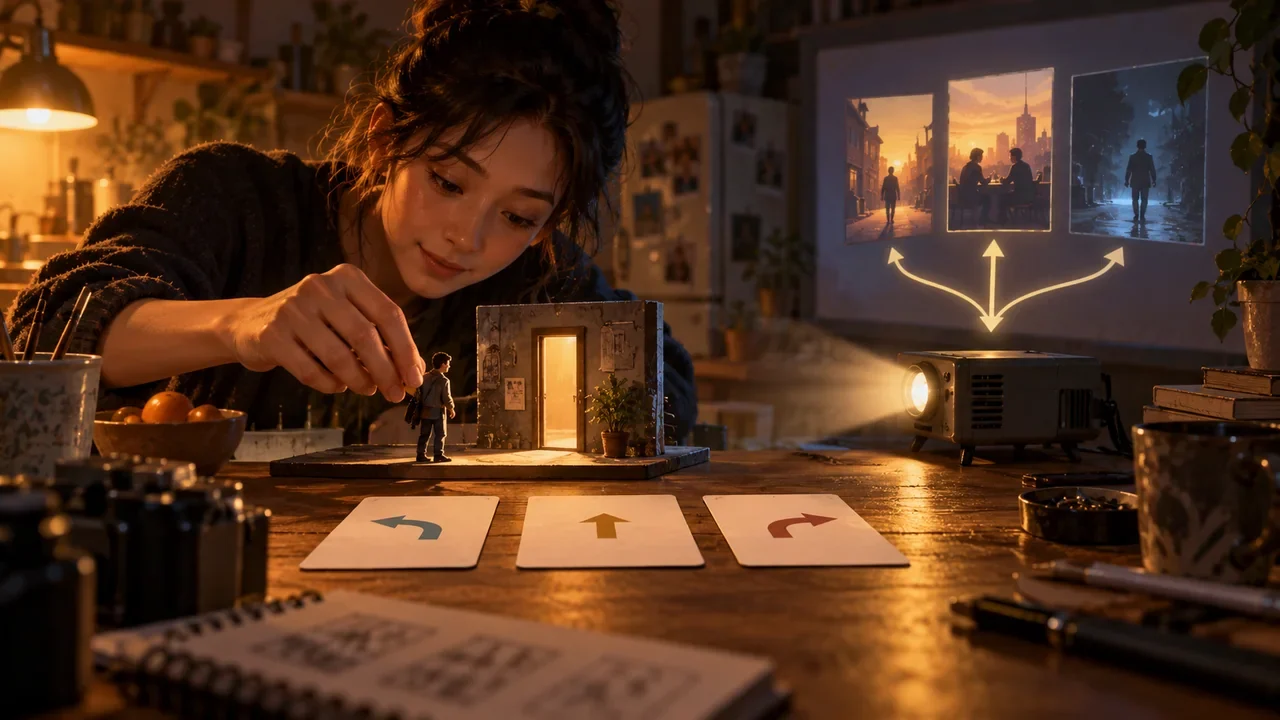
The parent shot at a choice point must end in a pose that both child branches can carry forward. If one branch requires opening a door and the other requires hiding, the parent shot should stop with the character facing the door and hearing a sound, rather than already holding the door handle. Each child shot then starts from the same final frame and asset state.
Scene Checklist
- Does every psychological term have visible evidence?
- Does a shot contain more than one main action?
- Can the starting and ending states each be represented by one frame?
- Are characters, clothing, objects, and directions carried forward?
- Can the dialogue be spoken naturally within the planned duration?
- Is the parent shot neutral toward every child path?
- If it fails, can it be redone locally instead of regenerating the entire sequence?
A truly “filmable” script preserves drama by placing it in changes the camera can verify.
Write Shot States Before Prompts
Define each shot with six fields: opening image, main action, ending image, duration, assets that must be preserved, and variables allowed to change. For example: “The character stands inside the door, holding a key in her right hand; she steps back half a pace after hearing a knock; at the end, she still has not opened the door.” This is easier to generate, review for acceptance, and connect to the next shot than “she hesitates fearfully.”
Dialogue must also go into the state table. Specify the speaker, number of sentences, tone, and whether the mouth must be visible on screen. If dialogue serves as evidence, subtitles or a text version that can be reviewed must be available. A character moving quickly, delivering long dialogue, and manipulating props at the same time generally calls for splitting the shot or moving some information to voice-over.
How to Rewrite Four Types of High-Risk Scenes
Complex interactions among multiple people can be split into shots that establish the space, individual actions, and reactions, avoiding the need for every character to perform precisely at once. Continuous transformations or costume changes can be connected through occlusion, transitions, and approved keyframes. Fine hand movements can use insert close-ups or shots of props as substitutes. For a montage spanning multiple locations, establish independent starting and ending states for each segment instead of requiring the entire journey to be generated in one pass.
More fragmentation is not always better. If adjacent shots contain no new information, action, or emotional change, combining them makes things clearer. The criteria are whether each shot can be approved independently and whether a failed segment can be redone on its own without disrupting content that has already passed review.
Branching Scenes Also Need a Merge Check
Before two child paths return to a shared shot, list clothing, injuries, props, character positions, and knowledge states. Write differences that can be retained through dialogue or a brief reaction as variants. Physical differences that cannot coexist require delaying the merge or producing two versions. A key lost along one route cannot reappear in the shared shot without explanation.
To evaluate a specific model, a team can choose an original literary-style scene and its rewritten version, generate each multiple times using the same version, parameters, and reference assets, and record failure types, the number of fixes, and human work time. Without this evidence, conclusions should be limited to general writing principles; they cannot claim that a particular model is certain to film the scene successfully.