Can auto-scrolling dialogue to the bottom interrupt players who are still reading?
When new dialogue arrives, preserve the player's reading position first. Use Review, Catch Up, and Follow modes to define when unread indicators appear, where jumps land, and when the screen may follow new dialogue.
Preserve the sentence in view before signaling an update
Yes. If new dialogue pulls the screen to the bottom while a player is reviewing earlier text, the names, clues, and context they are checking disappear from view. The suggested rule is: preserve the current position during Review and update only the new-content indicator; let subsequent dialogue move the screen only after the player explicitly chooses Follow.
Three actions need to be distinguished here: receiving dialogue, displaying it on screen, and the player understanding it. The system can record only the first two; scroll position cannot establish the third. Below, “unread” simply marks content that has not yet passed through the reading position. It is not a judgment about comprehension.
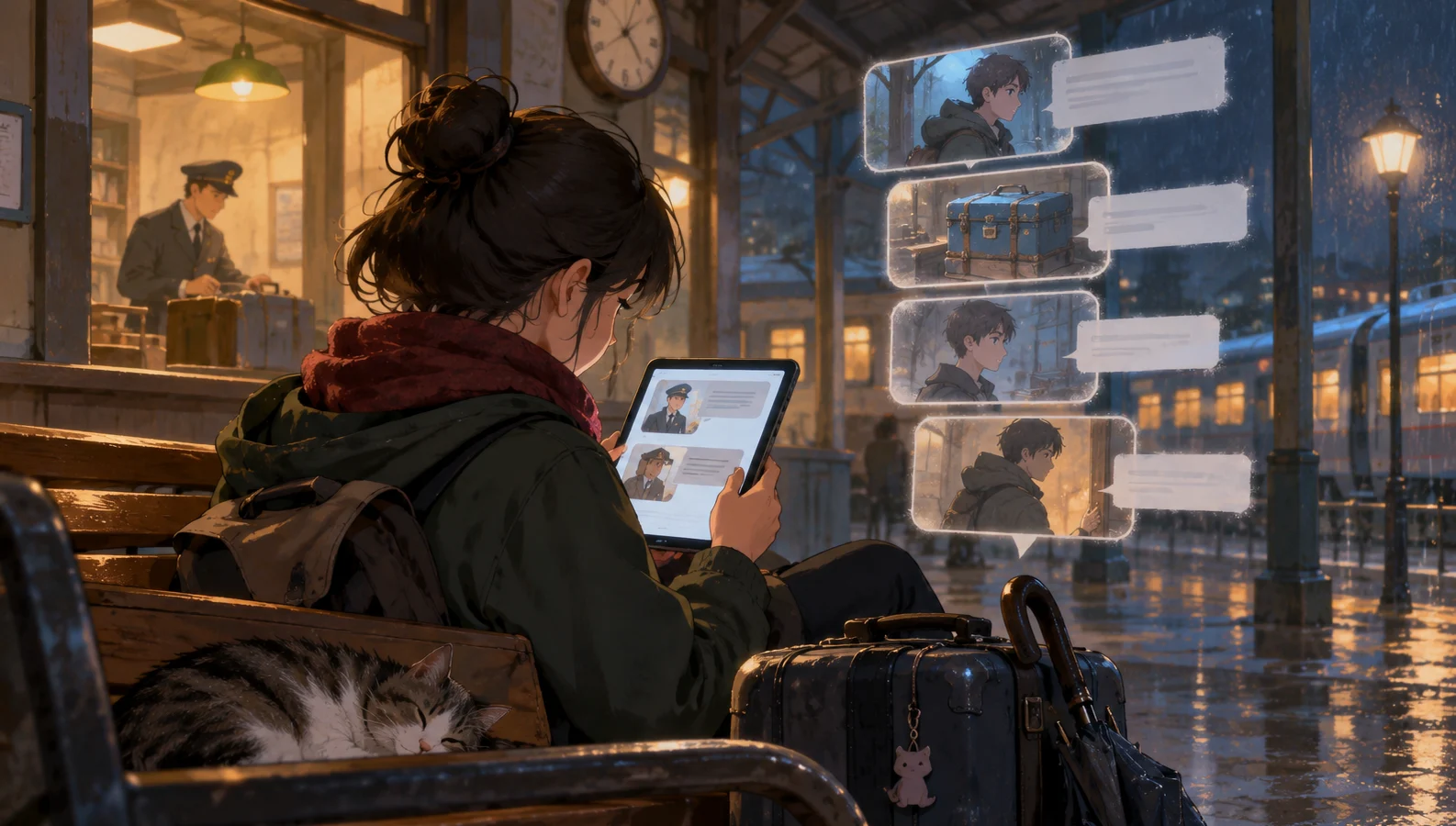
This article uses a fictional teaching example, “Rainy Night Station”: a player reviews a station attendant's explanation of luggage storage hours while receiving new messages from a companion. The characters, dialogue, and interaction sequence are original demonstrations, not real user cases or measured test results, and do not imply that DramaFork already offers these features.
The deliverable is a reusable reading-state card. It addresses who decides how the viewport moves while dialogue keeps arriving. It does not cover how to teach the first click or how to provide a way forward in the story after a character refuses.
Define movement permissions with three modes
Start by recording five items on the reading-state card: current mode, position anchor, first unread dialogue identifier, latest dialogue identifier, and intent to follow. The position anchor includes the identifier of the paragraph being read and that paragraph's relative position within the viewport. Recording only the page's scroll offset can land the player on a different sentence if earlier content changes height.
The three modes are Review, Catch Up, and Follow. Review lets players stay in earlier content; Catch Up lets them read forward from the first unread content; Follow allows new content to move the viewport to the end. In the first two modes, arriving messages must not move the viewport automatically.
| Current mode and event | Viewport behavior | Indicator and next mode |
|---|---|---|
| New dialogue arrives during Review | Preserve the anchor | Accumulate unread content; remain in Review |
| Click “Continue from first unread” | Place the first unread message near the top, with a little preceding text | Enter Catch Up without enabling Follow |
| More dialogue arrives during Catch Up | Preserve the current reading position | Extend the unread range |
| Click “Jump to latest and follow” | Move to the latest dialogue message | Enable Follow |
| Actively browse upward during Follow | Create an anchor where the player stops | Switch immediately to Review |
| Manually scroll to the end | Stay where the player arrived | Keep the current mode; Follow remains an available choice |
The last row matters: reaching the end indicates only a position. It does not establish consent to ongoing movement. If you adopt the alternative rule “resume Follow upon reaching the bottom,” explain that behavior in advance. This article chooses explicit activation to distinguish position from intent.
When players are dragging, selecting text, or interacting with the current dialogue, let that action finish before handling a positioning request. A delayed scroll command must not override a movement the player has just made.
Walk through Rainy Night Station
Suppose dialogue message A says, “The luggage storage desk closes at nine,” and message B says, “The blue suitcase is still behind the counter.” The player scrolls back up from B to A to check the time. Record A's identifier and screen position, and switch to Review.
Next, C arrives: “I found the duty office,” followed by D: “The key is hanging by the door.” A should remain in place. A separate area at the bottom displays “Two new dialogue messages · Continue from first unread.” The indicator neither covers the text nor reveals the story details in C and D; otherwise, new clues distract the player before they have decided to leave Review.
When the player clicks the indicator, the viewport stops at the start of C, retaining B's final sentence above it for continuity, and enters Catch Up. Now E arrives: “Don't open the door yet. Someone's talking inside.” The screen stays on C. The player can read through D and E at their own pace.
The count must follow this path too: clicking the indicator only repositions the viewport; it does not immediately clear all unread content. Under this example's implementation convention, a short dialogue message loses its marker only after the entire message has passed through the reading area. Long messages are divided into stable paragraphs so that content too large for one screen does not leave an indicator that can never clear. This is still only a positional rule.
Another option is to click “Jump to latest and follow,” landing directly on E and allowing subsequent dialogue to move the viewport. C and D must not be marked as read as a result. Keep a “Skipped content” control that returns to the earliest position not yet passed through. Jumping makes it easier to catch up with events, but it must not silently erase the reading gap in between.
Unread indicators should not become another interruption
The indicator can sit in a fixed area outside the body text, using words to explain its action. A down arrow alone cannot tell players whether it moves one screen, jumps to the end, or enables continuous following. When space is limited, prioritize “Continue from first unread” and make Follow a separate, explicit action.
As content keeps arriving, update the same indicator without stacking overlays, repeatedly flashing, or stealing keyboard focus. For screen reader use, notifications can be combined into “New dialogue available,” avoiding repeated announcements of the indicator or the entire dialogue history with every addition. How changes in visual position coordinate with screen reader focus needs a separate rule.
When dialogue is generated character by character, count complete dialogue messages or predefined paragraphs, not individual text fragments as messages. Otherwise, the number keeps changing without helping players judge how much remains to read. Where lengths vary greatly, “New content available” can be enough.
If the story reveals one sentence at a time through player clicks, a simple “Continue” button also works, with no need for continuous following. Another option is to delay adding new dialogue to the body until the player explicitly expands it. This makes position easier to preserve but delays presentation. Authors should choose according to whether the story needs the rhythm of continuously arriving exchanges; there is no need for every project to use the same mode.
Test the state card's boundaries through change and recovery
Appending new content at the end does not inherently keep earlier positions stable. Font-size changes, orientation changes, and expanding content above can all change the layout. First locate the original paragraph, then restore its relative position as closely as possible. If exact restoration is impossible, make the paragraph's beginning visible and explain that the position has been adjusted.
If editing or deleting earlier content invalidates the anchor, move to the nearest adjacent paragraph that still exists. Do not silently jump to the latest dialogue or treat a different passage as a successful restoration. Mode and anchor also need to be restored when players leave the page and return. If Follow was previously enabled, you can first stop at the departure position and let the player choose whether to resume following.
During production, you can include these four items directly in the acceptance-check log:
- When several dialogue messages are appended in succession while reviewing A, does A remain at its original reading position?
- After clicking the unread-content control and receiving more content, can the player still catch up in order from the first unread message?
- After jumping to the latest dialogue, can the player still return to skipped content?
- After changing the font size or removing the anchor paragraph, does the viewport recover to a position that can be explained?
Record differences between the actual display and the agreed behavior. Do not present these checks as already verified outcomes. If the story also has a countdown, preserving position does not pause it. Whether to pause and how to notify players require separate rules; automatically scrolling to the bottom cannot handle that decision for them. Complete the state card for one continuous-dialogue scene first, so that it is clear which movements come from the player and which are authorized by the design.