Longer Interactive Film Dubbing: Protect the Time to Decide
When dialogue grows longer in the target language, check when the final condition is conveyed, when the options can be read, and when input closes. A response card distinguishes added speech from lost decision time.
Check the remaining choice time before shortening the dub
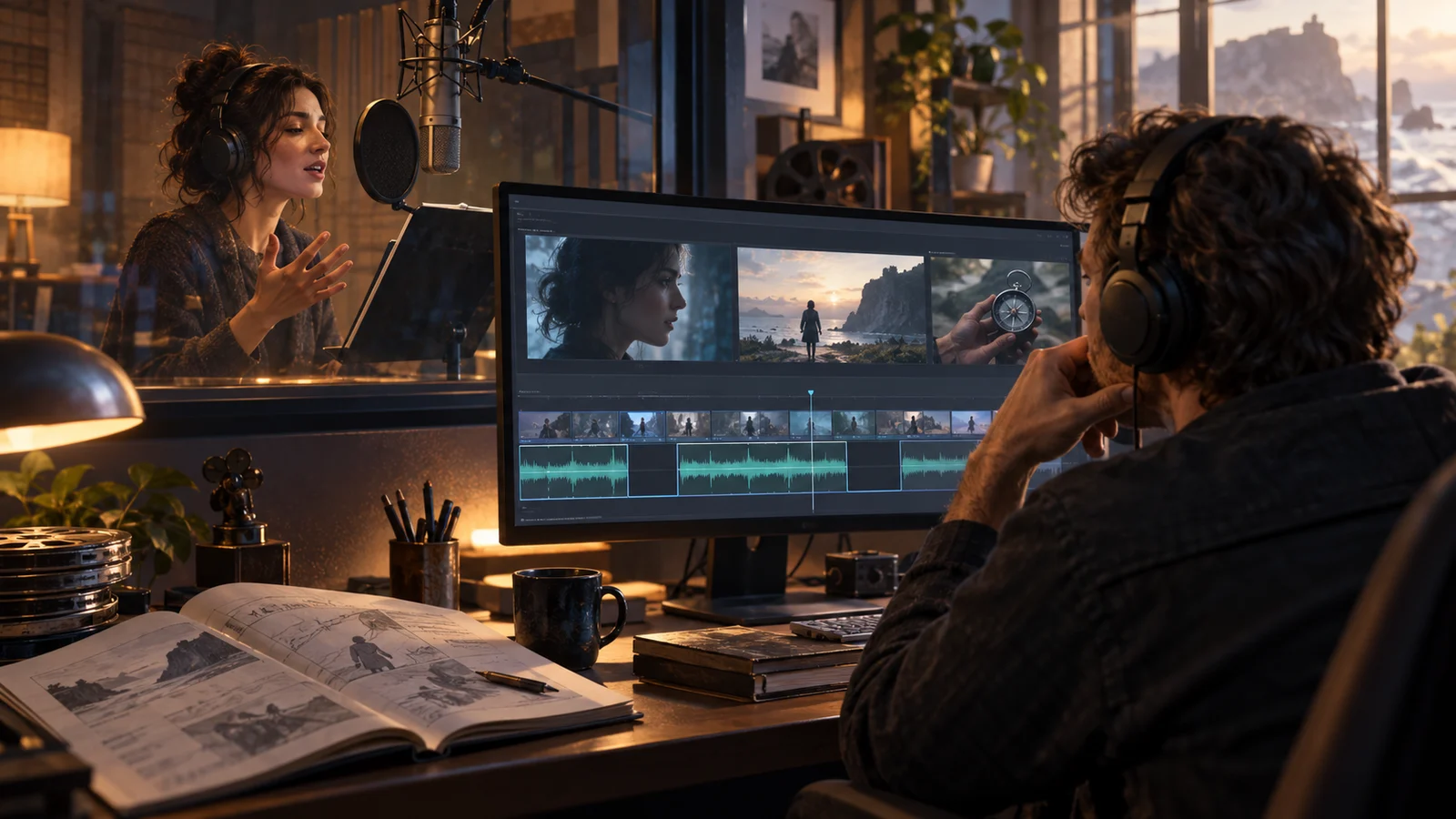
When target-language dialogue runs longer than the original in an interactive film, the producer should first compare the interval between “all necessary information conveyed” and “input closed.” Only after locating the added speech can you decide whether to revise the translation, move the timer, or add waiting footage. Three extra seconds of audio do not necessarily remove three seconds from the choice. If the addition falls after the decision, the problem may only be the exit transition.
This article uses the fictional teaching scene Last-Shift Courier. Every line, timecode, and arrangement is a demonstration, not a real user case, measured result, or DramaFork feature. The seconds are for the worked calculation alone. They are neither a fixed expansion ratio for any language nor a recommended universal reading limit.
In the scene, a courier at a station decides whether to hand a parcel to the station attendant or take it back to the warehouse. The decision depends on this line: “The attendant can receive it, but won’t log it tonight. Take it back to the warehouse, and it can only be delivered again tomorrow morning.” The target version needs a fuller expression of these conditions, lengthening the dub. The producer must protect the viewer’s opportunity to learn both costs before acting, rather than preserve the original timecodes.
Account separately for speaking, comprehension, and waiting
Speech duration records where the sound begins and ends, with another marker for the final necessary condition. Politeness, breathing, and forms of address can lengthen speech without delaying decision information. Conversely, a negation placed at the end may change the meaning of everything before it.
Observe the comprehension window from the moment necessary information becomes fully available. It includes the opportunity to finish reading subtitles, identify options, and compare consequences. It is not an empty interval that automatically exists after the dub ends. A timeline alone cannot prove viewers have understood. If subtitles give the whole sentence early, the reading and listening paths may differ.
The waiting window is the interval in which picture and sound can accommodate hesitation: a character looking at the parcel, for example, while a distant train passes slowly. Waiting footage can cover part of comprehension. But if the attendant has already shut the door in that footage, continuing to accept “give it to the attendant” conflicts with the story.
To avoid mixing these intervals, record two boundaries: the later of the moments when information and complete options have been provided, and when input actually closes. Their difference is the “available margin after information is complete.” It is useful for comparing versions, but is not pure thinking time; reading and interaction may still occupy it. Record separately how early the buttons appear. Do not count that entire interval as effective decision time.
Calculate this loss with a response card
Copy the card below for every affected choice node. All times are relative to the start of the clip. Update the version when replacing the dub file so the audio and interaction teams do not refer to different edits.
| Card field | Entry for this example |
|---|---|
| Node and asset version | Station handover, original A / target B |
| Required decision conditions | Accepted without logging; returned parcel delivered again the next day |
| Speech interval | Original: seconds 0–6; target: seconds 0–9 |
| Necessary information complete | Original: second 6; target: second 9 |
| Full options appear / input closes | Original and unadjusted target: seconds 6 / 12 |
| Waiting footage and limit | Parcel reaction shot; possible extension still to be confirmed |
| Proposed changes and linked assets | Move the options and closing point; add reaction footage |
| Items awaiting confirmation | Subtitles, door-closing action, timeout branch, entry audio |
In the original, information and options are complete at second 6, and input closes at second 12: a six-second margin. If the target audio simply replaces the original, the last condition finishes at second 9, leaving only three seconds. The buttons still appear for six seconds, but the first three overlap the crucial dialogue.
First propose a plan for review: show the target options at second 9, close input at second 15, place six seconds of reaction footage after the dialogue, and move the door-closing action after the choice ends. This restores the original six-second margin; it does not prove six seconds are enough. If the target-language options also grow longer, reassess the reading load.
The plan must list its costs: the clip grows by three seconds, and the timeout result originally beginning at second 12 must also move later. If the door-closing action belongs to an unchangeable continuous take, the card cannot say “resolved.” Move to another approach.
Choose wording, timing, or structure changes to fit the constraints
First check whether the translation repeats information already clearly shown. Remove padding that does not serve characterization, or reorder the sentence so crucial conditions become complete earlier. Do not shorten “won’t log it tonight” to a vague “will handle it later” just to match the original. The shorter line must retain the same choice cost and remain natural to perform.
If the longer dialogue carries essential information and the shot allows waiting, moving the choice’s start and closing point is usually more direct. Delaying only the buttons without moving the closing point further reduces the actionable interval. Extending only the image without updating the input-close marker creates the illusion that a choice is still possible.
If the image cannot run longer, consider moving some conditions into an earlier line or visible information. This changes when viewers know them: learning early that the attendant will not log the parcel may make the courier’s later hesitation seem unjustified. Revisit character motivation after the change; do not check only that the sentence’s meaning survives.
Another option is to change this node’s timing design. If its creative purpose is to compare consequences, discuss removing the time limit. If a hurried choice is essential, specify what viewers should know before pressure begins. This changes the narrative rules and must not become a quiet side repair during a dub replacement.
Decide whether delivery is possible by checking failure conditions
The easiest mistake is assuming that because the audio fits, the options can be read in time. Another failure occurs when subtitles give a conclusion first and the dub supplies a restriction later: viewers may submit quickly and only then hear the condition. Review the listening and subtitle-reading paths separately. Record when the full decision information first becomes available on each; do not use one path’s head start to offset the other’s delay.
Waiting also has limits. A looped reaction shot repeatedly raising a hand or inhaling exposes the splice. Extended ambience that repeats a station announcement may change the story’s time. Without usable waiting footage, list pickups, retranslation, or node restructuring as explicit options rather than stretch a still frame indefinitely.
Before delivery, the translator confirms conditions and tone; the audio team confirms the actual speech markers; the editor confirms the waiting segment works; and the interaction team checks display, timing, closure, and timeout exits. Include immediate submission, submission near closure, and no input at all. These are proposed checks, not a claim that they have been performed or passed.
Retain two statuses: “timing relationships checked” and “comprehension load awaiting observation.” The first can be checked against assets and markers. The second requires viewing feedback appropriate to the target language. Write the producer’s conclusion as “delay by three seconds and synchronize these assets; option reading still needs confirmation,” rather than the blanket “dubbing problem fixed.”