Archive Multicamera Interactive Film Footage: Four Fields for Cameras, Routes and Performances
Do not pair shot and reverse shot by take number alone. Label clip ID, camera, performance state and applicable routes, then use source mappings and pairing records to hand the editor clear conditions for alternative performances.
Separate material identity from conditions of use
When organizing multicamera interactive film footage, use a consistent four-field label: “clip ID__camera__performance state__applicable routes.” Clip ID identifies the material, camera identifies where it was filmed from, performance state records how the actor understands and responds at that moment, and applicable routes specify the story paths where it may be used. Recording these questions separately prevents a reverse-shot camera from being mistaken for another branch or an alternative performance for a shot usable across all routes.
Labels support retrieval; pairing records determine whether shots can connect. Two files labeled for the same route merely belong to the same candidate pool. That does not establish continuity of action, tone or sound.
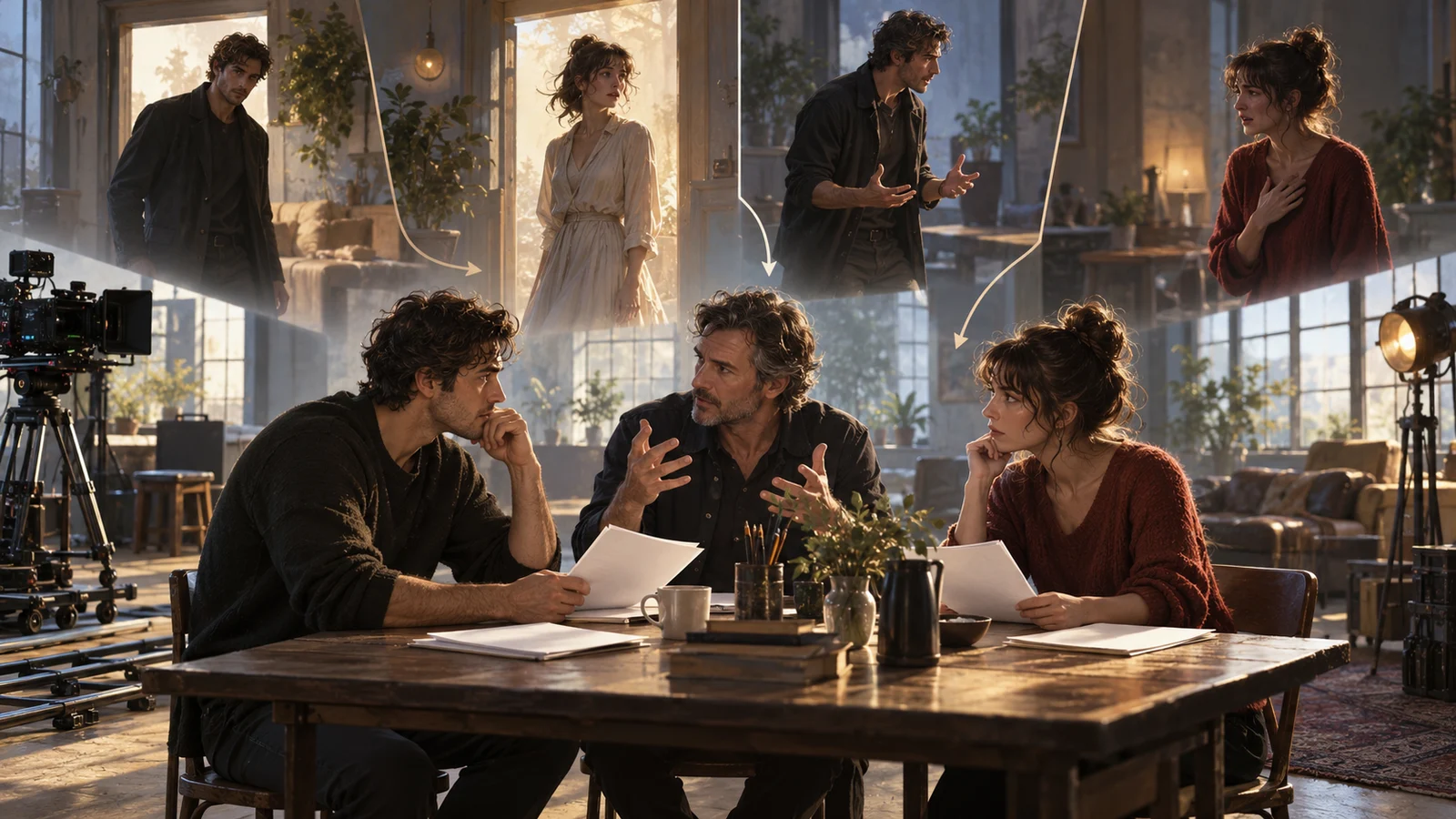
This article uses a fictional teaching scene. In an archive room, Lin Lan asks Zhou Heng whether he hid a letter. Players can “State your purpose openly” or “Keep probing.” Camera A films Lin Lan and camera B films Zhou Heng, who also performs an alternative take holding back anger. All IDs, material and judgments below are original examples, not real user cases, measured results or DramaFork features.
The material manager’s delivery goal is specific: given a shot of Lin Lan, the editor can find corresponding reverse-shot candidates and see which alternatives cannot replace them directly.
Four-field naming table: one question per field
Build a vocabulary before labeling in batches. Use this template as the first four columns of the material list:
| Field | Entry in this example | Constraint |
|---|---|---|
| Clip ID | Archive017 | Unique to each registered piece; never recycled after retirement |
| Camera | Camera A, Lin Lan close-up | Follow the camera list; do not rename by route |
| Performance state | Knows purpose, contains anger | Describe knowledge and response, not merely “good version” |
| Applicable routes | Open | List each applicable route; mark unknowns “pending review” |
An example combined label is “Archive017__Camera B Zhou Heng close-up__Knows purpose contains anger__Open.” The clip ID itself does not encode a route. If the material is later found usable elsewhere, revise only its applicability; its identity stays unchanged.
“Contains anger” is not a take number, and “take 3” is not a performance state. The same restrained-anger performance may have several takes. Each piece still needs its own ID, with the original take number in a separate source field. Preferred, alternative and discarded are selection judgments requiring another column. Otherwise, today’s “best version” becomes an uninformative filename when replaced tomorrow.
The camera vocabulary must also specify shot-size changes. When camera A changes from close-up to wide shot, retain its camera identity but update the size description; do not keep the old label. With multiple maintainers, fix the separator and route-set ordering so the same combination does not acquire two spellings.
Register a scene and pair its shots
Keep original filenames, then map “clip ID—original file—used interval” in the list. The four fields may form a proxy filename or an editing application’s display name; archiving does not require renaming original camera files. If one original file supplies two intervals with different uses, register separate IDs and retain each interval’s in and out points.
Register four pieces in this example:
| Clip ID | Camera | Performance state | Applicable routes |
|---|---|---|---|
| Archive015 | Camera A, Lin Lan close-up | Has stated purpose, awaits response | Open |
| Archive016 | Camera B, Zhou Heng close-up | Knows purpose, relieved | Open |
| Archive017 | Camera B, Zhou Heng close-up | Knows purpose, contains anger | Open |
| Archive018 | Camera B, Zhou Heng close-up | Does not know purpose, guarded | Probe |
After registration, make a reusable pairing card: “Route: ____; shot ID and out point: ____; reverse-shot ID and in point: ____; connecting action: ____; sound relationship: ____; narrative premise: ____; judgment and restrictions: ____; reviewer: ____.”
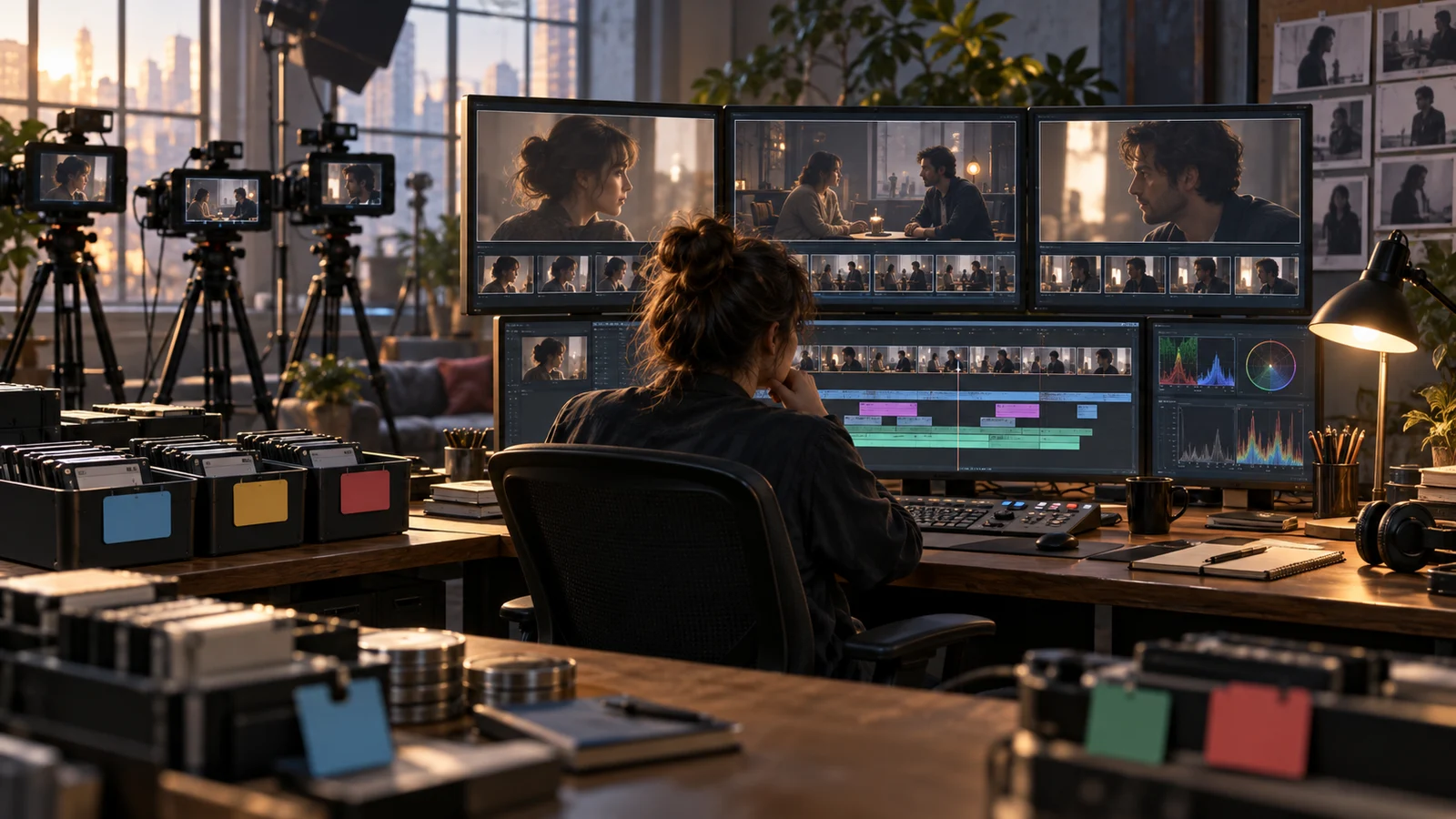
A sample entry uses the Open route. Shot 015 ends after Lin Lan settles the envelope; reverse shot 016 begins when Zhou Heng’s gaze drops toward it. Lin Lan’s line ends before Zhou Heng inhales; the premise is that he has heard her purpose. Assuming the footage matches these descriptions, 016 can be a candidate at this cut.
Although 017 also belongs to Open, it changes the reaction to contained anger. It may be an alternative for a different complete performance passage, but if relaxed laughter follows immediately, review subsequent shots together. Log “Check the emotional turn before the laughter after replacement,” rather than merely “alternative.”
Three mismatches and why they get missed
The first error is pairing by take number. Camera A’s take 3 and camera B’s take 3 may come from different pickup rounds. Even simultaneous filming does not make matching numbers sufficient evidence of compatibility. Check shooting records and audiovisual evidence for synchronization, then assess edit usability at the specific cut. Preserve source relationships and cut relationships separately.
The second error is pairing by emotion words. If 017 and 018 are both shortened to “cold,” an editor may place a guarded reaction from someone who does not know the purpose after Lin Lan has already stated it. Similar expressions can accompany different knowledge. Put knowledge into performance state and restate one narrative premise on the pairing card.
The third error is labeling a silent reverse shot “all routes.” If Zhou Heng has already reached for the letter while silent, the image may anticipate an action exclusive to Open. Check gestures, props, gaze and surrounding sound before assigning applicability. Silence does not mean absence of story meaning.
When a mislabel is found, do not simply overwrite its history. Retain old and new applicability, the reason for the change and known reference locations, and list pairing cards needing review. Otherwise, the corrected list may leave an edit built on old labels unchanged and wrong.
Choose an archive method and define the handoff boundary
For a small collection, a list plus proxy labels can express these rules. In team work, use four fields in a shared material catalog or an editing tool’s custom columns. Tools may differ, but include an exportable list in the handoff so meaning does not reside only in someone’s color-coded favorites.
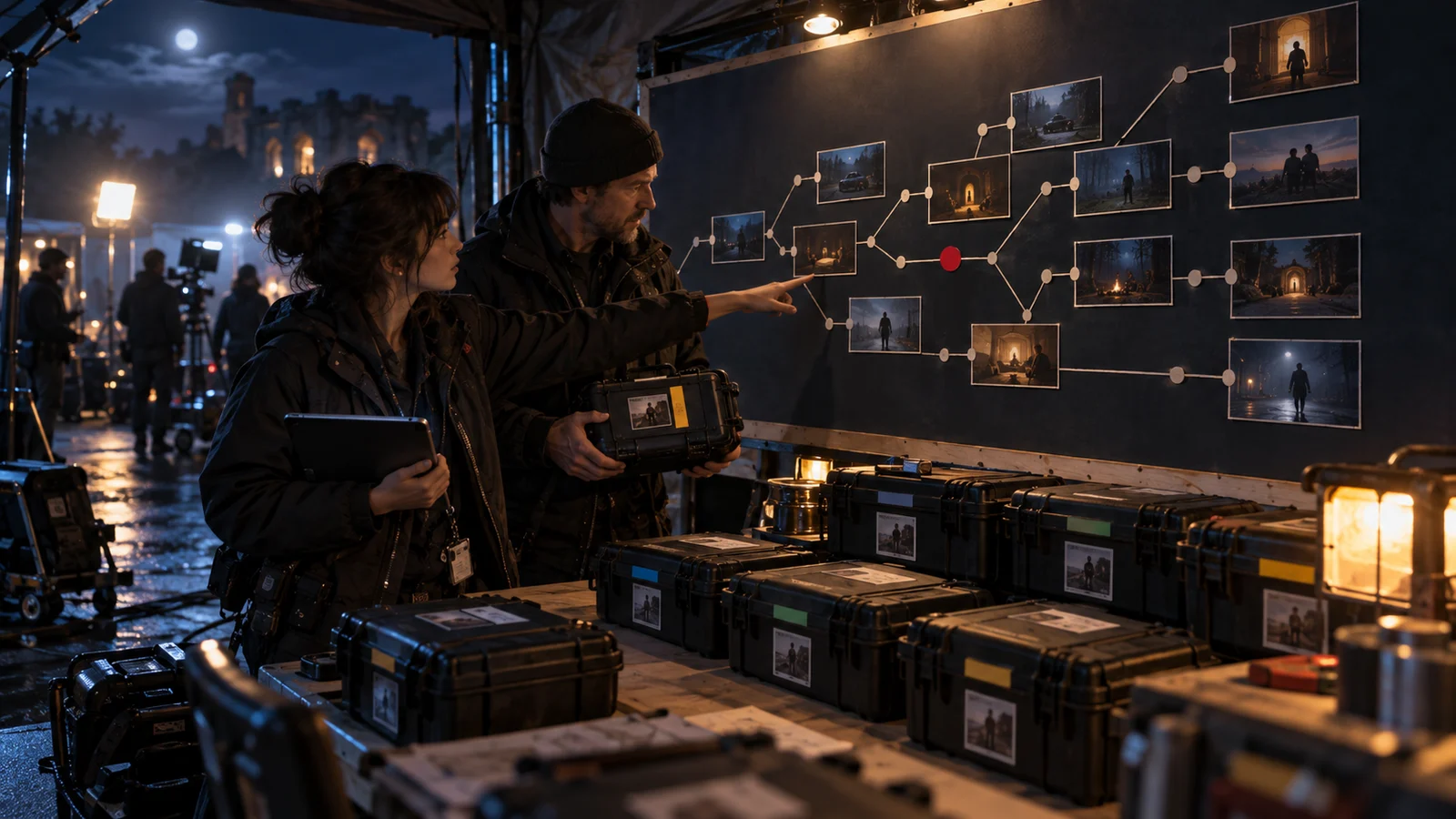
Route folders can aid browsing, but do not store independent copies of a shared shot under every route: applicability changes may then be missed. Keep one asset and filter the list into route-specific candidate sets. Where camera naming conventions already exist, use the four fields as aliases.
Before delivery, make three checks: choose a random ID and trace its original file and interval; follow a route and distinguish preferred material from conditional alternatives; inspect a shot pair and understand its cut and restrictions from the card. Keep unsupported items “pending review” rather than guessing they are universal.
This archive method hands off identity, retrieval and use conditions. It cannot repair a missing reverse shot, incorrect eyeline or unsupported emotional transition. Log those gaps and let the editor or director choose an adjustment. Labels help locate the issue; whether a shot works still depends on the material and context.