Two Same-Named Boxes in a Text Adventure: Clarify Without Choosing for the Player
When a player says “open the box,” keep the opening action pending and ask which box they mean, using location details already shown. Resume only when the reply identifies one candidate and the scene is unchanged. A target clarification turn card records candidates, replies, cancellation, and expiration conditions.
Introduction
When “open the box” could refer to either of two wooden boxes, keep “open” pending and ask only which box the player means. If the player answers “the one by the window” and the original scene conditions still hold, continue with “open the wooden box by the window.” Do not choose a box for the player because it is closer, more important, or mentioned first.
The example below uses a wooden box by a storeroom window and another under a table to fill out a “target clarification turn card,” then works through clarification, resumption, cancellation, and expiration. The scene, dialogue, and handling rules are original, fictional teaching examples. They are not real user cases or measured results, and they do not represent DramaFork product features.
1. Check That the Target Is Missing, Not the Action
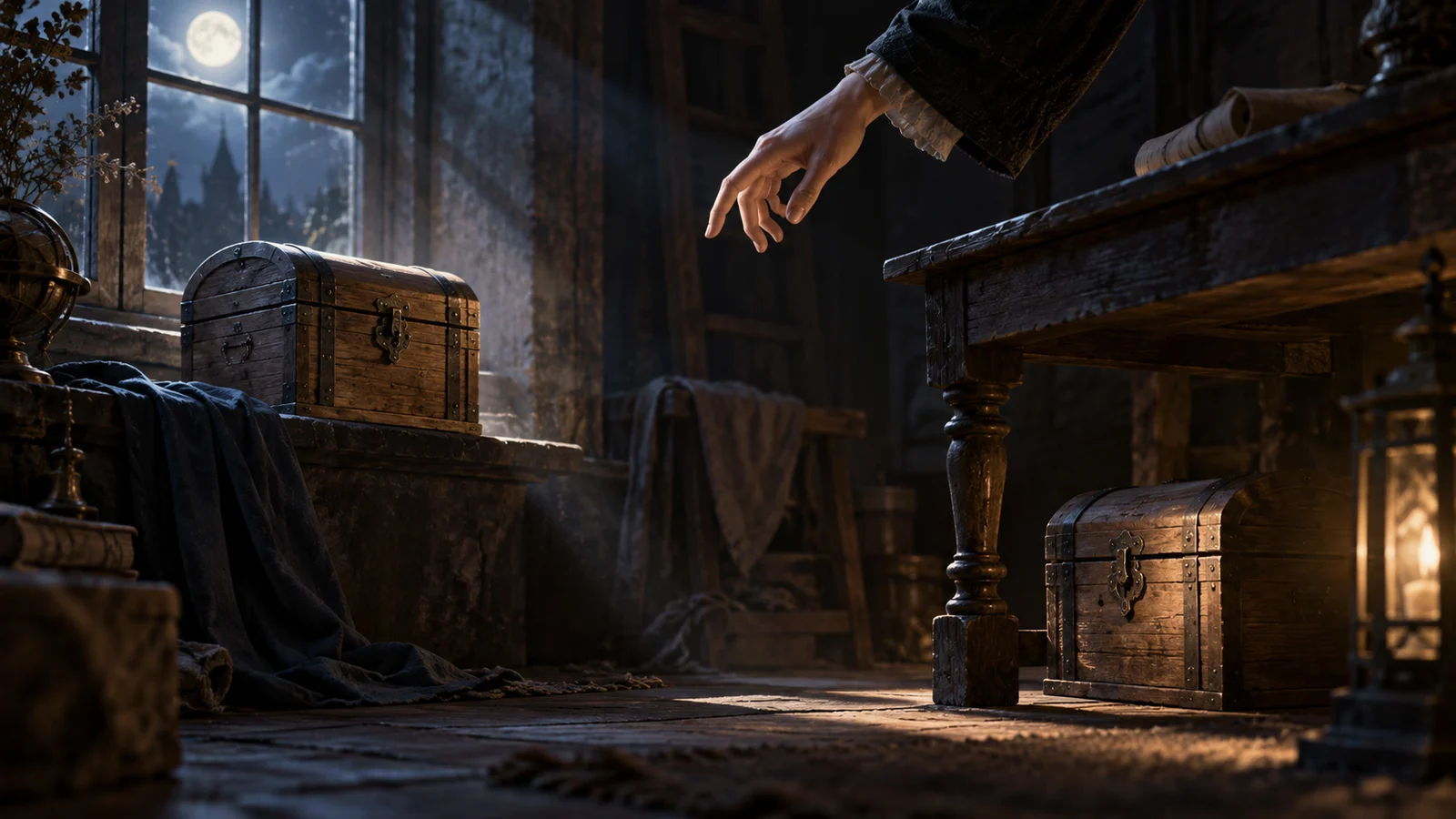
The entry description for this example reads: “There are two wooden boxes in the storeroom, both with their lids closed. One is by the window; the other is under the table. You stand just inside the doorway, with both boxes in view.” Two additional conditions apply: both boxes can be opened directly, and this clarification turn does not advance scene events.
When the player enters “open the box,” the action is already clear. What is missing is its target. Responding with “You walk over to the window and lift the lid” supplies that target without permission. Allowing the player to undo it afterward does not preserve their original choice.
An appropriate response is: “Do you want to open the wooden box by the window or the one under the table? You can answer with a location or say ‘cancel.’” This tells the player which action is pending, what the candidates are, and how to back out. Do not ask only “Which one?” and make the player reread the previous passage to find the objects.
The candidate set should match the current command: here, it consists of the two objects already shown in the scene that “box” could refer to. Do not include an undiscovered hidden-compartment box. Do not exclude the box under the table just because the author would prefer the player to inspect the one by the window.
2. Distinguishing Phrases Must Use Details Already Shown
In this example, “by the window” and “under the table” distinguish the boxes. “Wooden” and “with the lid closed” have also been established, but neither separates one box from the other. The clarification needs a known feature that narrows the candidate set.
Do not suddenly ask “The one with the ledger or the one with the tools?” when the player has not opened either box. Likewise, avoid asking “The safe one or the dangerous one?” and revealing an unknown outcome through a target label. What the author knows about the setting is not necessarily available to the player as a way to identify an object.
If the earlier passage mentioned only “two wooden boxes,” with no location difference, first add something the character can currently observe: “One is by the window; the other is under the table.” Then ask the player to choose. This presents visible scene information and should be kept separate from information that requires a search to uncover.
Location phrases are brief, but locations can change. A sufficiently obvious visual feature may be more stable, yet it may also reveal a clue. Which feature to use depends on what the scene has already established. If the boxes still have no visible difference, provide an observable way to tell them apart. Do not expect the player to guess the numbers in the author’s head.
3. Fill Out a Target Clarification Turn Card
Keep the card beside the scene draft. First record the information the author needs to retain, then the question the player will actually see. The completed example below can be reused with different objects and actions.
| Field | Entry for This Example |
|---|---|
| Original action | Open; the target is unresolved, and no box-opening action has been performed |
| Candidates in the scene | The wooden box by the storeroom window and the wooden box under the storeroom table; retain their separate identities, not just their location labels |
| Distinguishing phrases | The wooden box by the window / the wooden box under the table; both come from the entry description |
| Clarification question | Do you want to open the wooden box by the window or the one under the table? You can answer with a location or say “cancel” |
| Accepted replies | Accept “by the window,” “the one by the window,” and “the wooden box by the window”; the reply must identify exactly one candidate from this turn |
| Resuming execution | Complete the original action, recheck that the target is still in the original scene and the action remains possible, then execute once and clear the pending request |
| Cancellation | “Cancel” or “never mind” clears the pending request; a clear new action replaces the old request |
| Expiration conditions | Leaving the storeroom, a candidate leaving or changing location, or a change in execution conditions all end the old clarification |
This card uses a conservative rule: after a scene change that affects target identification or execution, require a fresh command. The cost is an occasional extra question. The benefit is that an old location phrase will not become bound to a different box that later occupies that location.
Keeping an action pending also needs limits. This example retains only one action awaiting completion. If the player then says “examine the table,” first respond explicitly with “The previous request to open a box has been canceled,” then process the new action. Do not quietly resume opening a box after examining the table.
4. Use Three Dialogues to Check for Unauthorized Actions
The following are fictional branches worked through against the card, not records of runtime tests. Each starts with both boxes still unopened.
When the reply identifies one target, continue the original action.
Player: Open the box.
Response: Do you want to open the wooden box by the window or the one under the table? You can answer with a location or say “cancel.”
Player: The one by the window.
Response: You open the wooden box by the window. Its lid swings back.
Here, “the one by the window” supplies only the target. The verb comes from the pending “open” action. After checking that the scene has not changed, execute once and clear the record. If the player then says “the one by the window” again, no action is awaiting completion, so that phrase must not cause another opening action.
When the reply still fits both objects, keep asking about the target.
Player: The wooden one.
Response: Both boxes are wooden. Do you mean the one by the window or the one under the table? You can also cancel.
Both candidates match “wooden,” so the target is still unresolved. Keep the original action pending without moving the character or touching either box, and do not turn an unsuccessful clarification into a narrative punishment. If the player answers “open both,” the scope has changed. Handle it as a new request with multiple targets; do not arbitrarily pick one box to complete the old request.
When a candidate leaves the scene, the old reply no longer applies.
Scene change: The wooden box by the window has been carried out of the storeroom.
Response: The wooden box by the window has been moved away. Your previous request to open a box has been canceled. If you want to open the box under the table, please say so in a new request.
Player: The one by the window.
Response: The previous request has expired. The only wooden box now visible in the storeroom is the one under the table.
Having only one candidate left does not mean the player has chosen it. Do not remap “the one by the window” to the box under the table, and do not follow the removed box to a new location to carry out the action.
5. Make Cancellation and Departure Explicit Stopping Points
Give a brief response to a deliberate cancellation: “Okay, no box will be opened for now.” Then clear the pending request. When the player leaves the storeroom, the departure response can say: “You leave the storeroom. Your previous request to open a box has been canceled.” Even if both boxes are still there when the player returns, a new action request is required. An old location phrase must not revive the previous one.
This approach suits free-text input scenes where the action is clear, there are few candidates, and execution can briefly wait for clarification. If the scene runs on a continuous timer, the author must separately decide whether clarification consumes time and tell the player in advance. The example’s rule that clarification does not advance events cannot simply be carried over. If an input contains multiple actions, also decide which action is being completed before attaching a location phrase to it.
Before handing over the draft, check this one interaction with four inputs: a unique target, a shared feature, a cancellation phrase, and an old clarification reply after leaving the scene. Only the first should resume the original action. The others should either continue clarification or end the request. If any of them still causes a box to open automatically, return to the card and check how the target is bound and when the pending request is cleared.